
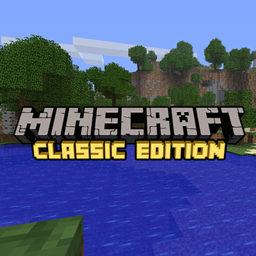
Classic Edition Resourcepack リソースパックについて
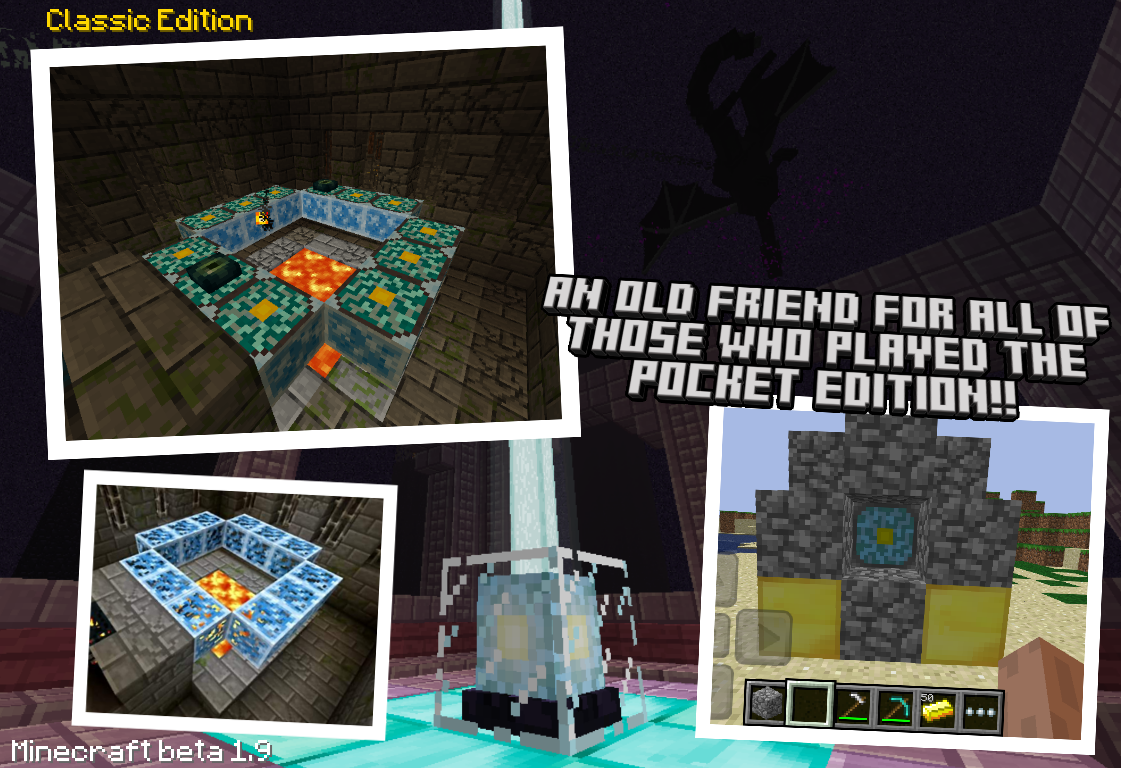
A Minecraft resourcepack that recovers the looks, sounds, and redesigns some of the items, blocks, and mobs to maintain that classic alpha and beta aesthetic. Currently available for 1.12, 1.13, 1.14, 1.15 and 1.16
Classic Edition Resourcepackのインストール方法
With Millida Launcher
Install Millida Launcher
The launcher is free: download it at millida.net/launcher and sign in with any nickname.
Click “Install” on this page
The launcher opens and installs the resource pack for Minecraft 1.19.4–1.20.1 automatically.
Launch the game
A profile with it appears in the launcher: click “Play”.
Manually
Download the archive
Pick the file Classic Edition - 1.20.zip (55 MB) for your game version. No need to unpack it.
Put it in the resourcepacks folder
The easiest way: “Options”, then “Resource Packs”, then “Open Pack Folder”, and drag the archive there.
Enable the pack
In the same window, move the pack to the right-hand “Selected” column and click “Done”.
バージョン
依存関係あり
| Minecraft | ローダー | ファイル | 日付 | 操作 |
|---|---|---|---|---|
| 1.20.1 | — | Minecraft Classic Edition 1.2055.4 MB 1 | ||
| 1.19.4 | — | Minecraft Classic Edition 1.19.454.9 MB |
FAQ
Which Minecraft versions does Classic Edition Resourcepack work on?
There are files for 1.20.1, 1.20, 1.19.4. The newest is 1.20.1.
Where can I download Classic Edition Resourcepack safely?
On this page: the file Classic Edition - 1.20.zip (55 MB) is stored on Millida’s server, with no link shorteners. SHA-1 checksum: 9a479ac31b64b2884bffdebdf3000093cf73c9b8.
レビュー
Classic Edition Resourcepackの最初の評価を書きませんか


