

Bosya's Selection Box
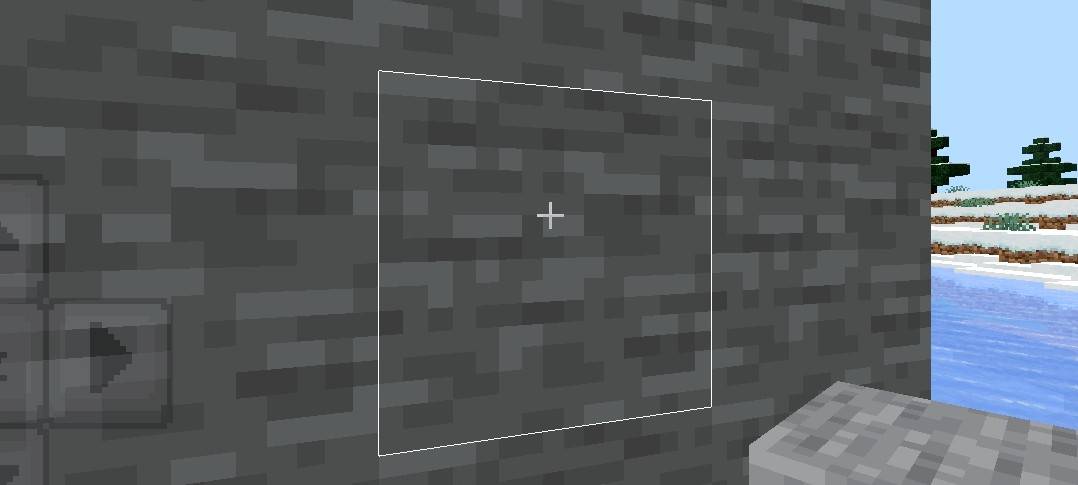
Selection Box is a simple resource pack that changes the default black selection box to a clean white outline, making it much easier to see which block you are aiming at in various environments.
✨ Key Features
- ⬜ White Outline: Replaces the default black outline with a clean white selection box.
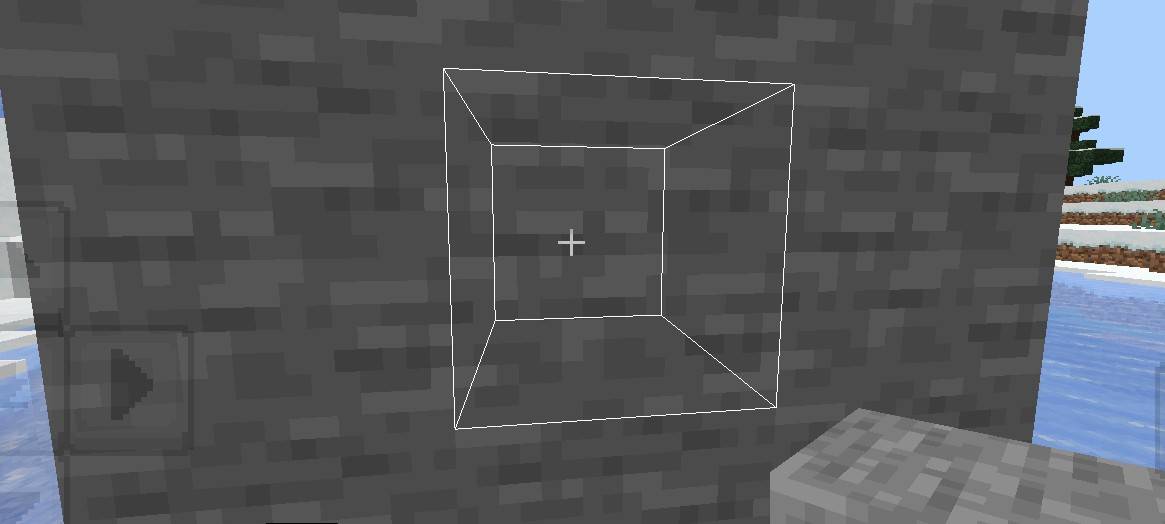
- 📦 Two Subpack Variants:
- White Outline: Normal mode, follows depth (remains hidden behind blocks).
- Full: X-Ray mode, always visible through blocks.
- 🐉 RenderDragon Compatible: Works seamlessly on the RenderDragon engine without requiring custom shaders.
⚙️ How to Apply
- Download the .mcpack file.
- Open the file to import it into Minecraft.
- Go to Settings → Global Resources and activate the pack.
- Tap the Gear Icon (⚙️) on the pack to select your desired subpack variant.
📜 Rules & Permissions:
You Are Allowed To:
- ✅ Showcase my work in videos/streams if you give proper credit (e.g., link to the official CurseForge page).
- ✅ Edit files for personal use only.
You Are Not Allowed To:
- ❌ Distribute through monetized links (AdFly, Linkvertise, dll.).
- ❌ Re-upload, edit, or re-share my projects on other websites or third-party apps without permission.
- ❌ Use direct download links (Mediafire, Google Drive, dll.) when sharing.
🌐 CurseForge: bosya's Projects • 📥 MCPEDL: bosya's Profile
💬 Telegram: @bosya_craft Group • ☕ Support: Donate on Ko-fi
Bosya's Selection boxのインストール方法
With Millida Launcher
Install Millida Launcher
The launcher is free: download it at millida.net/launcher and sign in with any nickname.
Click “Install” on this page
The launcher opens and installs the resource pack for Minecraft 1.21.100–26.0 automatically.
Launch the game
A profile with it appears in the launcher: click “Play”.
Manually
Download the archive
Pick the file selction box.mcpack (2 KB) for your game version. No need to unpack it.
Put it in the resourcepacks folder
The easiest way: “Options”, then “Resource Packs”, then “Open Pack Folder”, and drag the archive there.
Enable the pack
In the same window, move the pack to the right-hand “Selected” column and click “Done”.
バージョン
依存関係あり
| Minecraft | ローダー | ファイル | 日付 | 操作 |
|---|---|---|---|---|
| 1.21.100 | — | Bosya's selction box.mcpack2.3 KB |
レビュー
Bosya's Selection boxの最初の評価を書きませんか


