
Ashen Compatability リソースパックについて
Ashen Mod Support
Provides mod support for various mods designed primarily for the Fear Nightfall Modpack.
Textures inspired by the original Vanilla Asphen 16x Resource Pack
See the Images Tab for further images of specific features.
Mod Support List:
View the full list of supported Mods and what has changed:
The Aether
- JEI GUI Texture
- GUI Texture
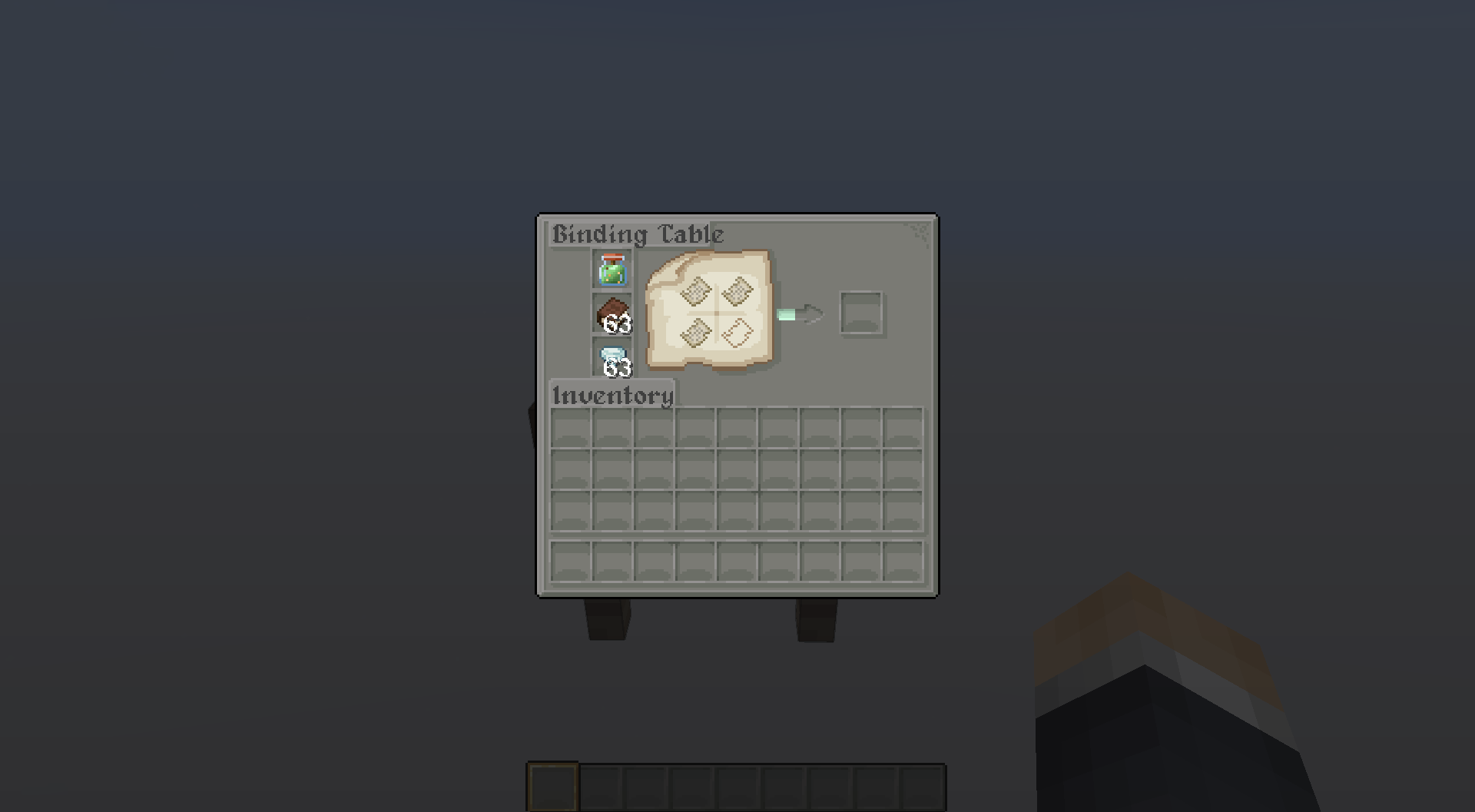
Ancient Manuscripts
- Special Custom GUI Texture
Preview:
Biomancy
- JEI GUI Texture
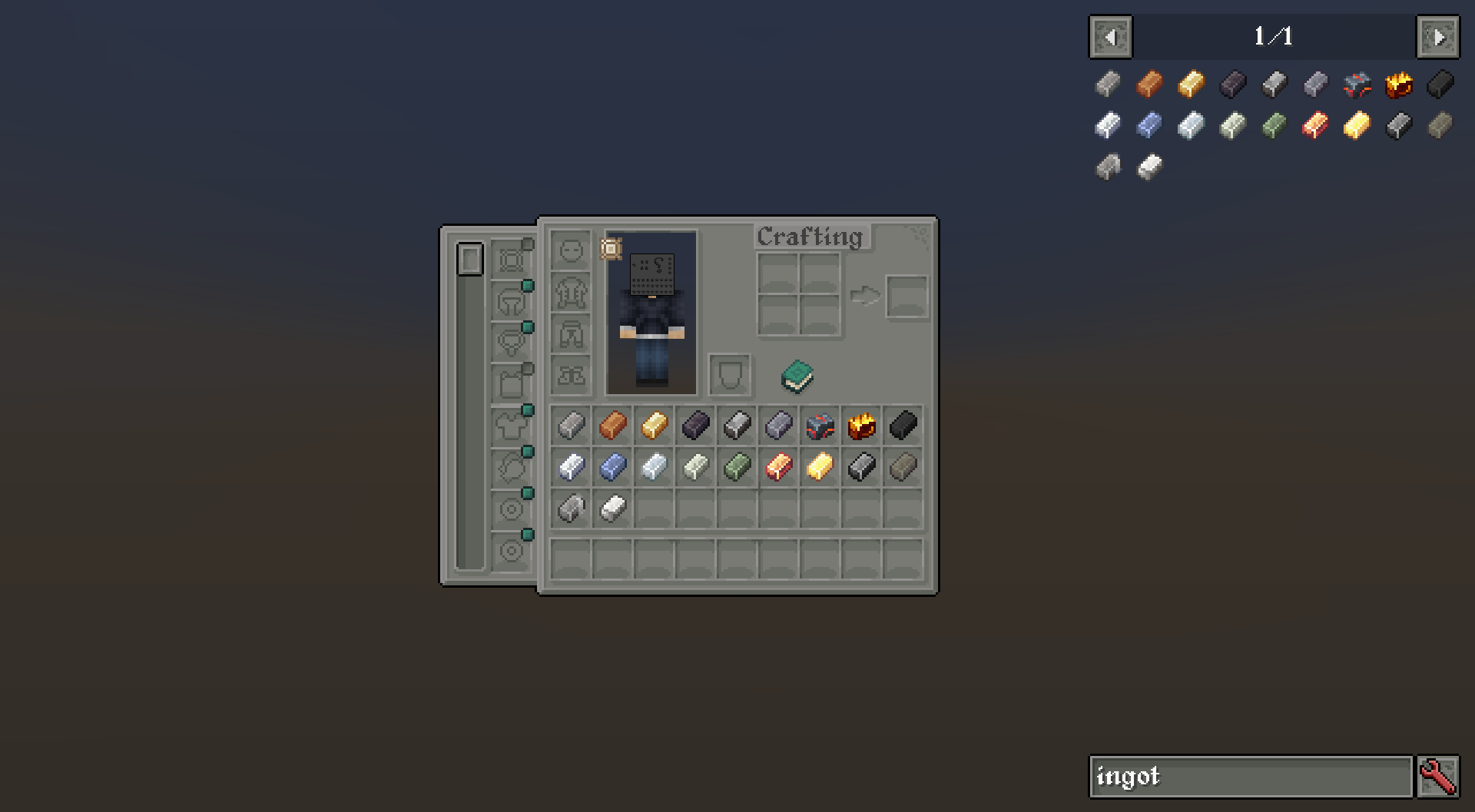
Born in Chaos
- Dark Metal Ingot
Preview:
Cataclysm
- Ignitium Ingot
Corpse
- Special Custom GUI Texture
Curios
- GUI Texture
- Inventory Button Texture
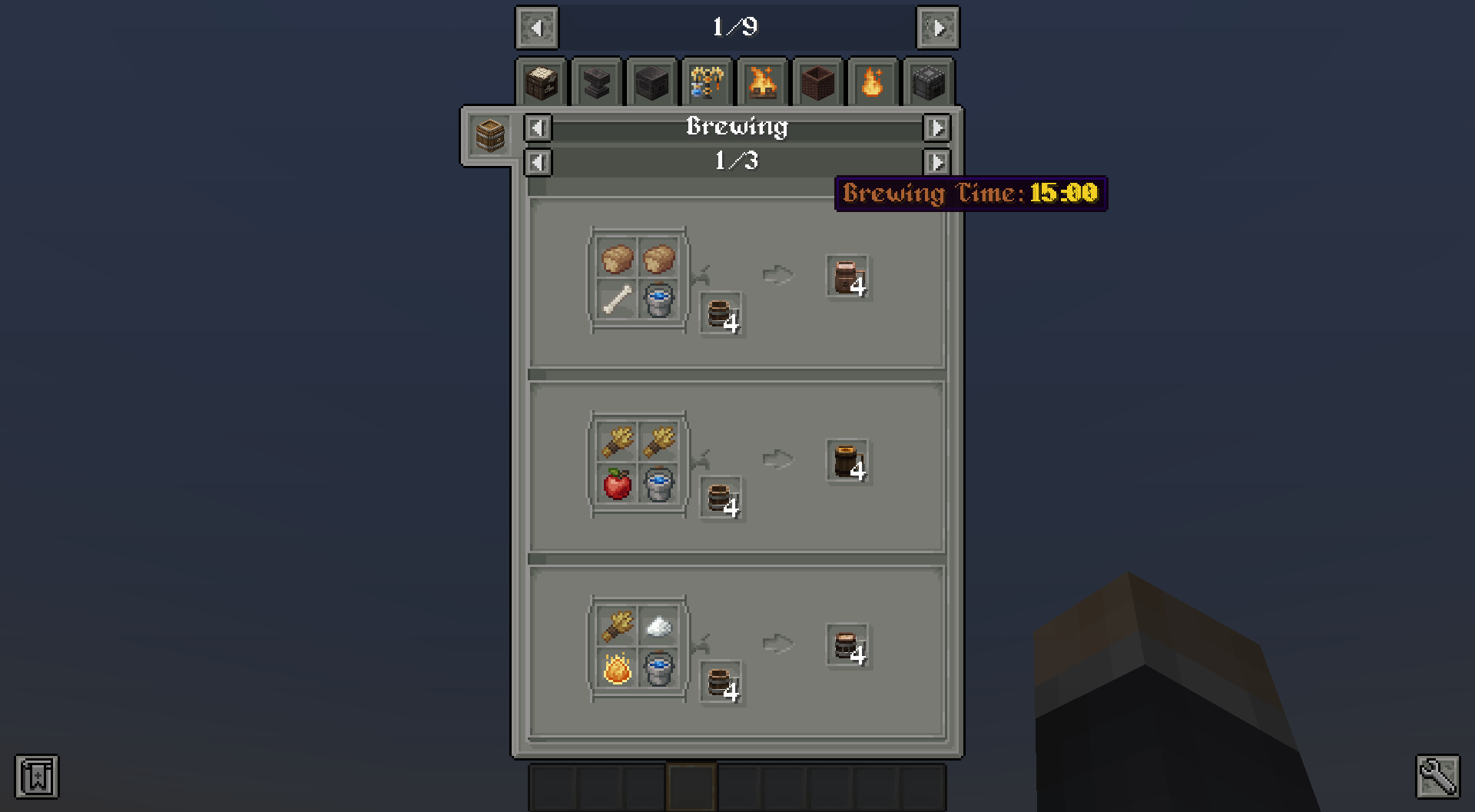
Drinkbeer
- JEI GUI Texture
- GUI Texture
Preview:
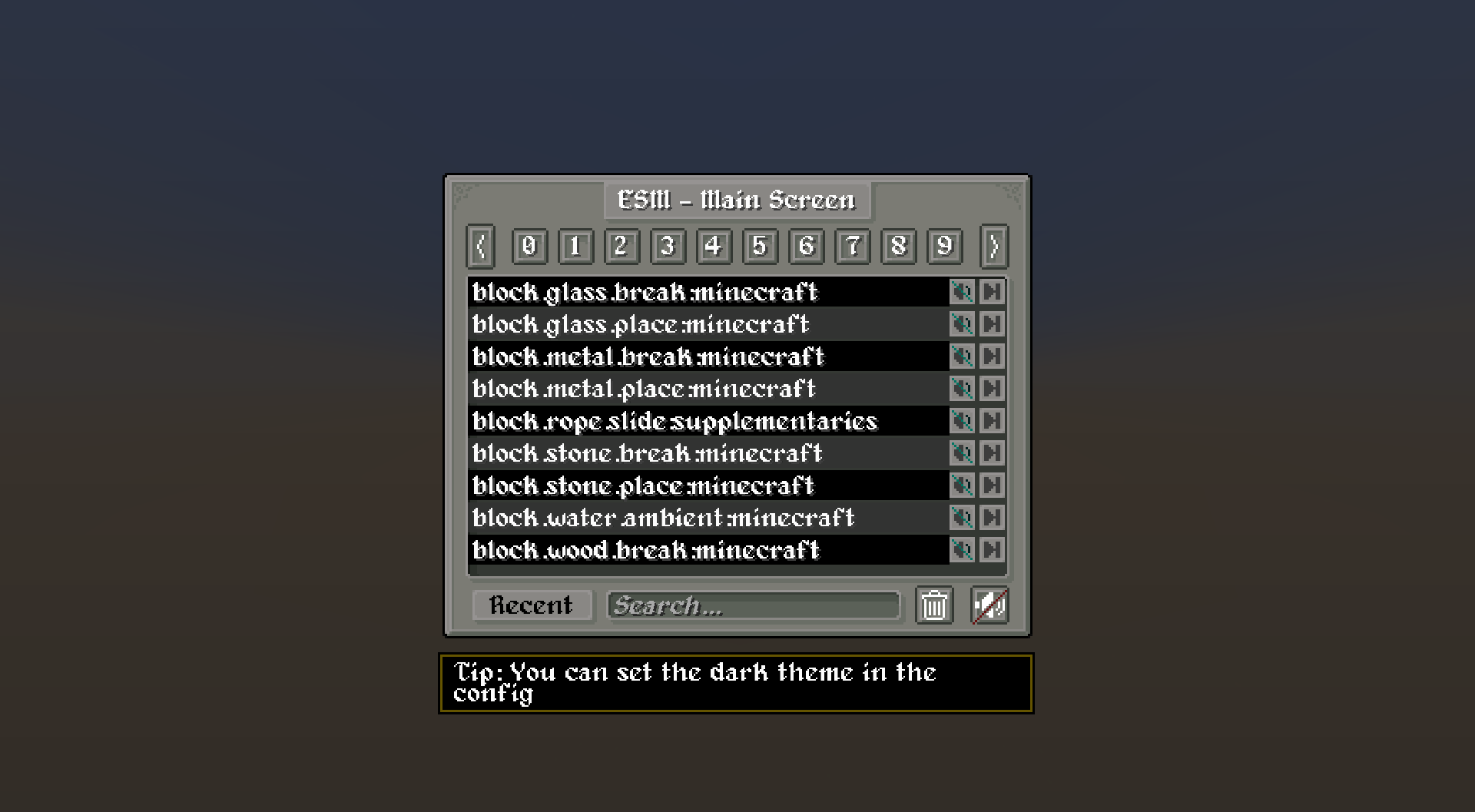
Extreme Sound Muffler
- GUI Texture
- Inventory Button Texture
Preview:
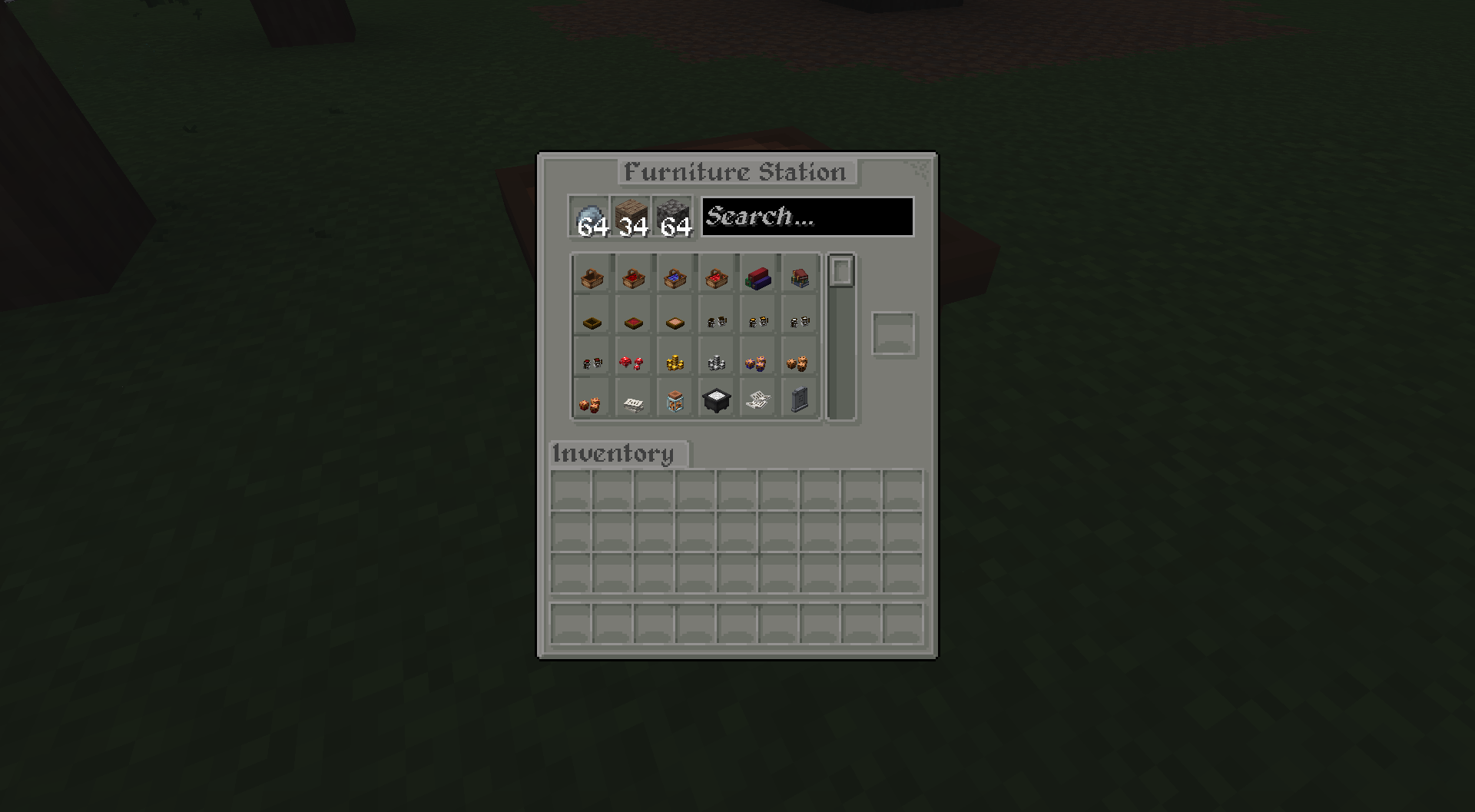
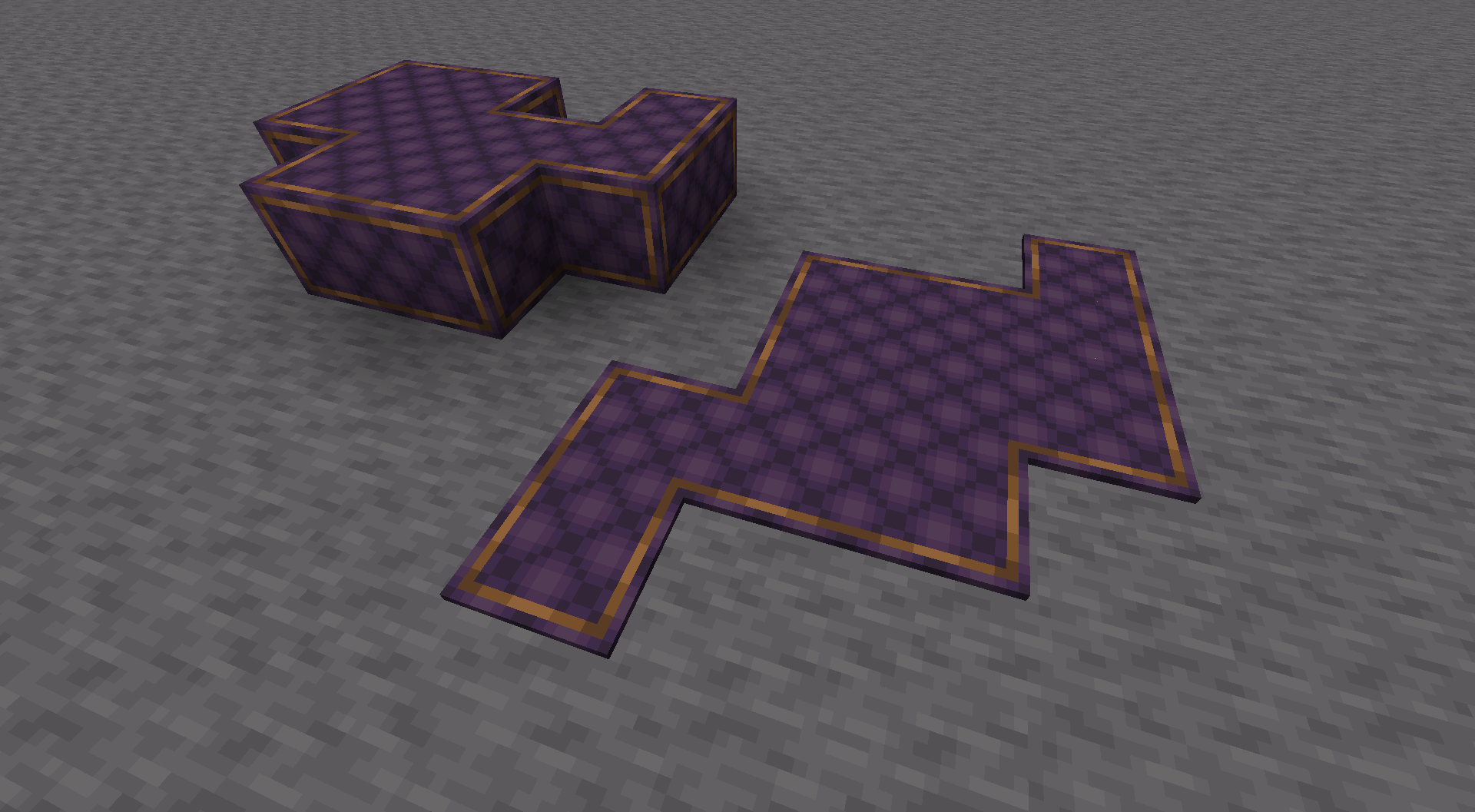
Fantasy Furniture
- GUI Texture
- JEI GUI Texture
- Connected Textures for Wool & Carpets
Preview:
FTBQuests
- JEI GUI Texture
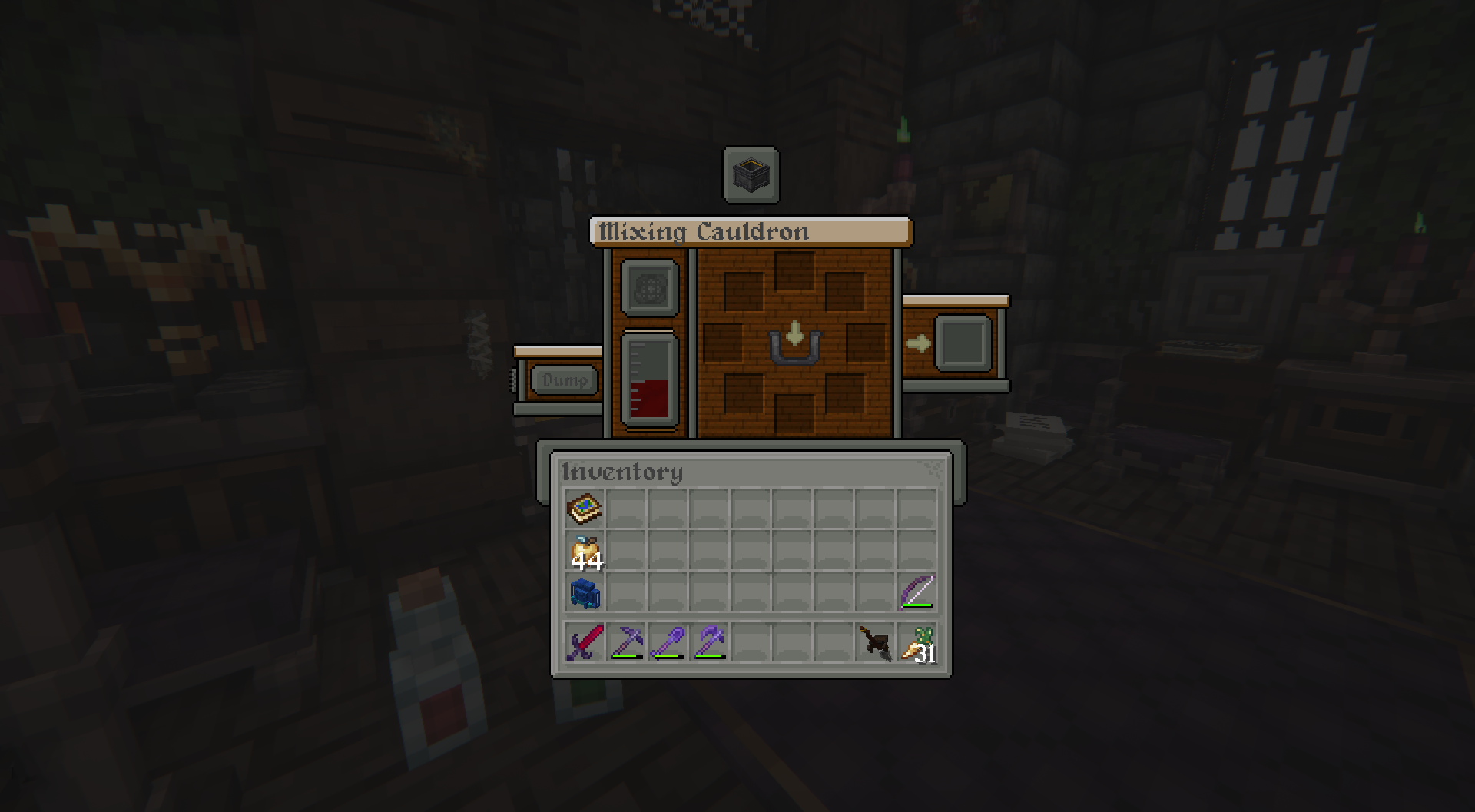
Hexerei
- GUI Textures
- JEI GUI Textures
Preview:
The Graveyard
- Dark Iron Ingot
- Vial of Blood
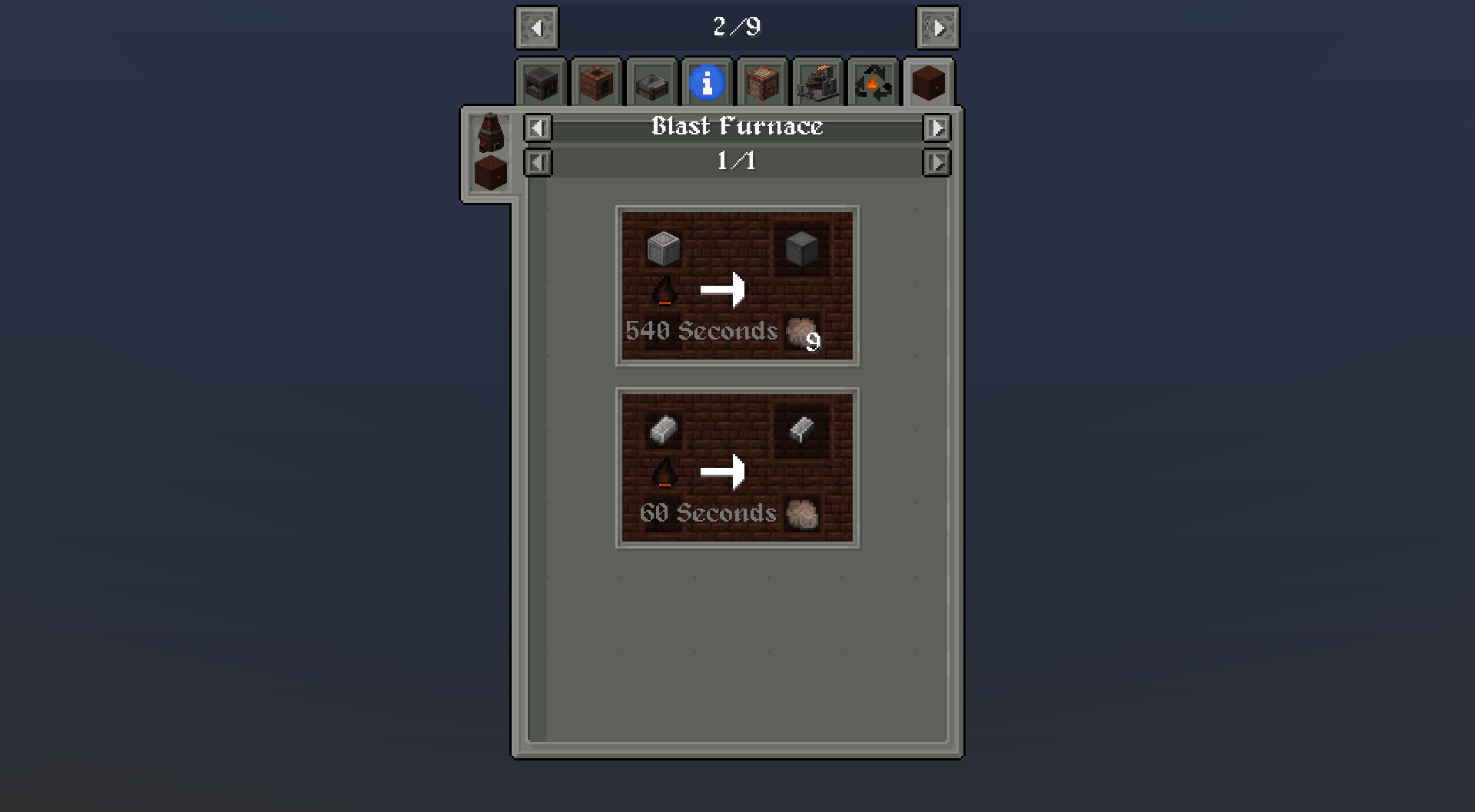
Immersive Engineering
- JEI GUI Textures
- All Ingots, Dusts, Nuggets & Plates
- All Ores Retextures
- Steel Tools & Items Retexture to Match Ingot
Preview:
Just Enough Items
- JEI GUI Textures
- JEI Resources Mod GUI Support
- JEI Professions Mod GUI Support
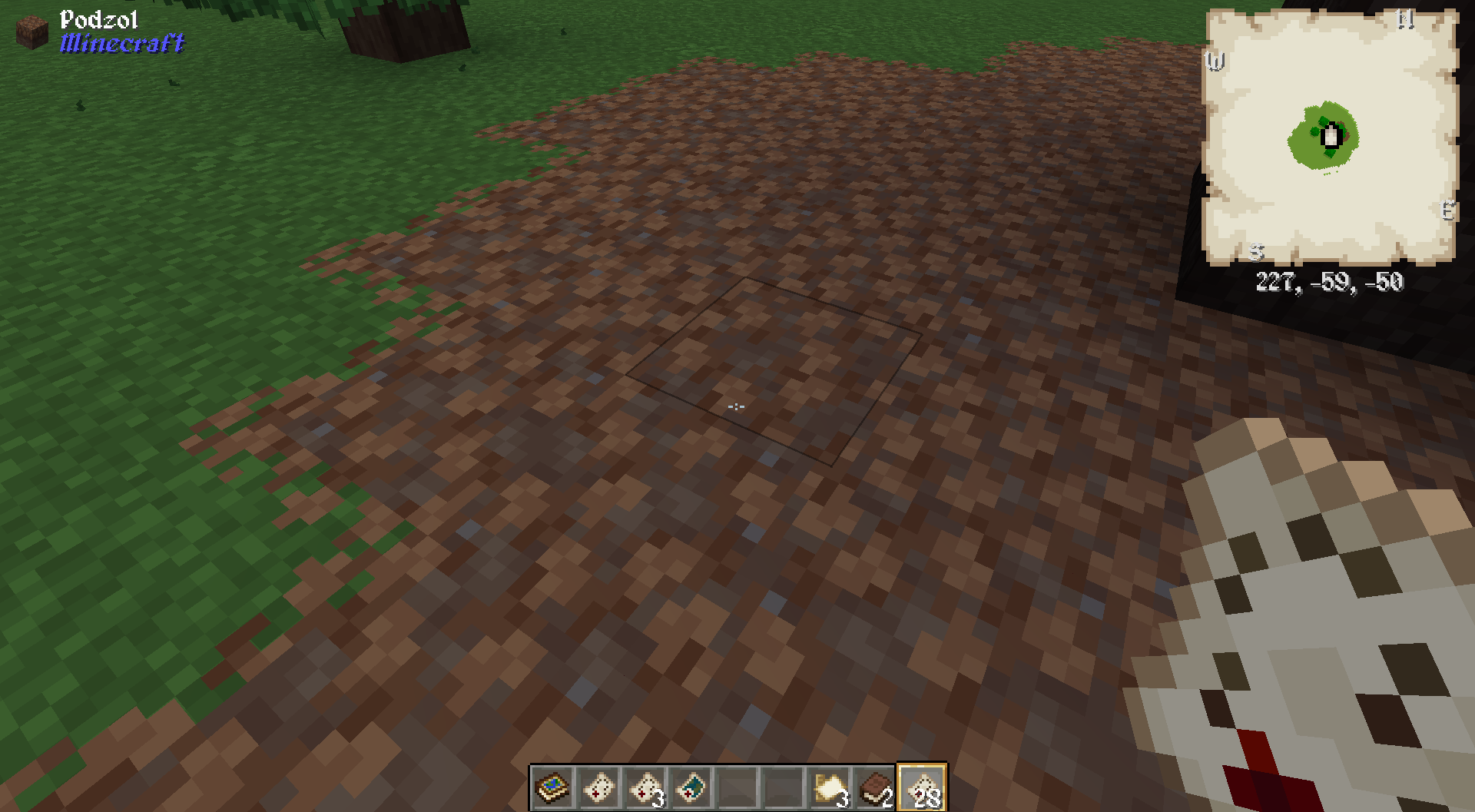
Map Atlas
- Use Ashen Map for Map HUD
Preview:
Quark
- JEI GUI Textures
- GUI Textures
- Inventory Buttons Textures
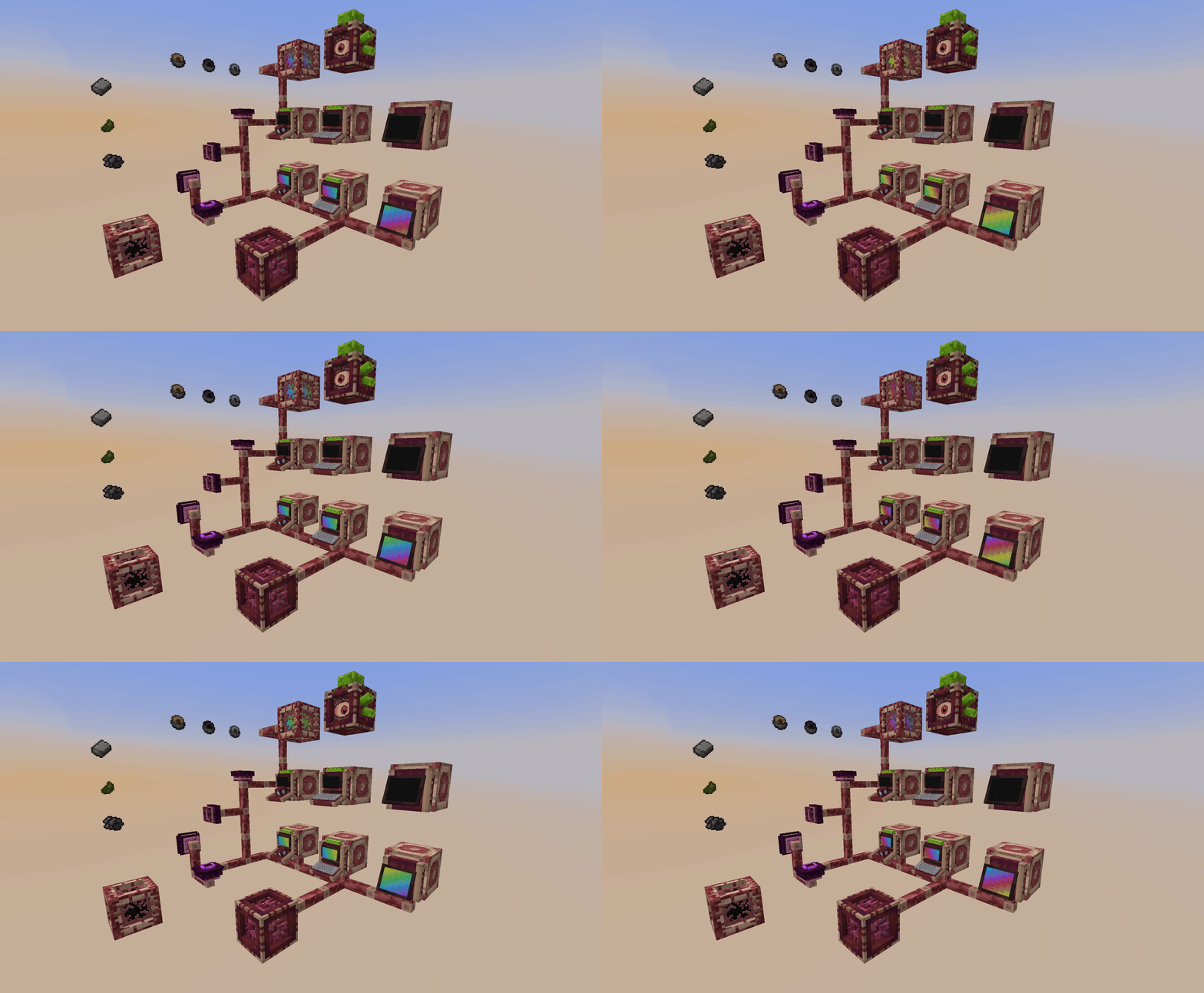
Refined Storage
- Processor & Crafting Ingredient Textures
- Quartz Iron Ingot
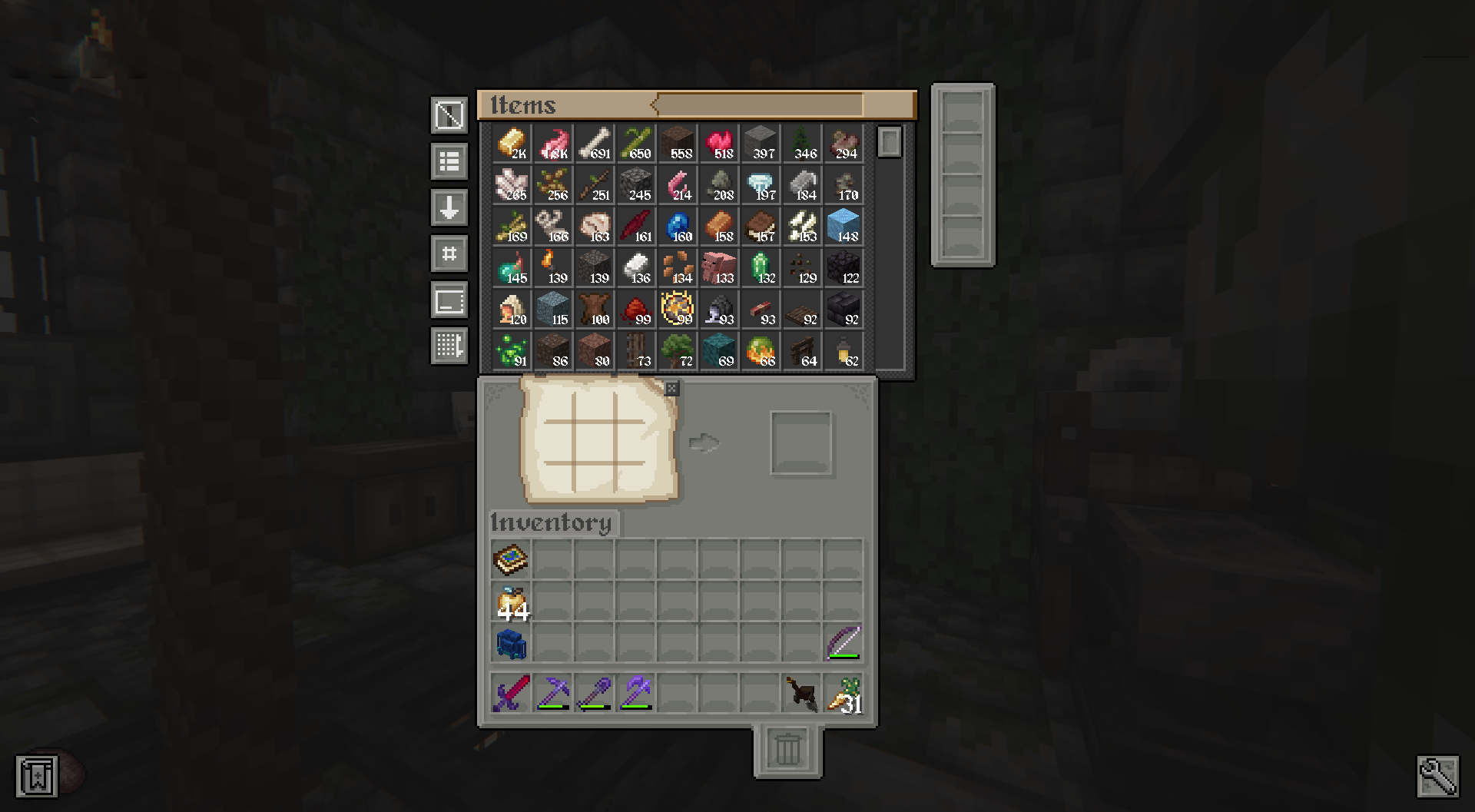
- Completely custom models for blocks in the style of Biomancy (best paired with my BioStorage mod for matching recipes + removal of "non-lore" matching items)
- Special Custom GUI Textures
Preview:
Supplementaries
- GUI Textures
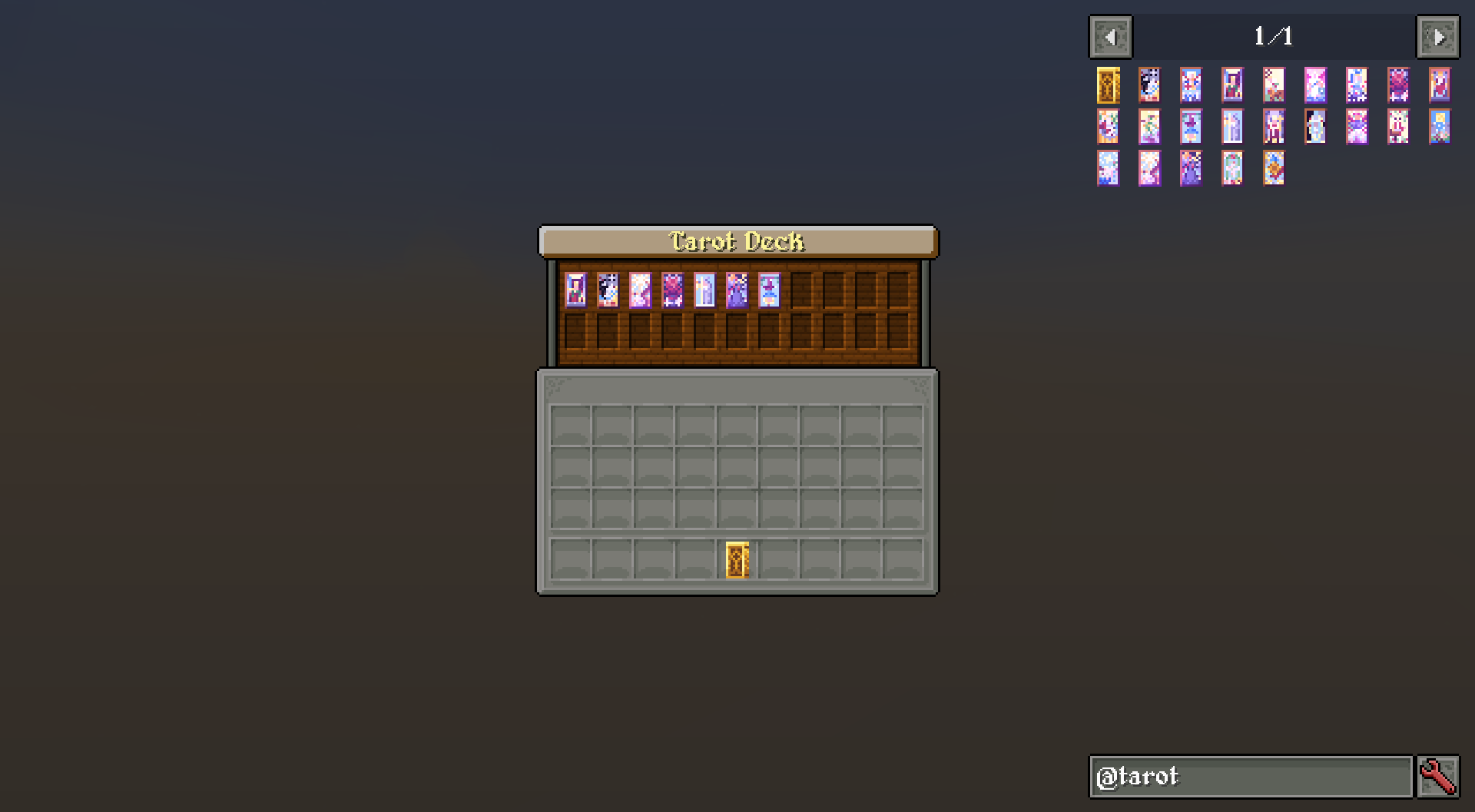
Tarot Cards
- Special Custom GUI Textures
Preview:
Tenebrous Lands
- Animated Zenyr Ingot
Trash Slot
- GUI Textures
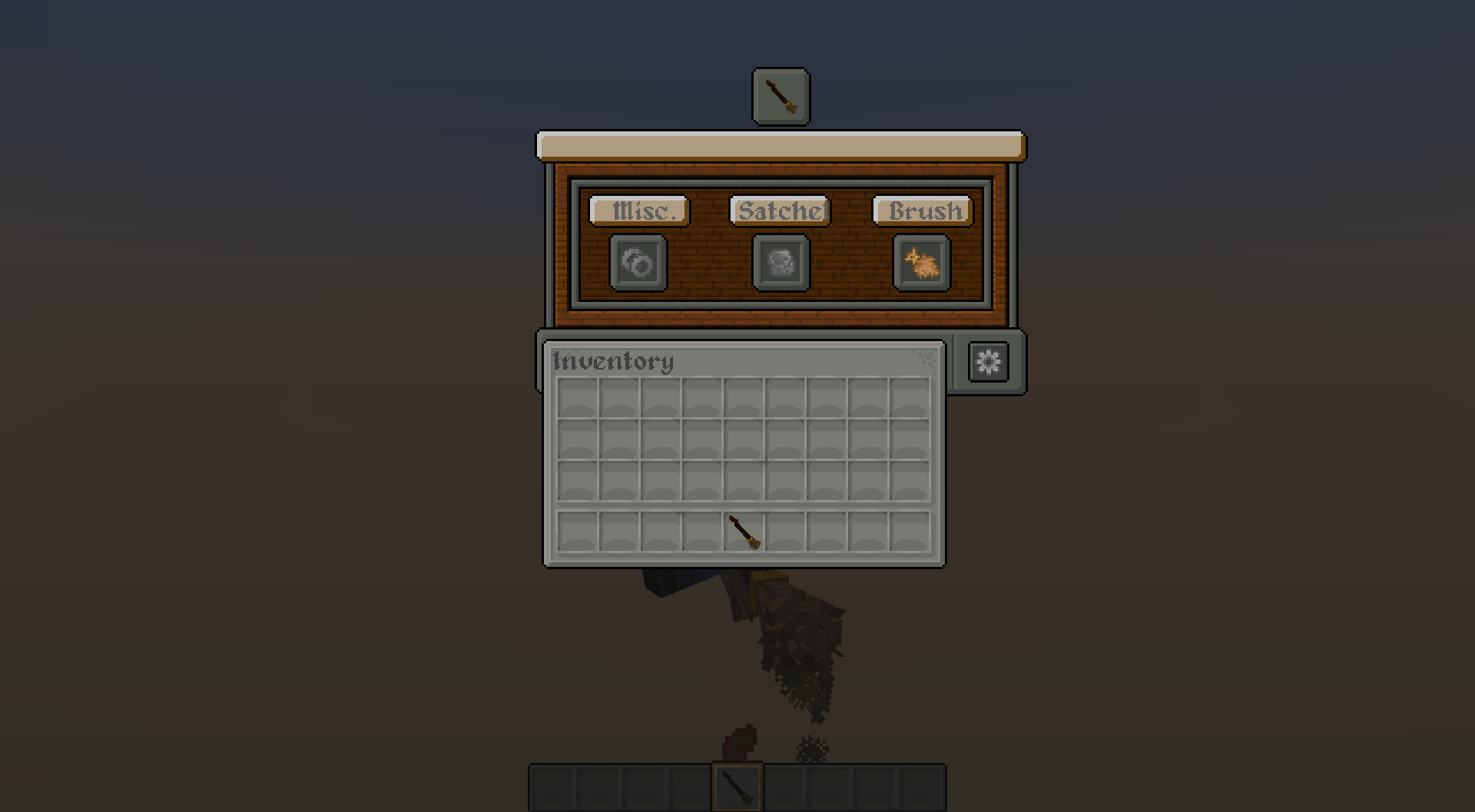
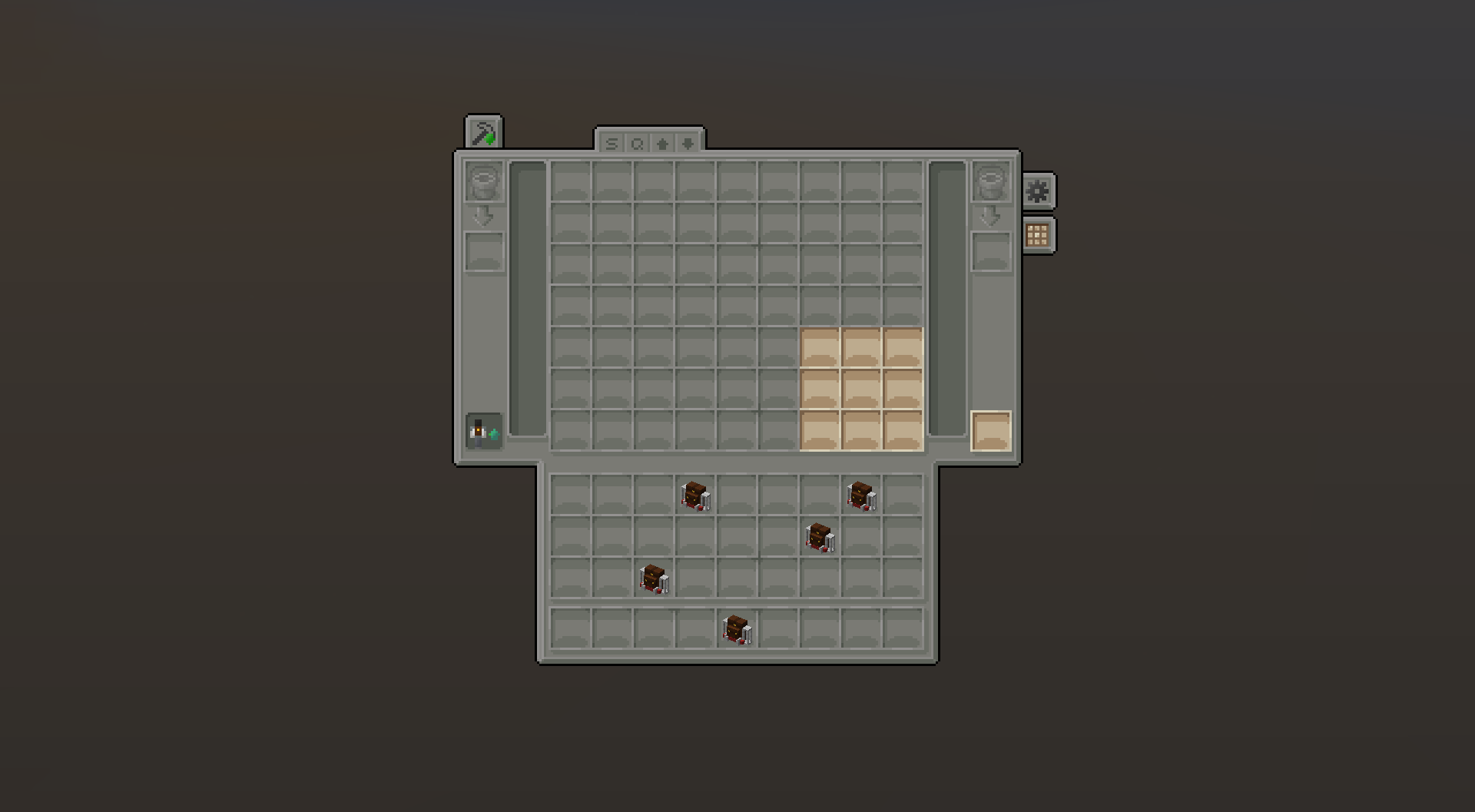
Travelers Backpack
- Special Custom GUI Texture
Preview:
Undead Unleashed
- Grave Metal Ingot
Nether Chested
- GUI Textures
Preview:
Ashen Compatabilityのインストール方法
With Millida Launcher
Install Millida Launcher
The launcher is free: download it at millida.net/launcher and sign in with any nickname.
Click “Install” on this page
The launcher opens and installs the resource pack for Minecraft 1.19.2 automatically.
Launch the game
A profile with it appears in the launcher: click “Play”.
Manually
Download the archive
Pick the file Ashen Mod Compatibility v1.0.0.zip (946 KB) for your game version. No need to unpack it.
Put it in the resourcepacks folder
The easiest way: “Options”, then “Resource Packs”, then “Open Pack Folder”, and drag the archive there.
Enable the pack
In the same window, move the pack to the right-hand “Selected” column and click “Done”.
バージョン
依存関係あり
| Minecraft | ローダー | ファイル | 日付 | 操作 |
|---|---|---|---|---|
| 1.19.2 | — | Asphen Mod Compatibility v1.0.0946 KB |
FAQ
Which Minecraft versions does Ashen Compatability work on?
Only Minecraft 1.19.2: there are no files for other versions.
Where can I download Ashen Compatability safely?
On this page: the file Ashen Mod Compatibility v1.0.0.zip (946 KB) is stored on Millida’s server, with no link shorteners. SHA-1 checksum: 6741a8f8332db760d475e2e6a5d97934f2654a99.
レビュー
Ashen Compatabilityの最初の評価を書きませんか


