

📝 Important Note: If your device doesn't support RTX or ray tracing, you may see a warning massage from the game saying that, "resourcePack.incompatible.graphics.raytracing" and "reasourcePack.incompatible.graphics.pbr". You don't need to be worry about it, it won't cause your device any harm or any error in the game.
Recommendations:
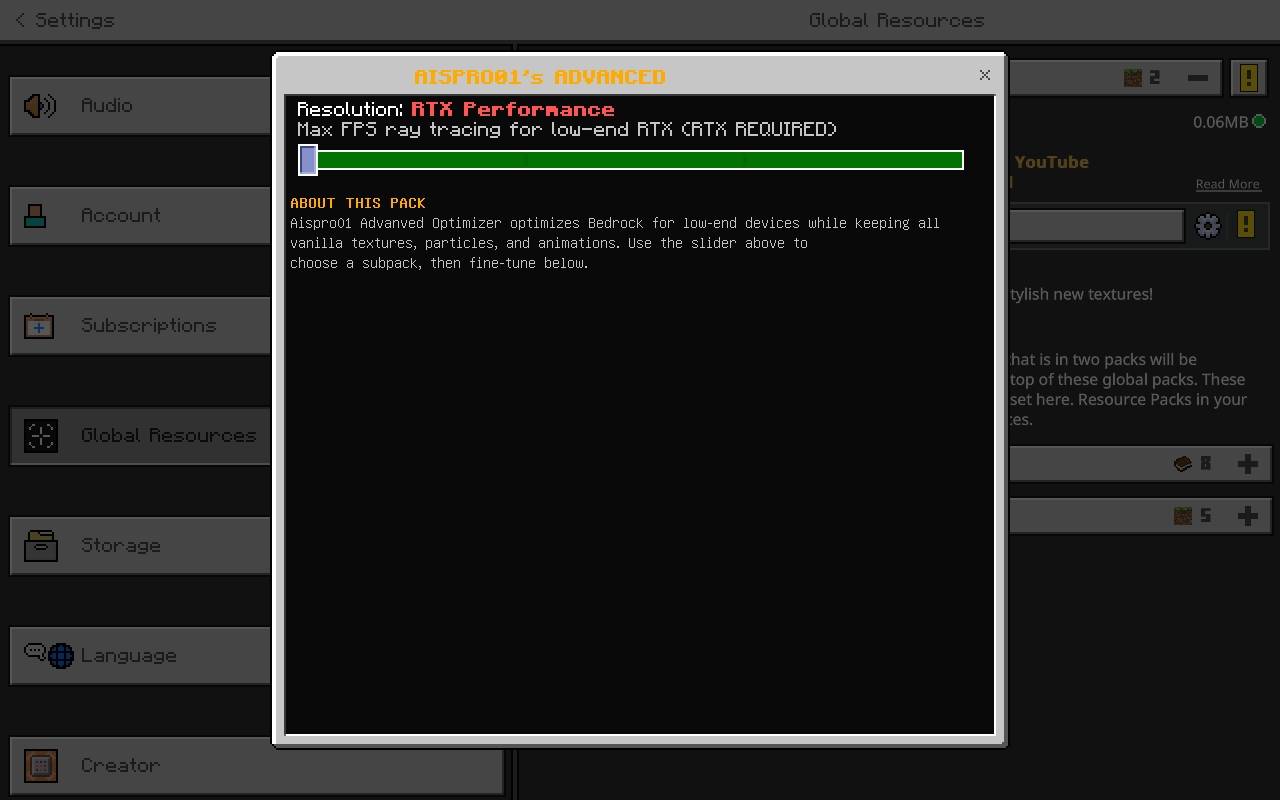
- If your device not supports RTX, then not use the RTX optimization subpack.
- Use default subpack if you don't want to use shaders or RTX.
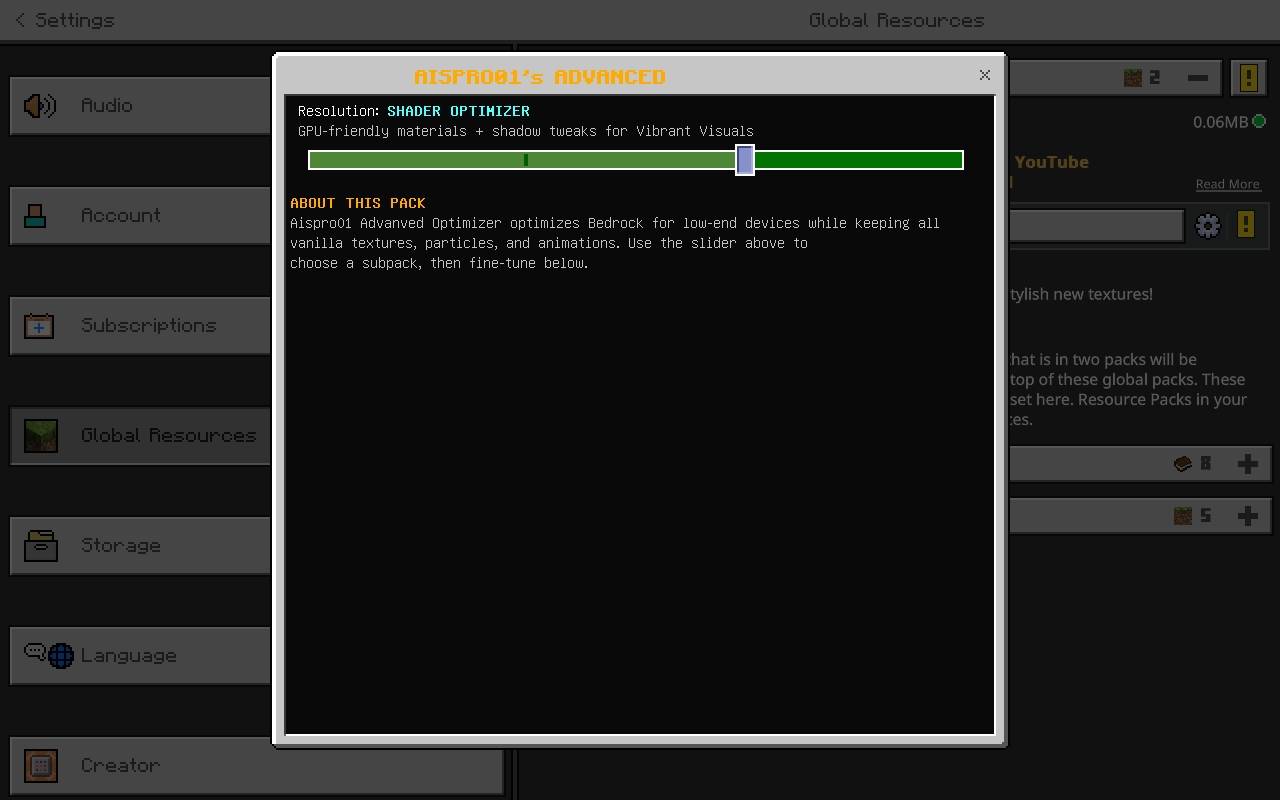
- Use shader optimizer subpack for optimising the shaders and vibrant visuals.
- Try to put the Aispro01's Advanved Optimizer above of the shaders and RTX packs.
- Use subpacks according to your need.
🧪 Tested On:
Samsung Galaxy Tab A (SM‑T295) - 2GB RAM, 32 gb storage, processor name is snapdragon 409 with ADV screen recorder in 800p ( screen resolution ), 10 bitrate, 48fps. In game I turned on clouds, set render distance to 8, grafics to simple, smooth lightning on, view bobbing on and vsync off etc.I got atleast 2 to 7 fps boost from this pack, which is huge for a low end device with this settings
Video Showcase:
https://youtu.be/7HyJcR1xsKE?si=JuishqdJmAZ94q_4
## 🎵 Music Credits
Background music in showcase videos by Halal Beats - check them out!
Creator 📛 :
- @Aispro01 YouTube channel URL : ( https://youtube.com/@Aispro01 )
- 📺 My YouTube Channel: [ https://youtube.com/@Aispro01]
- 💬 Feedback & Support: Leave a comment or DM on YouTube
## ⚖️ License
All rights reserved. Do not redistribute without permission. Feel free to use in videos with credit and official COURSEFORGE or MCPEDL.
🙏 Special Thanks- The Bedrock optimization community
- Everyone who tested and provided feedback
- You - for downloading and supporting my work
-▪︎ Deepseek AI
## 📅 Version 1.0 Features:
- Added RTX Balanced and RTX Performance subpacks.
- Added Shader Optimizer for Vibrant Visuals.
- Expanded block culling rules.
- Per‑biome visual tuning.
- Simplified chest/sign models.
- Water optimization.
- Initial release with core optimizations.
- Entity culling, shading removal, shadows off.
- sound optimization, texture list.
No bloat. No visual changes. Just FPS.
📝 Tags for CurseForge:
optimization, fps boost, performance, low-end, rtx, vibrant visuals, shaders, bedrock, mcpe, entity culling`, fog removal, no texture changes, particles preserved, aispro01
Aispro01's Advanced Optimizerのインストール方法
Install Millida Launcher
The launcher is free: download it at millida.net/launcher and sign in with any nickname.
Click “Install” on this page
The launcher opens and installs the resource pack for Minecraft 1.21.60–26.10 automatically.
Launch the game
A profile with it appears in the launcher: click “Play”.
バージョン
依存関係あり
| Minecraft | ローダー | ファイル | 日付 | 操作 |
|---|---|---|---|---|
| 1.21.81 | — | Aispro01's Advanced Optimizer (V1.1.1).mcpack56.4 KB |
FAQ
Which Minecraft versions does Aispro01's Advanced Optimizer work on?
There are files for 26.10, 26.0, 1.21.130, 1.21.81, 1.21.70, 1.21.60. The newest is 26.10.
How do I download Aispro01's Advanced Optimizer?
With Millida Launcher: it installs Aispro01's Advanced Optimizer into a modpack by itself, for the right game version and loader. The launcher is free.
レビュー
Aispro01's Advanced Optimizerの最初の評価を書きませんか


