
AE2 Dark Mode リソースパックについて
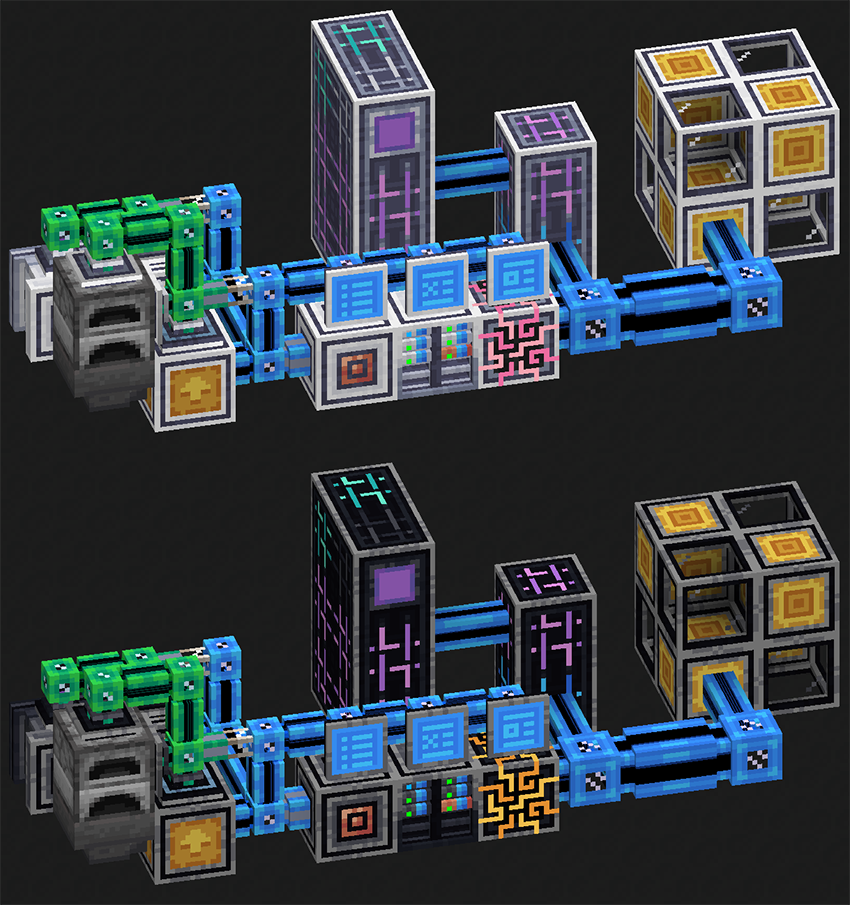
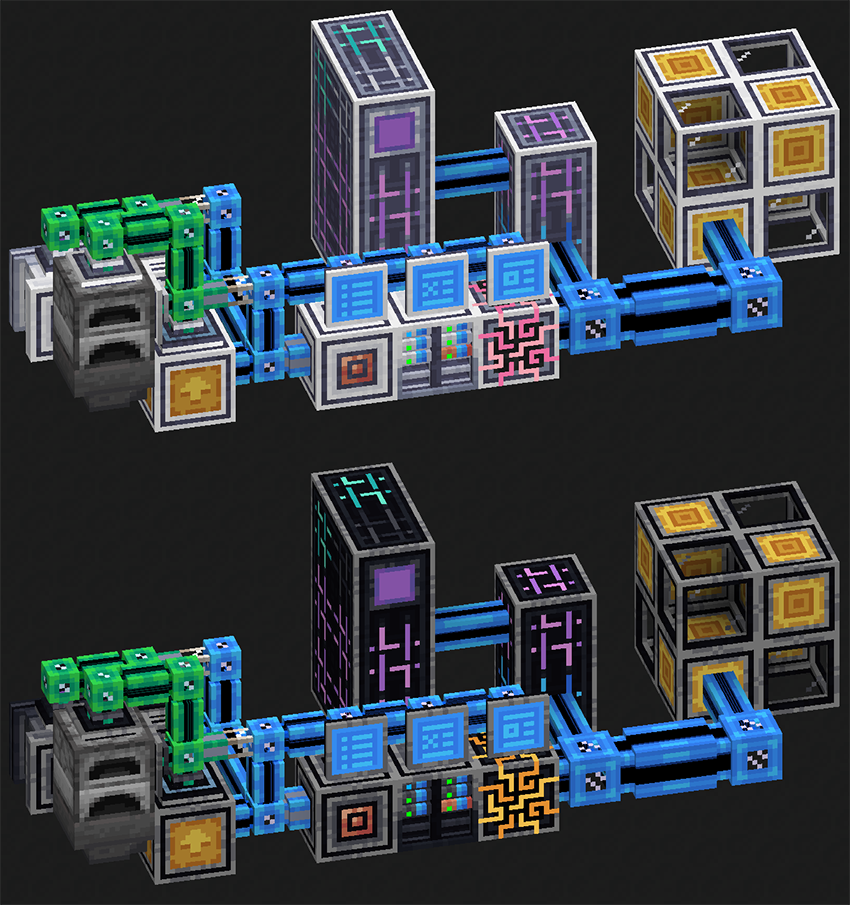
With the AE2 release for 1.21, the textures have undergone significant changes, adopting a much lighter palette.
Aware that this might not appeal to everyone, I've created a Dark Mode version of the textures for those who prefer their machines with a darker color scheme.
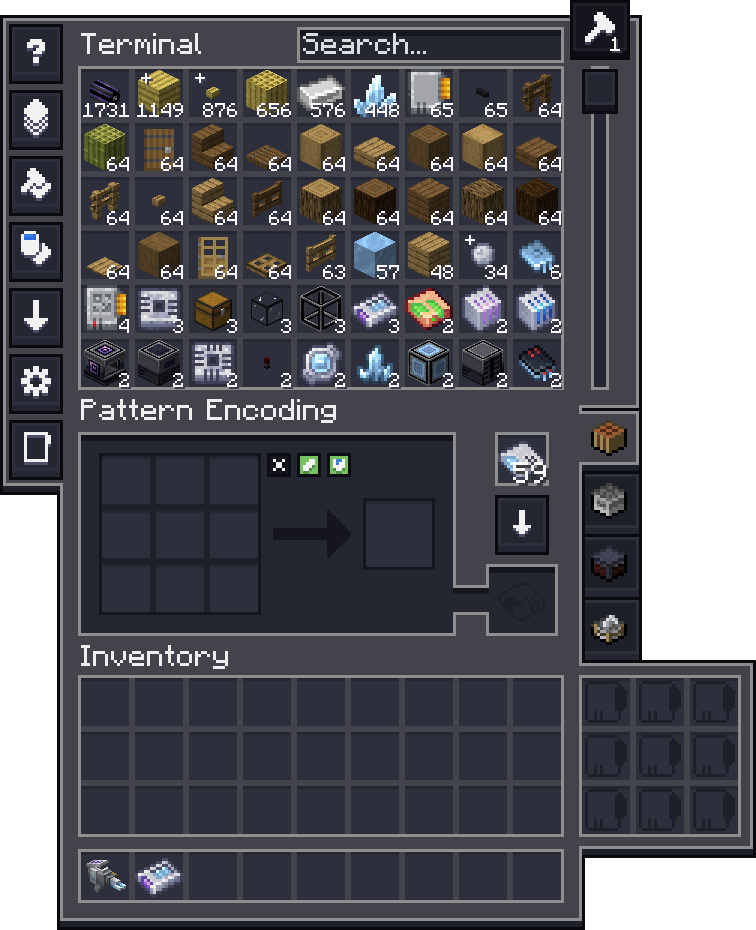
NOTE: This Resource Pack is still WIP, and more Dark Mode textures will be added to it once available (i.e. AddOn Support).
Currently Supported Addons:
- AE2WLIB
- Extended AE
- Applied Flux
- AE2 Import Export Card
AE2 Dark Modeのインストール方法
With Millida Launcher
Install Millida Launcher
The launcher is free: download it at millida.net/launcher and sign in with any nickname.
Click “Install” on this page
The launcher opens and installs the resource pack for Minecraft 1.21 automatically.
Launch the game
A profile with it appears in the launcher: click “Play”.
Manually
Download the archive
Pick the file AE2DarkMode-V1.0.6.zip (203 KB) for your game version. No need to unpack it.
Put it in the resourcepacks folder
The easiest way: “Options”, then “Resource Packs”, then “Open Pack Folder”, and drag the archive there.
Enable the pack
In the same window, move the pack to the right-hand “Selected” column and click “Done”.
バージョン
依存関係あり
| Minecraft | ローダー | ファイル | 日付 | 操作 |
|---|---|---|---|---|
| 1.21 | — | AE2DarkMode-V1.0.6203 KB |
FAQ
Which Minecraft versions does AE2 Dark Mode work on?
Only Minecraft 1.21: there are no files for other versions.
Where can I download AE2 Dark Mode safely?
On this page: the file AE2DarkMode-V1.0.6.zip (203 KB) is stored on Millida’s server, with no link shorteners. SHA-1 checksum: 74d0a02d0b0a59ef34c37ecca6bec25dcae98cc9.
レビュー
AE2 Dark Modeの最初の評価を書きませんか


