
 Forge
 NeoForge
 Fabric
 Quilt
Saro´s Fruit Trees MODについて
This Mod Adds Fruit Trees With Cool Processing
For wishes or bug reports, please report via our Discord.
Fruit Trees 🍎🍊
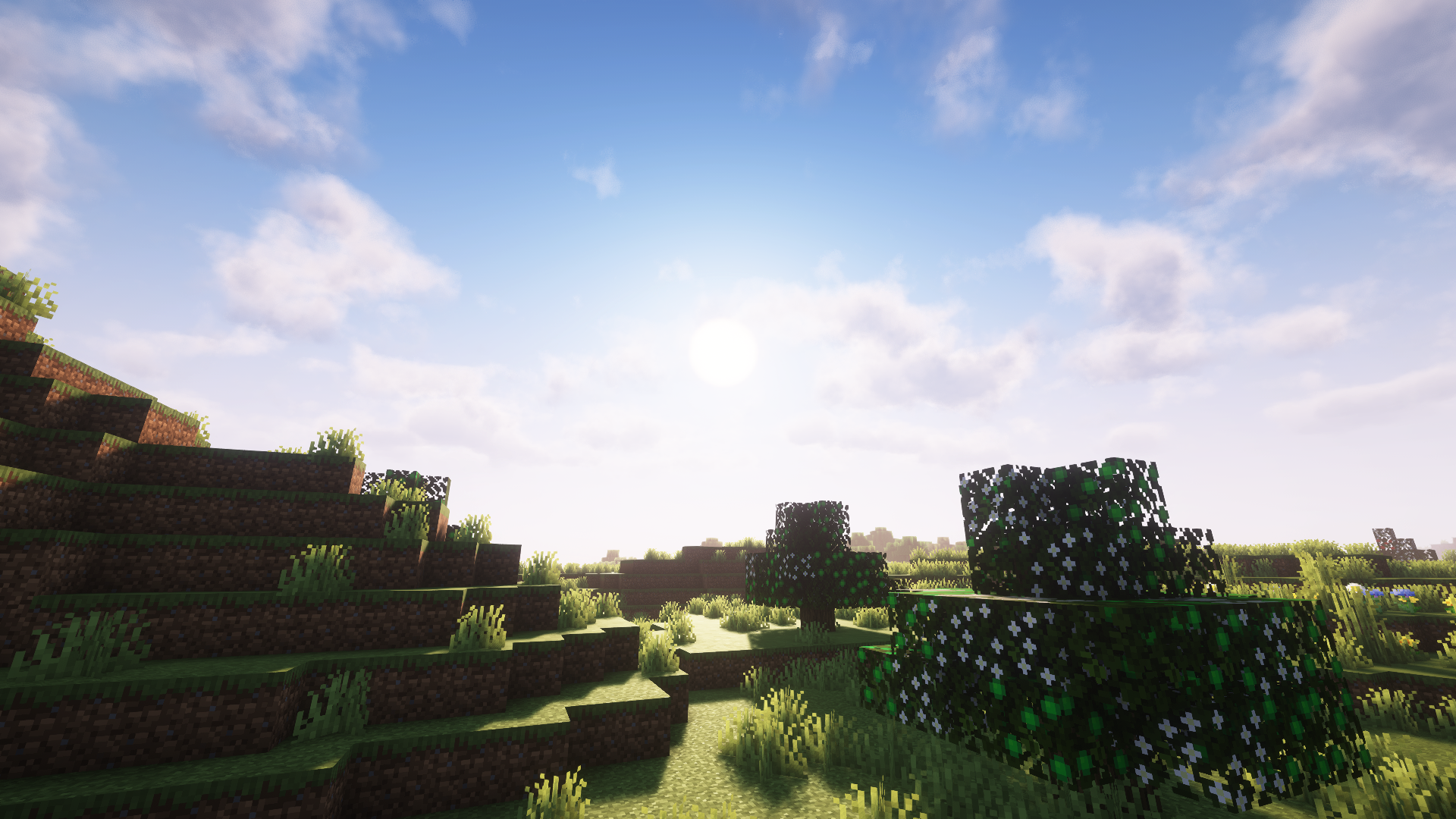
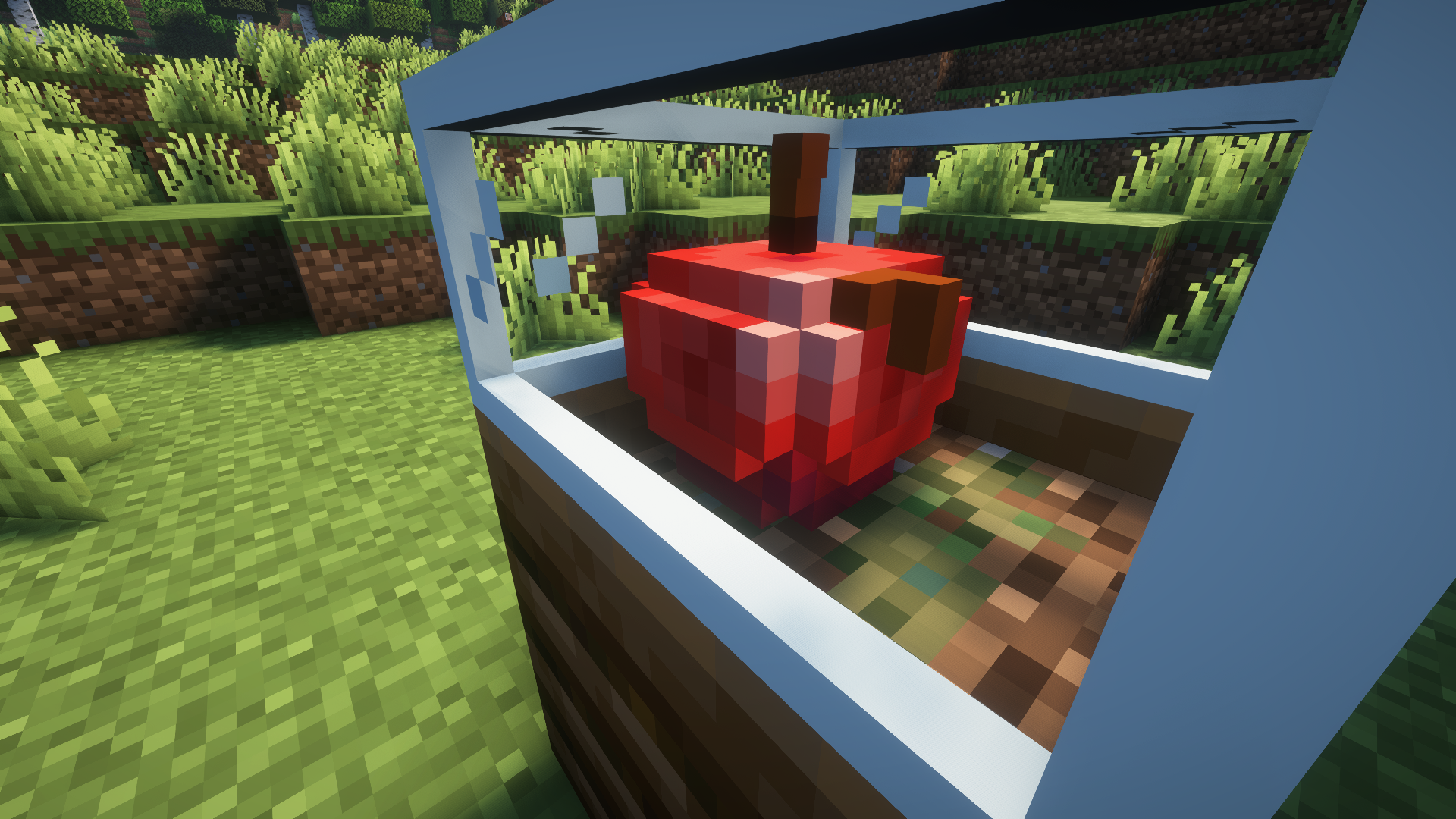
- Apple Trees, Oranges Trees, Pear Trees and even a Gold Apple Tree (Not Overpowered).
Unique Growth Stages 🌱
- Different stages of growth for each tree, from sapling to full-grown.
Custom Content 🎨
- Custom sounds, models, and textures, including animated textures and 3D animations.
Worms and Apples 🪱
- Yes, a worm factory! Worms and apples with worms are also included.
Multiplayer & Survival Compatible 🌐
- Fully integrated into multiplayer and survival gameplay.
Currently Supported Versions ✅
- 26.1 Forge/NeoForge/Fabric
- 1.21.10 Forge
- 1.21.9 Forge
- 1.21.8 Forge
- 1.21.7 Forge
- 1.21.6 Forge
- 1.21.5 Forge
- 1.21.3 Forge
- 1.21.1 Forge
- 1.21 Forge
- 1.20.6 Forge
- 1.20.4 Forge
- 1.20.1 (Forge/Fabric/Quilt)
- 1.19.4 Forge
Only in German (Outdated)
For more updates and to report bugs, join our Discord.
Project Support & Usage
Hosting: For the best performance, I recommend using BisectHosting linked in the banner.
Modpacks: You are free to include my work in any modpack. Please ensure proper credit is given by providing a link to this project page.
Saro´s Fruit Treesのインストール方法
With Millida Launcher
Install Millida Launcher
The launcher is free: download it at millida.net/launcher and sign in with any nickname.
Click “Install” on this page
The launcher opens and installs the mod for Minecraft 1.19.2–26.3 on Fabric, Forge, NeoForge or Quilt automatically.
Launch the game
A profile with it appears in the launcher: click “Play”.
Manually
Install Fabric, Forge, NeoForge or Quilt
The loader must match the game version of the mod file, for example Minecraft 26.3. After installing it, a separate profile appears in your launcher.
Download the file for your version
In the version list above, pick the file Saros-Fruit-Trees-Forge-26.3-3.2.7.jar (473 KB) for your game version and loader.
Put it in the mods folder
The folder is inside .minecraft (Windows: %appdata%\.minecraft\mods). If it does not exist, create it.
Launch the loader profile
Open “Mods” in the main menu: Saro´s Fruit Trees should be in the list.
バージョン
依存関係あり
| Minecraft | ローダー | ファイル | 日付 | 操作 |
|---|---|---|---|---|
| 26.3 | Forge | Saros Fruit Trees 3.2.7 (Forge 26.3)473 KB | ||
| 26.3 | NeoForge | Fruit Trees 3.2.6 (NeoForge 26.3)472 KB | ||
| 26.3 | Fabric | Fruit Trees 3.2.5519 KB 3 | ||
| 1.20.1 | Fabric, Quilt | [Fabric/Quilt] Saro´s Fruit Trees 1.1788 KB | ||
| 1.19.2 | — | Saro´s Fruit Trees 1.4588 KB |
FAQ
Which Minecraft versions does Saro´s Fruit Trees work on?
There are files for 26.3, 1.20.1, 1.19.2. The newest is 26.3.
Is Saro´s Fruit Trees for Forge or Fabric?
There are files for Fabric: 1.20.1–26.3, for Forge: 26.3, for NeoForge: 26.3 and for Quilt: 1.20.1.
Does Saro´s Fruit Trees need other mods?
The author lists no required dependencies: the Fabric, Forge, NeoForge or Quilt loader is enough.
Where can I download Saro´s Fruit Trees safely?
On this page: the file Saros-Fruit-Trees-Forge-26.3-3.2.7.jar (473 KB) is stored on Millida’s server, with no link shorteners. SHA-1 checksum: 1b79cc324e2b1b7201728cd838608b77e36430eb.
レビュー
Saro´s Fruit Treesの最初の評価を書きませんか


