
 NeoForge
Productive Metalworks MODについて
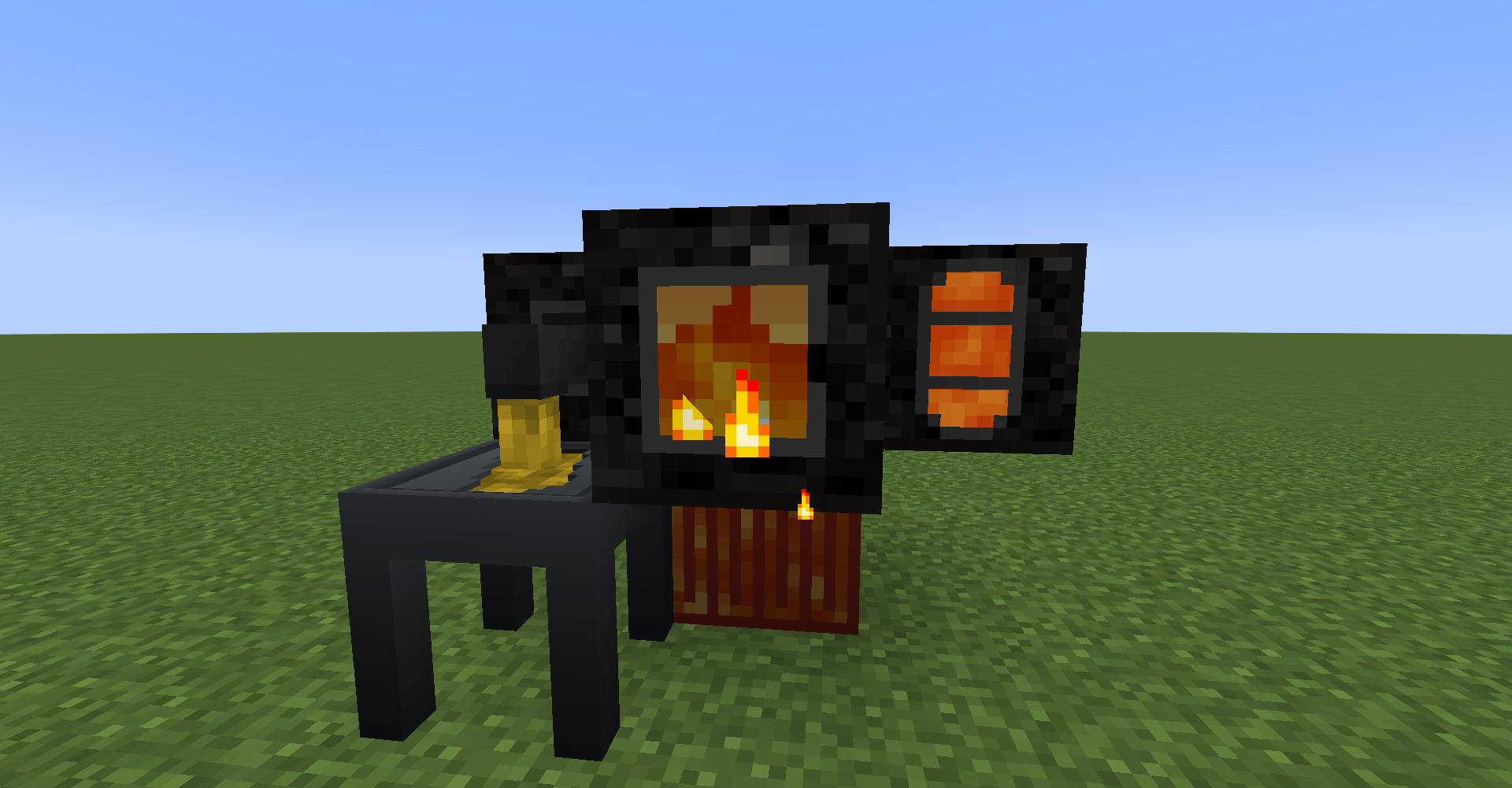
Productive Metalworksは、Minecraftに強力で没入感のある製錬・鋳造システムをもたらし、プレイヤーがよりリアルで効率的な方法で鉱石を処理しインゴットを作成できるようにします。このMODでは、Foundryと呼ばれるマルチブロック構造物を建設できます。これは大量の鉱石を一度に処理できる大型の産業用製錬炉として機能します。
特徴:
- マルチブロック建設: レンガ、タンク、ドレイン、窓などの様々なブロックを使って自分だけのFoundryを建て、完全に機能する製錬設備を作り上げましょう。
- 効率的な製錬: Foundryは従来の furnace よりも速く鉱石を製錬し、複数の種類の鉱石を同時に処理して、より少ない燃料でより多くのインゴットを生産できます。
- 鋳造: Foundryには鋳造システムがあり、溶けた金属を鋳型に注いでインゴット、ブロック、その他の金属アイテムを作成でき、クラフトと資源管理に新たな奥深さを加えます。
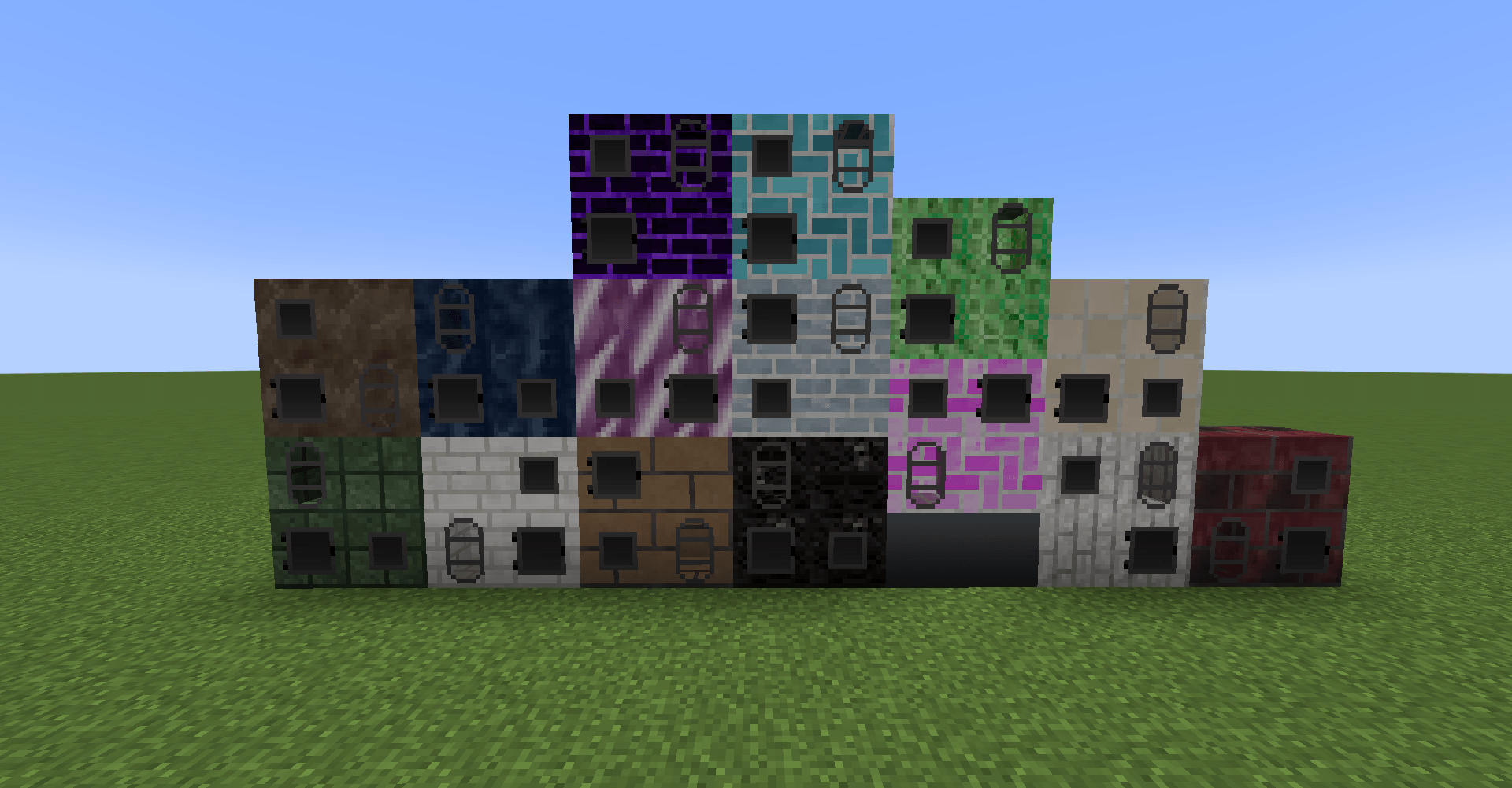
- カスタマイズ可能なデザイン: Foundryのサイズとレイアウトはカスタマイズ可能で、16色すべての foundry ブロックがあなたの拠点に合わせられます。
産業好きの方でも、鉱石をより効率的に製錬する方法を探している方でも、Productive MetalworksはあなたのMinecraft体験をより高めてくれます。
さらに多くの foundry の色を求めるなら、Dyenamics and Friendsをインストールしましょう!
このMODはもちろんTinkers Constructの smeltery に触発されていますが、ツールや武器は含まれていません。
質問があればDiscordはこちらです
Productive Metalworksのインストール方法
With Millida Launcher
Install Millida Launcher
The launcher is free: download it at millida.net/launcher and sign in with any nickname.
Click “Install” on this page
The launcher opens and installs the mod for Minecraft 1.21.1–26.1.2 on NeoForge automatically.
Launch the game
A profile with it appears in the launcher: click “Play”.
Manually
Install NeoForge
The loader must match the game version of the mod file, for example Minecraft 26.1.2. After installing it, a separate profile appears in your launcher.
Download the file for your version
In the version list above, pick the file productivemetalworks-26.1.2-1.17.1.jar (1.4 MB) for your game version.
Put it in the mods folder
The folder is inside .minecraft (Windows: %appdata%\.minecraft\mods). If it does not exist, create it.
Launch the loader profile
Open “Mods” in the main menu: Productive Metalworks should be in the list.
バージョン
依存関係あり
| Minecraft | ローダー | ファイル | 日付 | 操作 |
|---|---|---|---|---|
| 26.1.2 | NeoForge | productivemetalworks-26.1.2-1.17.1.jar1.4 MB | ||
| 1.21.1 | NeoForge | productivemetalworks-1.21.1-1.0.2.jar1.2 MB 2 |
FAQ
Which Minecraft versions does Productive Metalworks work on?
There are files for 26.1.2, 1.21.1. The newest is 26.1.2.
Is Productive Metalworks for Forge or Fabric?
Only for NeoForge: 1.21.1–26.1.2. There are no files for Forge or Fabric: a mod for another loader will not start.
Does Productive Metalworks need other mods?
The author lists no required dependencies: the NeoForge loader is enough.
Where can I download Productive Metalworks safely?
On this page: the file productivemetalworks-26.1.2-1.17.1.jar (1.4 MB) is stored on Millida’s server, with no link shorteners. SHA-1 checksum: b3b655dc812d74eb89e2b58b36260f48a7707422.
レビュー
Productive Metalworksの最初の評価を書きませんか


