
 NeoForge
Chroma Carvings MODについて
Chroma Carvingsは、色付きのカボチャのランタン、ジャック・オ・ランタン、そしてそれに合わせたスノーゴーレムを追加することで、Minecraftの不気味な季節に鮮やかなひねりを加え、ハロウィンをテーマにした作品や雪景色に新たな命を吹き込みます。
特徴
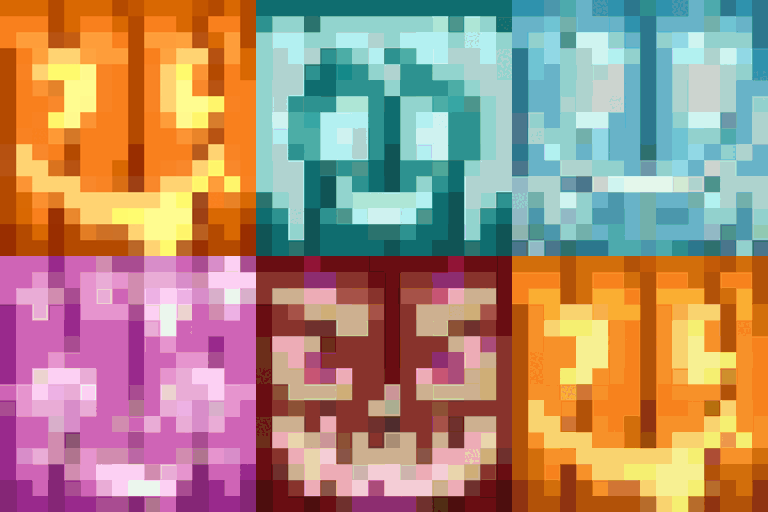
色付きのカボチャのランタン
- 好きなカボチャのランタンと染料を使って、16色の色付きカボチャのランタンをクラフトできます。
- 装飾ブロックとして設置したり、ヘルメットとしてかぶってカラフルなかかし気分を味わえます。
- それぞれの色付きカボチャのランタンは、元のものと同様にクラフトや頭装備として使用できます。
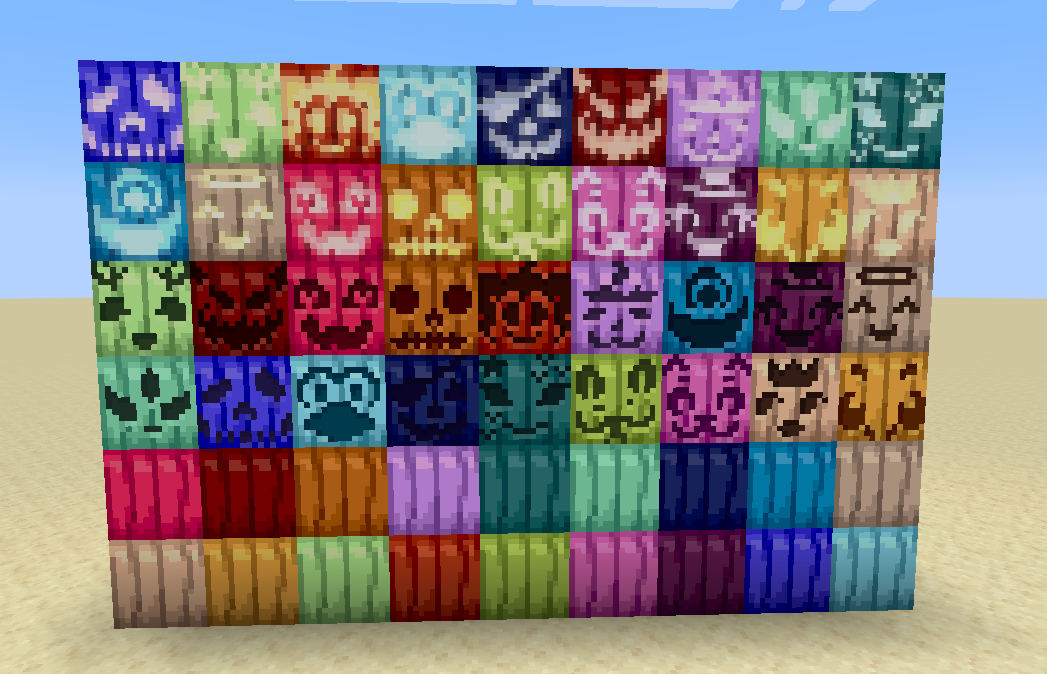
色付きジャック・オ・ランタン
- 16色すべての染色可能な色のジャック・オ・ランタンで世界を照らしましょう。
- 色付きカボチャのランタンと松明を組み合わせるか、任意のジャック・オ・ランタンと染料を使ってクラフトできます。
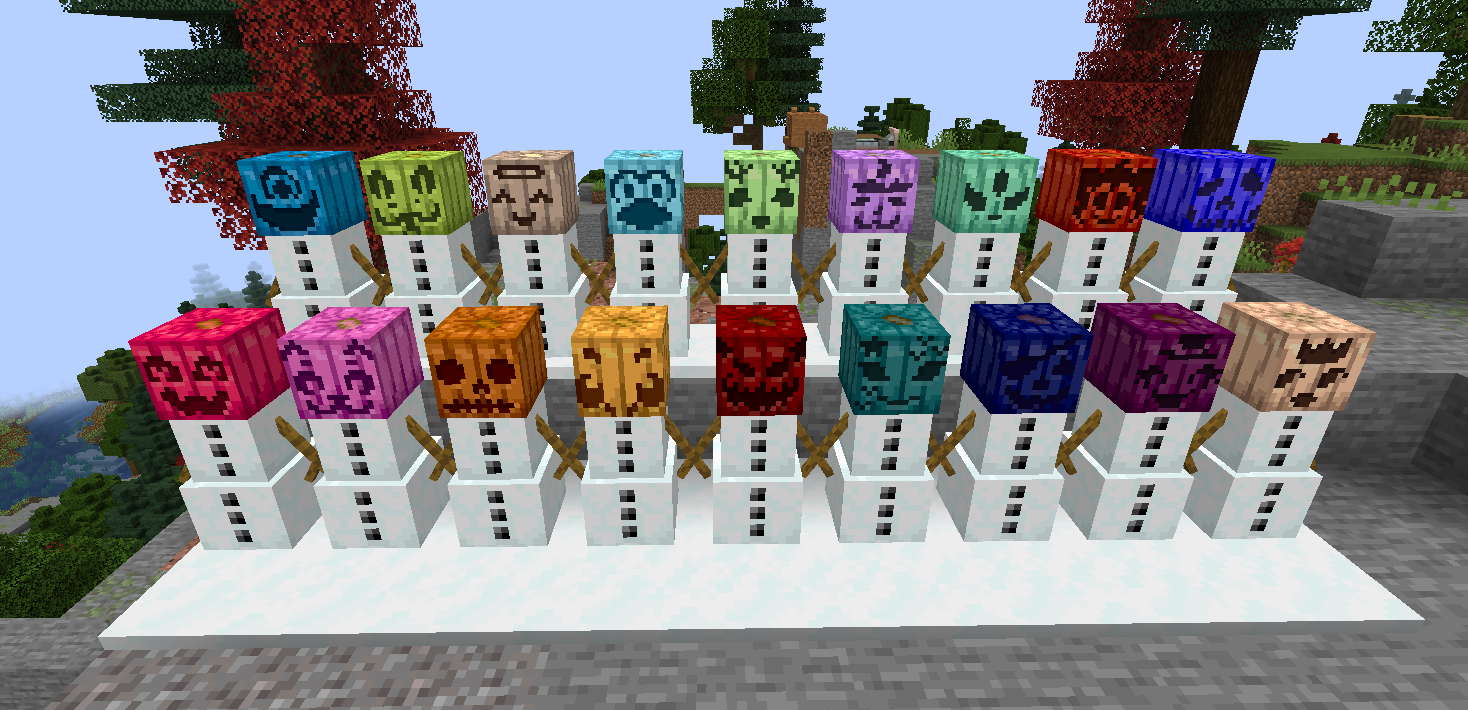
色付きスノーゴーレム
- 色付きカボチャのランタンを頭にしたスノーゴーレムを作成し、ユニークで鮮やかな外見にできます。
- 色付きスノーゴーレムは通常のスノーゴーレムとまったく同じように機能し、雪の跡を残し、敵対モブを攻撃します。
- カラフルな冬の軍隊を作ったり、雪のバイオームを飾るのに最適です。
互換性
- さらに多くのカボチャの色を楽しむには、Dyenamics and Friendsをインストールしてください!
今日、Chroma CarvingsでMinecraftの世界を明るく彩りましょう!
サポートやフィードバックは私のDiscordまで
Chroma Carvingsのインストール方法
With Millida Launcher
Install Millida Launcher
The launcher is free: download it at millida.net/launcher and sign in with any nickname.
Click “Install” on this page
The launcher opens and installs the mod for Minecraft 1.21.1 on NeoForge automatically.
Launch the game
A profile with it appears in the launcher: click “Play”.
Manually
Install NeoForge
The loader must match the game version of the mod file, for example Minecraft 1.21.1. After installing it, a separate profile appears in your launcher.
Download the file for your version
In the version list above, pick the file chromacarvings-1.21.1-0.2.0.jar (263 KB) for your game version.
Put it in the mods folder
The folder is inside .minecraft (Windows: %appdata%\.minecraft\mods). If it does not exist, create it.
Launch the loader profile
Open “Mods” in the main menu: Chroma Carvings should be in the list.
Minecraft 1.21.1 runs on Java 21: with a different Java version the game may close right after launch.
バージョン
依存関係あり
| Minecraft | ローダー | ファイル | 日付 | 操作 |
|---|---|---|---|---|
| 1.21.1 | NeoForge | chromacarvings-1.21.1-0.2.0.jar263 KB |
FAQ
Which Minecraft versions does Chroma Carvings work on?
Only Minecraft 1.21.1: there are no files for other versions.
Is Chroma Carvings for Forge or Fabric?
Only for NeoForge: 1.21.1. There are no files for Forge or Fabric: a mod for another loader will not start.
Does Chroma Carvings need other mods?
The author lists no required dependencies: the NeoForge loader is enough.
Which Java does Chroma Carvings need?
Minecraft 1.21.1 runs on Java 21. If the game closes right after launch, the usual cause is the wrong Java version in the profile settings.
Where can I download Chroma Carvings safely?
On this page: the file chromacarvings-1.21.1-0.2.0.jar (263 KB) is stored on Millida’s server, with no link shorteners. SHA-1 checksum: b791809827bfd4e3d28fc208815d92bfed92c602.
レビュー
Chroma Carvingsの最初の評価を書きませんか


