

 Fabric
BedrockIfy
BedrockIfy is a fabric Minecraft Mod that implements some useful Minecraft Bedrock Edition features into Minecraft Java Edition.
Features:
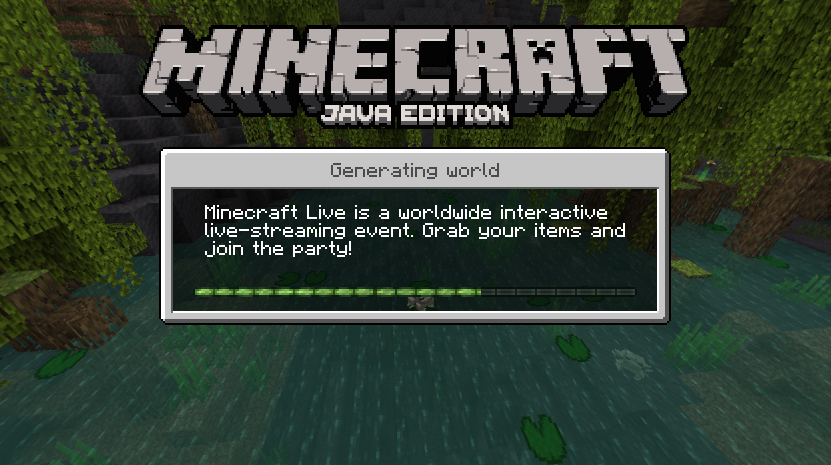
- Bedrock-like loading screens with helpful tips.
- Third person eating animations.
- Sheared Sheep Colors
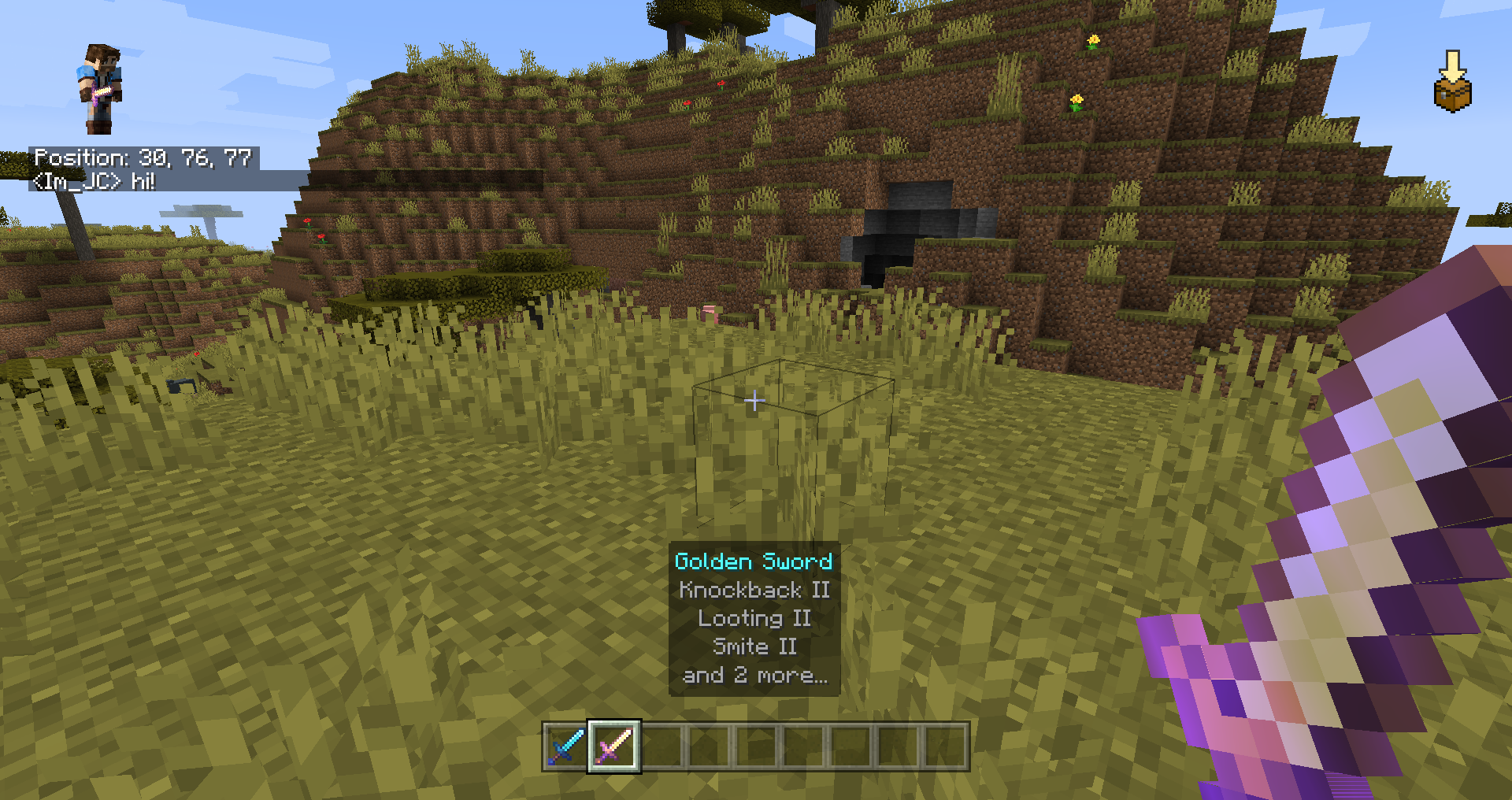
- Position and "paper doll" overlay.
- Dynamic Inactive Hud Opacity.
- Saving status overlay.
- 3D fishing hook
- Bedrock Cauldrons that hold dyed water and potions
- Bedrock Sun Glare
- Bedrock Crafting Recipes (Toggleable).
- Bedrock-like chat.
- Bedrock Edition world color noise for grass and water.
- Idle hand animations.
- Held item descriptions (enchantments, books and potions).
- Reach-around block placement.
- Quick armor swap.
- Dying and Fallen Trees!
- Bedrock Light block shading.
- Disable flying momentum (Drift) in creative mode.
- Stop elytra flying by pressing space on air.
- Bedrock bonemeal functionality for flowers and sugar cane.
Bedrockify also includes "eye-candy" features like the ability use the rotating title screen background in all option screens instead of the boring vanilla dirt background. This mod is in constant development and more bedrock mechanics will be implemented
All Features are customizable through the In-Game BedrockIfy Settings Menu!
Screenshots:
Installation:
This mod requires Fabric and Fabric API. You can download BedrockIfy from the releases tab in github or through this CurseForge page. Drop BedrockIfy and Fabric API JARs inside the mods folder.
Donations:
Playing and sharing the mod is enough but if you want to donate, you can do it through this link <3.
License:
Bedrockify is released under the free and open-source GPL-3.0 License.
BedrockIfy - Bedrock Features on Java!のインストール方法
With Millida Launcher
Install Millida Launcher
The launcher is free: download it at millida.net/launcher and sign in with any nickname.
Click “Install” on this page
The launcher opens and installs the mod for Minecraft 1.16.2–26.2 on Fabric automatically.
Launch the game
A profile with it appears in the launcher: click “Play”.
Manually
Install Fabric
The loader must match the game version of the mod file, for example Minecraft 26.2. After installing it, a separate profile appears in your launcher.
Download the file for your version
In the version list above, pick the file bedrockify-1.11.8+mc26.2.jar (1.4 MB) for your game version.
Put it in the mods folder
The folder is inside .minecraft (Windows: %appdata%\.minecraft\mods). If it does not exist, create it.
Launch the loader profile
Open “Mods” in the main menu: BedrockIfy - Bedrock Features on Java! should be in the list.
バージョン
依存関係あり
| Minecraft | ローダー | ファイル | 日付 | 操作 |
|---|---|---|---|---|
| 26.2 | Fabric | [26.2] Bedrockify 1.11.81.4 MB 7 | ||
| 1.17.1 | — | [1.17.1] BedrockIfy 1.1.21 MB | ||
| 1.16.3 | Fabric | [1.16.2-1.16.5] BedrockIfy 0.2.5568 KB | ||
| 1.16.3 | — | [1.16.2-1.16.3] BedrockIfy 0.1.5512 KB |
レビュー
BedrockIfy - Bedrock Features on Java!の最初の評価を書きませんか


