

 Forge
Captive Survival Modパックについて
- Inspired by the YouTube trend of old, Captive Minecraft. A genre of Minecraft maps with an ever-increasing world border, which only increased on the completion of a task!
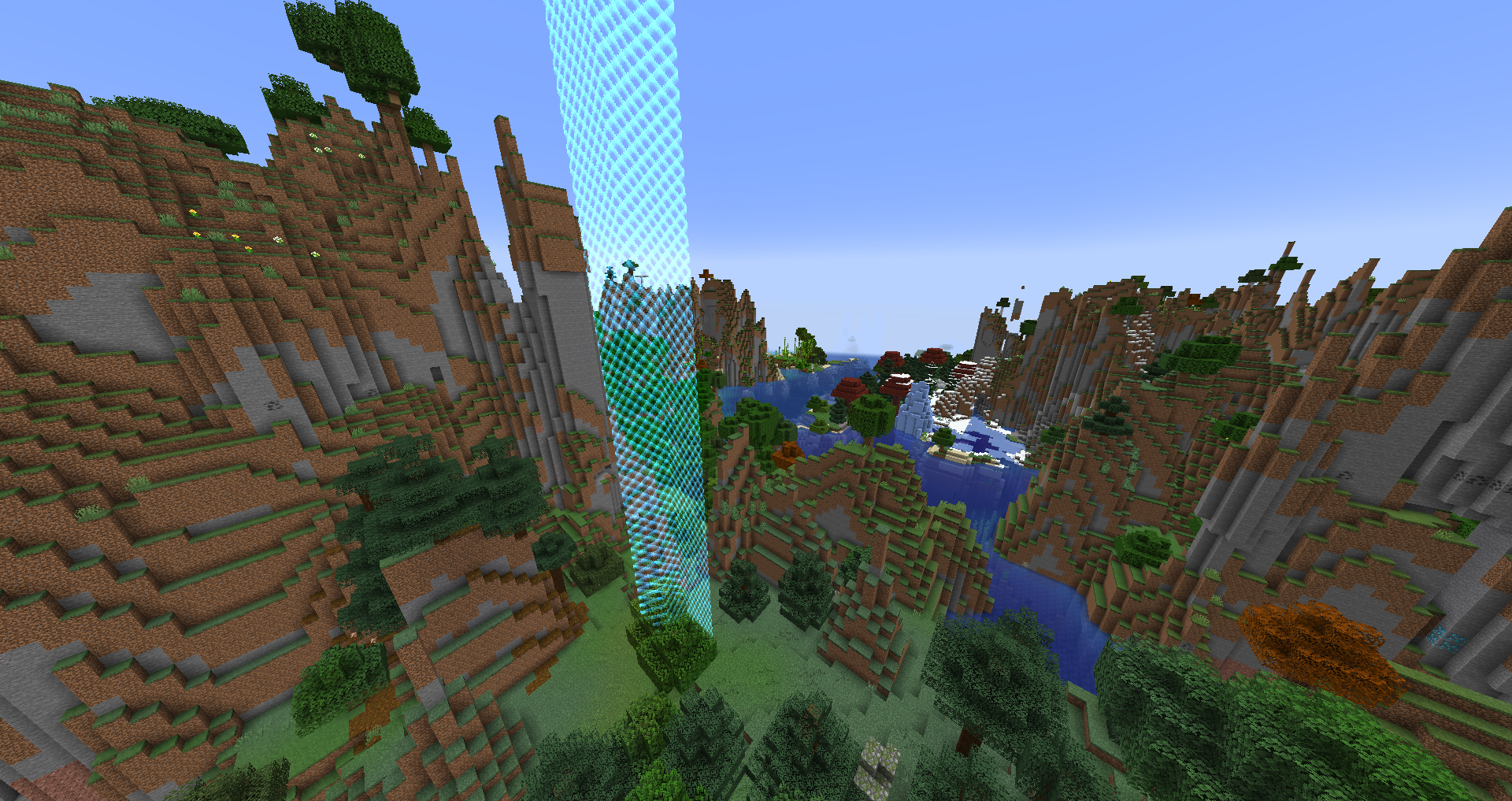
- With the use of a custom datapack, biome generation is completely altered, forcing each biome to be extremely small, so you have atleast a chance of interacting with other biomes!
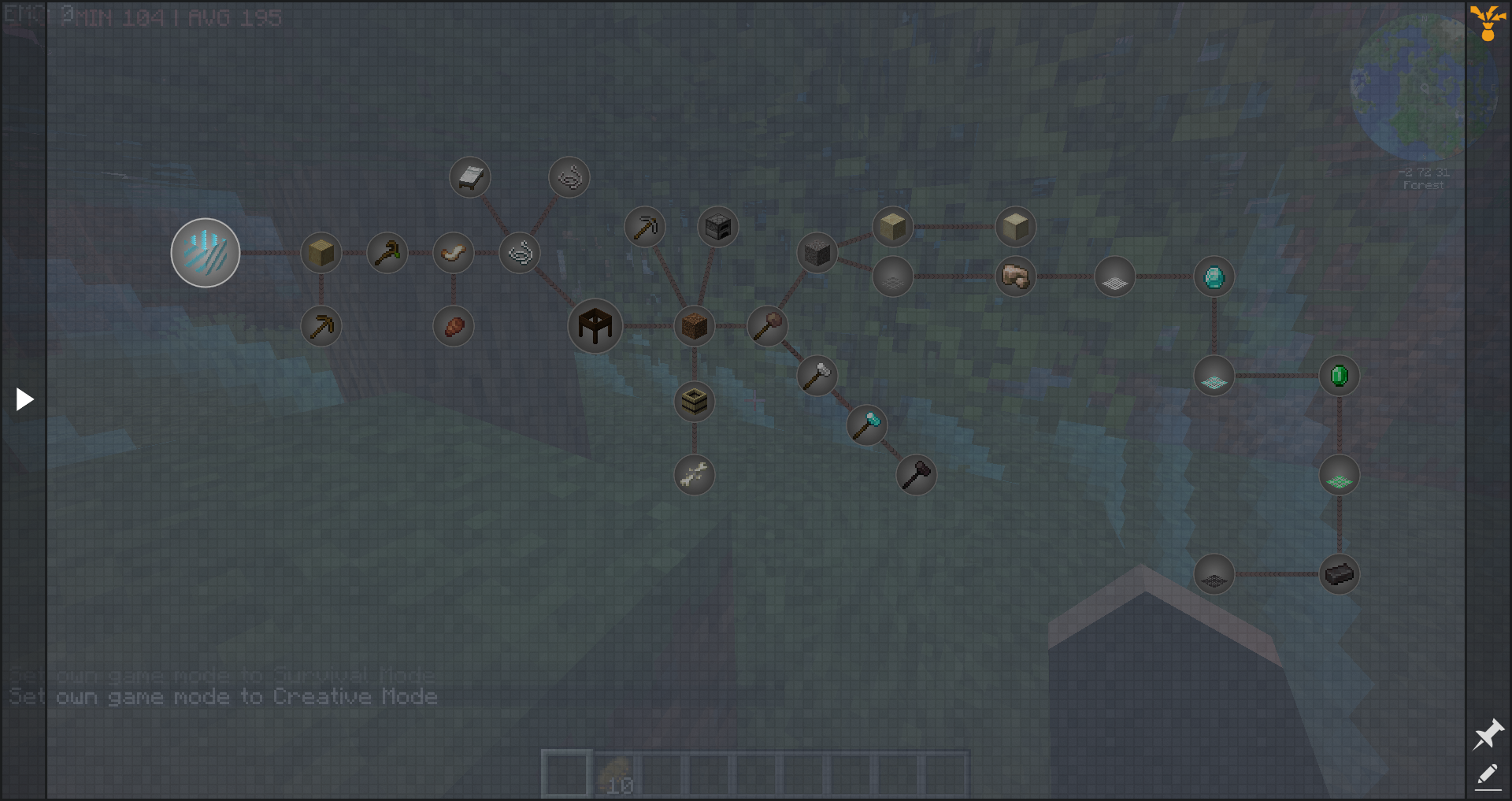
- Starting in a 5 by 5 world, randomly generated each time, you must complete the quest book. Expand the border by completing quests, claim unique rewards, make farms, tame animals, or even hang out with some Villagers. All of it can be done in the confines of your border!
- Go to the Nether, craft yourself some End Portal Frames, take on the Ender Dragon, and finally, go to different planets and even a new Galaxy with the content of Ad Astra!
- Not to mention the vast majority of mods that come together to create an intense yet vanilla-like experience, ranging from ExNihilo Sequentia, all the way to ProjectE and the likes.
- Over 300 quests and counting, roulette loot tables, choice rewards, and more!
- Be sure to select the "generator.custombiomesizes.small_biomes" world type! (But can be played on any vanilla world-type!)
REQUIRES 6GB OF RAM
MORE MODPACKS
Fractal Times - Egged Up - Freedom of Progression - Freedom of Progression: Airborne - Freedom of Progression II - Captive Survival - Codename Exploratory - Progressionistic - Rewind - Collection of My Mods
Captive Survivalのインストール方法
With Millida Launcher
Install Millida Launcher
The launcher is free: download it at millida.net/launcher and sign in with any nickname.
Click “Install” on this page
The launcher opens and installs the modpack for Minecraft 1.19.2 on Forge automatically.
Launch the game
A profile with it appears in the launcher: click “Play”.
Manually
Download the modpack archive
In the version list above, pick the file Captive Survival-1.4.1.zip (821 KB).
Import it into a launcher
A launcher that supports modpacks (Millida Launcher, Prism) takes the archive via “Add modpack”, then “From file”. No need to unpack it yourself.
Allocate memory
Modpacks need more memory than the plain game: set 4–6 GB in the profile settings.
On a server
Use the “To server” button
On Millida Hosting, the button at the top of the page uploads the file to your server and restarts it for you.
Invite friends: they install the same modpack
To join the server, every player needs the same modpack version.
Minecraft 1.19.2 runs on Java 17: with a different Java version the game may close right after launch.
バージョン
依存関係あり
| Minecraft | ローダー | ファイル | 日付 | 操作 |
|---|---|---|---|---|
| 1.19.2 | Forge | Captive Survival-1.4.1.zip821 KB 5 |
FAQ
Which Minecraft versions does Captive Survival work on?
Only Minecraft 1.19.2: there are no files for other versions.
Is Captive Survival for Forge or Fabric?
Only for Forge: 1.19.2.
Which Java does Captive Survival need?
Minecraft 1.19.2 runs on Java 17. If the game closes right after launch, the usual cause is the wrong Java version in the profile settings.
Where can I download Captive Survival safely?
On this page: the file Captive Survival-1.4.1.zip (821 KB) is stored on Millida’s server, with no link shorteners. SHA-1 checksum: a3f3072ac3c4f563721035ae7a0b1135db614d6a.
レビュー
Captive Survivalの最初の評価を書きませんか


