
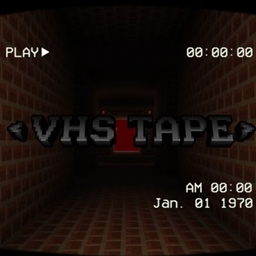
Tentang paket sumber daya VHS TAPE

VHS SCREEN
CREDITS:
Code by @PnTMC
https://www.curseforge.com/members/pntmc/projects
It has 5 sub-packages, the image below illustrates
TV VHS 1
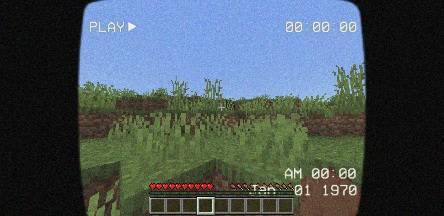
TV VHS 2
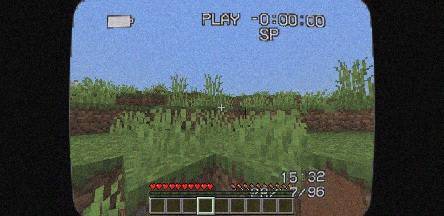
TV VHS 3
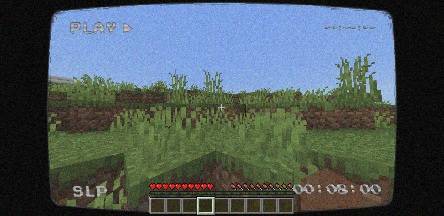
TV VHS 4
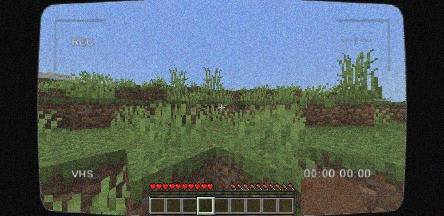
TV VHS 5
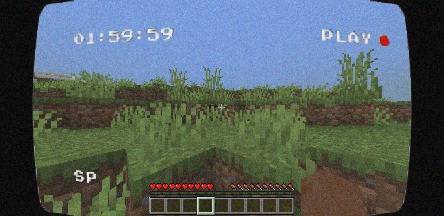
NOTES:
Do NOT reupload, redistribute, or publicly modify this texture pack without explicit permission
Private modifications for personal use are allowed
PLEASE GIVE FEEDBACK IN THE COMMENT
Cara memasang VHS TAPE
Install Millida Launcher
The launcher is free: download it at millida.net/launcher and sign in with any nickname.
Click “Install” on this page
The launcher opens and installs the resource pack for Minecraft 26.13–26.30 automatically.
Launch the game
A profile with it appears in the launcher: click “Play”.
Versi
Dengan dependensi
| Minecraft | Loader | File | Tanggal | Tindakan |
|---|---|---|---|---|
| 26.20 | — | VHS TAPE V1.0.0 [Texture Pack].mcpack35.3 MB 1 |
FAQ
Which Minecraft versions does VHS TAPE work on?
There are files for 26.30, 26.20, 26.13. The newest is 26.30.
How do I download VHS TAPE?
With Millida Launcher: it installs VHS TAPE into a modpack by itself, for the right game version and loader. The launcher is free.
Ulasan
Jadilah yang pertama menilai VHS TAPE


