

Vanilla PBR Paket sumber daya untuk Minecraft 1.19.2, 1.19.3
Material PBR untuk tekstur Vanilla
Tentang paket sumber daya Vanilla PBR
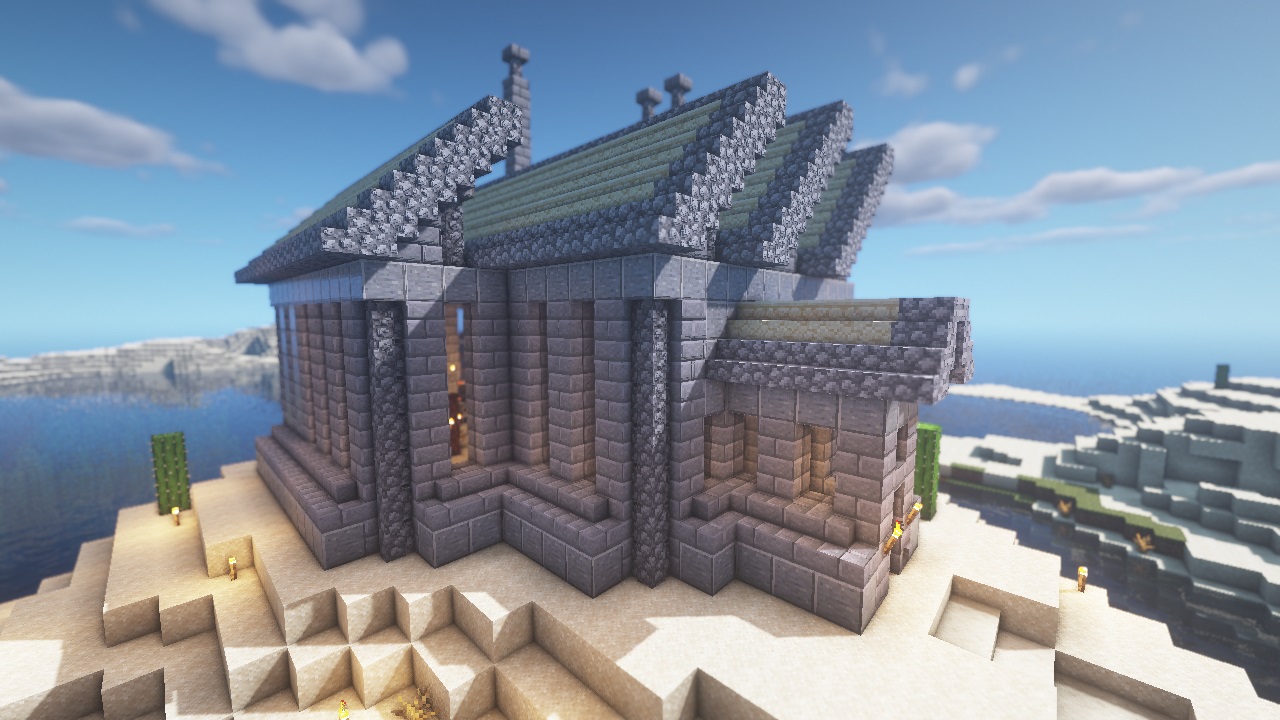
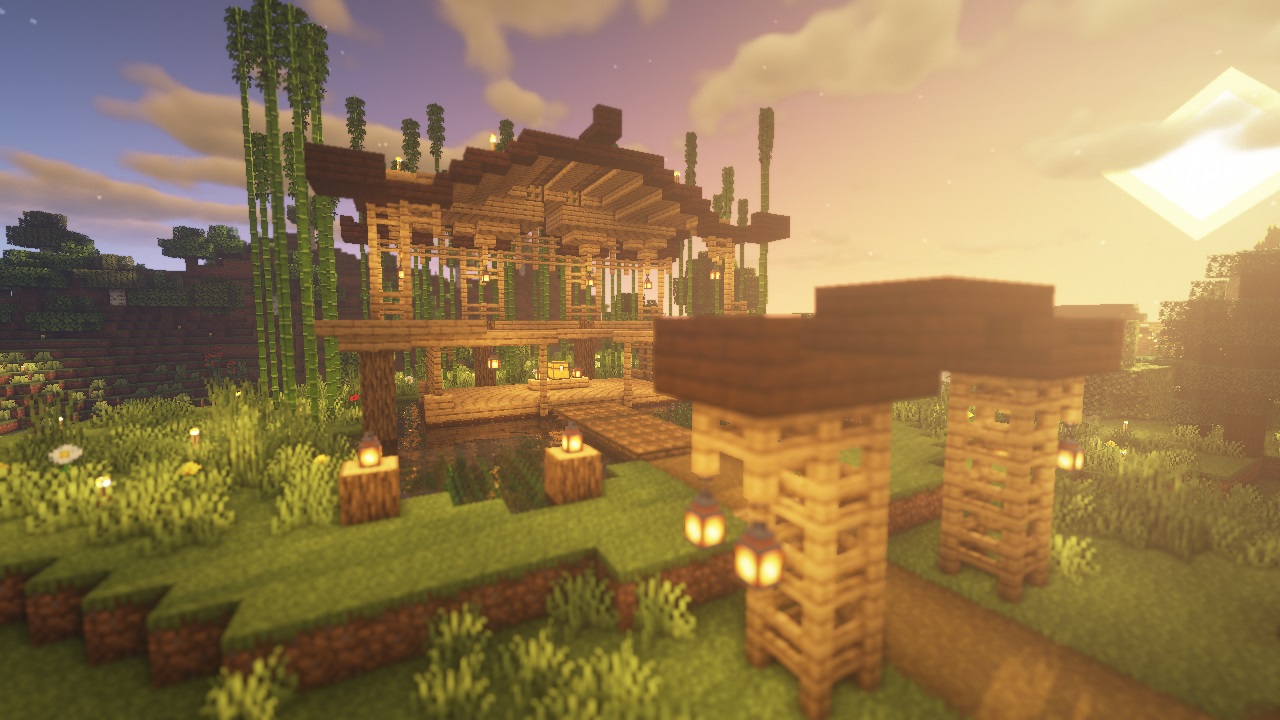
This texture pack contains PBR materials for the new Minecraft 1.14+ textures. You can see this as successor to my previous texture pack, Default Improved. This one comes with a higher resolution and doesn't change the base textures anymore. All it does is add normal, specular and parallax occlusion maps to be used with shaders. Check out the video for a small preview:
To get the full effect, Optifine or Iris and a shaderpack that supports PBR is required. The screenshots and the video were recorded using the amazing BSL shaders by capttatsu.
Versions
Two versions are available, the regular PBR version and a labPBR version, for use with the newer PBR standard. If you don't know which one to use and you're using a newer shader, go with the labPBR one as that will most likely have the right appearence.
Troubleshooting
If you have weird colored lines or cut up areas on some blocks, make sure to check your shader settings and set the parallax occlusion map size to 128. If you can't see some of the effects, make sure you are using a shaderpack that supports normal mapping, sepcular mapping and parallax occlusion and those settings are enabled. The specular map format is Red=Smoothness, Green=Metalness, Blue=Emission (In BSL, this option is called "Old PBR + Emissive"), so if your shader pack has an option for it, set it to that.
Permission
You can use this resource pack in your mod packs if you don't make any money off it but you MAY NOT redistribute it on any other websites without my permission.
Cara memasang Vanilla PBR
Install Millida Launcher
The launcher is free: download it at millida.net/launcher and sign in with any nickname.
Click “Install” on this page
The launcher opens and installs the resource pack for Minecraft 1.19–1.19.3 automatically.
Launch the game
A profile with it appears in the launcher: click “Play”.
Versi
Dengan dependensi
| Minecraft | Loader | File | Tanggal | Tindakan |
|---|---|---|---|---|
| 1.19.3 | — | Vanilla-labPBR-1-3-2.zip3.7 MB | ||
| 1.19.3 | — | Vanilla-PBR-1-3-2.zip3.7 MB |
FAQ
Which Minecraft versions does Vanilla PBR work on?
There are files for 1.19.3, 1.19.2, 1.19.1, 1.19. The newest is 1.19.3.
How do I download Vanilla PBR?
With Millida Launcher: it installs Vanilla PBR into a modpack by itself, for the right game version and loader. The launcher is free.
Ulasan
Jadilah yang pertama menilai Vanilla PBR



