

 Game vanilla
Description
The outline of selected blocks will turn rainbow-colored!
Expected effects
Outlines that were difficult to see in vanilla, such as black concrete and obsidian, become much easier to see!
Black Concrete
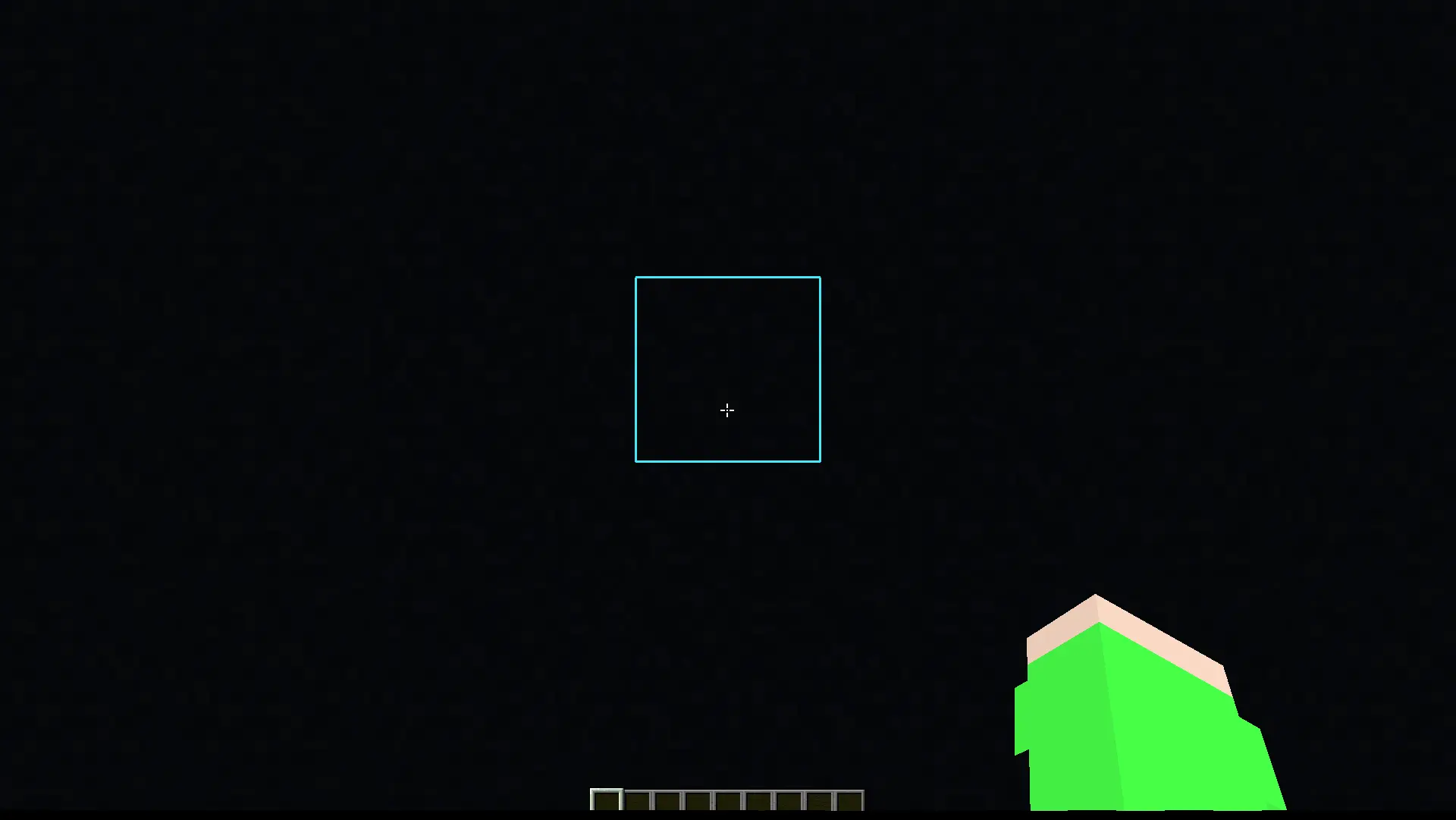
Obsidian
_If you look at the gallery, you'll see that it's not a light blue outline._
Cara memasang Rainbow Outline
With Millida Launcher
Install Millida Launcher
The launcher is free: download it at millida.net/launcher and sign in with any nickname.
Click “Install” on this page
The launcher opens and installs the resource pack for Minecraft 26.2–26.3 automatically.
Launch the game
A profile with it appears in the launcher: click “Play”.
Manually
Download the archive
Pick the file Rainbow Outline §g26.3.zip (7 KB) for your game version. No need to unpack it.
Put it in the resourcepacks folder
The easiest way: “Options”, then “Resource Packs”, then “Open Pack Folder”, and drag the archive there.
Enable the pack
In the same window, move the pack to the right-hand “Selected” column and click “Done”.
Versi
Dengan dependensi
| Minecraft | Loader | File | Tanggal | Tindakan |
|---|---|---|---|---|
| 26.3 | — | 26.37.4 KB 14 | ||
| 26.2 | — | 26.28.7 KB 27 |
FAQ
Which Minecraft versions does Rainbow Outline work on?
There are files for 26.3, 26.2. The newest is 26.3.
Does Rainbow Outline need mods?
No, the resource pack works in the plain game without loaders: put it into the resourcepacks folder and enable it in the options.
How do I download Rainbow Outline?
With Millida Launcher: it installs Rainbow Outline into a modpack by itself, for the right game version and loader. The launcher is free.
Ulasan
Jadilah yang pertama menilai Rainbow Outline


