
Tentang paket sumber daya Peep Client GUI
Modrinth: https://modrinth.com/resourcepack/peep-client-gui
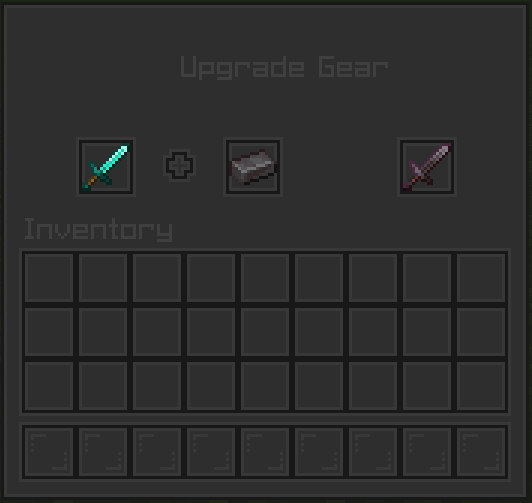
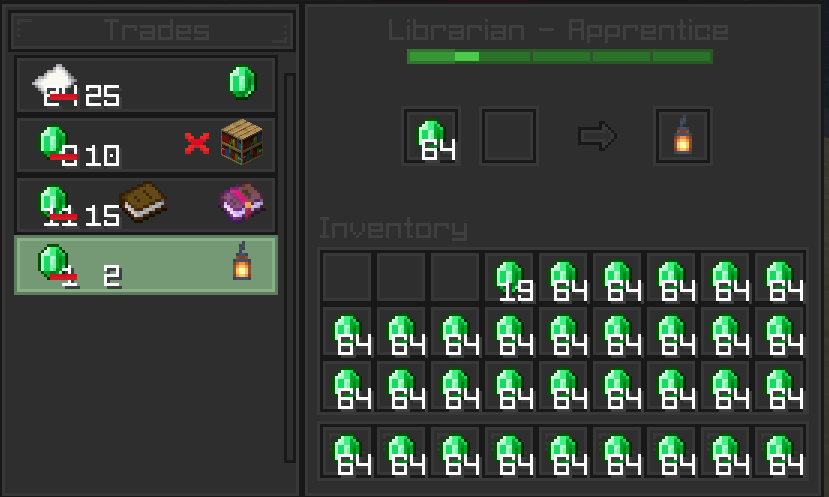
Peep Client GUI is a clean and modern dark GUI texture pack for Minecraft.
Optifine is recommended while using this texture pack, but is not required
Modded Support -----------------------------------------
Currently the only modded support currently implemented is with Mod Menu, but more support is planned in the future for mods such as JEI and Xaero's Minimap and World Map
All Supported Mods ------------------------------------
Mod Menu
Versions --------------------------------------------------
Versions 1.9 - 1.20.1 are supported
1.6.1 - 1.8.9 is planned for the future
Cara memasang Peep Client GUI
Install Millida Launcher
The launcher is free: download it at millida.net/launcher and sign in with any nickname.
Click “Install” on this page
The launcher opens and installs the resource pack for Minecraft 1.20–1.20.1 automatically.
Launch the game
A profile with it appears in the launcher: click “Play”.
Versi
Dengan dependensi
| Minecraft | Loader | File | Tanggal | Tindakan |
|---|---|---|---|---|
| 1.20.1 | — | Peep Client GUI [1.20 - 1.20.1]46.5 MB |
FAQ
Which Minecraft versions does Peep Client GUI work on?
There are files for 1.20.1, 1.20. The newest is 1.20.1.
How do I download Peep Client GUI?
With Millida Launcher: it installs Peep Client GUI into a modpack by itself, for the right game version and loader. The launcher is free.
Ulasan
Jadilah yang pertama menilai Peep Client GUI


