
Outlined Items Paket sumber daya untuk Minecraft 26.40
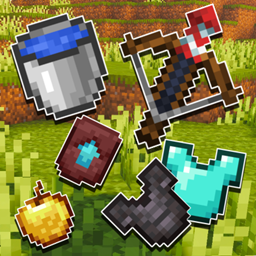
Pack ini menambahkan garis luar putih bersih ke semua item Minecraft, memberikan tampilan yang lebih tajam dan jelas pada alat dan objek. Garis luar yang halus membuat item lebih menonjol secara visual dan menambahkan tampilan yang lebih bersih dan rapi pada keseluruhan gameplay-mu.
Outlined Items
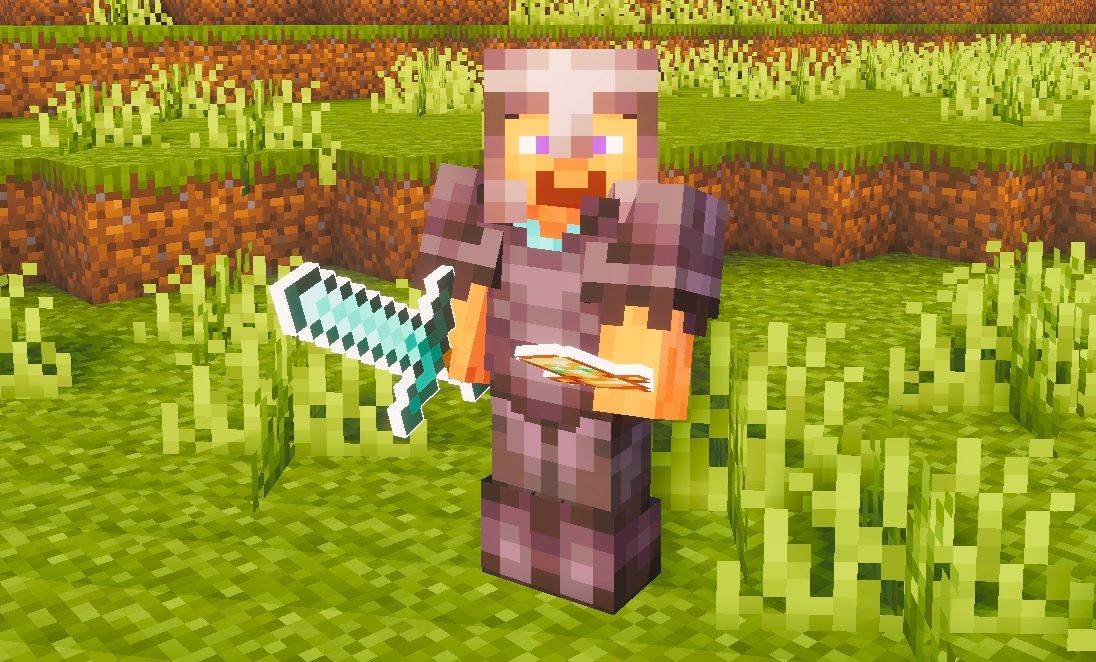
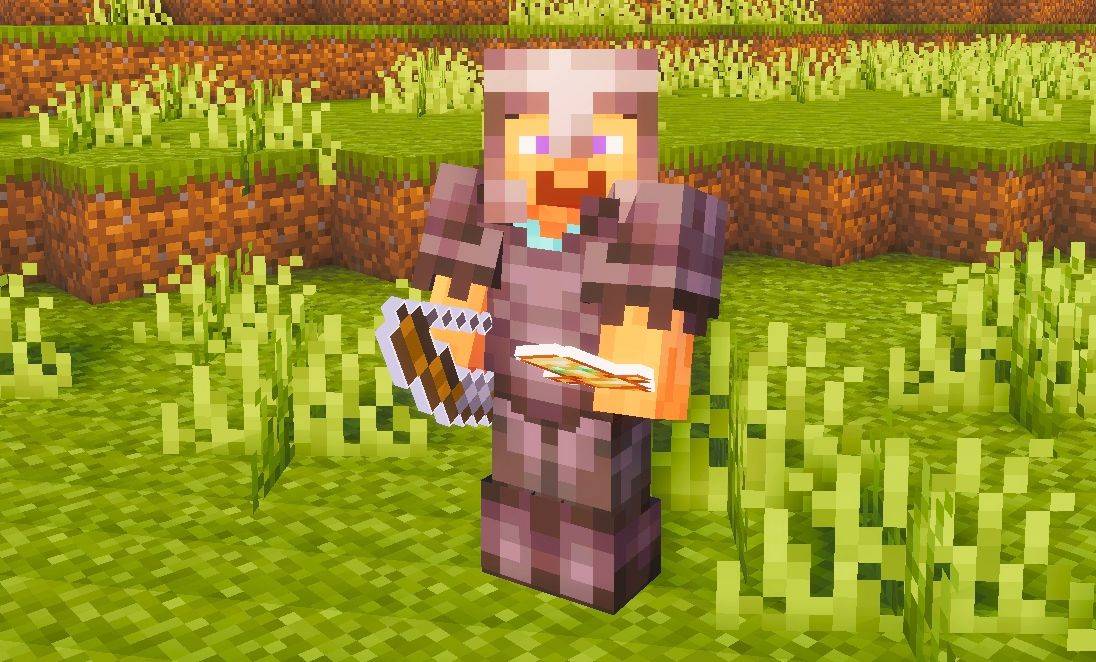
This pack adds clean white outlines to all items, giving tools and objects a sharper and more defined look. The outlining makes items stand out on-screen and gives them a cleaner, more polished appearance overall.
Suggestion:
Use this pack with a shader to make the outline effect look even better - shaders enhance the overall appearance and make the outlined items look more appealing in-game.
Cara memasang Outlined Items
With Millida Launcher
Install Millida Launcher
The launcher is free: download it at millida.net/launcher and sign in with any nickname.
Click “Install” on this page
The launcher opens and installs the resource pack for Minecraft 26.40 automatically.
Launch the game
A profile with it appears in the launcher: click “Play”.
Manually
Download the archive
Pick the file Outlined-Items.mcpack (2.1 MB) for your game version. No need to unpack it.
Put it in the resourcepacks folder
The easiest way: “Options”, then “Resource Packs”, then “Open Pack Folder”, and drag the archive there.
Enable the pack
In the same window, move the pack to the right-hand “Selected” column and click “Done”.
Versi
Dengan dependensi
| Minecraft | Loader | File | Tanggal | Tindakan |
|---|---|---|---|---|
| 26.40 | — | Outlined-Items.mcpack2.1 MB |
Ulasan
Jadilah yang pertama menilai Outlined Items



