

Tentang paket sumber daya Nether's Optimizer+
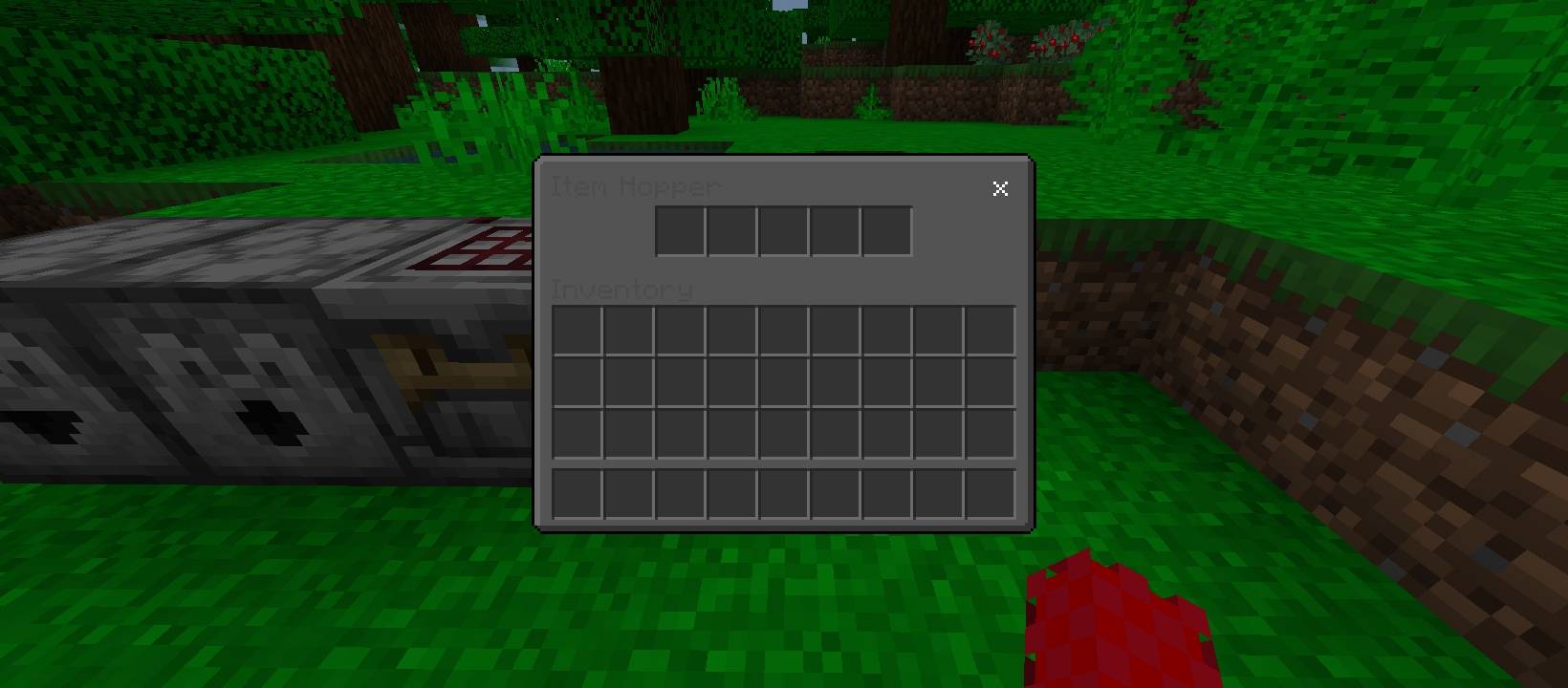
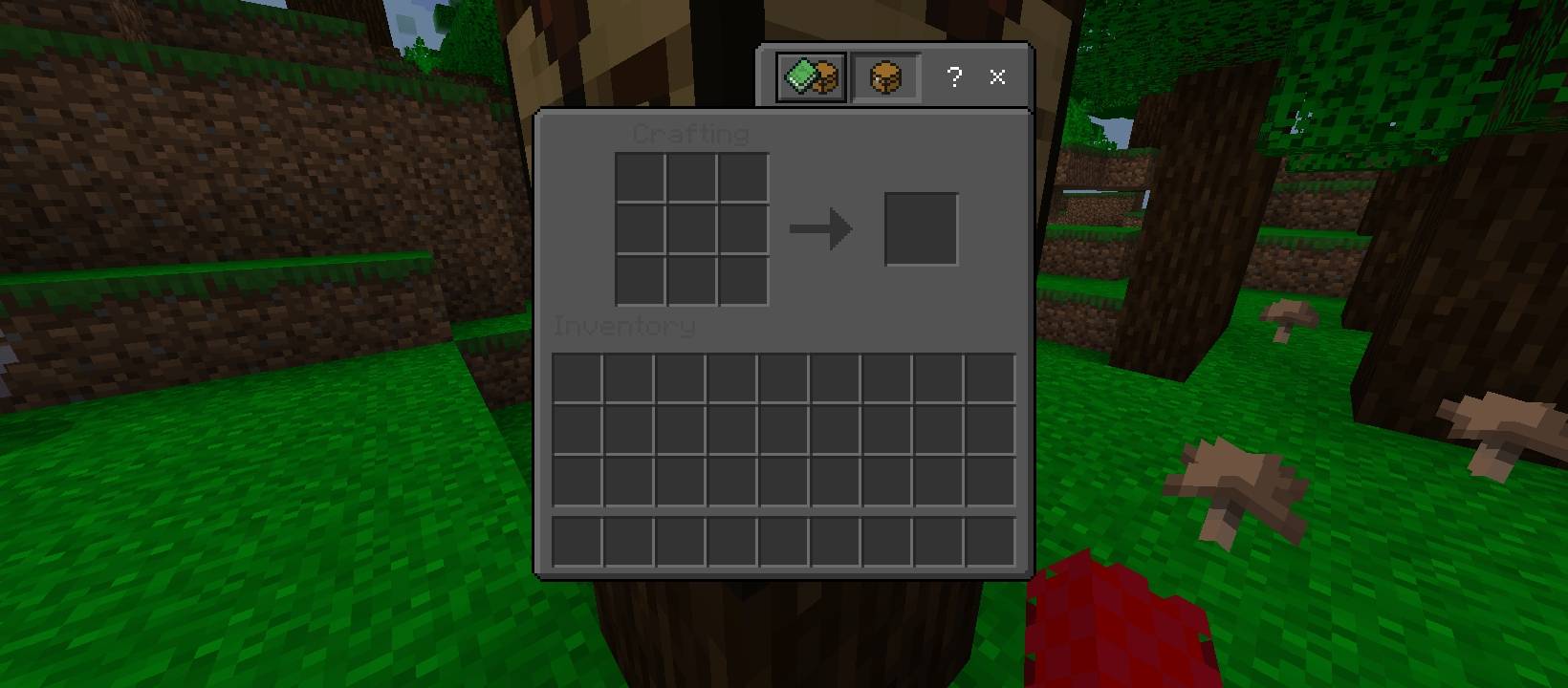
NetherxOptimizer is a lightweight and performance-focused texture pack designed to significantly boost FPS in Minecraft Bedrock Edition while keeping the original vanilla look intact.
Unlike many FPS packs that change textures or remove important visual elements, NetherxOptimizer keeps everything natural and clean - no weird lighting, no broken textures, and no visual glitches.
🚀 Features:
• Up to 40% FPS increase (depends on device)
• Fully vanilla-friendly textures
• Natural lighting system
• No visual bugs or texture errors
• Smooth chunk loading
• Optimized for low-end & mid-range devices
• Works in Survival, Hardcore & Multiplayer
🎮 Why Choose NetherxOptimizer?
If you love the original Minecraft style but want smoother gameplay, this pack is perfect for you. It improves performance internally without ruining the classic experience.
Many players have already tested it and noticed a major FPS boost with stable performance.
Cara memasang Nether's Optimizer+
With Millida Launcher
Install Millida Launcher
The launcher is free: download it at millida.net/launcher and sign in with any nickname.
Click “Install” on this page
The launcher opens and installs the resource pack for Minecraft 1.21.131–26.30 automatically.
Launch the game
A profile with it appears in the launcher: click “Play”.
Manually
Download the archive
Pick the file Nether's Optimizer.mcpack (2.9 MB) for your game version. No need to unpack it.
Put it in the resourcepacks folder
The easiest way: “Options”, then “Resource Packs”, then “Open Pack Folder”, and drag the archive there.
Enable the pack
In the same window, move the pack to the right-hand “Selected” column and click “Done”.
Versi
Dengan dependensi
| Minecraft | Loader | File | Tanggal | Tindakan |
|---|---|---|---|---|
| 1.21.131 | — | Nether's Optimizer.mcpack2.9 MB |
FAQ
Which Minecraft versions does Nether's Optimizer+ work on?
There are files for 1.21.131–26.30, 11 versions in total. The newest is 26.30.
Where can I download Nether's Optimizer+ safely?
On this page: the file Nether's Optimizer.mcpack (2.9 MB) is stored on Millida’s server, with no link shorteners. SHA-1 checksum: 3d88726af107e3a92057a806330b50936ace9ca8.
Ulasan
Jadilah yang pertama menilai Nether's Optimizer+


