

MilosPack untuk Minecraft 26.20
MilosPack adalah texture pack yang bersih dan modern yang menyegarkan Minecraft dengan warna lebih cerah, tekstur lebih halus, dan gaya sederhana yang ditingkatkan. Ini mempertahankan nuansa klasik sambil membuat game terlihat lebih tajam dan lebih rapi
Tentang paket sumber daya MilosPack
This is a simple and safe .mcpack texture pack.
No scripts, no changes to game code-only textures.
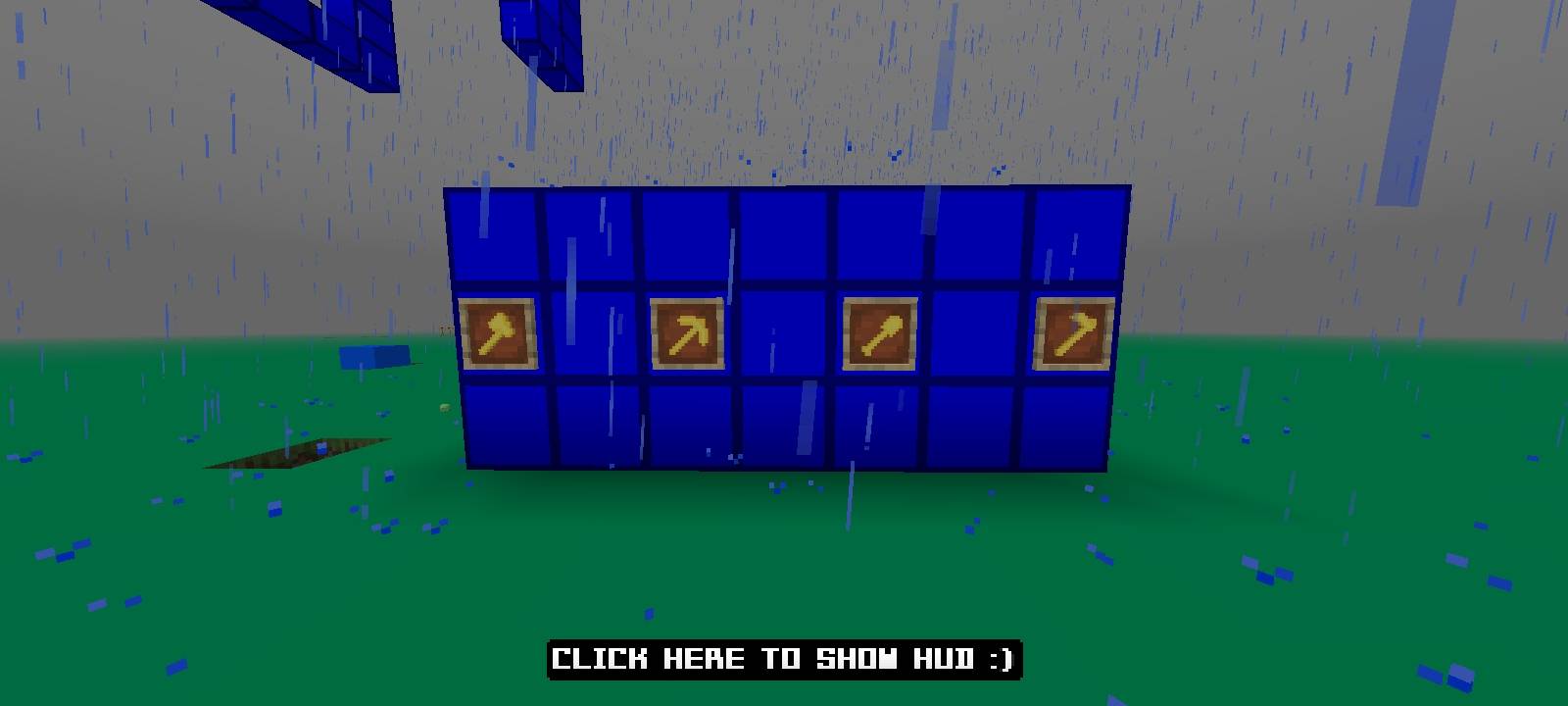
Fully clean pack including:
• armor
• tools
• items
• UI
• blocks
Just import and play!
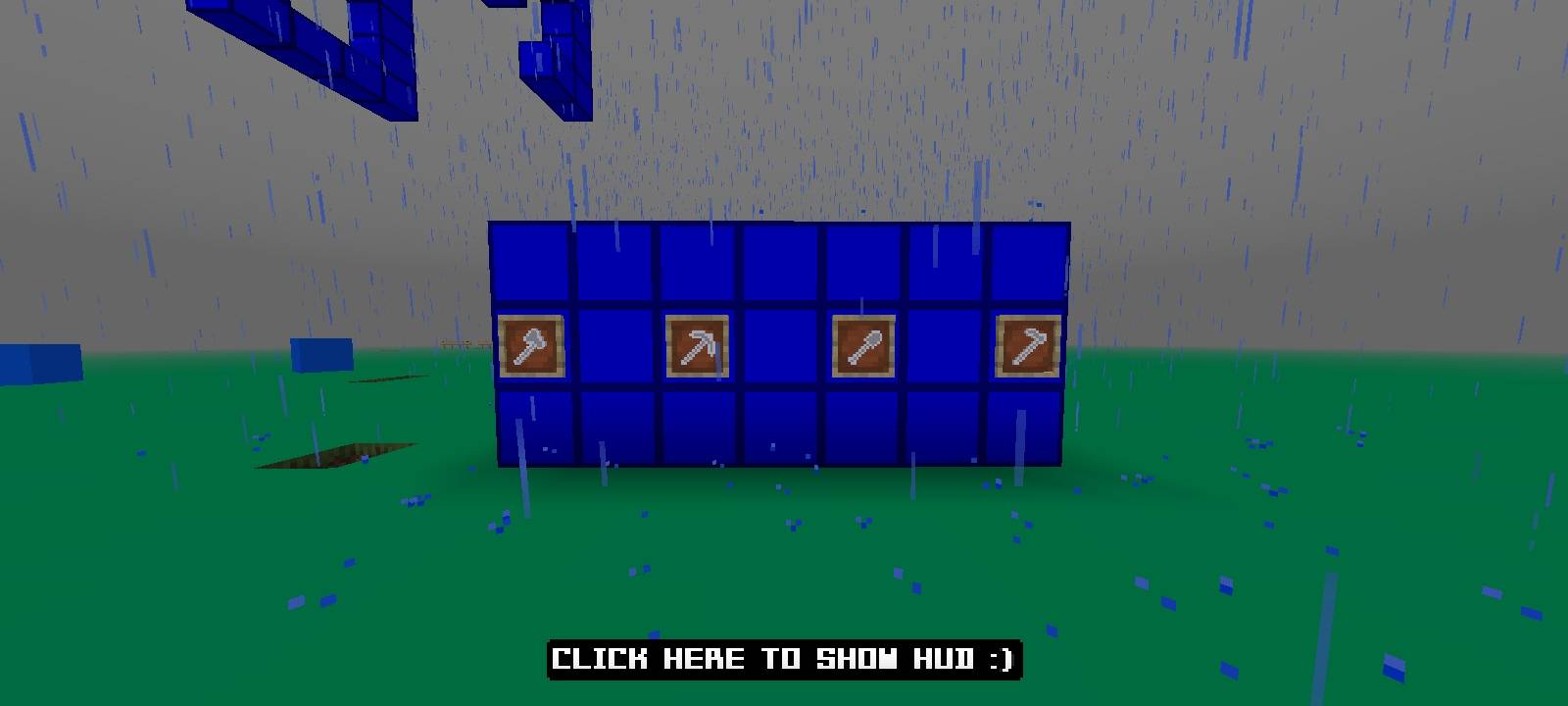
Cara memasang MilosPack
With Millida Launcher
Install Millida Launcher
The launcher is free: download it at millida.net/launcher and sign in with any nickname.
Click “Install” on this page
The launcher opens and installs the resource pack for Minecraft 1.21.130–26.20 automatically.
Launch the game
A profile with it appears in the launcher: click “Play”.
Manually
Download the archive
Pick the file MilosPack1.5.mcpack (100 KB) for your game version. No need to unpack it.
Put it in the resourcepacks folder
The easiest way: “Options”, then “Resource Packs”, then “Open Pack Folder”, and drag the archive there.
Enable the pack
In the same window, move the pack to the right-hand “Selected” column and click “Done”.
Versi
Dengan dependensi
| Minecraft | Loader | File | Tanggal | Tindakan |
|---|---|---|---|---|
| 1.21.130 | — | MilosPack1.5.mcpack99.6 KB |
FAQ
Which Minecraft versions does MilosPack work on?
There are files for 1.21.130–26.20, 11 versions in total. The newest is 26.20.
Where can I download MilosPack safely?
On this page: the file MilosPack1.5.mcpack (100 KB) is stored on Millida’s server, with no link shorteners. SHA-1 checksum: a5f64dfa7a560e7c915f6591ffca647436a43260.
Ulasan
Jadilah yang pertama menilai MilosPack


