
Tentang paket sumber daya Medieval Menu

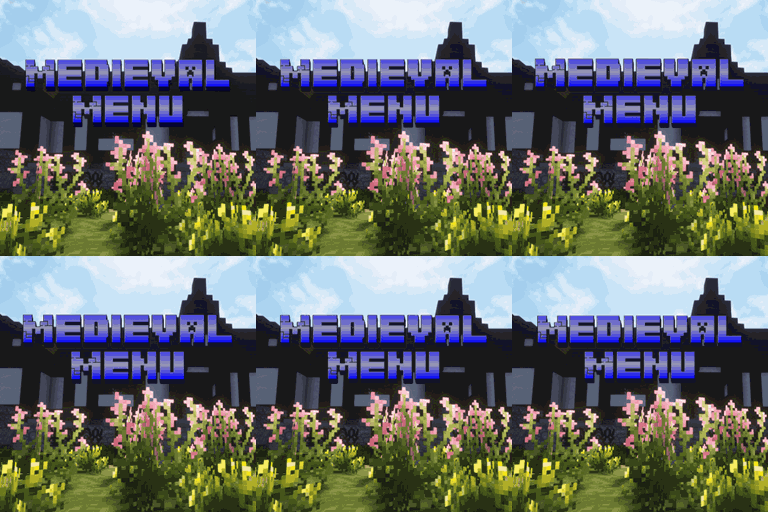
Medieval Menu aims to recreate a spectacular medieval feeling in minecraft's menu.
It adds a deepslate brick texture to the buttons. Moreover it adds a custom panorama taken on MCME and replaces the original menu music by cinematic medieval/fantasy music.

Splash texts are also changed to fit the theme.
Make sure to reload minecraft for all changes to take place.
Goals:
500 downloads ✅
1000 downloads ✅
2500 downloads ✅
5000 downloads ✅
10 000 downloads ✅ 🎉
The panorama was taken on the Minecraft Middle Earth server (MCME).
MCME is an Incredible build server which's goal is to recreate J. R. R. Tolkiens world in Minecraft.
Be sure to take a look at it you can join their Discord server https://discord.gg/mcmiddleearth
The server IP is: build.mcmiddleearth.com

My other projects
Music credits🎵:
Version 3: Discovery by Alex-Productions | https://onsound.eu/ Music promoted by https://www.chosic.com/free-music/all/ Creative Commons CC BY 3.0 https://creativecommons.org/licenses/by/3.0/
Version 2:
Crimson Moon by PeriTune | https://peritune.com/ Music promoted by https://www.chosic.com/free-music/all/ Creative Commons CC BY 4.0 https://creativecommons.org/licenses/by/4.0/
Empires by Alex-Productions | https://onsound.eu/ Music promoted by https://www.chosic.com/free-music/all/ Creative Commons CC BY 3.0 https://creativecommons.org/licenses/by/3.0/
Dungeons And Dragons by Alexander Nakarada | https://creatorchords.com Music promoted by https://www.chosic.com/free-music/all/ Creative Commons CC BY 4.0 https://creativecommons.org/licenses/by/4.0/
Now We Ride by Alexander Nakarada | https://creatorchords.com Music promoted by https://www.chosic.com/free-music/all/ Creative Commons CC BY 4.0 https://creativecommons.org/licenses/by/4.0/

Cara memasang Medieval Menu
Install Millida Launcher
The launcher is free: download it at millida.net/launcher and sign in with any nickname.
Click “Install” on this page
The launcher opens and installs the resource pack for Minecraft 1.21.5–1.21.11 automatically.
Launch the game
A profile with it appears in the launcher: click “Play”.
Versi
Dengan dependensi
| Minecraft | Loader | File | Tanggal | Tindakan |
|---|---|---|---|---|
| 1.21.8 | — | MedievalMenu1.21.5-11_V3.1.zip23.2 MB |
FAQ
Which Minecraft versions does Medieval Menu work on?
There are files for 1.21.5–1.21.11, 7 versions in total. The newest is 1.21.11.
How do I download Medieval Menu?
With Millida Launcher: it installs Medieval Menu into a modpack by itself, for the right game version and loader. The launcher is free.
Ulasan
Jadilah yang pertama menilai Medieval Menu


