
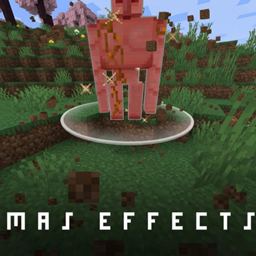
Mas effects Paket sumber daya untuk Minecraft 26.10
Mod yang berfokus pada peningkatan PVP Minecraft secara visual! Gelombang kejut Mace, partikel totem kustom dan lainnya!
Tentang paket sumber daya Mas effects
● Mas Effects [Bedrock Remake]
Mas Effects is a Bedrock Edition remake of the original Java mod, designed to enhance your gameplay with visually appealing particles and immersive effects.
◇ Features
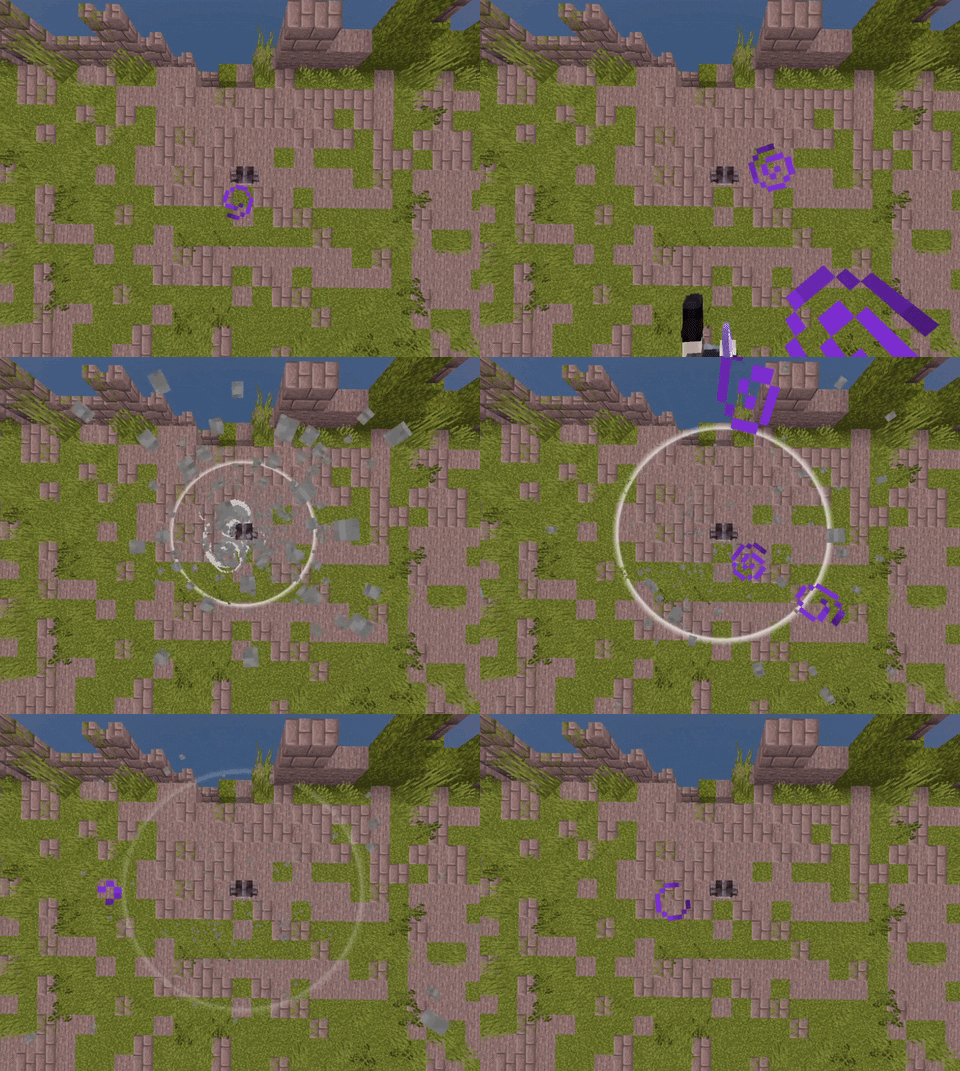
Hitbox Indicator
Displays a dynamic hitbox that turns red when a player enters range, helping improve combat awareness.
Mace Soundwave Effect
Adds a powerful ground impact soundwave when a mace hits, giving attacks more weight and visual feedback.
Critical Particles
Enhances critical hits with a shockwave effect and clean white sparkles around the target’s head.
Death Particles
Introduces unique skull particles along with a stylized and slightly goofy death animation.
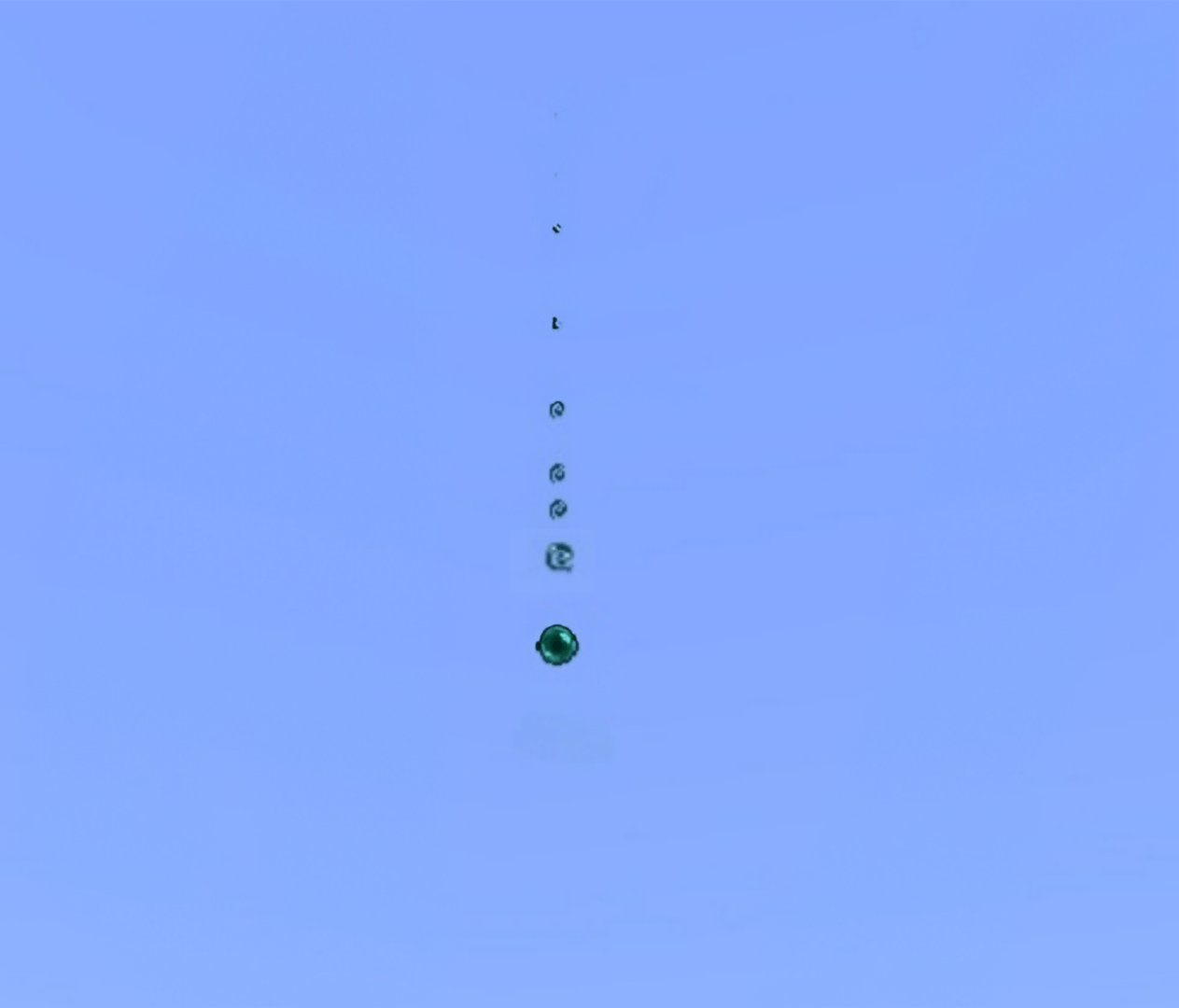
Ender Pearl Trail
Ender pearls now leave behind smooth particle trails during flight.
Totem Particles
Totems emit star-like particles upon activation, making clutch moments feel more impactful.
☆ Credits
Mace Shockwave by @IzvekhHaruVN
Huge thanks for the original implementation.
If you are only looking for the mace soundwave effect, you can download it here : "Mace mas effects"
HOPE YOU WILL ENJOY THIS :3
Cara memasang Mas effects
With Millida Launcher
Install Millida Launcher
The launcher is free: download it at millida.net/launcher and sign in with any nickname.
Click “Install” on this page
The launcher opens and installs the resource pack for Minecraft 26.0–26.10 automatically.
Launch the game
A profile with it appears in the launcher: click “Play”.
Manually
Download the archive
Pick the file MasEffects_v1.mcpack (1.3 MB) for your game version. No need to unpack it.
Put it in the resourcepacks folder
The easiest way: “Options”, then “Resource Packs”, then “Open Pack Folder”, and drag the archive there.
Enable the pack
In the same window, move the pack to the right-hand “Selected” column and click “Done”.
Versi
Dengan dependensi
| Minecraft | Loader | File | Tanggal | Tindakan |
|---|---|---|---|---|
| 26.0.02 | — | MasEffects_v1.mcpack1.3 MB 7 |
FAQ
Which Minecraft versions does Mas effects work on?
There are files for 26.10, 26.3, 26.0.02, 26.0. The newest is 26.10.
Where can I download Mas effects safely?
On this page: the file MasEffects_v1.mcpack (1.3 MB) is stored on Millida’s server, with no link shorteners. SHA-1 checksum: 9320d53ccc4d5da5f65841ee3ed2af29c7021f86.
Ulasan
Jadilah yang pertama menilai Mas effects


