
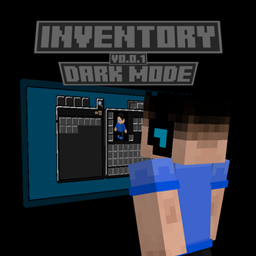
Inventory Dark Mode Paket sumber daya untuk Minecraft 1.21.90
Apakah kamu lelah dengan antarmuka Minecraft Bedrock yang abu-abu? Ingin sesuatu yang lebih gelap? Jika ya, maka Dark Mode Inventory cocok untukmu!
Inventory Dark Mode
Are you tired of the gray Minecraft Bedrock interface? Want something darker? If so, then Dark Mode Inventory is for you!
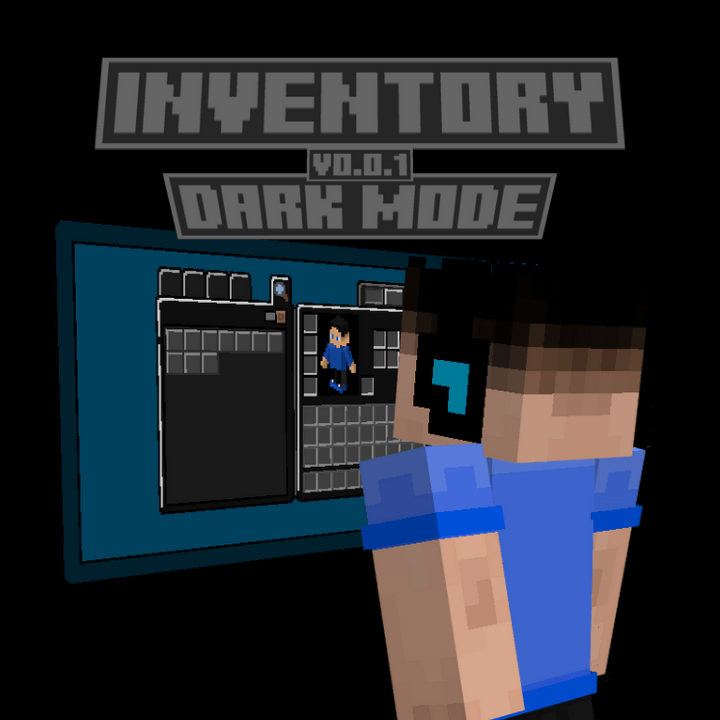
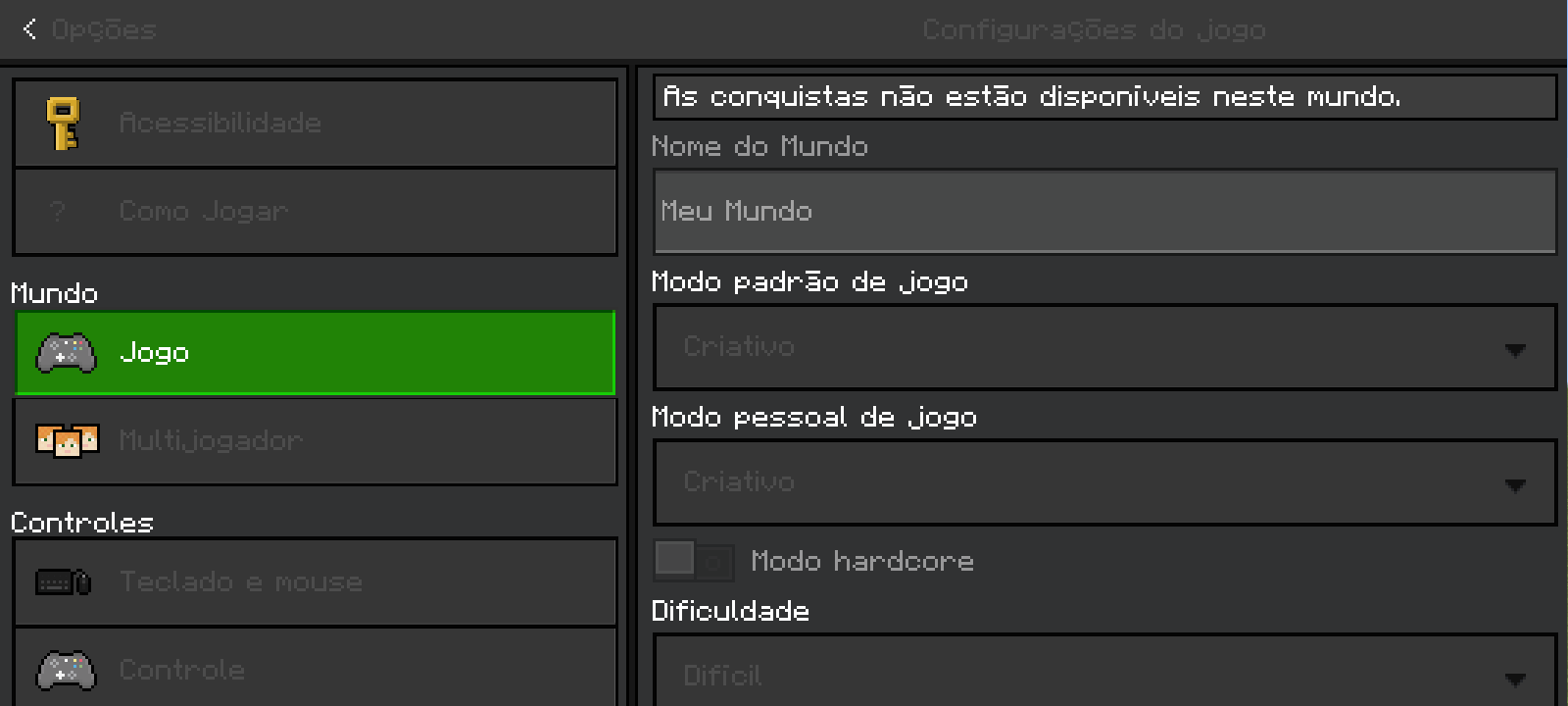
This texture pack modifies the UI of Minecraft Bedrock Edition, giving it a dark mode-like appearance.
If you want to support my work, click on the link below, at no financial cost, and help me continue producing free addons for the community:
Download with Support (Linkvertise)
The content is the same - the supported link just goes to a page with a light ad. Thanks for helping!
Cara memasang Inventory Dark Mode
With Millida Launcher
Install Millida Launcher
The launcher is free: download it at millida.net/launcher and sign in with any nickname.
Click “Install” on this page
The launcher opens and installs the resource pack for Minecraft 1.21.90 automatically.
Launch the game
A profile with it appears in the launcher: click “Play”.
Manually
Download the archive
Pick the file InventoryDarkMode.mcpack (650 KB) for your game version. No need to unpack it.
Put it in the resourcepacks folder
The easiest way: “Options”, then “Resource Packs”, then “Open Pack Folder”, and drag the archive there.
Enable the pack
In the same window, move the pack to the right-hand “Selected” column and click “Done”.
Versi
Dengan dependensi
| Minecraft | Loader | File | Tanggal | Tindakan |
|---|---|---|---|---|
| 1.21.90 | — | InventoryDarkMode - v1.0.0650 KB |
Ulasan
Jadilah yang pertama menilai Inventory Dark Mode



