
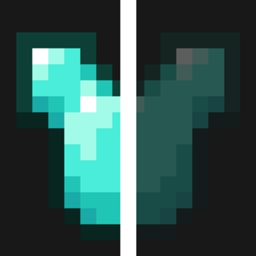
Hide Player Armor Paket sumber daya untuk Minecraft 1.21, 1.21.111
Sembunyikan armor pemain agar Anda selalu bisa melihat skin keren Anda dan pemain lain. Hanya memengaruhi pemain!
Tentang paket sumber daya Hide Player Armor
Are you annoyed with your armor because you can't see your beautiful skin? Well, this resource pack is for you!
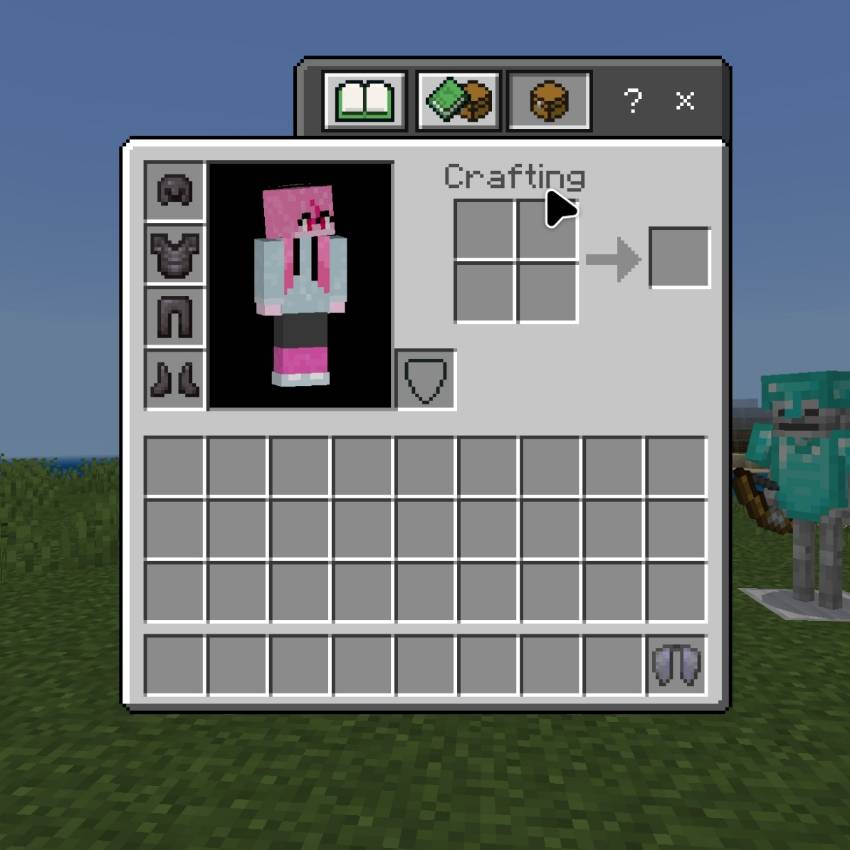
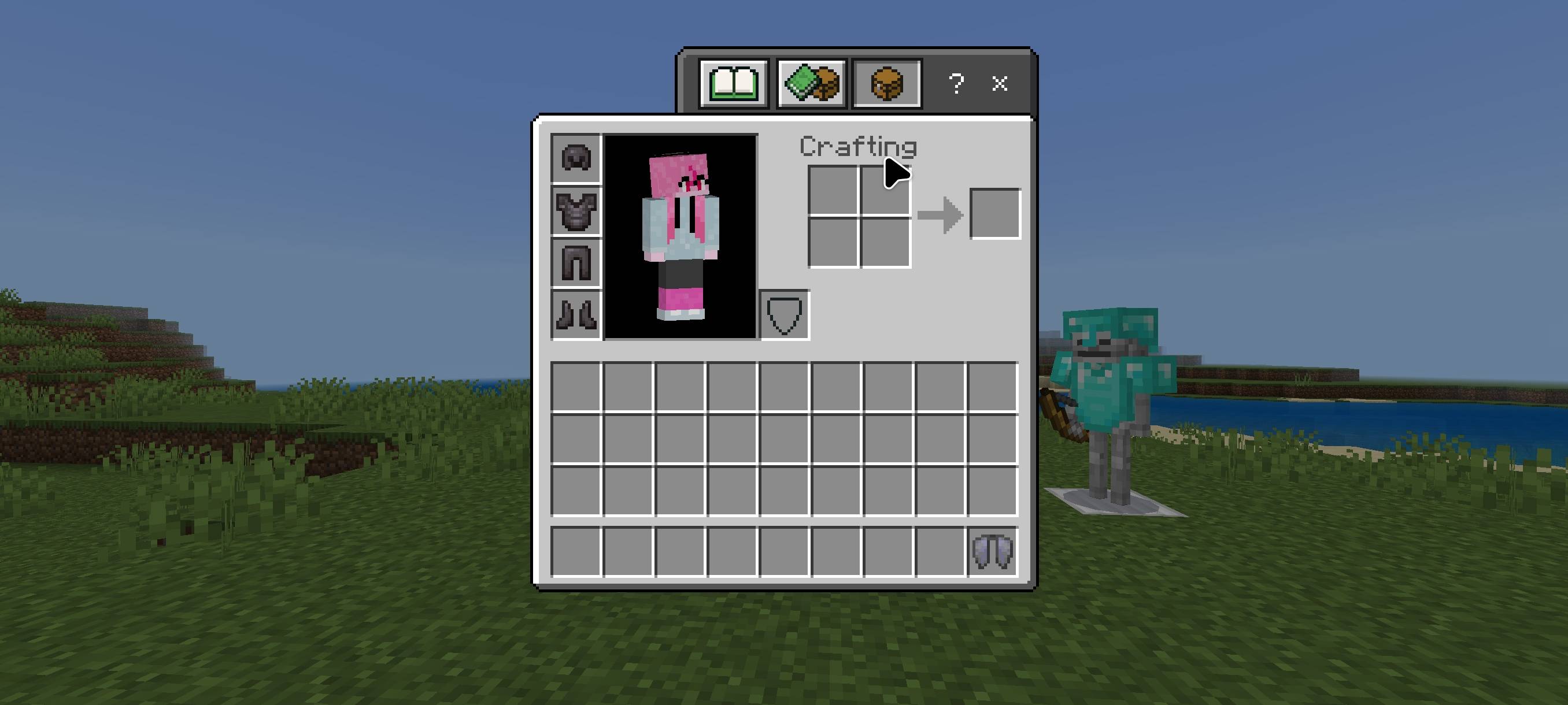
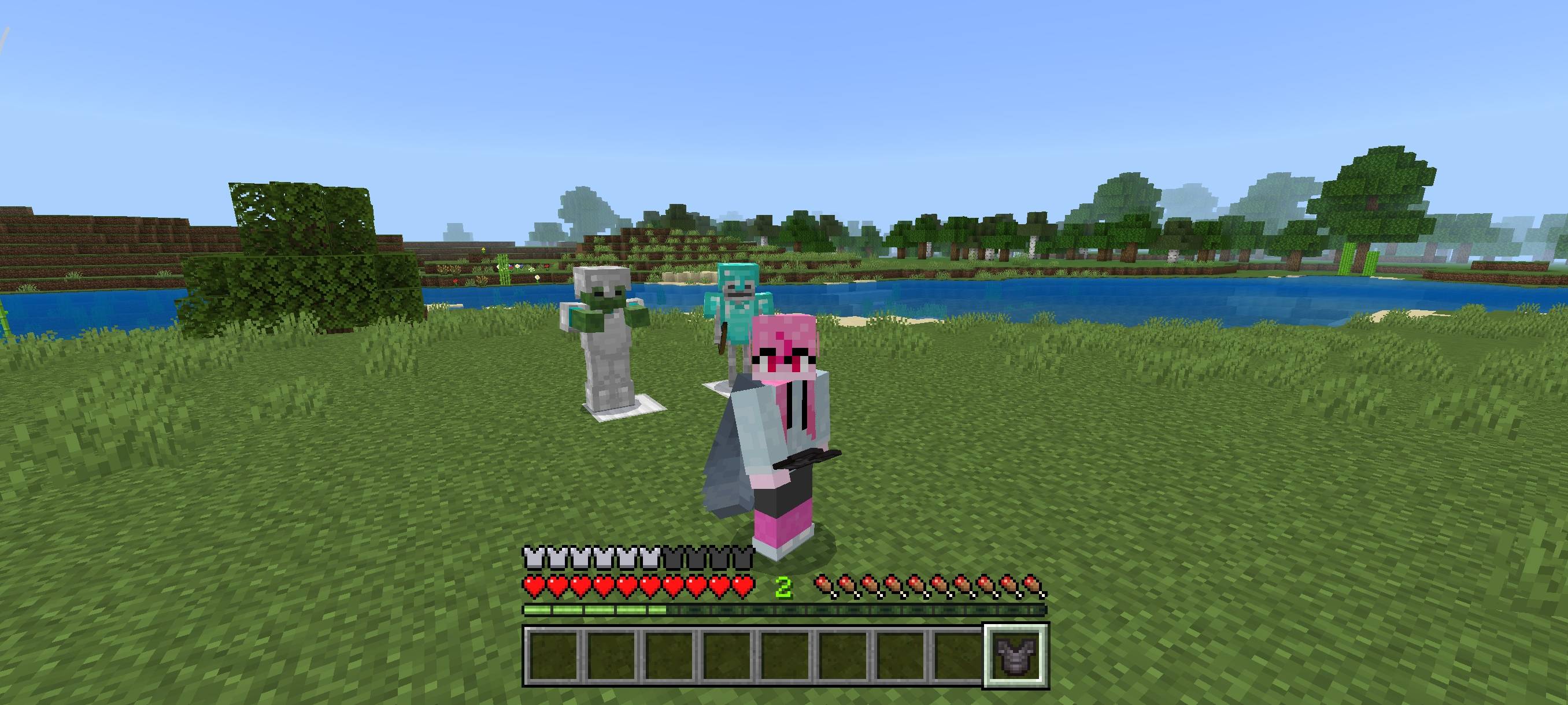
This resource pack hides the armor models on your player and other players as well, but it does not remove the effects of the armor. This only hides armor, it does not hide elytra for aesthetics.
Why choose this resource pack? Unlike other similar resource packs, this one doesn't remove armor from mobs! This is great because when playing survival, you can still see mobs wearing armor.
Terms Of Use:
You are ALLOWED to:
- Modify this pack only for personal uses.
- Make a review about this pack, as long as you put original download link in description (Curseforge or Mcpedl).
You are NOT ALLOWED to:
- Use or claim my codes from this pack without my permission.
- Distribute the modified pack to public.
- Redistribute this pack to other sites (9minecraft, modbay and etc.)
- Share links that are not from original sources (Curseforge or Mcpedl).
Cara memasang Hide Player Armor
With Millida Launcher
Install Millida Launcher
The launcher is free: download it at millida.net/launcher and sign in with any nickname.
Click “Install” on this page
The launcher opens and installs the resource pack for Minecraft 1.21–1.21.111 automatically.
Launch the game
A profile with it appears in the launcher: click “Play”.
Manually
Download the archive
Pick the file Hide Player Skin v1.0.0.mcpack (4 KB) for your game version. No need to unpack it.
Put it in the resourcepacks folder
The easiest way: “Options”, then “Resource Packs”, then “Open Pack Folder”, and drag the archive there.
Enable the pack
In the same window, move the pack to the right-hand “Selected” column and click “Done”.
Versi
Dengan dependensi
| Minecraft | Loader | File | Tanggal | Tindakan |
|---|---|---|---|---|
| 1.21.50 | — | Hide Player Skin v1.0.0.mcpack4.2 KB |
FAQ
Which Minecraft versions does Hide Player Armor work on?
There are files for 1.21–1.21.111, 9 versions in total. The newest is 1.21.111.
Where can I download Hide Player Armor safely?
On this page: the file Hide Player Skin v1.0.0.mcpack (4 KB) is stored on Millida’s server, with no link shorteners. SHA-1 checksum: 158323385debe939d83d815fa3ae91e051c0c9e5.
Ulasan
Jadilah yang pertama menilai Hide Player Armor



