
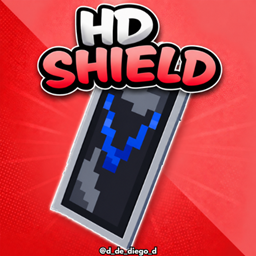
HD SHIELD Paket sumber daya untuk Minecraft 1.20.1, 1.21.1
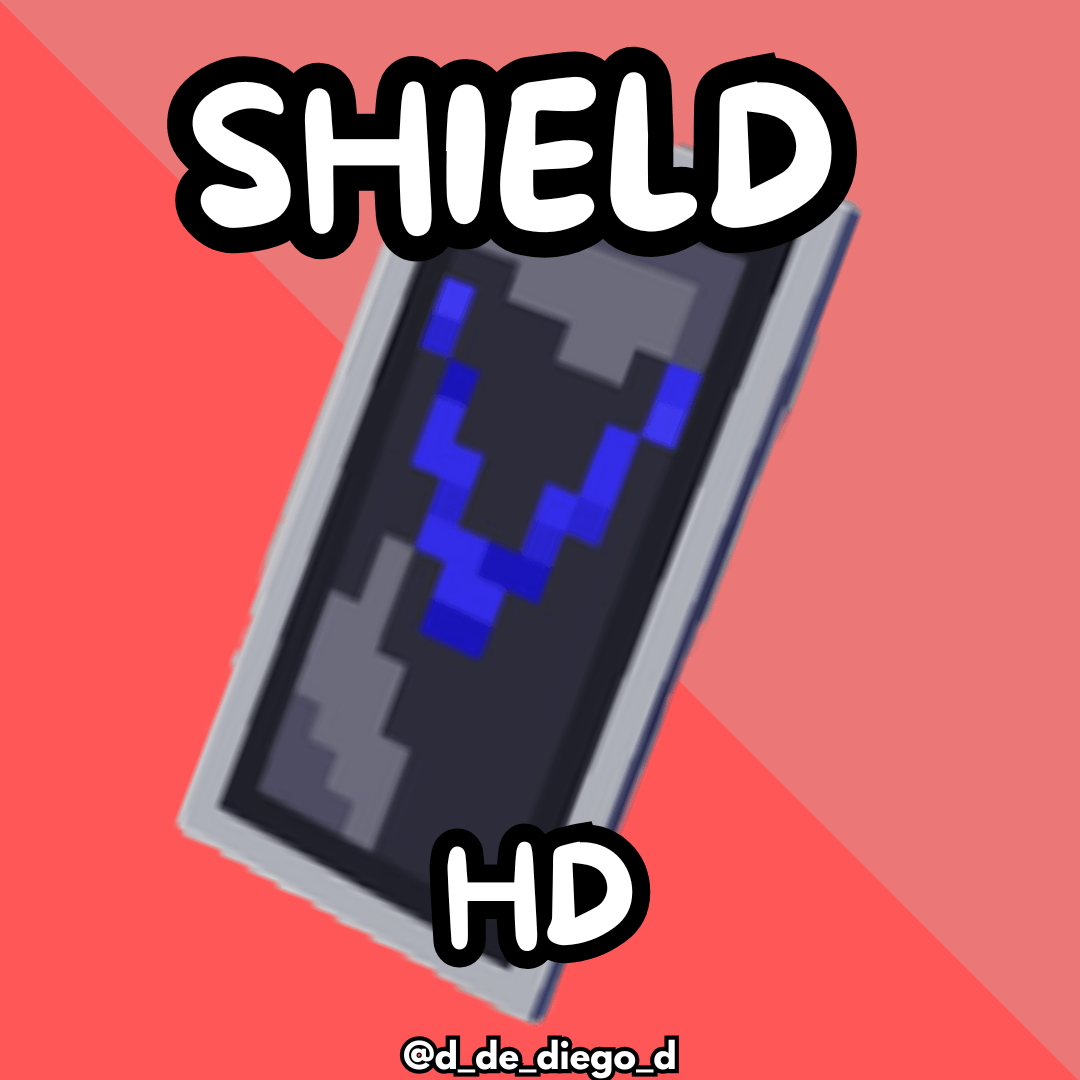
Texture pack ini membuat banner shield terlihat beresolusi lebih tinggi.
Tentang paket sumber daya HD SHIELD

HD SHIELD
ENGLISH
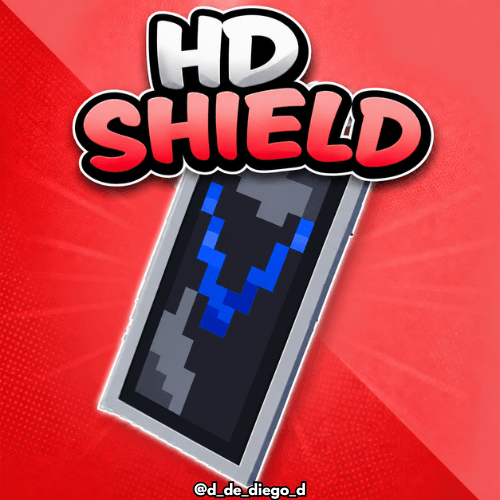
🛡️ Do your shields deserve more detail? With HD Shields, your banner designs will appear in high resolution directly on your shields. This texture pack improves the sharpness and definition of the patterns, making each shield look more epic and personalized than ever. Ideal for creative players and stylish PvP enthusiasts!
By @d_de_diego_d
ESPAÑOL
🛡️¿Tus escudos merecen más detalle? Con HD Banner Shields, los diseños de tus carteles se verán en alta resolución directamente sobre tus escudos. Este paquete de texturas mejora la nitidez y definición de los patrones, haciendo que cada escudo luzca más épico y personalizado que nunca. ¡Ideal para jugadores creativos y amantes del PvP con estilo!
By @d_de_diego_d
❤️ Support Me ❤️





⭐ Our Projects⭐








(c) TRIDEX 2025 - All Rights Reserved
Cara memasang HD SHIELD
With Millida Launcher
Install Millida Launcher
The launcher is free: download it at millida.net/launcher and sign in with any nickname.
Click “Install” on this page
The launcher opens and installs the resource pack for Minecraft 1.8–26.1.2 automatically.
Launch the game
A profile with it appears in the launcher: click “Play”.
Manually
Download the archive
Pick the file HD SHIELD.zip (391 KB) for your game version. No need to unpack it.
Put it in the resourcepacks folder
The easiest way: “Options”, then “Resource Packs”, then “Open Pack Folder”, and drag the archive there.
Enable the pack
In the same window, move the pack to the right-hand “Selected” column and click “Done”.
Versi
Dengan dependensi
| Minecraft | Loader | File | Tanggal | Tindakan |
|---|---|---|---|---|
| 1.16.3 | — | HD SHIELD391 KB 2 |
FAQ
Which Minecraft versions does HD SHIELD work on?
There are files for 1.8–26.1.2, 73 versions in total. The newest is 26.1.2.
Where can I download HD SHIELD safely?
On this page: the file HD SHIELD.zip (391 KB) is stored on Millida’s server, with no link shorteners. SHA-1 checksum: 69b9577b3910ff3f0fd2669f57cbbc30d624a57c.
Ulasan
Jadilah yang pertama menilai HD SHIELD



