

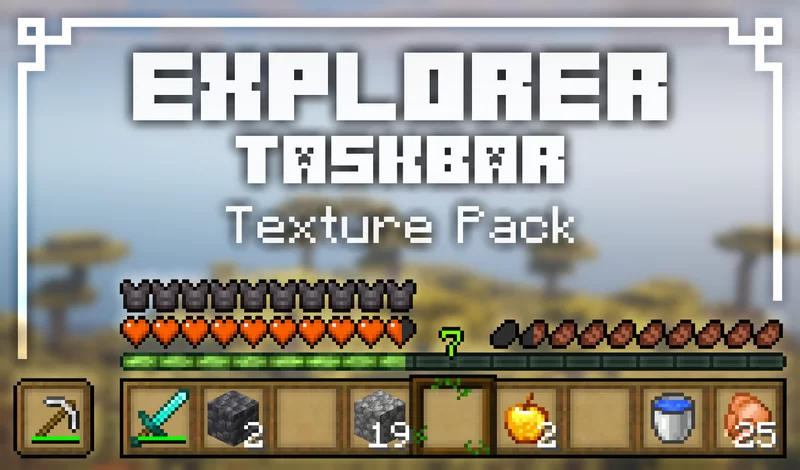
⭐ Modified elements:
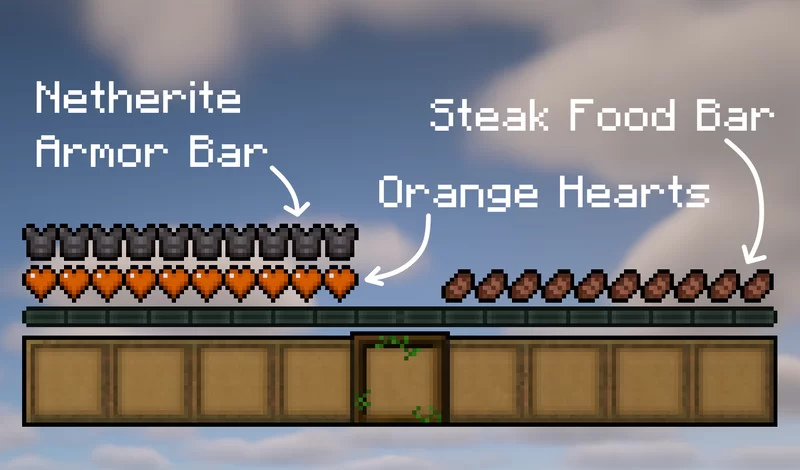
- Hotbar (Wooden),
- Food bar (Steak),
- Armor bar (Netherite),
- Heart bar (Orange hearts)
For the original Java Version:
Java Edition | Java Author's Profile
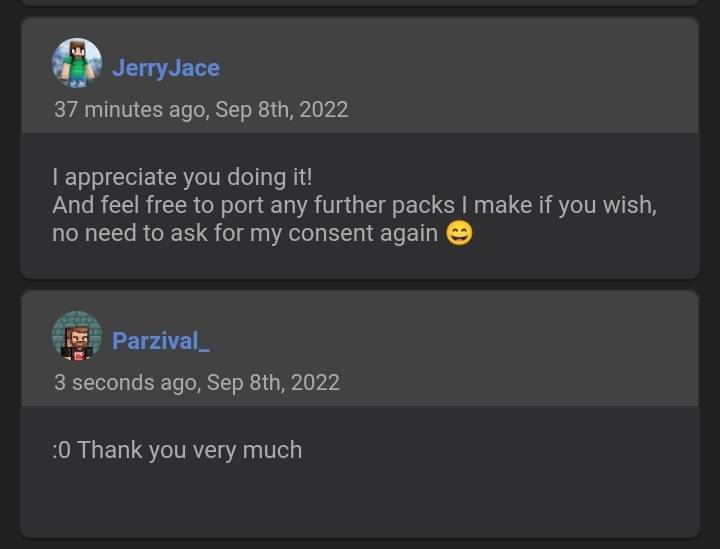
### Owner's Permission:
Cara memasang Explorer Hotbar
With Millida Launcher
Install Millida Launcher
The launcher is free: download it at millida.net/launcher and sign in with any nickname.
Click “Install” on this page
The launcher opens and installs the resource pack for Minecraft 26.0–26.3 automatically.
Launch the game
A profile with it appears in the launcher: click “Play”.
Manually
Download the archive
Pick the file explorer_hotbar.mcpack (327 KB) for your game version. No need to unpack it.
Put it in the resourcepacks folder
The easiest way: “Options”, then “Resource Packs”, then “Open Pack Folder”, and drag the archive there.
Enable the pack
In the same window, move the pack to the right-hand “Selected” column and click “Done”.
Versi
Dengan dependensi
| Minecraft | Loader | File | Tanggal | Tindakan |
|---|---|---|---|---|
| 26.0.02 | — | Explorer Hotbar v1.0327 KB |
FAQ
Which Minecraft versions does Explorer Hotbar work on?
There are files for 26.3, 26.0.02, 26.0. The newest is 26.3.
Where can I download Explorer Hotbar safely?
On this page: the file explorer_hotbar.mcpack (327 KB) is stored on Millida’s server, with no link shorteners. SHA-1 checksum: 422056468122d2081816ae5912866e38bc4db821.
Ulasan
Jadilah yang pertama menilai Explorer Hotbar


