
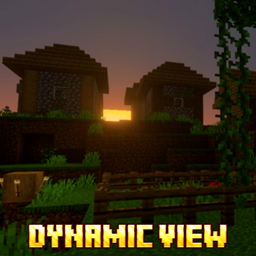
DYNAMIC VIEW Paket sumber daya untuk Minecraft 26.30
Dynamic View akan membuat duniamu terlihat lebih indah dan dinamis.
Tentang paket sumber daya DYNAMIC VIEW
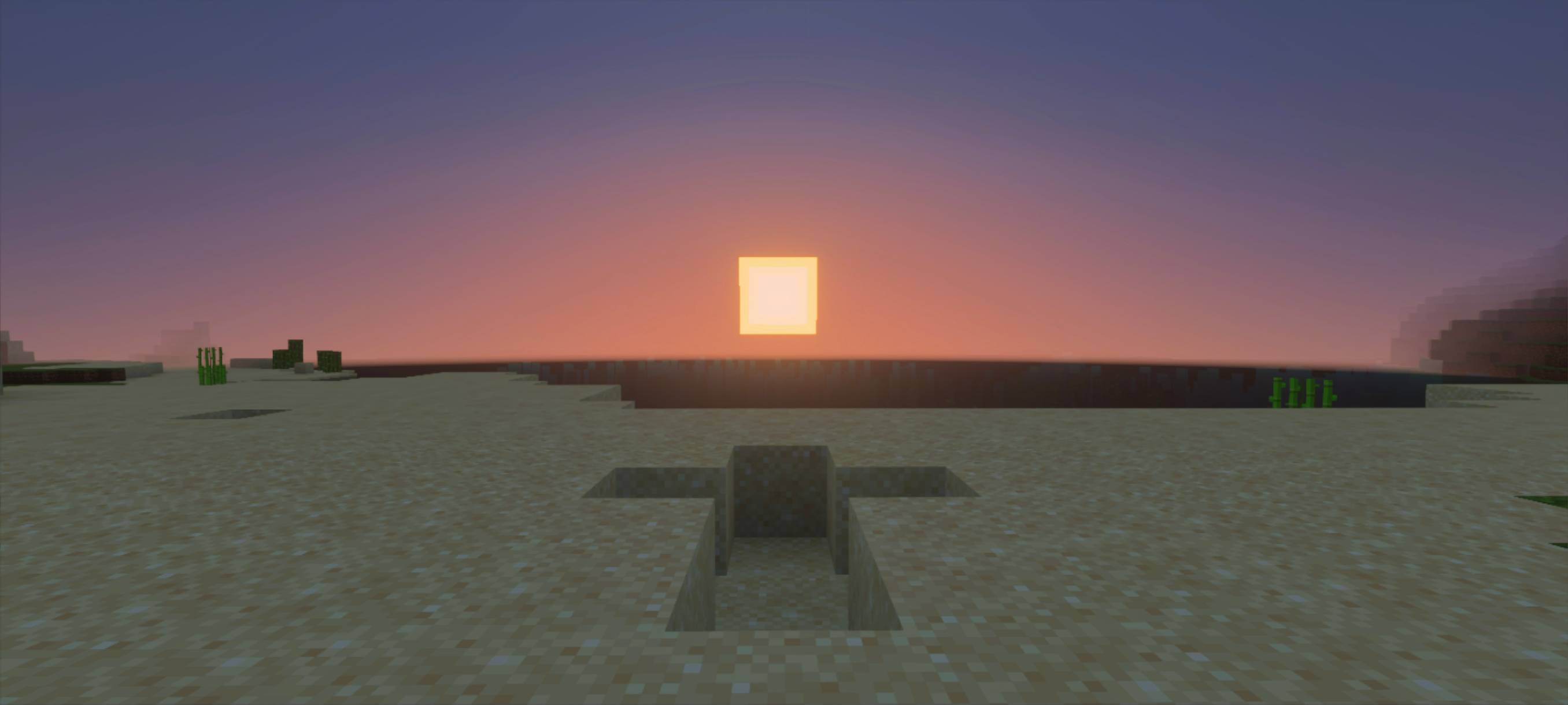
By installing this texture, your world will look more beautiful and dynamic. You can set the shader level in the settings beforehand. Don’t forget to enable Vibrant Visual to make this texture even more dynamic.
All proof about the addon is below.
Cara memasang DYNAMIC VIEW
With Millida Launcher
Install Millida Launcher
The launcher is free: download it at millida.net/launcher and sign in with any nickname.
Click “Install” on this page
The launcher opens and installs the resource pack for Minecraft 26.3–26.30 automatically.
Launch the game
A profile with it appears in the launcher: click “Play”.
Manually
Download the archive
Pick the file dynamic view 1.10.mcpack (26 MB) for your game version. No need to unpack it.
Put it in the resourcepacks folder
The easiest way: “Options”, then “Resource Packs”, then “Open Pack Folder”, and drag the archive there.
Enable the pack
In the same window, move the pack to the right-hand “Selected” column and click “Done”.
Versi
Dengan dependensi
| Minecraft | Loader | File | Tanggal | Tindakan |
|---|---|---|---|---|
| 26.3 | — | dynamic view 1.1025.9 MB |
FAQ
Which Minecraft versions does DYNAMIC VIEW work on?
There are files for 26.30, 26.10, 26.3. The newest is 26.30.
Where can I download DYNAMIC VIEW safely?
On this page: the file dynamic view 1.10.mcpack (26 MB) is stored on Millida’s server, with no link shorteners. SHA-1 checksum: 0683f0ebb9c2c2661fb60b5f45f4ff9db17e84e8.
Ulasan
Jadilah yang pertama menilai DYNAMIC VIEW



