

Clear Lava Paket sumber daya untuk Minecraft 1.21, 26.50
Lava transparan untuk visibilitas yang lebih baik.
Tentang paket sumber daya Clear Lava
Clear Lava resource pack is a simple yet essential tool designed to entirely eliminate the lava fog effect in Minecraft Bedrock Edition.
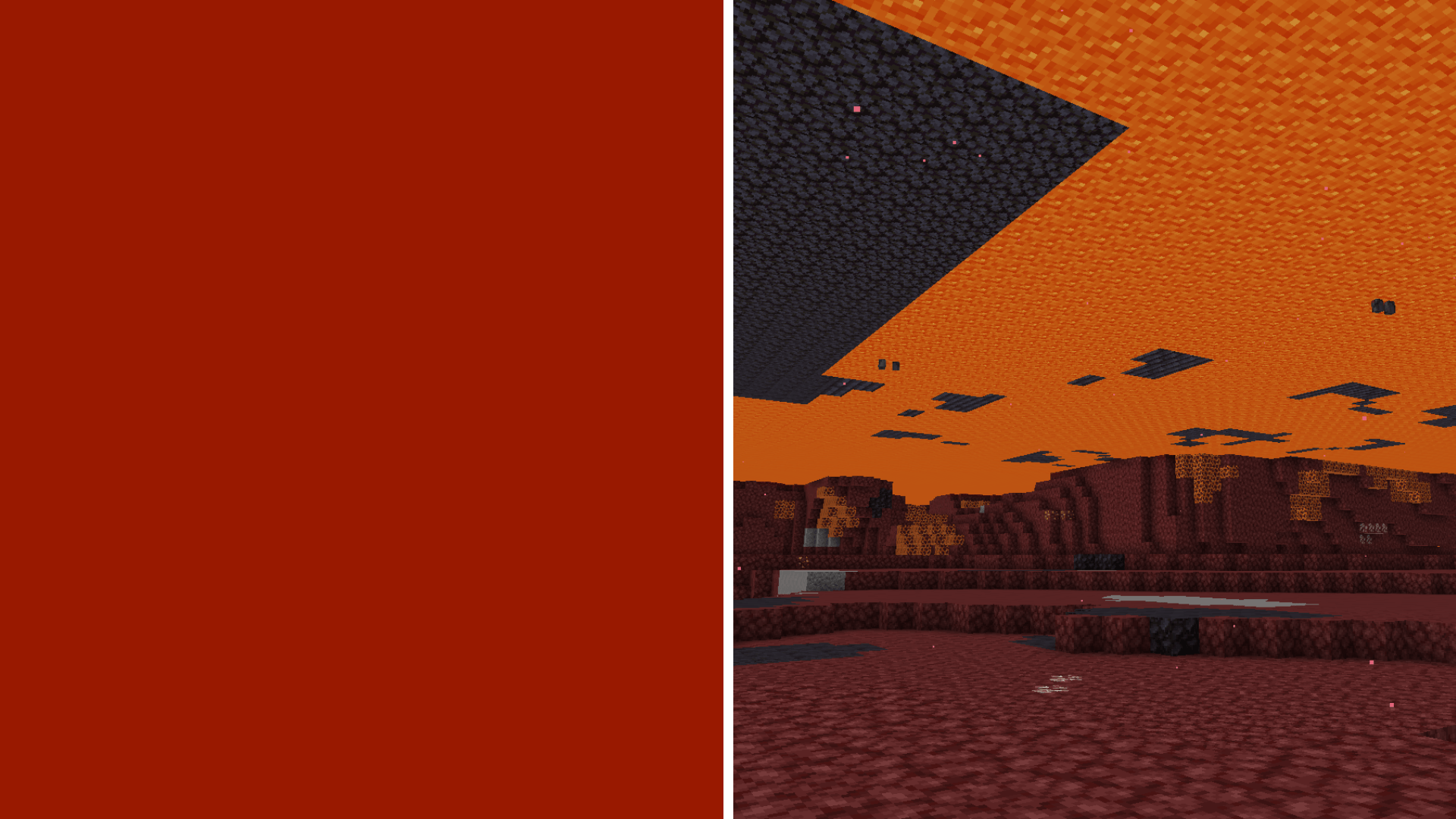
Features
- Fog Removal: Say goodbye to the blindness caused by vanilla lava fog.
- Nether Navigation: Easily spot landmarks, ancient debris, and structures in lava oceans.
- PvP/PvE Advantage: Gain a massive tactical edge against mobs and other players.

Installation Guide
- Download the .mcpack file from the CurseForge download page.
- Open the .mcpack file to automatically import it into Minecraft Bedrock.
- Go to Settings -> Global Resources or access your World Settings.
- Activate the "Clear Lava" pack and ensure it is placed at the top of your resource pack list for maximum compatibility.
Cara memasang Clear Lava
With Millida Launcher
Install Millida Launcher
The launcher is free: download it at millida.net/launcher and sign in with any nickname.
Click “Install” on this page
The launcher opens and installs the resource pack for Minecraft 1.21–26.50 automatically.
Launch the game
A profile with it appears in the launcher: click “Play”.
Manually
Download the archive
Pick the file Clear Lava.mcpack (22 KB) for your game version. No need to unpack it.
Put it in the resourcepacks folder
The easiest way: “Options”, then “Resource Packs”, then “Open Pack Folder”, and drag the archive there.
Enable the pack
In the same window, move the pack to the right-hand “Selected” column and click “Done”.
Versi
Dengan dependensi
| Minecraft | Loader | File | Tanggal | Tindakan |
|---|---|---|---|---|
| 1.21.30 | — | Clear Lava.mcpack21.8 KB 3 |
FAQ
Which Minecraft versions does Clear Lava work on?
There are files for 1.21–26.50, 47 versions in total. The newest is 26.50.
Where can I download Clear Lava safely?
On this page: the file Clear Lava.mcpack (22 KB) is stored on Millida’s server, with no link shorteners. SHA-1 checksum: ff622b5e5e8fd5f867e41df8255f221d07bb8727.
Ulasan
Jadilah yang pertama menilai Clear Lava



