

Tentang paket sumber daya another ui
texture preview:
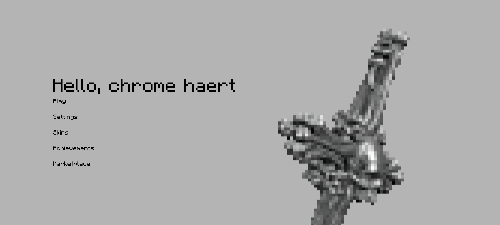
background:

whitespace
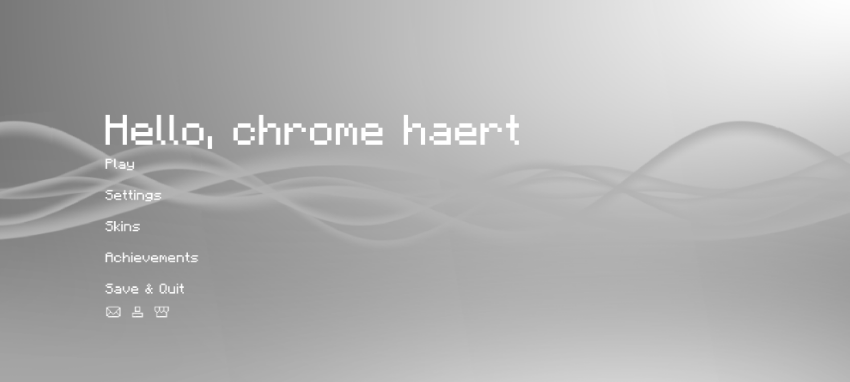
blackspace
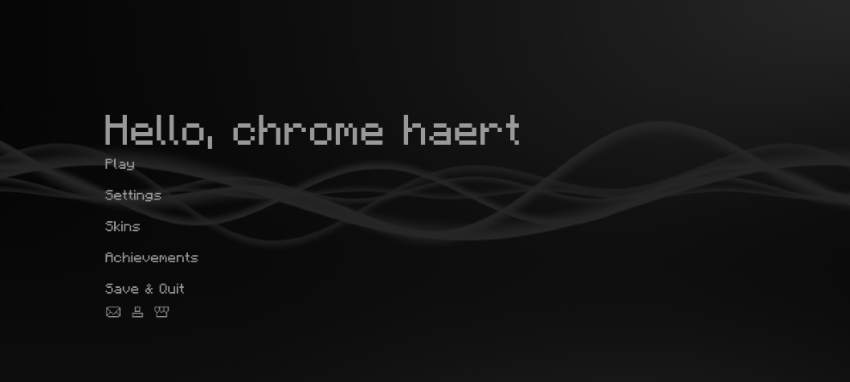
if you want more colors other than black and white, please download "morecolors.mcpack". the preview of the colors will be in the media section.
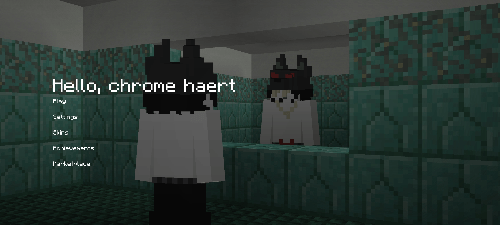
classic
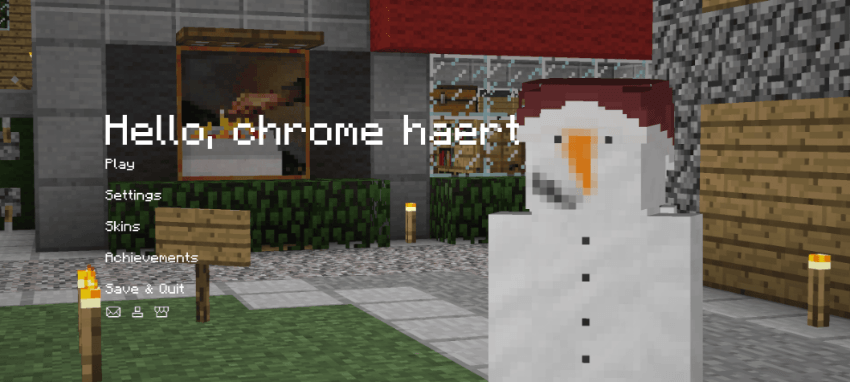
circle
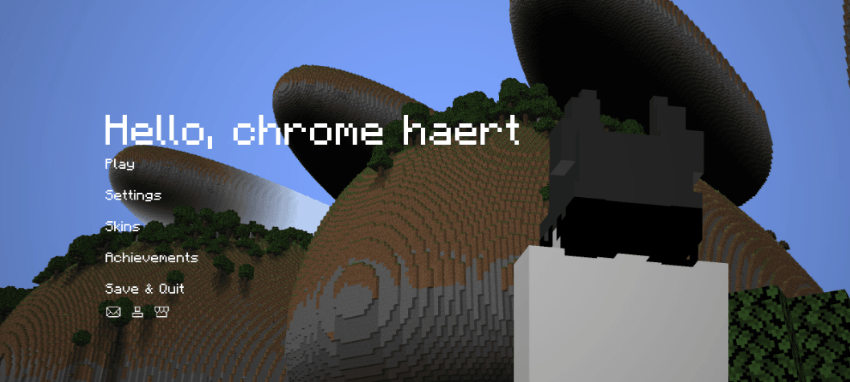
self
chross
features:
- animated xp bar ( new )
- animated selected hotbar ( new )
- custom start menu background
- smooth chat animation
- hidden xp-bar ( when xp is 0 )
- 3rd person crosshair render
- ...
removed settings ui bc of oreui
check it out yourself! let me know if there is a bug
special thanks to:
Minecraft君9a7z ( https://b23.tv/1ln4tcr ) - animated selected hotbar
@ya_rifat / EchoRif (discord) - animated bar for xp bar
play.modernbeta.org ( server ) - "classic" screenshot background
terramath ( java mod ) - "circle" screenshot background

Cara memasang another ui
With Millida Launcher
Install Millida Launcher
The launcher is free: download it at millida.net/launcher and sign in with any nickname.
Click “Install” on this page
The launcher opens and installs the resource pack for Minecraft 26.30 automatically.
Launch the game
A profile with it appears in the launcher: click “Play”.
Manually
Download the archive
Pick the file anotherV4.1.mcpack (2.9 MB) for your game version. No need to unpack it.
Put it in the resourcepacks folder
The easiest way: “Options”, then “Resource Packs”, then “Open Pack Folder”, and drag the archive there.
Enable the pack
In the same window, move the pack to the right-hand “Selected” column and click “Done”.
Versi
Dengan dependensi
| Minecraft | Loader | File | Tanggal | Tindakan |
|---|---|---|---|---|
| 26.30 | — | anotherV4.1.mcpack2.9 MB |
FAQ
Which Minecraft versions does another ui work on?
Only Minecraft 26.30: there are no files for other versions.
Where can I download another ui safely?
On this page: the file anotherV4.1.mcpack (2.9 MB) is stored on Millida’s server, with no link shorteners. SHA-1 checksum: 552b8ea48fc43dbd365277445ad660564ba233b2.
Ulasan
Jadilah yang pertama menilai another ui


