

Sarp Shaders untuk Minecraft 1.20.1, 1.21.1
Shaderpack yang nyaman, cahaya lembut, langit yang suram, air yang hidup.
 Fabric
 OptiFine
Tentang shader Sarp Shaders

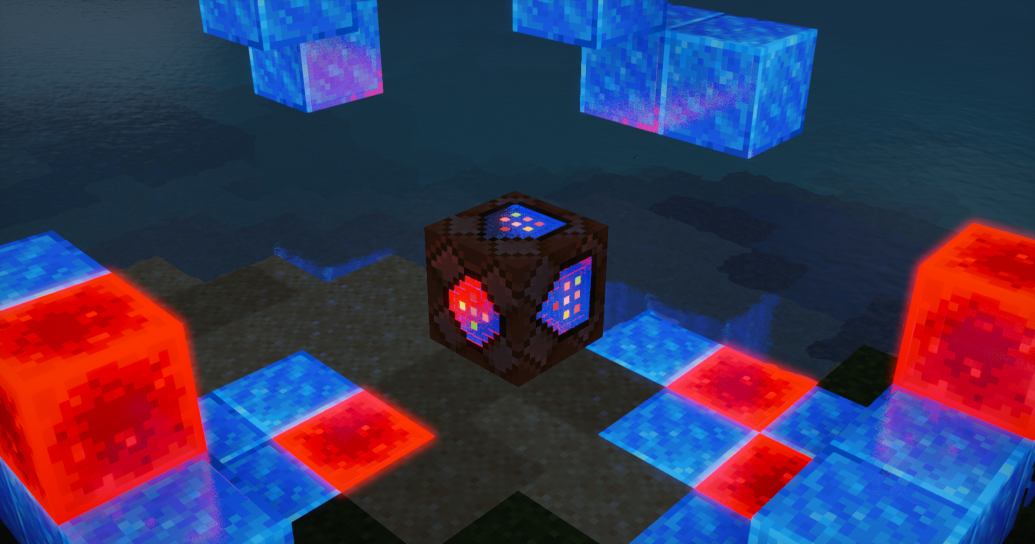
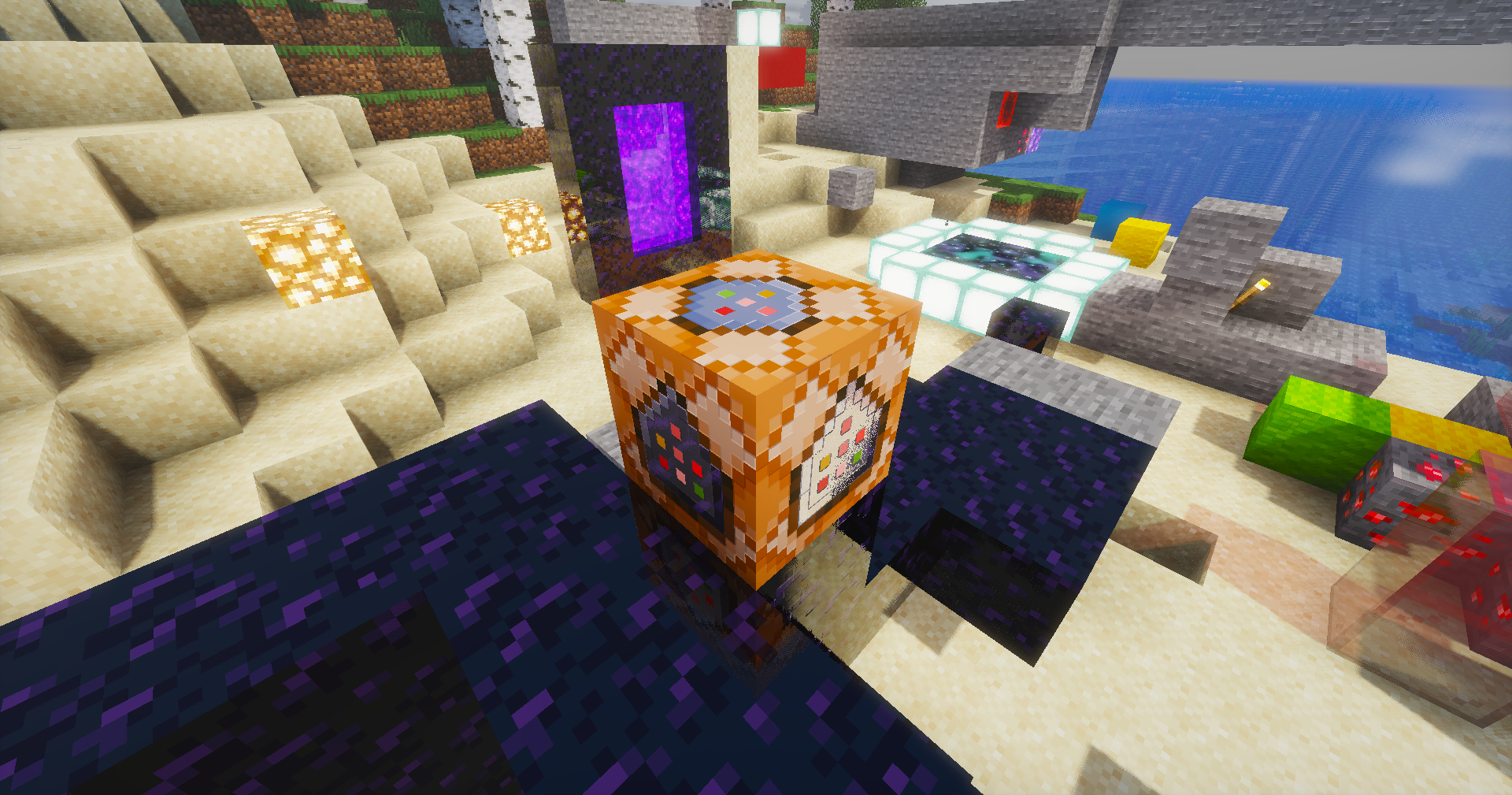
A shaderpack I've been building for myself, tuned the way I actually like Minecraft to look — soft light, moody skies, and water that's fun to stare at. Runs on Iris / OptiFine.
What's inside
- Physical sky with volumetric clouds, cloud shadows and volumetric light shafts
- Water that behaves — waves, refraction, caustics, foam and screen-space reflections
- Soft colored shadows and SSAO for that grounded, cozy feel
- PBR support with auto-generated normals if your resource pack doesn't have them
- Aurora at night and a custom nebula in the End
- The usual camera goodies: bloom, auto exposure, FXAA, saturation control
Installation
- Grab the latest release
- Drop the folder into your shaderpacks directory
- Select Sarp Shaders in the video settings and you're done
Everything is tweakable in the shader options menu — shadows, lighting, water, atmosphere and camera each have their own screen.

Notes
This is a personal project, so expect opinionated defaults. If something looks off on your setup, poke around the settings before opening an issue — chances are there's a slider for it.
Made by Sarp. Screenshots welcome — I'd love to see your builds with it.

Cara memasang Sarp Shaders
With Millida Launcher
Install Millida Launcher
The launcher is free: download it at millida.net/launcher and sign in with any nickname.
Click “Install” on this page
The launcher opens and installs the shaders for Minecraft 1.17–26.2 automatically.
Launch the game
A profile with it appears in the launcher: click “Play”.
Manually
Install Iris or OptiFine
Without a shader mod the game cannot see shaders. Install it for the same Minecraft version.
Download the shader archive
Pick the file Sarp Shaders - X.zip (108 KB) and do not unpack it.
Put it in the shaderpacks folder
“Options”, then “Video Settings”, then “Shader Packs”, then “Open Shader Pack Folder”, and drag the archive there.
Select the shaders
In the same window, click the pack name and “Apply”.
Versi
Dengan dependensi
| Minecraft | Loader | File | Tanggal | Tindakan |
|---|---|---|---|---|
| 1.21 | Iris, OptiFine | 1.21108 KB | ||
| 1.20.1 | Iris, OptiFine | 1.20.1108 KB | ||
| 1.17.1 | Iris, OptiFine | 1.17.1108 KB | ||
| 26.2 | Iris, OptiFine | 26.2108 KB 1 | — | |
| 26.1 | Iris, OptiFine | 26.1108 KB | — | |
| 1.21.11 | Iris, OptiFine | 1.21.11108 KB | — | |
| 1.19.2 | Iris, OptiFine | 1.19.2108 KB | — | |
| 1.18.2 | Iris, OptiFine | 1.18.2108 KB | — |
FAQ
Which Minecraft versions does Sarp Shaders work on?
There are files for 1.17–26.2, 33 versions in total. The newest is 26.2.
What do I need to run Sarp Shaders?
Shaders are loaded through Iris or OptiFine: without one of them the game cannot see them.
Where can I download Sarp Shaders safely?
On this page: the file Sarp Shaders - X.zip (108 KB) is stored on Millida’s server, with no link shorteners. SHA-1 checksum: a1b7274bc9be00e94b75327aa61508ca94b2c21d.
Ulasan
Jadilah yang pertama menilai Sarp Shaders


