

Zoom Plugin untuk Minecraft
Zoom in dan out seperti sedang menggunakan teropong!
Zoom
NOTE: This plugin is tested and working with 1.5! (currently testing with 1.6) Simple Bukkit plugin to make hidden potion effect functions available.

About
Zoom is a simple Bukkit plugin that allows you to zoom in and out when you left/right (configurable) click with a configurable object in your hand. I got the idea from hawkfalkon's wonderful plugin Vertigo.
Links
- Download the latest stable release: Zoom 1.1
- Previous release: Zoom 1.0
- Source code on GitHub
Video
What? Explain.
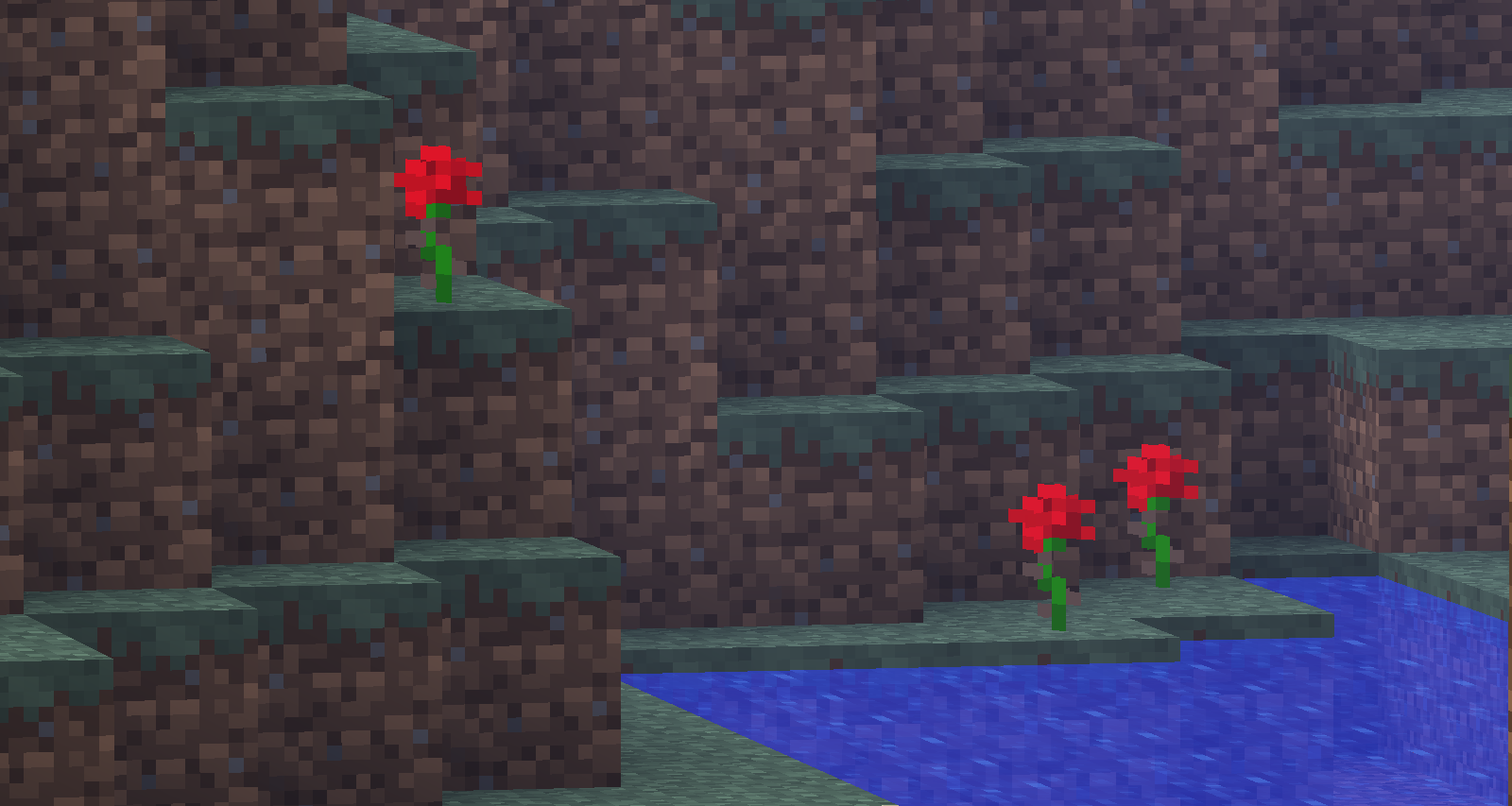
This is best explained in a few images:
Oh, my. What a beautiful landscape. Let's zoom in!
Pretty flowers, aren't they?
Look at that tree in the background! Think we could get some a closeup?
There, as simple as a few clicks!
Ok, cool, why do my players need it?
Well, it is useful for you and your players to spy on each other, or shoot each other with arrows. It is a great addition to any PvP server.
What if I just want to add it for my administrators?
No problem! This plugin will also come in handy to zoom in and do some far modifications with plugins like VoxelSniper. Zoom can also assist you as a video recording too. We also think it is a much needed game mechanic.
Features
- Zoom in and out clicking with an item!
- Configurable zoom levels!
- Zoom out when you change item held!
- Automatically zoom out completely when damaged!
- All of this is, of course, configurable!
Planned features
- Multilanguage support
- Nothing else for now... if you have an idea, post it down below! :D
How to use
Hold the magic item (that you set in the config file) and left/right click (again, based on what you set in the config file).
Permissions
Simply add the permission zoom.use to any player which you want to allow using. By default, only operators are given this node.
Configuration
The configuration is really simple, everything is explained in the file. It should look like this when first using the plugin.
Support
I have been pretty busy lately, but if you have a problem, find a bug, or want a feature, email me at jtjj222@live.ca, or leave a comment here. No feature is too small, and no question is too stupid. If there is a feature you really want though, why not implement it yourself and make a pull request? :D
Enjoy!
Cara memasang Zoom
A server on Paper or Spigot
The plugin runs on the server core; players do not need to install anything.
File goes into the plugins folder
Download the file Zoom.jar (7 KB) and put it into the server’s plugins folder.
Restart the server
On startup the plugin creates its own settings folder in plugins.
Use the “To server” button
On Millida Hosting, the button at the top of the page uploads the file to your server and restarts it for you.
Versi
Dengan dependensi
| Minecraft | Loader | File | Tanggal | Tindakan |
|---|---|---|---|---|
| — | — | Zoom 1.16.5 KB |
Ulasan
Jadilah yang pertama menilai Zoom


