
HyperStats Plugin untuk Minecraft
HyperStats adalah plugin yang memungkinkan Anda menyimpan kill dan death seorang pemain. (Inggris | Jerman)
mulai dari _ForgeUser10719503 · CurseForge
1 / 2
HyperStats
- HyperStats is a plugin which allows you to count kills and deahts of a player.
Commands
- /stats [Player] - Show the stats of a player.
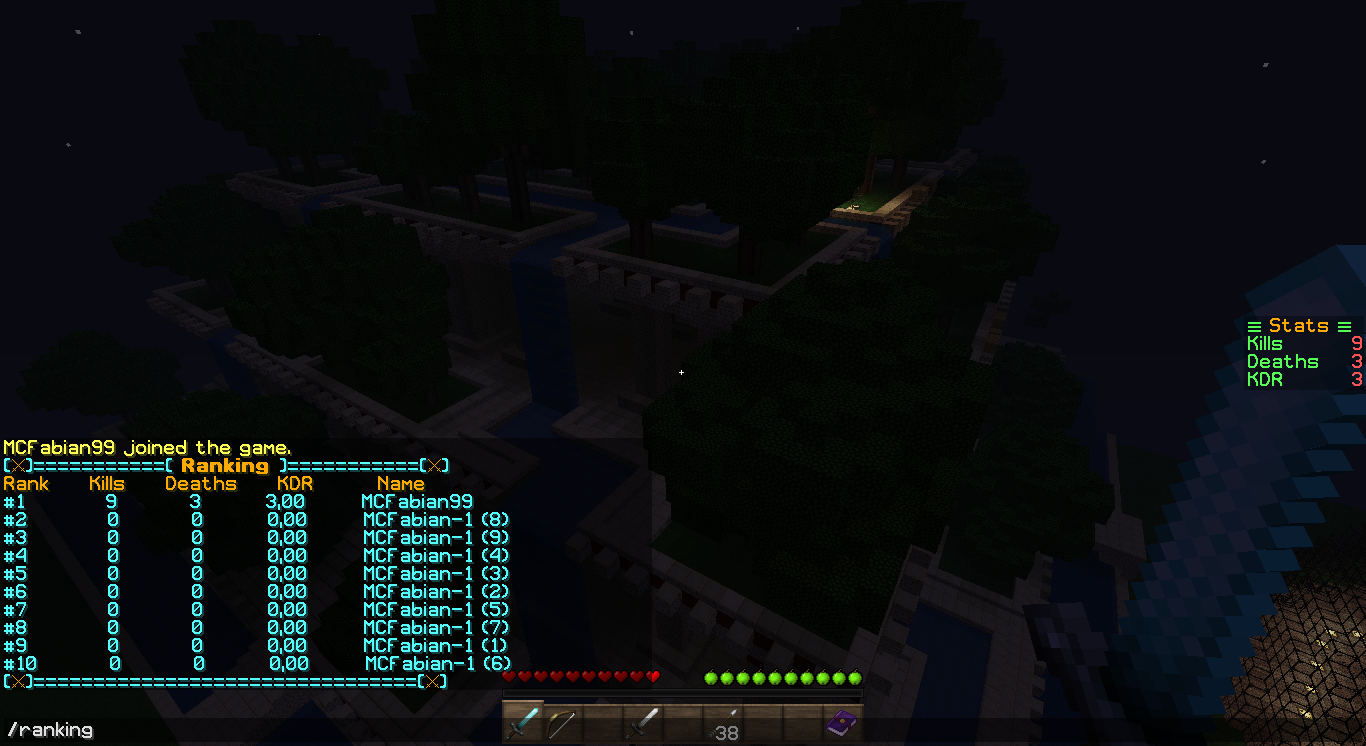
- /ranking [x] - Show the Top [x] killers or more. For example: /ranking 15 - Shows 15 best players
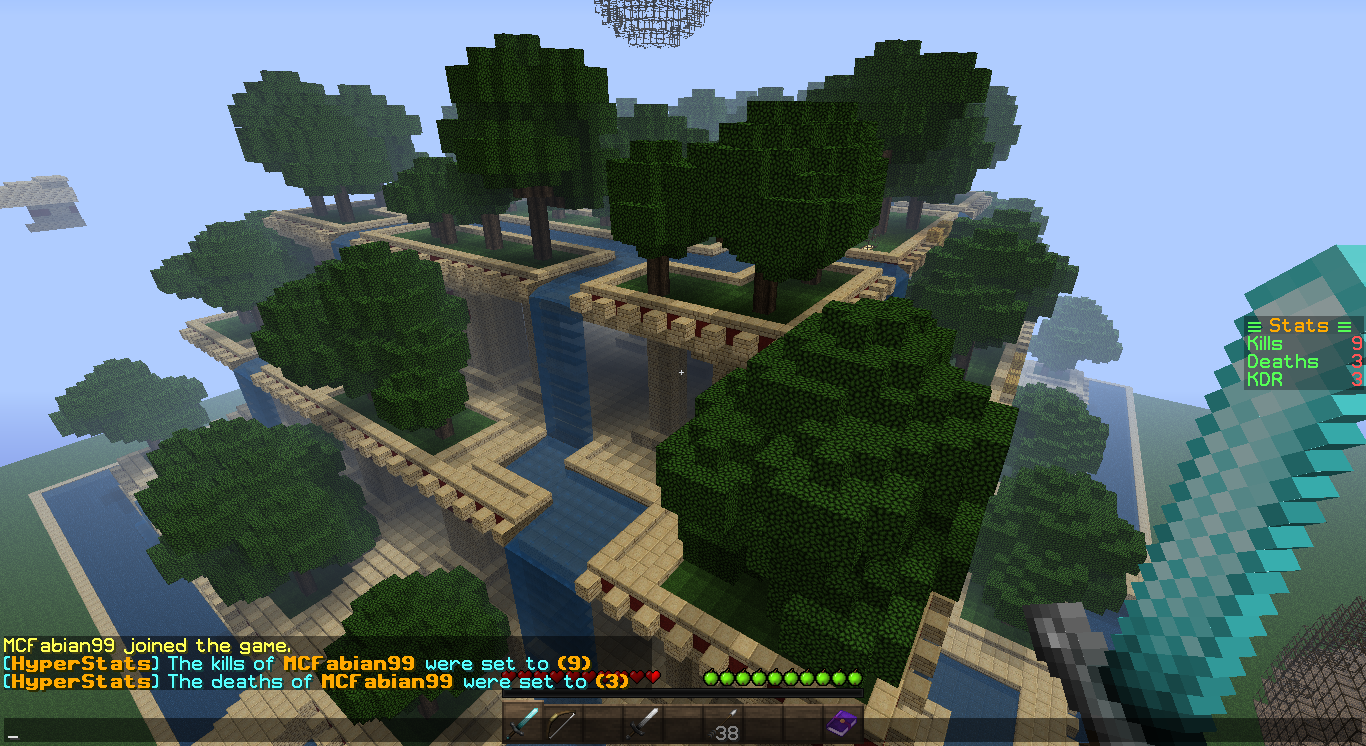
- /setdeaths [Number] - Set the deaths of a player to an amount.
- /setkills [Number] - Set the kills of a player to an amount.
- /hyperstats - Show the commands.
- /hyperstats reload - Reload the plugin.
- /hyperstats scoreboard - Show the scoreboard at the side of the screen.
Installation
- Put the 'HyperStats.jar in your plugins folder'
- Restart the Server.
- The Plugin generate a File /plugins/HyperStats/config.yml
General Informations
- On the first run or if the files don't exist the plugin will create them.
- You can configure the messages in the 'config.yml' in /plugins/HyperStats
Permissions
- /stats - hyperstats.stats
- /stats [Player] - hyperstats.stats.others
- /ranking - hyperstats.ranking
- /setkills - hyperstats.setkills
- /setdeaths - hyperstats.setdeaths
- /hyperstats - hyperstats.help
- /hyperstats scoreboard - hyperstats.scoreboard
- /hyperstats reload - hyperstats.reload
Features
- Only counts the kills and deaths that have been caused by another player.
- Store all kills and deaths of a Player in the 'config.yml'
- Let the Player show his stats in the scoreboard.
- Let the Player check other's Player stats.
- Let the Player check his own stats (Kills/Deaths/KDR)
- See all kills and deaths in the 'config.yml'
Cara memasang HyperStats
A server on Paper or Spigot
The plugin runs on the server core; players do not need to install anything.
File goes into the plugins folder
Download the file HyperStats.jar (33 KB) and put it into the server’s plugins folder.
Restart the server
On startup the plugin creates its own settings folder in plugins.
Use the “To server” button
On Millida Hosting, the button at the top of the page uploads the file to your server and restarts it for you.
Versi
Dengan dependensi
| Minecraft | Loader | File | Tanggal | Tindakan |
|---|---|---|---|---|
| — | — | HyperStats v2.3 (Added MySQL)33.3 KB |
Ulasan
Jadilah yang pertama menilai HyperStats
Komentar 0
Masuk untuk berkomentarMasuk


