
XyCraft: World Mod untuk Minecraft 1.20.1, 26.1.2
World Generation untuk XyCraft
 NeoForge
 Forge
ForgeTentang mod XyCraft: World
Pembuatan dunia dan bijih hadir di sini! Di seluruh dunia terdapat misteri untuk diungkap, salah satunya adalah Xychorium yang bercahaya!
Ringkasan:
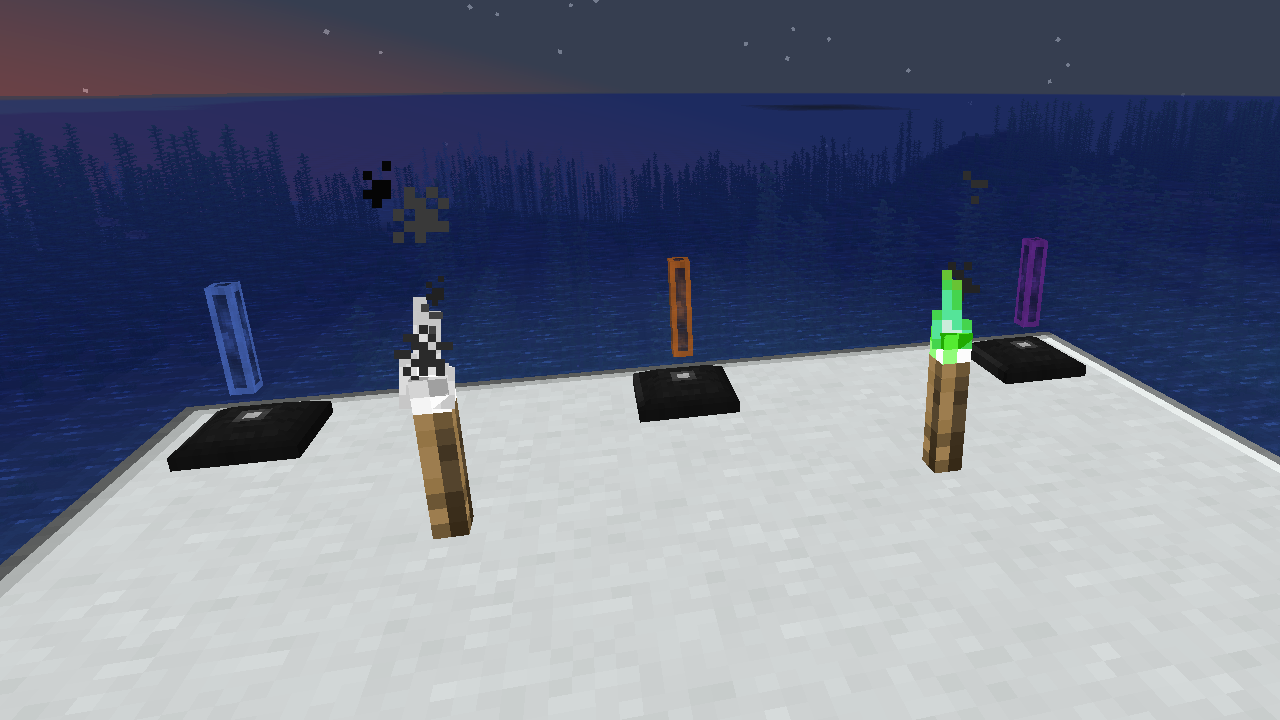
XyCraft World adalah komponen wajib untuk sebagian besar mod, dan meskipun ini mungkin bisa dikemas ke dalam Core, ada perdebatan tentang menyediakan alat untuk pengembang eksternal tanpa memerlukan aspek pembuatan dunia. Karena alasan itulah ini dipisahkan. Segala pembuatan dunia atau eksplorasi akan berada di modul ini.
Fitur:
- Menyediakan pembuatan dunia untuk semua modul XyCraft
- Material seperti Xychorium dan Aluminum dengan tag yang tepat
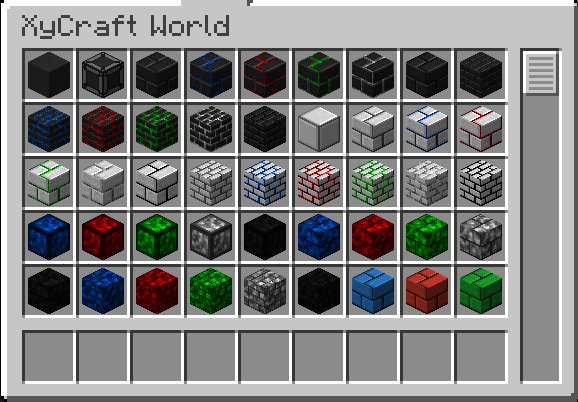
- Menambahkan blok dekoratif menggunakan efek awan dan cahaya ikonik XyCraft
Direncanakan:
- Node bijih mirip Satisfactory dalam beberapa konsep.
- Lebih banyak hadiah eksplorasi untuk pemain
- Panduan dalam game tentang tempat menemukan material dan apa yang harus dilakukan dengannya.
- Item makanan/tanaman seperti jagung dan tomat.
- Mungkin sebuah dimensi, tetapi itu tidak ada dalam peta jalan saat ini jika memang terjadi.
- Pengalaman yang dijatuhkan dari menambang bijih.
- Lebih banyak variasi dan opsi blok.
Cara memasang XyCraft: World
With Millida Launcher
Install Millida Launcher
The launcher is free: download it at millida.net/launcher and sign in with any nickname.
Click “Install” on this page
The launcher opens and installs the mod for Minecraft 1.20.1–26.1.2 on Forge or NeoForge automatically.
Launch the game
A profile with it appears in the launcher: click “Play”.
Manually
Install Forge or NeoForge
The loader must match the game version of the mod file, for example Minecraft 26.1.2. After installing it, a separate profile appears in your launcher.
Download the file for your version
In the version list above, pick the file xycraft-world-0.9.2.jar (1.8 MB) for your game version and loader.
Put it in the mods folder
The folder is inside .minecraft (Windows: %appdata%\.minecraft\mods). If it does not exist, create it.
Launch the loader profile
Open “Mods” in the main menu: XyCraft: World should be in the list.
Versi
Dengan dependensi
| Minecraft | Loader | File | Tanggal | Tindakan |
|---|---|---|---|---|
| 26.1.2 | NeoForge | XyCraft World 0.9.21.8 MB | ||
| 26.1.2 | NeoForge | XyCraft World 0.9.0-beta.211.8 MB | ||
| 1.20.1 | NeoForge, Forge | XyCraft World v0.6.222.7 MB |
FAQ
Which Minecraft versions does XyCraft: World work on?
There are files for 26.1.2, 1.20.1. The newest is 26.1.2.
Is XyCraft: World for Forge or Fabric?
There are files for Forge: 1.20.1 and for NeoForge: 1.20.1–26.1.2. There are no files for Fabric: a mod for another loader will not start.
Does XyCraft: World need other mods?
The author lists no required dependencies: the Forge or NeoForge loader is enough.
Where can I download XyCraft: World safely?
On this page: the file xycraft-world-0.9.2.jar (1.8 MB) is stored on Millida’s server, with no link shorteners. SHA-1 checksum: 7ecf6a0a0efb57e97b1b768e264f444259a325d0.
Ulasan
Jadilah yang pertama menilai XyCraft: World


