
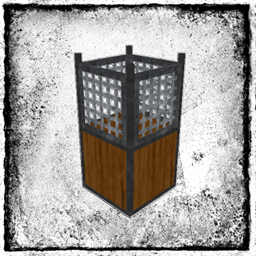
Water Strainer Mod untuk Minecraft 1.12.2, 1.19.4
Menambahkan water strainer untuk menyaring air demi sumber daya umum.
- dilihat
- 18 dilihat
- Diperbarui
- Diperbarui 17.10.2026
- 1.12 — 1.19.4
 Forge
Forge
Tentang mod Water Strainer
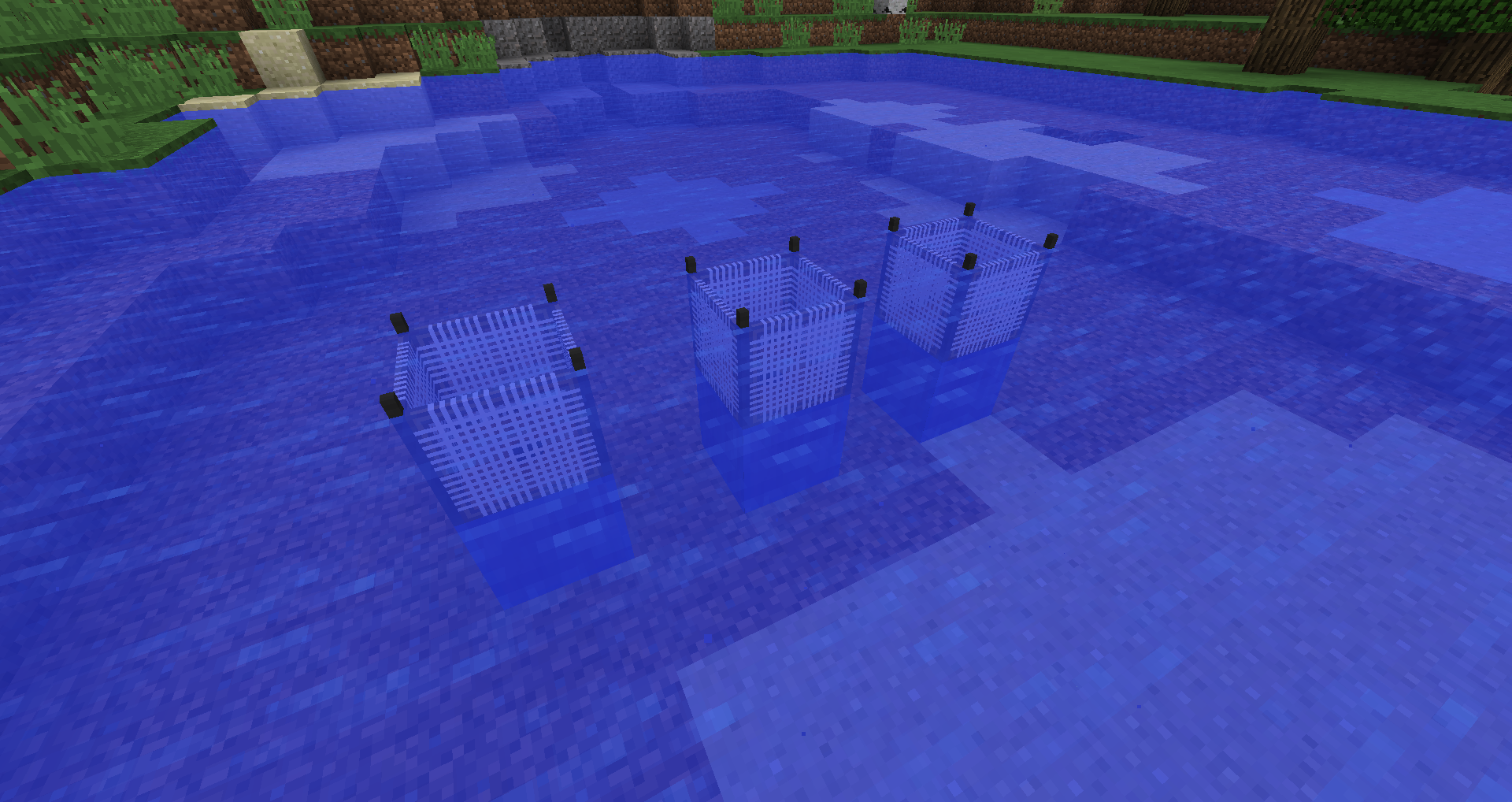
Deskripsi: Water Strainer menambahkan kemungkinan untuk menyaring air demi mendapatkan sumber daya umum. Sebuah strainer menangkap item umum (seperti Pasir, Kerikil, Tongkat, Tanah Liat, ...) saat berada di dalam air. Alat ini bisa rusak, tetapi dapat dibuat dari berbagai material untuk meningkatkan daya tahannya. Idenya adalah mendapatkan beberapa sumber daya umum saat kamu sibuk dengan hal lain. Ketinggian/aliran air dan jenis bioma akan memengaruhi efisiensinya. Daya tahan, waktu idle, loot table, dan lainnya dapat disesuaikan. Water Strainer juga dapat digunakan untuk peta skyblock.
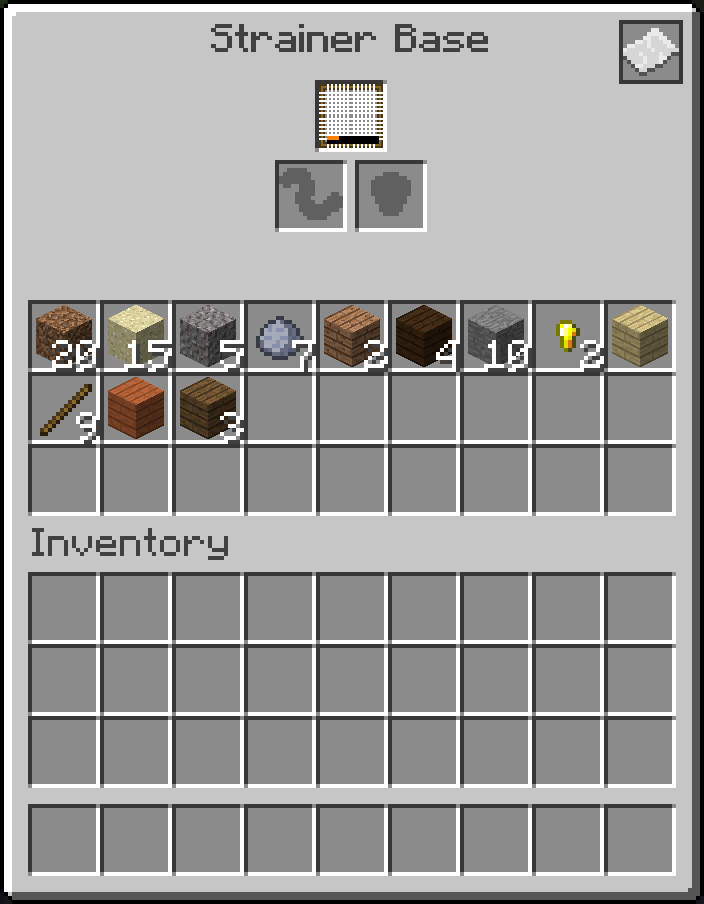
Cara memulai: (1) Buat strainer base. (2) Buat strainer jenis apa pun. (3) Letakkan strainer base di dalam kolam air (base memerlukan air di atasnya). (4) Masukkan strainer kamu ke dalam base. Strainer sekarang akan menyaring air untuk mendapatkan item. Daftar item bergantung pada jenis strainer. Item dapat dimasukkan dan dikeluarkan dari bagian bawah Strainer Base.
Kompatibilitas: Mod ini mendukung Just Enough Items (JEI).
Kebijakan Modpack: Kamu diperbolehkan memasukkan mod ini ke dalam modpack apa pun. Kamu tidak diperbolehkan menjual mod ini atau isi dari mod ini (seperti item).
Cara memasang Water Strainer
With Millida Launcher
Install Millida Launcher
The launcher is free: download it at millida.net/launcher and sign in with any nickname.
Click “Install” on this page
The launcher opens and installs the mod for Minecraft 1.12–1.19.4 on Forge automatically.
Launch the game
A profile with it appears in the launcher: click “Play”.
Manually
Install Forge
The loader must match the game version of the mod file, for example Minecraft 1.19.4. After installing it, a separate profile appears in your launcher.
Download the file for your version
In the version list above, pick the file WaterStrainer-1.19.4-16.0.0.jar (233 KB) for your game version.
Put it in the mods folder
The folder is inside .minecraft (Windows: %appdata%\.minecraft\mods). If it does not exist, create it.
Launch the loader profile
Open “Mods” in the main menu: Water Strainer should be in the list.
Minecraft 1.19.4 runs on Java 17: with a different Java version the game may close right after launch.
Versi
Dengan dependensi
| Minecraft | Loader | File | Tanggal | Tindakan |
|---|---|---|---|---|
| 1.19.4 | Forge | WaterStrainer-1.19.4-16.0.0.jar233 KB | ||
| 1.12.1 | Forge | WaterStrainer-1.12-3.3.0.jar120 KB | ||
| 1.14.4 | — | WaterStrainer-1.14.4-7.0.0.jar216 KB | ||
| 1.14.3 | — | WaterStrainer-1.14.3-6.1.0.jar190 KB |
FAQ
Which Minecraft versions does Water Strainer work on?
There are files for 1.19.4, 1.14.4, 1.14.3, 1.12.2, 1.12.1, 1.12. The newest is 1.19.4.
Is Water Strainer for Forge or Fabric?
Only for Forge: 1.12–1.19.4. There are no files for Fabric or NeoForge: a mod for another loader will not start.
Does Water Strainer need other mods?
The author lists no required dependencies: the Forge loader is enough.
Which Java does Water Strainer need?
Minecraft 1.19.4 runs on Java 17. If the game closes right after launch, the usual cause is the wrong Java version in the profile settings.
Where can I download Water Strainer safely?
On this page: the file WaterStrainer-1.19.4-16.0.0.jar (233 KB) is stored on Millida’s server, with no link shorteners. SHA-1 checksum: 80cd871030e40bb262269c2fcf6aaf103bed4f5e.
Ulasan
Jadilah yang pertama menilai Water Strainer


