

Trek Mod untuk Minecraft 1.20.1, 1.21.1
Bosan dengan generasi struktur vanilla? Pack ini untuk Anda!
- unduhan
- 180 unduhan
- dilihat
- 569 dilihat
- Diperbarui
- Diperbarui 24.10.2026
- 1.19 — 26.3
 Fabric
 Forge
Forge NeoForge
 Quilt
Quilt Paket data
- Klien dan server
Trek
Versi: Beta 0.6.2
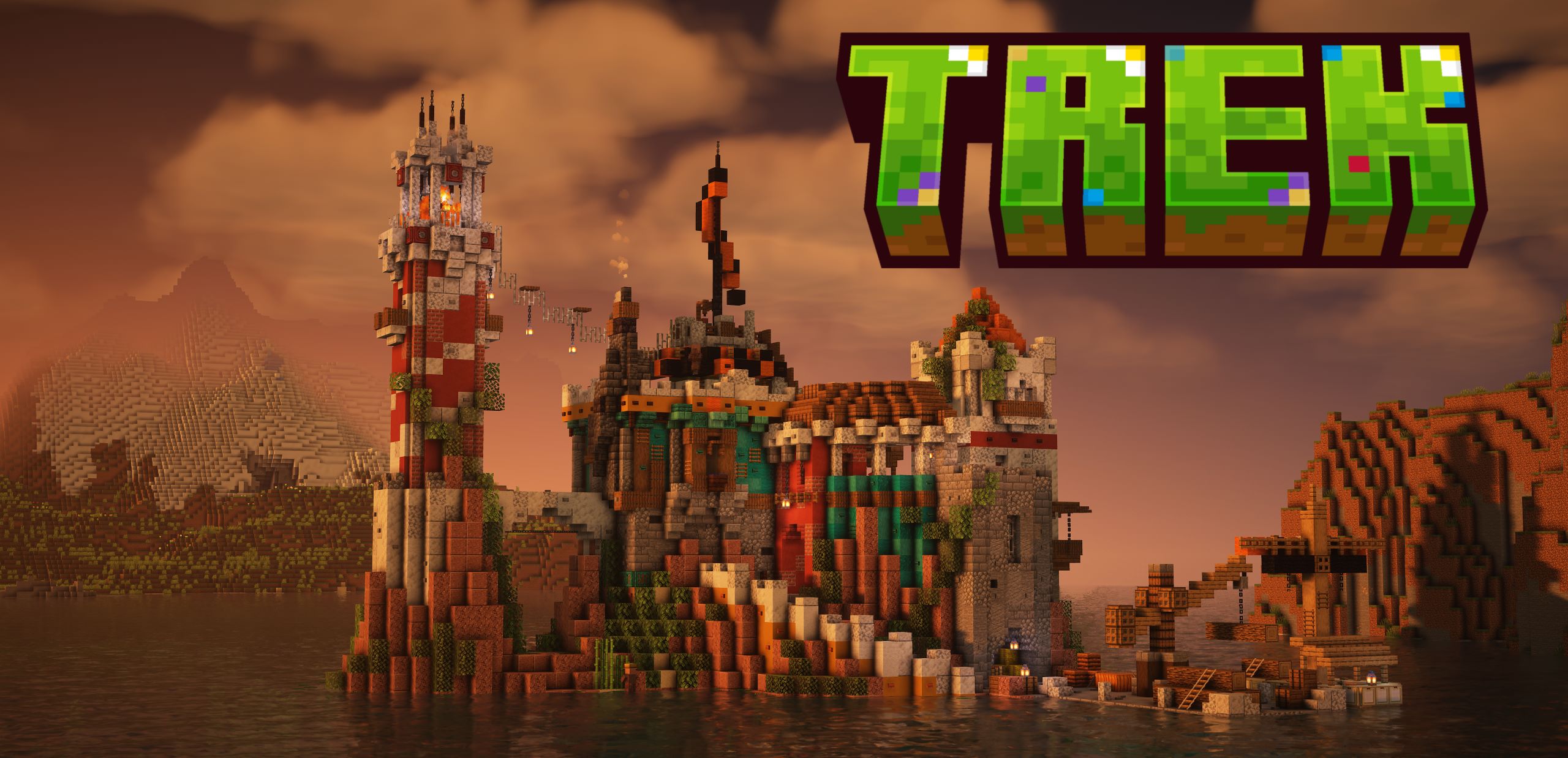
Trek adalah datapack yang mengubah dunia Minecraft Anda menjadi gudang penemuan. Dirancang untuk penjelajah dan pembangun, datapack ini menambahkan lebih dari 150 struktur khusus di berbagai bioma, menyatu dengan mulus dengan lingkungannya, semuanya tetap mempertahankan gameplay vanilla.

Apa yang Ditambahkan Trek?
- Struktur besar, seperti pulau terbang atau pulau air, piramida, benteng, mansion;
- Berbagai rumah, kamp, kapal, menara, bangunan kuno;
- Atau yang sangat kecil, seperti babi yang sedang memasak di api unggun, atau reruntuhan yang tersisa sebagai tanda bahwa struktur pernah ada di sana;
- Trek juga merombak beberapa struktur vanilla, sehingga menemukannya akan terasa lebih seru. Kami berencana merombak semua struktur vanilla di masa depan.

Fitur
- Khusus Bioma: Rumah pohon di hutan hujan, snowman di taiga;
- Kemunculan Berbobot: Temuan langka seperti kota yang tenggelam terasa istimewa;
- Ramah Vanilla: Tanpa mod, hanya datapack;
- Sangat kompatibel: Daftar kompatibilitas dapat ditemukan di wiki kami.
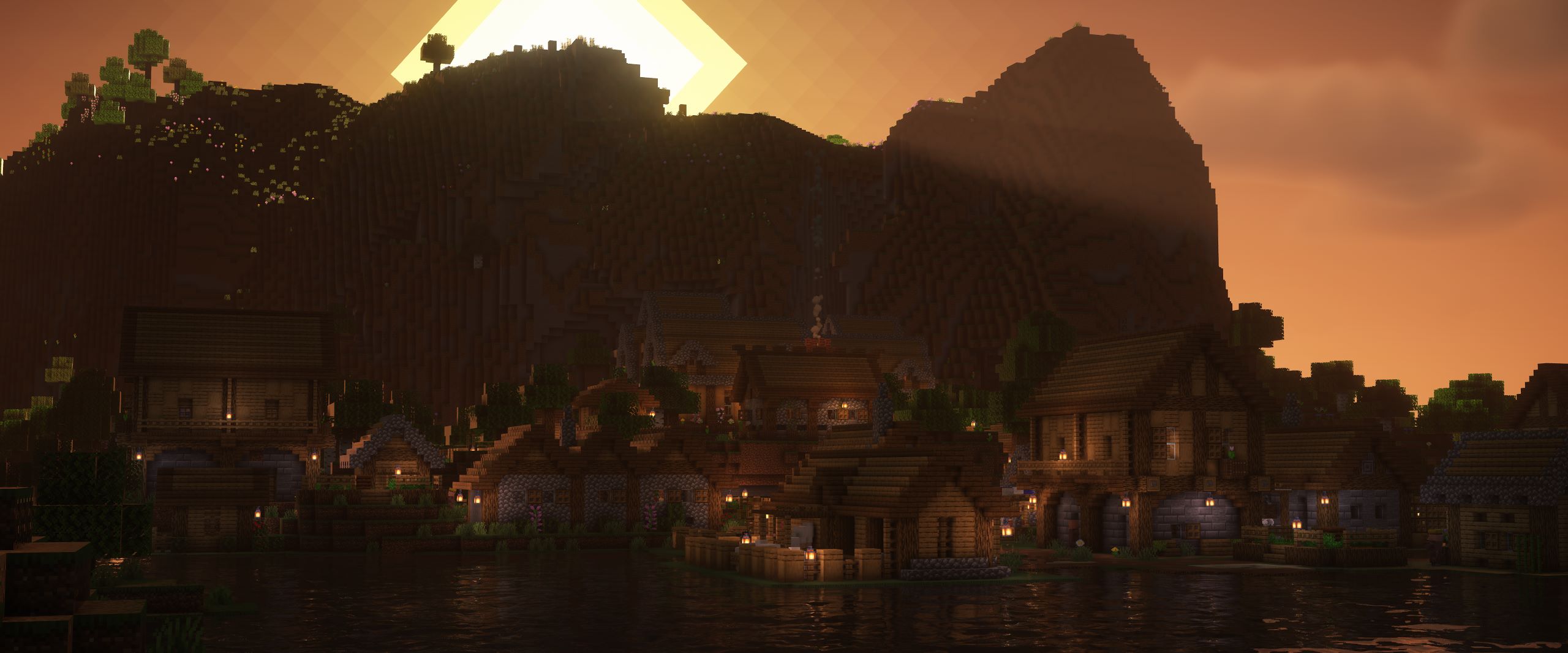
Mengapa Mengunduh Trek?
Sempurna untuk pemain survival yang mencari tantangan, pengembara yang berburu reruntuhan, atau pembangun yang ingin inspirasi. Berlayar ke pulau laut, temukan pohon beku, atau berdagang di sabana yang subur — semuanya di Minecraft vanilla!
Donasi membantu kami menjaga mod tetap diperbarui dan mengembangkan fitur baru!
Lihat wiki kami untuk informasi lebih lanjut.
Nikmati petualangan Trek Anda!
Cara memasang Trek
With Millida Launcher
Install Millida Launcher
The launcher is free: download it at millida.net/launcher and sign in with any nickname.
Click “Install” on this page
The launcher opens and installs the mod for Minecraft 1.19–26.3 on Fabric, Forge, NeoForge or Quilt automatically.
Launch the game
A profile with it appears in the launcher: click “Play”.
Manually
Install Fabric, Forge, NeoForge or Quilt
The loader must match the game version of the mod file, for example Minecraft 26.3. After installing it, a separate profile appears in your launcher.
Download the file for your version
In the version list above, pick the file trek-B0.6.2.1.jar (12 MB) for your game version and loader.
Put it in the mods folder
The folder is inside .minecraft (Windows: %appdata%\.minecraft\mods). If it does not exist, create it.
Launch the loader profile
Open “Mods” in the main menu: Trek should be in the list.
On a server
A server on Fabric, Forge, NeoForge or Quilt
The mod only works on a server with the same loader and game version, for example 26.3.
File goes into the server’s mods folder
Stop the server, put the mod file into the mods folder and start the server again.
Use the “To server” button
On Millida Hosting, the button at the top of the page uploads the file to your server and restarts it for you.
Versi
Dengan dependensi
| Minecraft | Loader | File | Tanggal | Tindakan |
|---|---|---|---|---|
| 26.3 | Fabric, Forge, NeoForge, Quilt | 26.312.2 MB 3 | ||
| 26.3 | Paket data | 26.35.7 MB | ||
| 26.2 | Fabric, Forge, NeoForge, Quilt | 26.211.9 MB 117 | — | |
| 26.1 | Fabric, Forge, NeoForge, Quilt | 26.111.9 MB 1 | — | |
| 1.21.11 | Fabric, Forge, NeoForge, Quilt | 1.21.1111.9 MB 2 | — | |
| 1.21 | Fabric, Forge, NeoForge, Quilt | 1.2111.9 MB | — | |
| 1.20.1 | Fabric, Forge, NeoForge, Quilt | 1.20.111.9 MB 13 | — | |
| 1.19.2 | Fabric, Forge, NeoForge, Quilt | 1.19.211.9 MB 22 | — |
Ulasan
Jadilah yang pertama menilai Trek


