

Snuffles Mod untuk Minecraft 1.21.1
Menambahkan Snuffles, mob baru ke bioma bersalju!
 NeoForge
 Forge
ForgeTentang mod Snuffles
Dibuat selama WinterJam 2021.
Port Fabric: https://www.curseforge.com/minecraft/mc-mods/snuffles-fabric
Snuffle adalah mob berbulu dengan lidah besar yang ditemukan di bioma bersalju dengan bulu dingin yang unik. Mereka dapat dikembangbiakkan dengan kentang, mereka akan menjulurkan lidah dan berlari ke arahmu jika kamu memegangnya. Bulu mereka tertutup embun beku, yang dapat dihilangkan dengan magma cream atau api. Snuffle yang Berembun meninggalkan jejak kepingan salju ke mana pun mereka pergi. Bulu mereka dapat dipanen dengan mencukurnya, memangkas bulu berlebih dan memperlihatkan mata mereka.
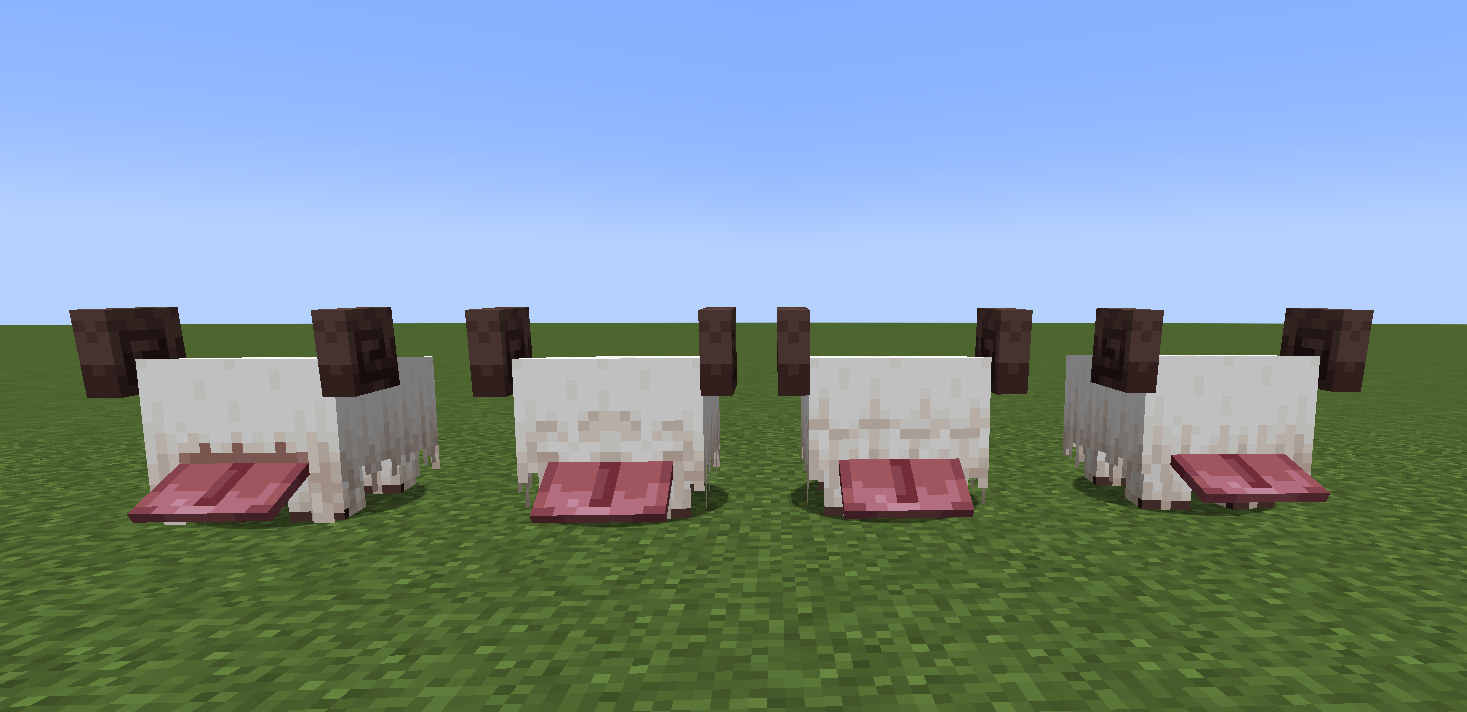
Jika Snuffle hangat, ia dapat kembali berembun dengan berada di tempat terbuka saat sedang turun salju atau dengan berjalan ke powder snow. Ini dapat dilihat di sini.
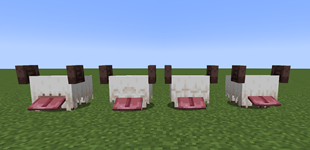
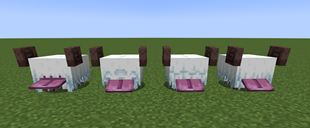
Slimeball dapat digunakan padanya untuk mengganti 4 gaya rambut.
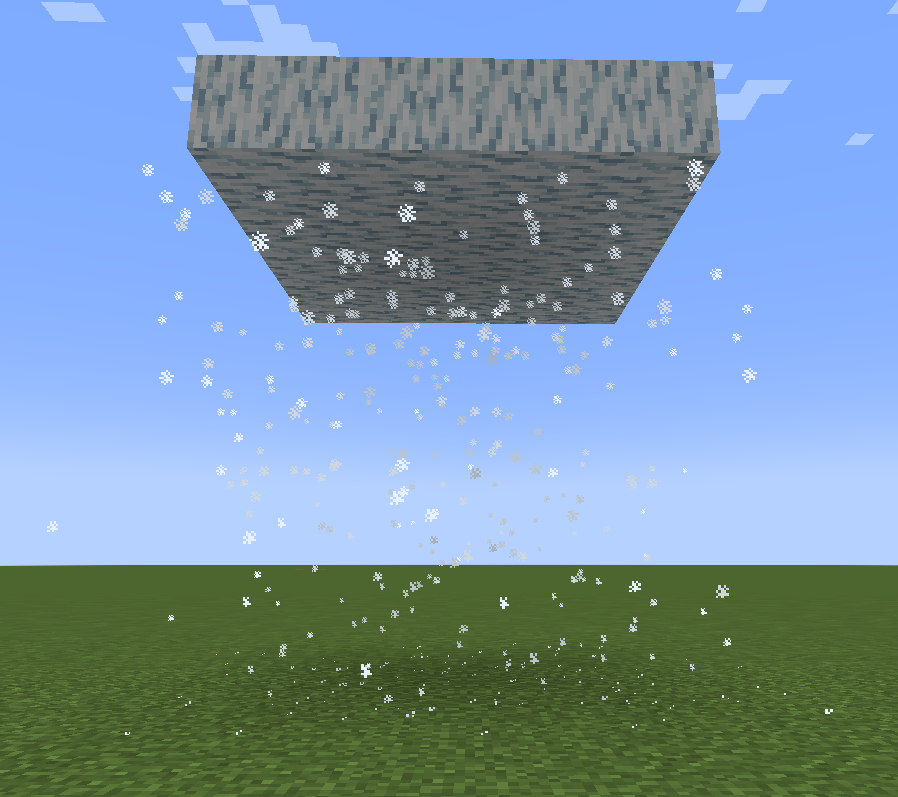
Snuffle Fluff dan Snuffle Fluff Carpet adalah blok dekorasi dan Frosty Fluff serta Frosty Fluff Carpet menghasilkan kepingan salju saat diinjak. Frosty Fluff juga menghasilkan partikel kepingan salju di bawahnya jika tidak ada blok di bawahnya.
Cara memasang Snuffles
With Millida Launcher
Install Millida Launcher
The launcher is free: download it at millida.net/launcher and sign in with any nickname.
Click “Install” on this page
The launcher opens and installs the mod for Minecraft 1.20.4–1.21.1 on Forge or NeoForge automatically.
Launch the game
A profile with it appears in the launcher: click “Play”.
Manually
Install Forge or NeoForge
The loader must match the game version of the mod file, for example Minecraft 1.21.1. After installing it, a separate profile appears in your launcher.
Download the file for your version
In the version list above, pick the file snuffles-1.1.2.jar (211 KB) for your game version and loader.
Put it in the mods folder
The folder is inside .minecraft (Windows: %appdata%\.minecraft\mods). If it does not exist, create it.
Launch the loader profile
Open “Mods” in the main menu: Snuffles should be in the list.
Minecraft 1.21.1 runs on Java 21: with a different Java version the game may close right after launch.
Versi
Dengan dependensi
| Minecraft | Loader | File | Tanggal | Tindakan |
|---|---|---|---|---|
| 1.20.4 | Forge, NeoForge | Snufffles 1.2.1.1 for 1.20.4223 KB | ||
| 1.21.1 | NeoForge | Snuffles 1.1.2 for 1.21.1211 KB 2 |
FAQ
Which Minecraft versions does Snuffles work on?
There are files for 1.21.1, 1.20.4. The newest is 1.21.1.
Is Snuffles for Forge or Fabric?
There are files for Forge: 1.20.4 and for NeoForge: 1.20.4–1.21.1. There are no files for Fabric: a mod for another loader will not start.
Does Snuffles need other mods?
The author lists no required dependencies: the Forge or NeoForge loader is enough.
Which Java does Snuffles need?
Minecraft 1.21.1 runs on Java 21. If the game closes right after launch, the usual cause is the wrong Java version in the profile settings.
How do I download Snuffles?
With Millida Launcher: it installs Snuffles into a modpack by itself, for the right game version and loader. The launcher is free.
Ulasan
Jadilah yang pertama menilai Snuffles


