
Snow Under Trees Mod untuk Minecraft 1.20.1, 26.3
Menambahkan salju di bawah pohon di bioma bersalju
 Fabric
 Quilt
Quilt NeoForge
 Forge
ForgeTentang mod Snow Under Trees
Mod ini dibuat selama MMD WinterJam 2019!
Fungsi
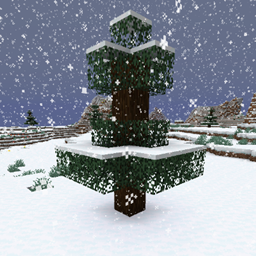
Snow Under Trees menambahkan, siapa yang menyangka, salju di bawah pepohonan. Ini akan terjadi setiap kali chunk baru dibuat, atau saat sedang turun salju. Perlu diketahui, hanya biome yang cukup dingin untuk turun salju yang terpengaruh. Misalnya hutan biasa tidak akan terpengaruh.
Dukungan Mod
- Biome dari mod
- Terralith
- Oh The Biomes You'll Go
- Oh The Biomes We've Gone
- Biomes O' Plenty
- …
- Snow! Real Magic!
- Serene Seasons
- Eternal Winter
- Dynamic Trees
- Moonrise
Jika kamu ingin melihat mod lain didukung atau dukungan yang tercantum di sini tidak berfungsi, silakan buka issue di GitHub.
Pertunjukan
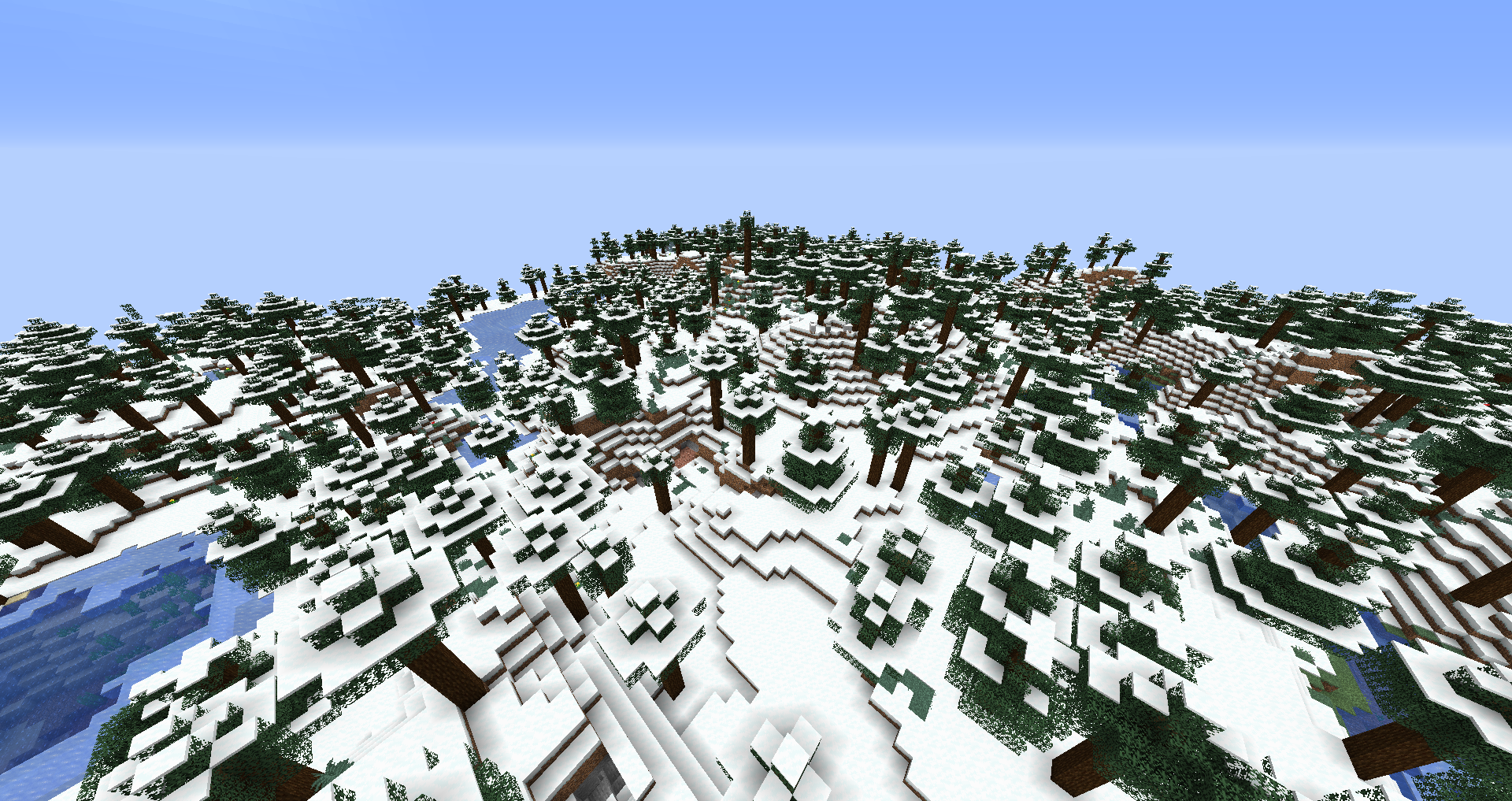
Di sini kamu dapat melihat perbandingan antara biome Snowy Taiga vanilla yang sama yang dibuat tanpa (sebelum) dan dengan (sesudah) mod ini terpasang:
Konfigurasi
enablebiomefeature - Menyetel ini ke false akan menonaktifkan salju dibuat di bawah pepohonan saat chunk baru dibuat. enablewhensnowing - Menyetel ini ke false akan menonaktifkan salju dibuat di bawah pepohonan saat sedang turun salju di dunia. filteredbiomes - Biome apa pun yang ID biome-nya ditambahkan di sini tidak akan terpengaruh oleh mod ini dengan cara apa pun. Kamu dapat menemukan ID biome dari biome tempatmu berada saat ini di layar F3. Misalnya, ID biome dari biome plains terlihat seperti ini: minecraft:plains
Kamu diperbolehkan menggunakan mod ini di modpack apa pun.
Ayo bergabung denganku di Discord! https://discord.gg/kgZUAxK
Ikuti aku di Twitter untuk pembaruan mod dan hal-hal seru lainnya! https://twitter.com/bl4ckscor3
Cara memasang Snow Under Trees
With Millida Launcher
Install Millida Launcher
The launcher is free: download it at millida.net/launcher and sign in with any nickname.
Click “Install” on this page
The launcher opens and installs the mod for Minecraft 1.16.2–26.3 on Fabric, Forge, NeoForge or Quilt automatically.
Launch the game
A profile with it appears in the launcher: click “Play”.
Manually
Install Fabric, Forge, NeoForge or Quilt
The loader must match the game version of the mod file, for example Minecraft 26.3. After installing it, a separate profile appears in your launcher.
Download the file for your version
In the version list above, pick the file snowundertrees-fabric-26.3-1.6.1.jar (245 KB) for your game version and loader.
Put it in the mods folder
The folder is inside .minecraft (Windows: %appdata%\.minecraft\mods). If it does not exist, create it.
Launch the loader profile
Open “Mods” in the main menu: Snow Under Trees should be in the list.
Versi
Dengan dependensi
| Minecraft | Loader | File | Tanggal | Tindakan |
|---|---|---|---|---|
| 26.3 | Fabric, Quilt | snowundertrees-fabric-26.3-1.6.1.jar245 KB 26 | ||
| 26.3 | NeoForge | snowundertrees-neoforge-26.3-1.6.1.jar246 KB 2 | ||
| 1.20.1 | NeoForge, Forge | snowundertrees-1.20.1-1.4.12.jar27.9 KB 2 | ||
| 1.16.2 | Forge | snowundertrees-1.16.2-v1.1.2.jar11.6 KB |
FAQ
Which Minecraft versions does Snow Under Trees work on?
There are files for 26.3, 1.20.1, 1.16.2. The newest is 26.3.
Is Snow Under Trees for Forge or Fabric?
There are files for Fabric: 26.3, for Forge: 1.16.2–1.20.1, for NeoForge: 1.20.1–26.3 and for Quilt: 26.3.
Does Snow Under Trees need other mods?
The author lists no required dependencies: the Fabric, Forge, NeoForge or Quilt loader is enough.
Where can I download Snow Under Trees safely?
On this page: the file snowundertrees-fabric-26.3-1.6.1.jar (245 KB) is stored on Millida’s server, with no link shorteners. SHA-1 checksum: e2de49a134251d36176b99b1b7997e950ccbfa8d.
Ulasan
Jadilah yang pertama menilai Snow Under Trees


