
Runic Dungeons Mod untuk Minecraft 1.7.10
Dimensi Dungeon Sederhana.
Tentang mod Runic Dungeons
Dalam mod ini, kamu akan menemukan artefak langka di dalam kuil.
Artefak ini, yang dikenal sebagai 'Magic Chalk', tampaknya memiliki sifat-sifat aneh.
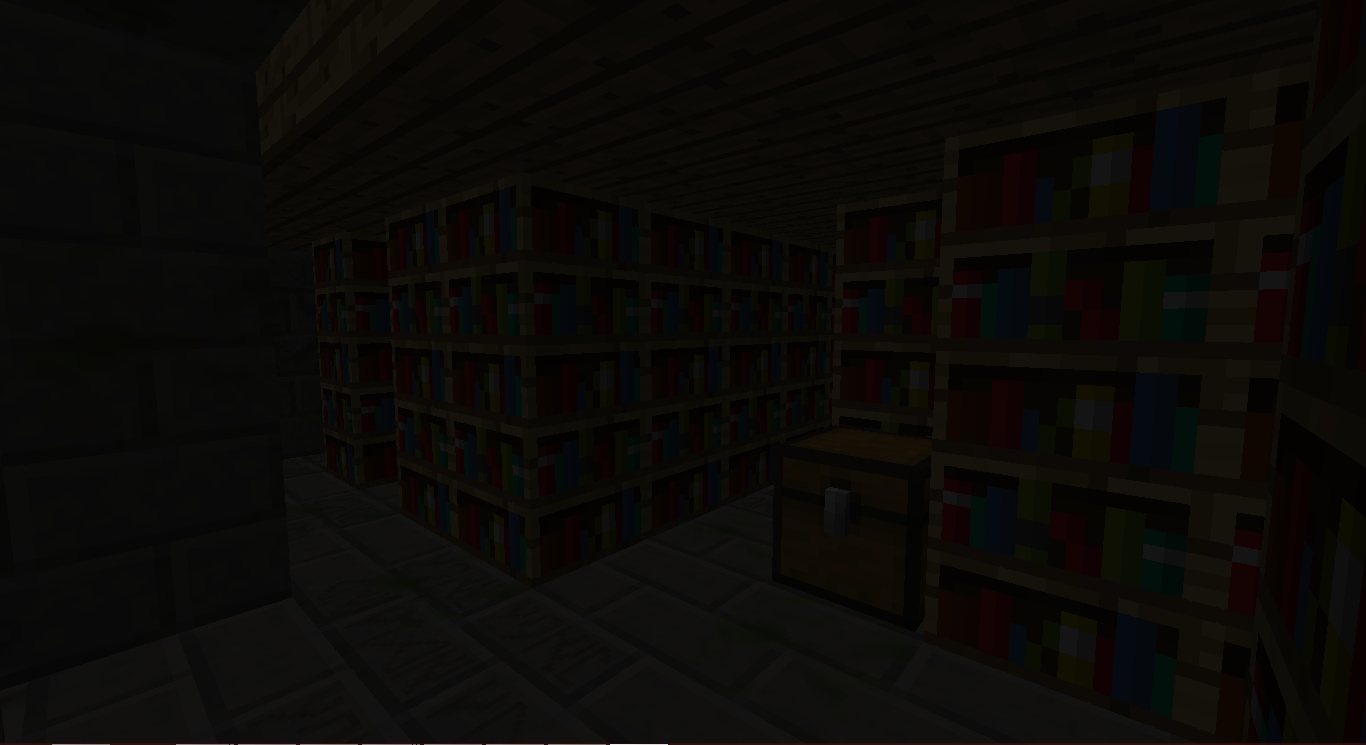
Kamu bertanya-tanya untuk apa benda ini bisa digunakan...
Petualanganmu dimulai!
Cara Menggunakan:
Temukan Magic Chalk di JungleTemple atau DesertTemple.
Buat Magical Staff.
Buat salah satu portal:
Klik Kanan salah satu Chiseled Stone Bricks pada struktur tersebut dengan Magical Staff di tanganmu.
Sebuah Struktur akan terbentuk.
Klik Kanan pada Portal di tengah Struktur untuk bepergian ke Runic Dungeons.
Setelah di sana, kamu bisa Klik Kanan portal itu lagi untuk meninggalkan dimensi tersebut.
Klik Kanan pada Keyhole dengan Dungeon Key akan membukanya.
Setiap ruangan dungeon memiliki Dungeon Key tersembunyi. JANGAN BUANG-BUANG MEREKA.
Lawan Mob, Kumpulkan Loot, dan JELAJAHI!
Item
Magical Chalk - Memungkinkanmu bepergian ke Runic Dungeons
Dungeon Key - Digunakan untuk Membuka Dungeon Keyhole
Baubles
Mod ini memiliki integrasi dengan Baubles milik Azanor. Item-item ini hanya akan berfungsi jika kamu memasang Baubles, tetapi tidak wajib mendapatkannya untuk maju dalam mod ini. Namun, aku sarankan kamu menambahkannya, karena item-itemnya cukup keren.
Amulet:
Amulet of the Wind - Memberimu Speed
Amulet of the Earth - Memberimu Haste
Amulet of Strength - Memberimu Strength
Amulet of Leaping - Memberimu Jump Boost
Amulet of Healing - Memberimu Regeneration
Ironskin Amulet - Memberimu Resistance
Amulet of the Blaze - Memberimu Fire Resistance
Amulet of the Ocean - Memberimu Water Breathing
Amulet of the Night - Memberimu Night Vision
Belt:
Dye Belts - Mengubah warna wool/dye apa pun di inventarismu menjadi warna belt tersebut (BUGGY)
Arrow Belt - Panah apa pun yang kamu bawa memiliki peluang kecil untuk jatuh dan kamu mendapatkan panah itu.
Belt of Flight - Memberimu Flight
Ender Belt - Saat kamu menerima damage, kamu akan teleport menjauh. (Kecuali di dimensi Runic Dungeons)
Achievement:
Off We Go! - Buat portal Runic Dungeons
The Key to Progress! - Gunakan Dungeon Key
Izin Modpack:
Silakan saja! Tidak perlu bertanya!
Meskipun aku akan senang jika kamu memberitahuku, tapi itu tidak wajib.
Runic Dungeons oleh MrComputerGhost dilisensikan di bawah Creative Commons Attribution-NonCommercial-NoDerivatives 4.0 International License.
Cara memasang Runic Dungeons
With Millida Launcher
Install Millida Launcher
The launcher is free: download it at millida.net/launcher and sign in with any nickname.
Click “Install” on this page
The launcher opens and installs the mod for Minecraft 1.7.10 automatically.
Launch the game
A profile with it appears in the launcher: click “Play”.
Manually
Download the file for your version
In the version list above, pick the file RunicDungeons-1.1.7b.jar (685 KB) for your game version.
Put it in the mods folder
The folder is inside .minecraft (Windows: %appdata%\.minecraft\mods). If it does not exist, create it.
Launch the loader profile
Open “Mods” in the main menu: Runic Dungeons should be in the list.
Minecraft 1.7.10 runs on Java 8: with a different Java version the game may close right after launch.
Versi
Dengan dependensi
| Minecraft | Loader | File | Tanggal | Tindakan |
|---|---|---|---|---|
| 1.7.10 | — | Runic Dungeons v1.1.7b685 KB | ||
| 1.7.10 | — | Runic Dungeons v0.9.7b406 KB |
FAQ
Which Minecraft versions does Runic Dungeons work on?
Only Minecraft 1.7.10: there are no files for other versions.
Which Java does Runic Dungeons need?
Minecraft 1.7.10 runs on Java 8. If the game closes right after launch, the usual cause is the wrong Java version in the profile settings.
Where can I download Runic Dungeons safely?
On this page: the file RunicDungeons-1.1.7b.jar (685 KB) is stored on Millida’s server, with no link shorteners. SHA-1 checksum: 1df562694aed00055a318b19fc9bb172ce157798.
Ulasan
Jadilah yang pertama menilai Runic Dungeons


