

Pretty Rain Mod untuk Minecraft 1.19.2, 1.21.8
Pretty Rain replaces the default weather with prettier particle effects. Port of Particle Rain to NeoForge
 NeoForge
 Forge
ForgeTentang mod Pretty Rain
Pretty Rain replaces the default weather with prettier particle effects. Port of Particle Rain from Fabric
Support in my Discord ! ⚠️1.20.1 and before, the mod is required on server⚠️
Video url if the embed doesnt load for you: https://www.youtube-nocookie.com/embed/oan4xH5RvH0
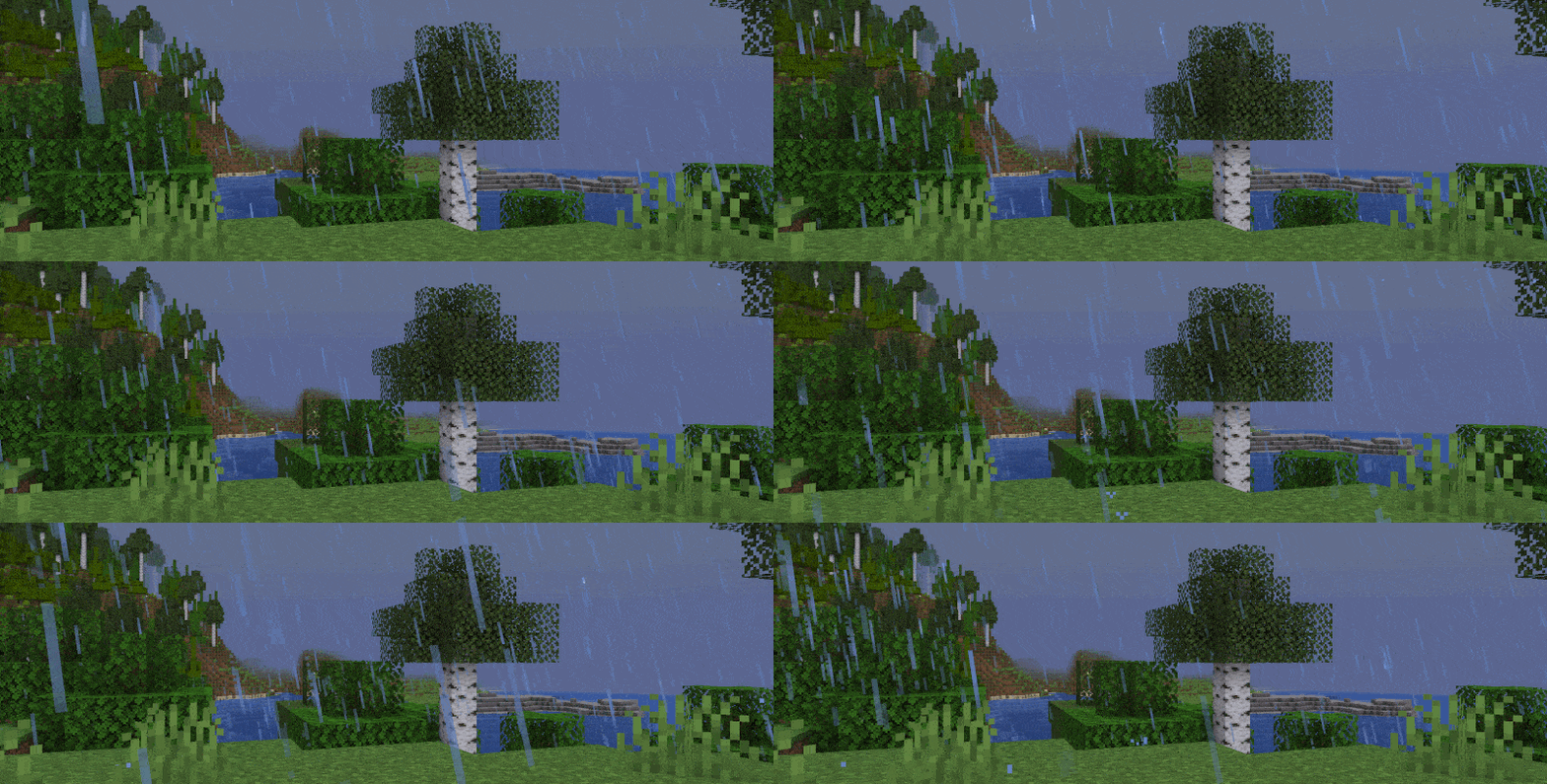
Rain Particles
Falls at an angle, as if blown by wind. The wind is stronger during stormy weather.
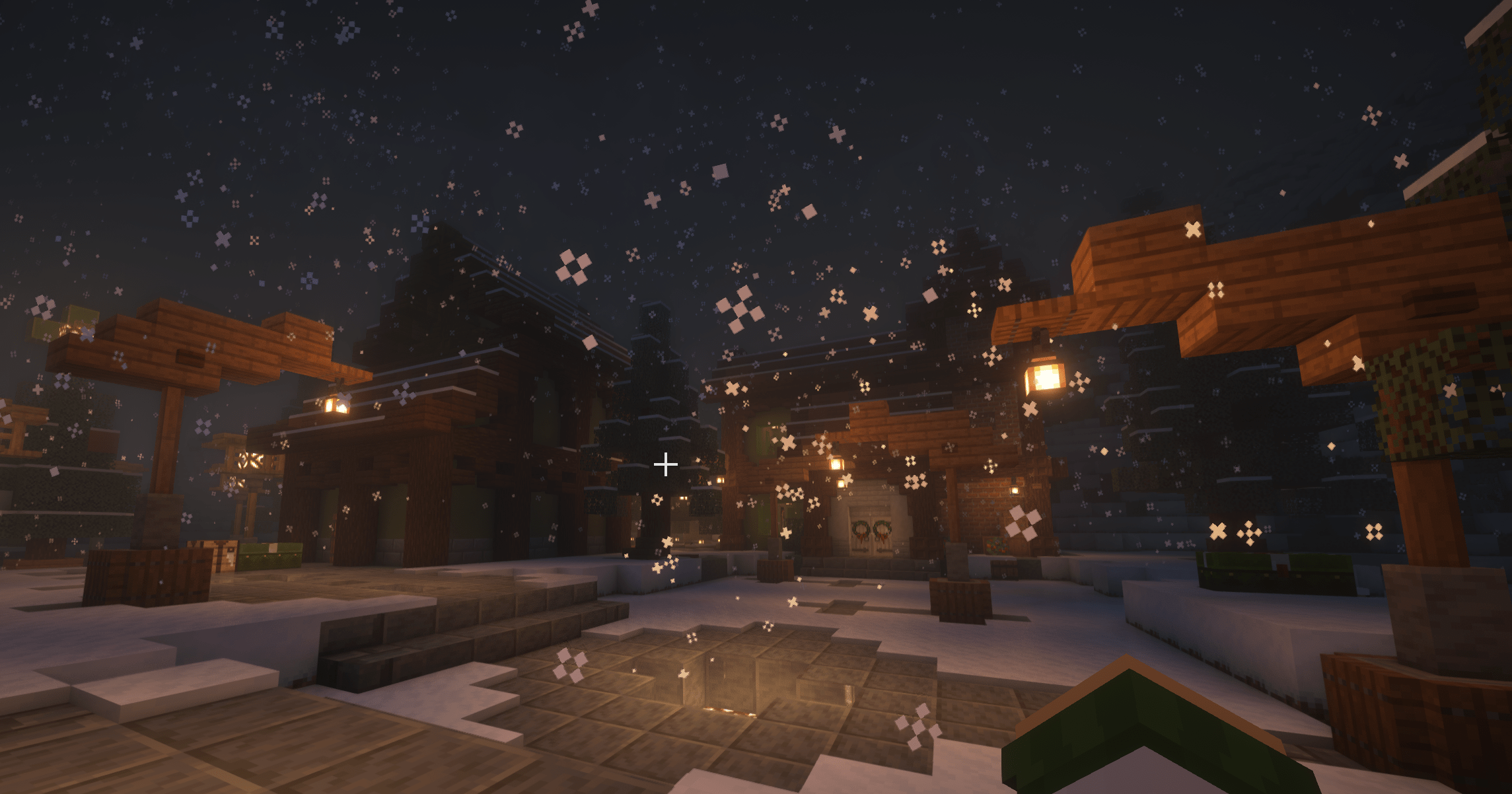
Snow Particles
Rotate slowly as they fall.

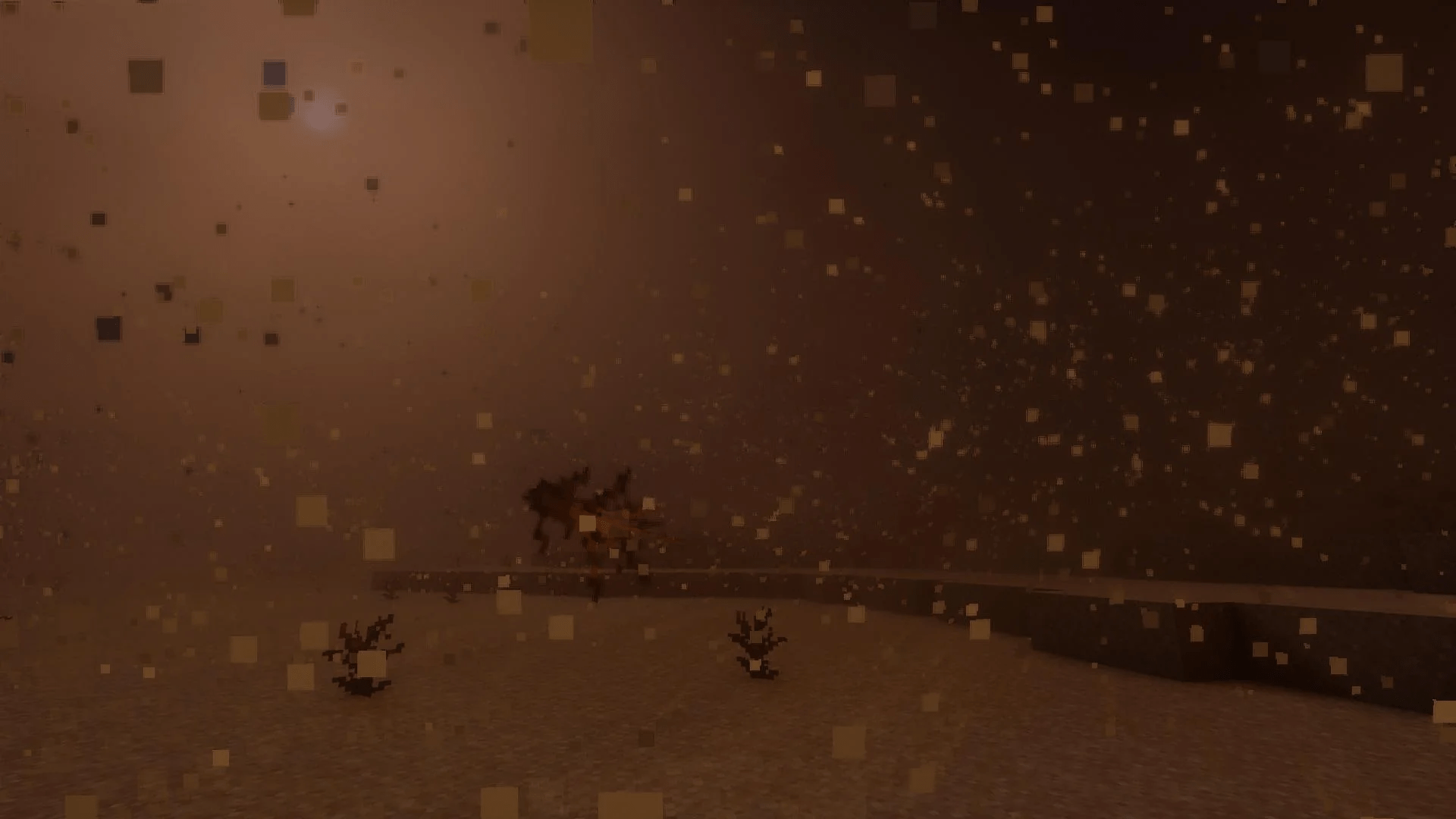
Sandstorms
Dust and shrubs blow through deserts and other dry biomes. Supports modded biomes.

Biome Tint
Rain and water particles match the biome's water tint

Water Ripples
Appears when rain falls onto water. Will match the resolution of your resource pack.

Water Streaks
Appears when rain hits a wall made of a hard material.

Ground Fog
Appears just above sea level in humid biomes.

Foggier Fog?
Experimental, laggy, and disabled by default.

Configurable
If you have mod menu installed you can change various aspects of the particles' behaviour. All effects can be toggled on and off.
(Config Screen not available in NeoForge but will be added soon)

Tips to reduce lag
Lower the radius, density, or maximum particle amount in the config. By default particle rain only spawns up to 1500 particles. Most systems should handle this without issue.
If you'd like to support me and the development of my mods, I recommend trying out BisectHosting. Use code "project8gbderam" to get 25% off your first month of a gaming server for new customers. They offer 24/7 support and lightning-fast response times, ensuring you're in great hands and providing exceptional assistance for all your gaming needs.
https://www.bisecthosting.com/project8gbderam
Cara memasang Pretty Rain
With Millida Launcher
Install Millida Launcher
The launcher is free: download it at millida.net/launcher and sign in with any nickname.
Click “Install” on this page
The launcher opens and installs the mod for Minecraft 1.19.2–1.21.8 on Forge or NeoForge automatically.
Launch the game
A profile with it appears in the launcher: click “Play”.
Manually
Install Forge or NeoForge
The loader must match the game version of the mod file, for example Minecraft 1.21.8. After installing it, a separate profile appears in your launcher.
Download the file for your version
In the version list above, pick the file Pretty Rain-1.21.6-NeoForge-1.1.4.jar (576 KB) for your game version and loader.
Put it in the mods folder
The folder is inside .minecraft (Windows: %appdata%\.minecraft\mods). If it does not exist, create it.
Launch the loader profile
Open “Mods” in the main menu: Pretty Rain should be in the list.
Minecraft 1.21.8 runs on Java 21: with a different Java version the game may close right after launch.
Versi
Dengan dependensi
| Minecraft | Loader | File | Tanggal | Tindakan |
|---|---|---|---|---|
| 1.21.8 | NeoForge | Pretty Rain-1.21.6-NeoForge-1.1.4.jar576 KB 1 | ||
| 1.19.2 | Forge | Pretty Rain-1.19.2-Forge-1.1.1.jar600 KB 4 |
FAQ
Which Minecraft versions does Pretty Rain work on?
There are files for 1.21.8, 1.21.7, 1.21.6, 1.19.2. The newest is 1.21.8.
Is Pretty Rain for Forge or Fabric?
There are files for Forge: 1.19.2 and for NeoForge: 1.21.6–1.21.8. There are no files for Fabric: a mod for another loader will not start.
Does Pretty Rain need other mods?
The author lists no required dependencies: the Forge or NeoForge loader is enough.
Which Java does Pretty Rain need?
Minecraft 1.21.8 runs on Java 21. If the game closes right after launch, the usual cause is the wrong Java version in the profile settings.
Where can I download Pretty Rain safely?
On this page: the file Pretty Rain-1.21.6-NeoForge-1.1.4.jar (576 KB) is stored on Millida’s server, with no link shorteners. SHA-1 checksum: fefa7c9cdf93fdcf4627ed35463f02bcbe4c0a4a.
Ulasan
Jadilah yang pertama menilai Pretty Rain


