
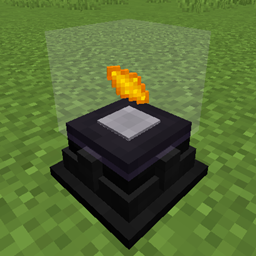
Powah! Mod untuk Minecraft 1.16.5
Generator, panel Surya, Sel Energi, Kabel, Reaktor, energi nirkabel ... dan lainnya!
- dilihat
- 16 dilihat
- Diperbarui
- Diperbarui 17.10.2026
- 1.16.1 — 1.16.5
 Forge
Forge
Tentang mod Powah!
Powah adalah mod teknologi yang menambahkan berbagai cara untuk menghasilkan, menyimpan, dan menyalurkan Forge Energy.
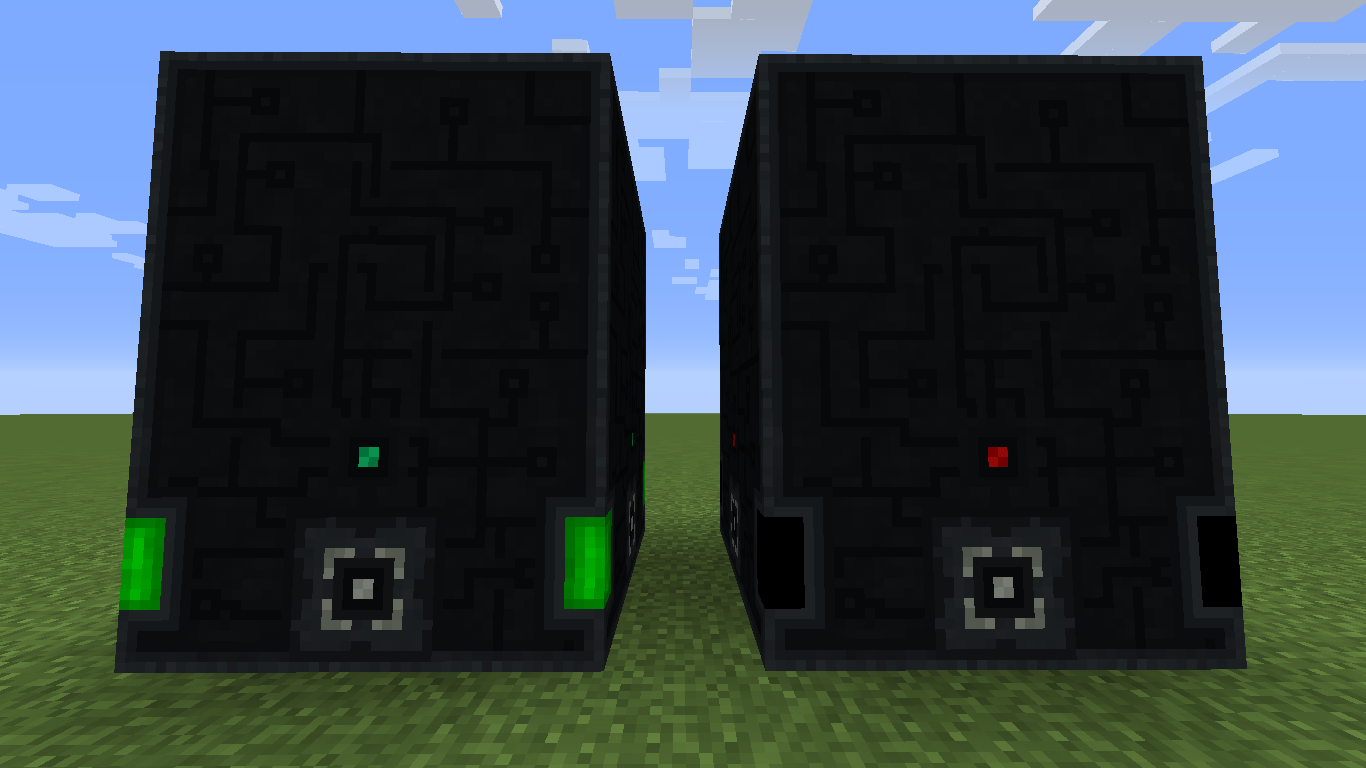
Fitur Mod:
- Penyimpanan Energi (Energy Cell, Ender Network)
- Ender Network (Ender Cell, Ender, Gate)
- Generator (Furnator, Magmatic Generator, Thermoelectric Generator, Solar panel, Reactors)
- Mesin Lainnya (Discharger, Energy Hopper, Player Transmitter)
- Kabel Energi yang Ramah Server.
- Dukungan waterlogging.
- Dan lainnya ...
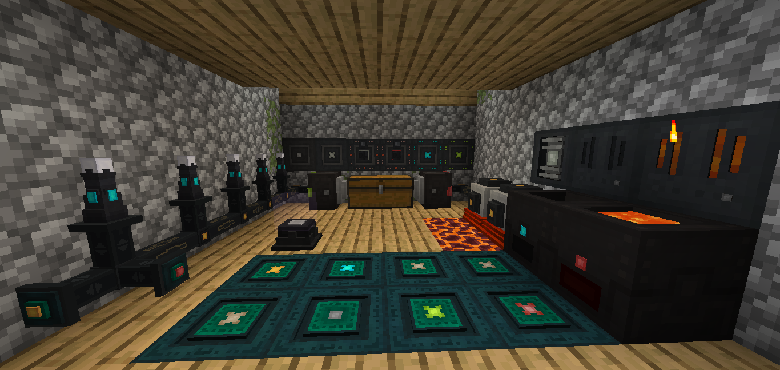
Spotlight Mod:
https://www.youtube.com/watch?v=CggB-gdA1ok Oleh Mischief of Mice (Inggris)
https://www.youtube.com/watch?v=arJXvhh8HHw Oleh Ordinal Wolf (Inggris)
https://www.youtube.com/watch?v=4Fkp-ivLCsQ Oleh RedAlle (Italia)
Powah memerlukan library Lollipop.
Ikuti saya di Twitter!: @owmii
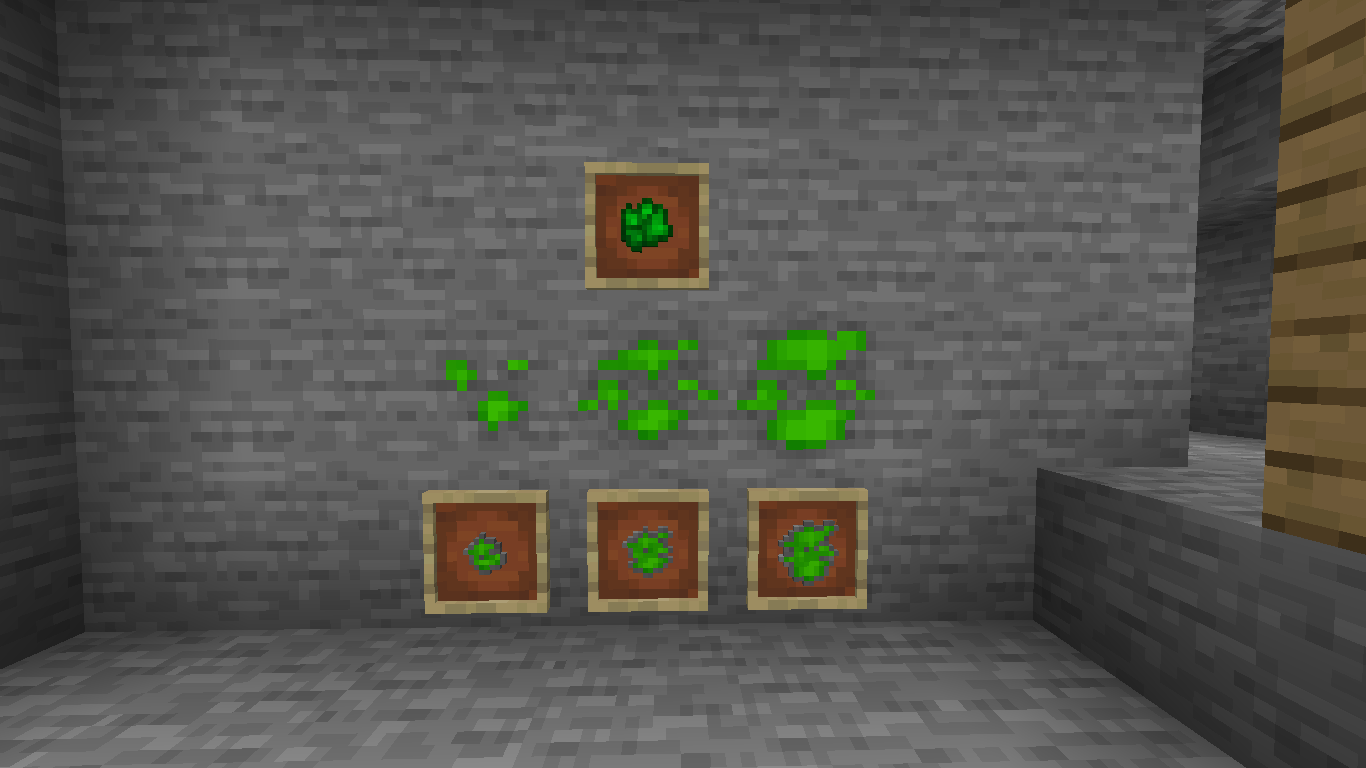
Cara memasang Powah!
With Millida Launcher
Install Millida Launcher
The launcher is free: download it at millida.net/launcher and sign in with any nickname.
Click “Install” on this page
The launcher opens and installs the mod for Minecraft 1.16.1–1.16.5 on Forge automatically.
Launch the game
A profile with it appears in the launcher: click “Play”.
Manually
Install Forge
The loader must match the game version of the mod file, for example Minecraft 1.16.5. After installing it, a separate profile appears in your launcher.
Download the file for your version
In the version list above, pick the file Powah-1.16.5-2.3.16.jar (1.1 MB) for your game version.
Put it in the mods folder
The folder is inside .minecraft (Windows: %appdata%\.minecraft\mods). If it does not exist, create it.
Launch the loader profile
Open “Mods” in the main menu: Powah! should be in the list.
Minecraft 1.16.5 runs on Java 8: with a different Java version the game may close right after launch.
Versi
Dengan dependensi
| Minecraft | Loader | File | Tanggal | Tindakan |
|---|---|---|---|---|
| 1.16.5 | — | Powah-1.16.5-2.3.16.jar1.1 MB | ||
| 1.16.1 | Forge | Powah-1.16.1-2.1.2.jar989 KB |
FAQ
Which Minecraft versions does Powah! work on?
There are files for 1.16.5, 1.16.1. The newest is 1.16.5.
Is Powah! for Forge or Fabric?
Only for Forge: 1.16.1. There are no files for Fabric or NeoForge: a mod for another loader will not start.
Does Powah! need other mods?
The author lists no required dependencies: the Forge loader is enough.
Which Java does Powah! need?
Minecraft 1.16.5 runs on Java 8. If the game closes right after launch, the usual cause is the wrong Java version in the profile settings.
Where can I download Powah! safely?
On this page: the file Powah-1.16.5-2.3.16.jar (1.1 MB) is stored on Millida’s server, with no link shorteners. SHA-1 checksum: a0e7523f89f465b68f8444e86a1dbe82f3a90414.
Ulasan
Jadilah yang pertama menilai Powah!


