

Portfolio Mod untuk Minecraft 1.20.1, 26.2
Menambahkan katalog besar berisi 100+ lukisan ke dalam game!
 Fabric
 NeoForge
 Forge
ForgeTentang mod Portfolio
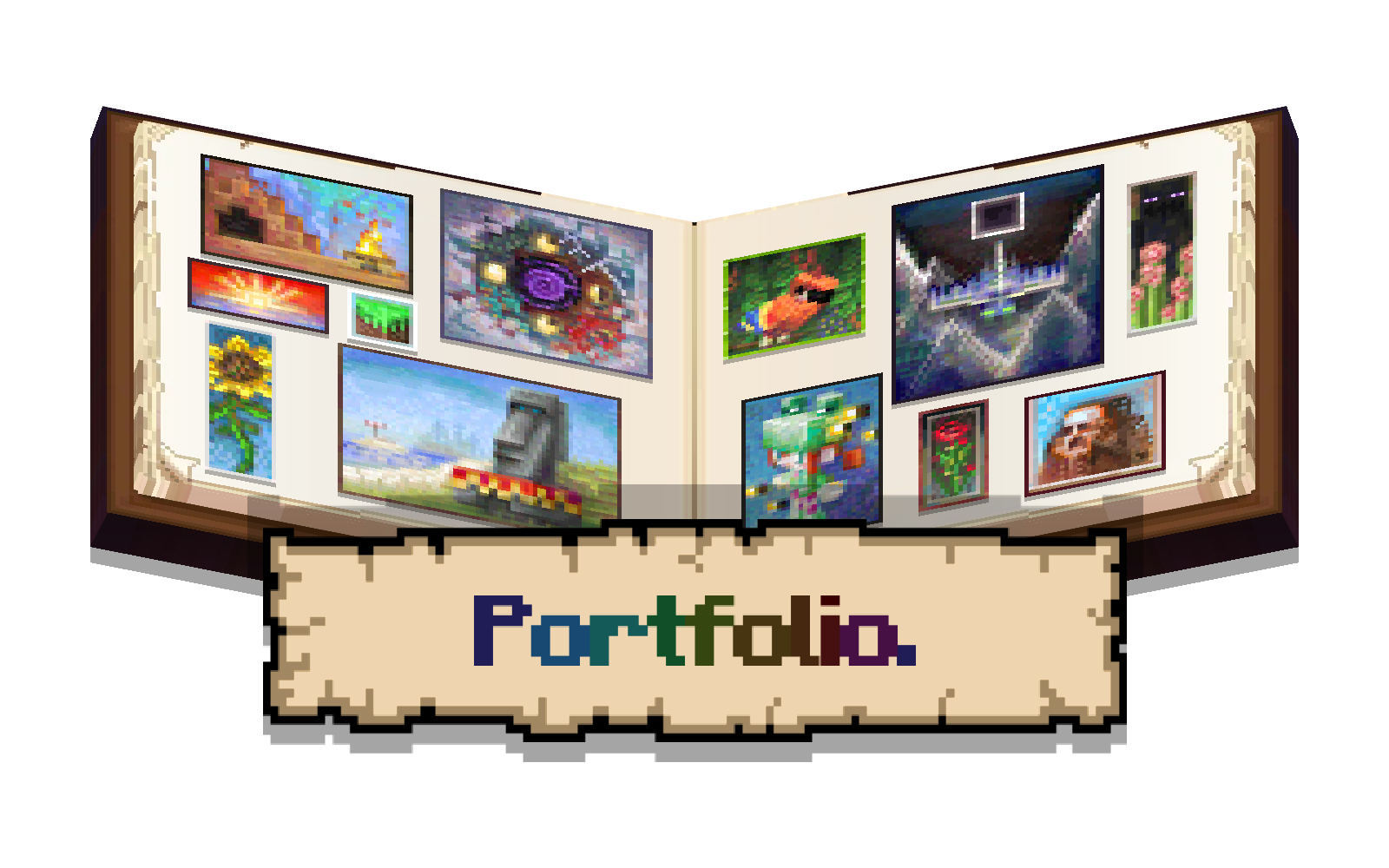
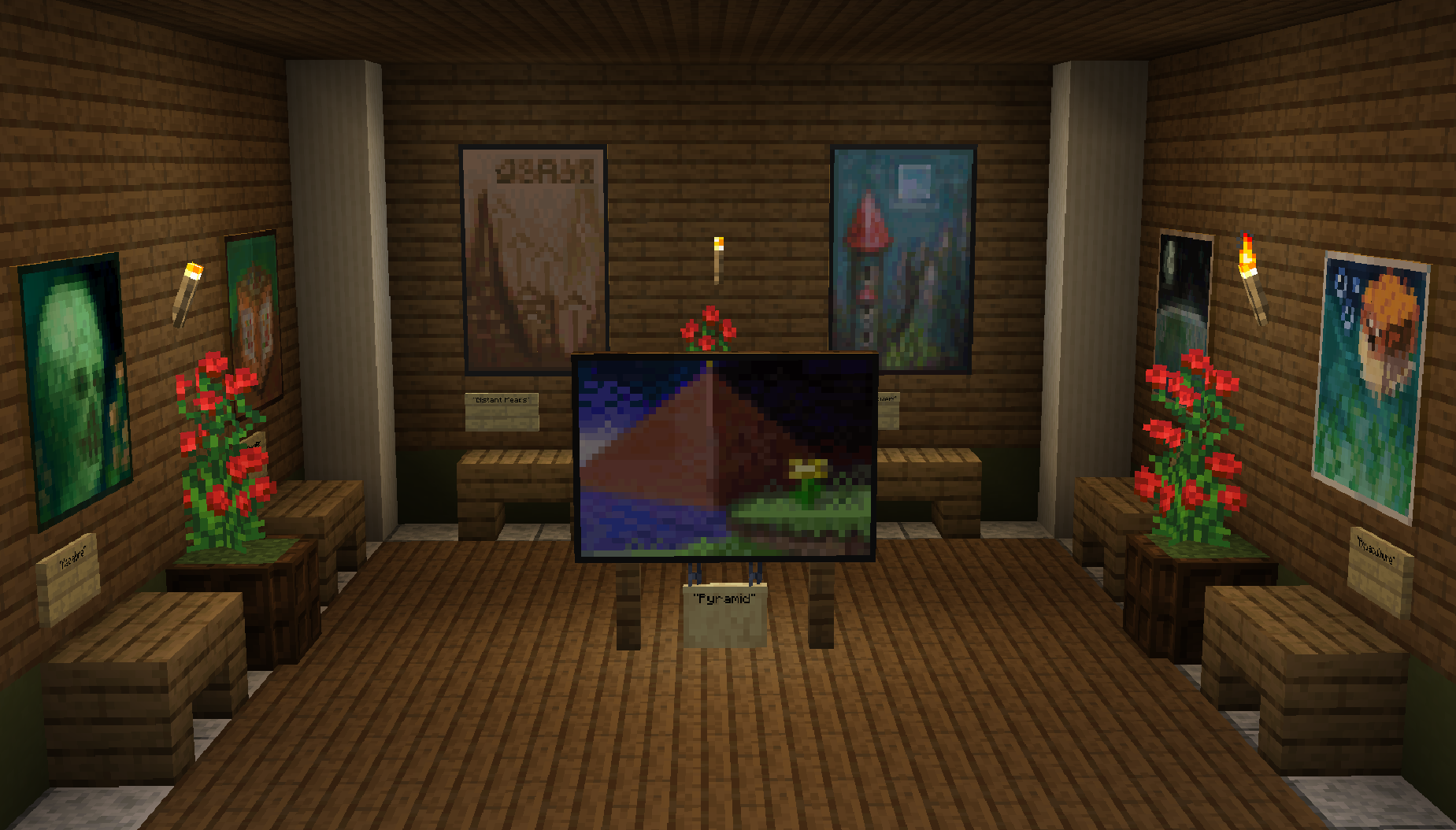
Portfolio is a small mod & datapack that adds a catalogue of new paintings to the game, all of which were made by the artist Yapetto. These include paintings such as Morning on the Seine, Justice, & Underworld.
This is the mod version of Portfolio, if you want to download the datapack version instead, click here to go to the datapack page.
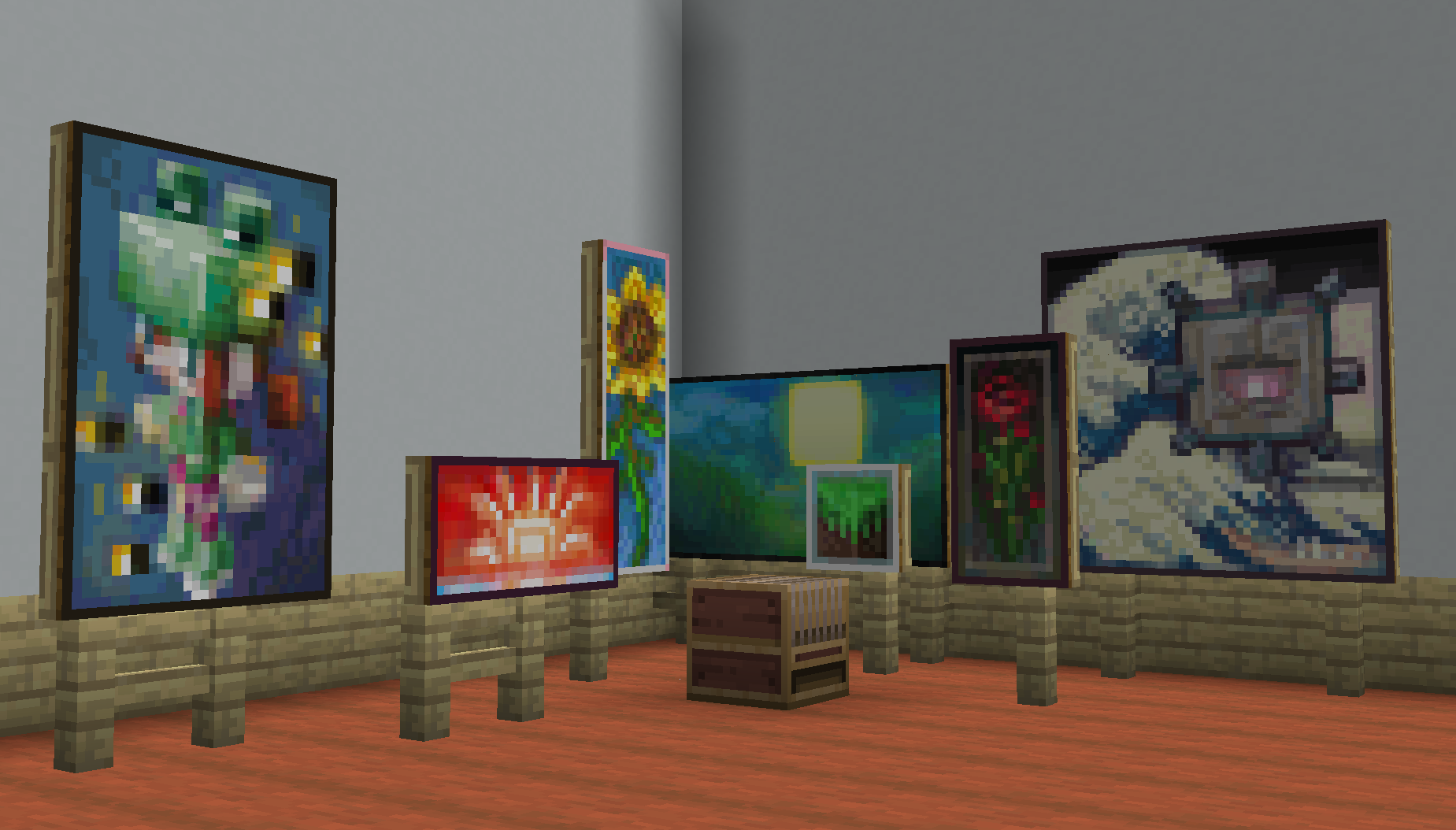
The different catalogues of Portfolio
Still Life Catalogue - 1.0

Void Manor Catalogue - 1.1

Death Catalogue - 1.2

Rana Catalogue - 1.3

The Far Lands Catalogue - 1.3.5

Anchor Catalogue - 1.4

Giant Catalogue - 1.5

Elemental Catalogue - 1.5

Cloud Cuckoo Catalogue - 1.5.5

Keeping Up Catalogue - 1.6 (catalogue page coming soon)
Cara memasang Portfolio
With Millida Launcher
Install Millida Launcher
The launcher is free: download it at millida.net/launcher and sign in with any nickname.
Click “Install” on this page
The launcher opens and installs the mod for Minecraft 1.20.1–26.2 on Fabric, Forge or NeoForge automatically.
Launch the game
A profile with it appears in the launcher: click “Play”.
Manually
Install Fabric, Forge or NeoForge
The loader must match the game version of the mod file, for example Minecraft 26.2. After installing it, a separate profile appears in your launcher.
Download the file for your version
In the version list above, pick the file portfolio-26.x-1.6.0-fabric.jar (1022 KB) for your game version and loader.
Put it in the mods folder
The folder is inside .minecraft (Windows: %appdata%\.minecraft\mods). If it does not exist, create it.
Launch the loader profile
Open “Mods” in the main menu: Portfolio should be in the list.
Versi
Dengan dependensi
| Minecraft | Loader | File | Tanggal | Tindakan |
|---|---|---|---|---|
| 26.1 | Fabric | Portfolio 26.x-1.6.0-Fabric1022 KB 1 | ||
| 26.1 | NeoForge | Portfolio 26.x-1.6.0-Neoforge999 KB | ||
| 1.20.1 | Forge | Portfolio 1.20.1-1.5.0-Forge449 KB |
FAQ
Which Minecraft versions does Portfolio work on?
There are files for 26.2, 26.1.2, 26.1.1, 26.1, 1.20.1. The newest is 26.2.
Is Portfolio for Forge or Fabric?
There are files for Fabric: 26.1–26.2, for Forge: 1.20.1 and for NeoForge: 26.1–26.2.
Does Portfolio need other mods?
The author lists no required dependencies: the Fabric, Forge or NeoForge loader is enough.
Where can I download Portfolio safely?
On this page: the file portfolio-26.x-1.6.0-fabric.jar (1022 KB) is stored on Millida’s server, with no link shorteners. SHA-1 checksum: c708f40c5919f148da5dc2741278caccb5e6d2d7.
Ulasan
Jadilah yang pertama menilai Portfolio


