

Physics Mod untuk Minecraft 1.20.1, 1.21.1
Selamat datang di Minecraft yang lebih destruktif daripada yang pernah Anda lihat sebelumnya!
 Forge
Forge Fabric
 Quilt
Quilt NeoForge
Pengalaman imersif yang baru
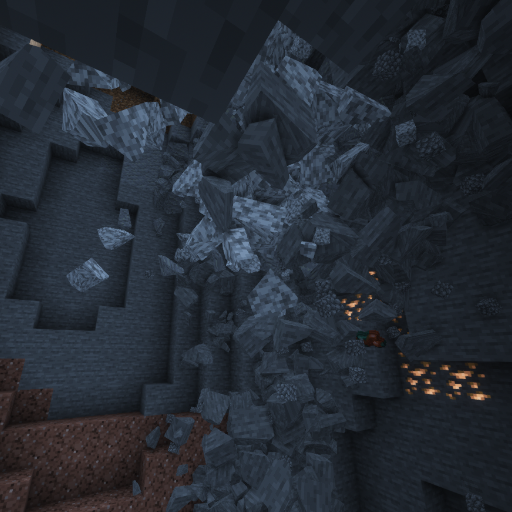
Selami dunia baru yang belum pernah terlihat sebelumnya. Gua yang runtuh, ragdoll interaktif, fisika item, dan masih banyak lagi menantimu!

Platform yang Didukung
Windows, Linux, dan MacOS (CPU M1/M2 hanya berfungsi dengan Minecraft 1.20 ke atas, versi lain memerlukan mode kompatibilitas: Tutorial)!

Mob
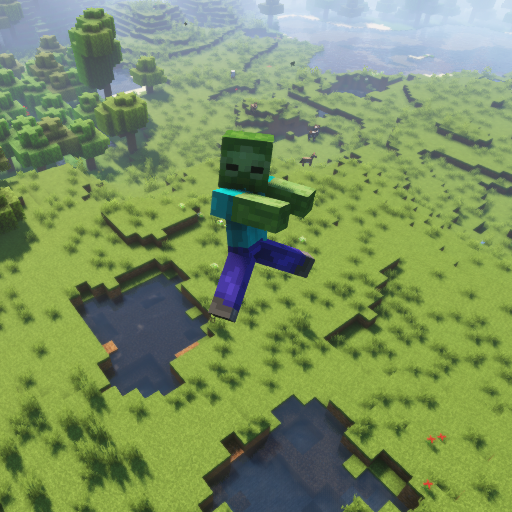
Bagian favorit setiap penggemar fisika. Setiap mob Vanilla Minecraft mendukung ragdoll, penghancuran, dan versi blocky!
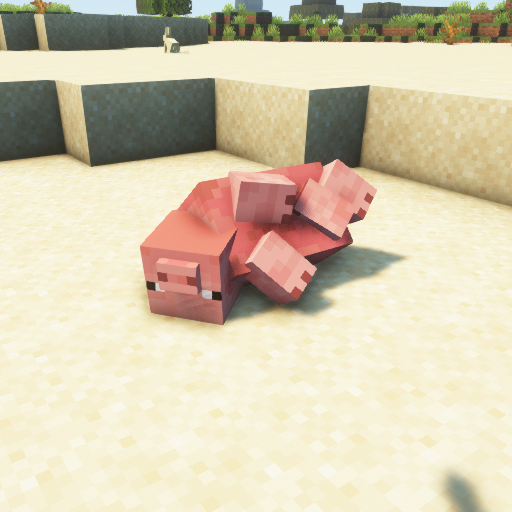
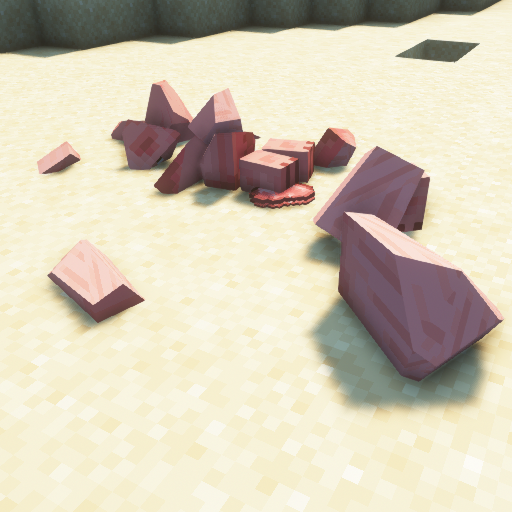
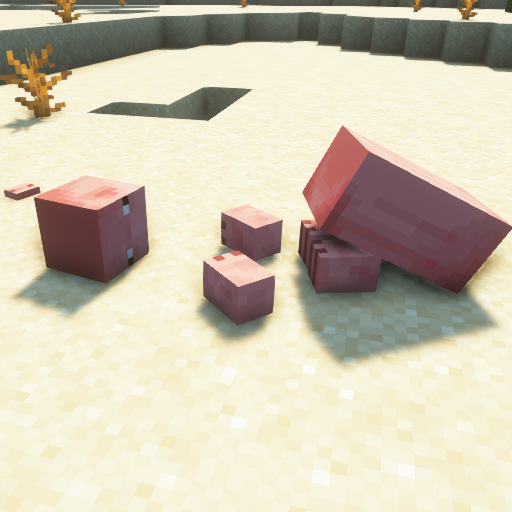
Blok
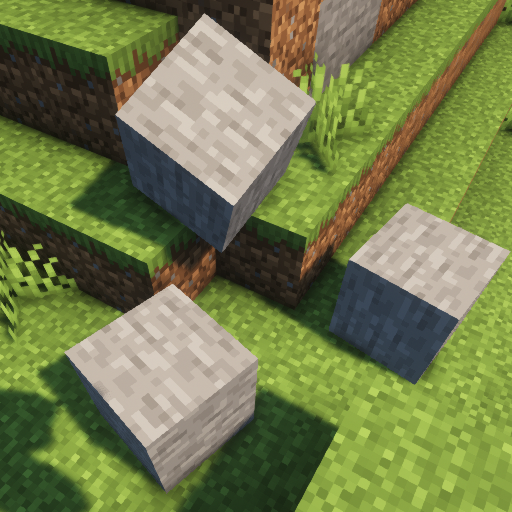
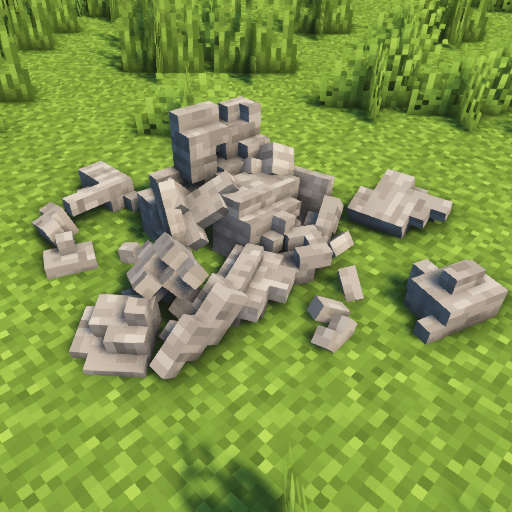
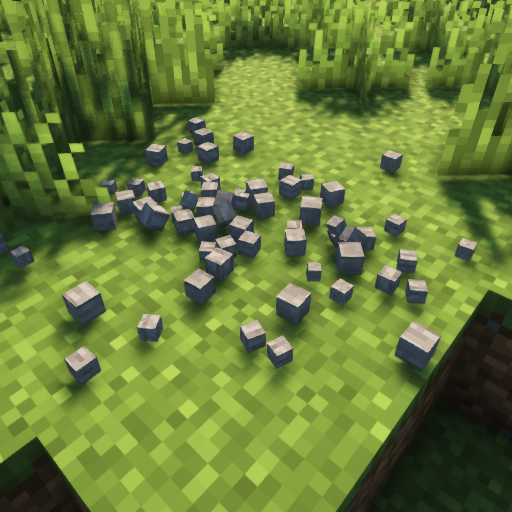
Biarkan blok di dunia Minecraft hancur berkeping-keping!
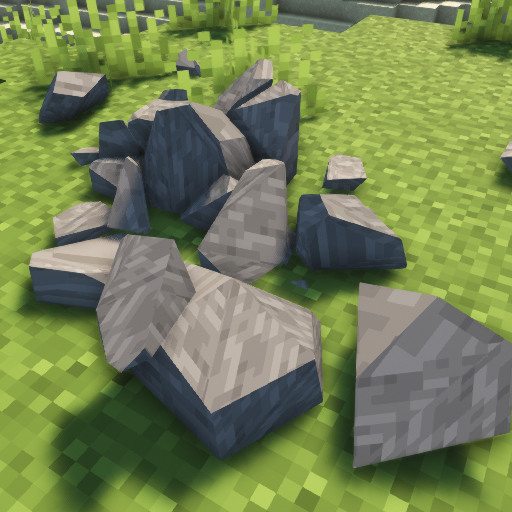
Fitur lainnya
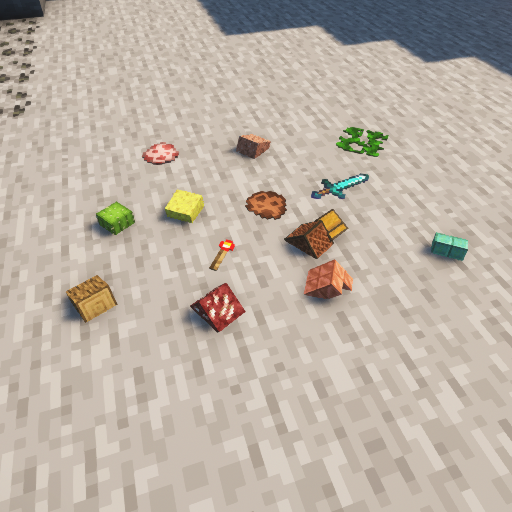
Bosan dengan item yang melayang? Coba fisika item! Gravitasi? Bulan? Mars? Pluto? Bumi? Ubah sesuai keinginanmu! Ingin membawa PC-mu hingga batasnya? Lihat berapa lama ia bertahan dengan struktur yang runtuh!
Cara memasang Physics Mod
With Millida Launcher
Install Millida Launcher
The launcher is free: download it at millida.net/launcher and sign in with any nickname.
Click “Install” on this page
The launcher opens and installs the mod for Minecraft 1.16.5–26.3 on Fabric, Forge, NeoForge or Quilt automatically.
Launch the game
A profile with it appears in the launcher: click “Play”.
Manually
Install Fabric, Forge, NeoForge or Quilt
The loader must match the game version of the mod file, for example Minecraft 26.3. After installing it, a separate profile appears in your launcher.
Download the file for your version
In the version list above, pick the file physics-mod-3.2.5-mc-26.3-forge.jar (89 MB) for your game version and loader.
Put it in the mods folder
The folder is inside .minecraft (Windows: %appdata%\.minecraft\mods). If it does not exist, create it.
Launch the loader profile
Open “Mods” in the main menu: Physics Mod should be in the list.
Physics Mod works on the player’s side only: there is no need to install it on a server.
Versi
Dengan dependensi
| Minecraft | Loader | File | Tanggal | Tindakan |
|---|---|---|---|---|
| 26.3 | Forge | 26.389.2 MB 48 | ||
| 26.3 | Fabric, Quilt | 26.389.3 MB 92 | ||
| 26.3 | NeoForge | 26.389.3 MB 4 | ||
| 1.21.1 | NeoForge | 1.21.189.7 MB 17 | ||
| 26.3 | NeoForge | 26.389.3 MB | ||
| 1.21.1 | Fabric, Quilt | 1.21.189.8 MB 7 | ||
| 1.21.1 | NeoForge | 1.21.189.7 MB | ||
| 26.3 | Fabric, Quilt | 26.389.3 MB |
FAQ
Which Minecraft versions does Physics Mod work on?
There are files for 1.16.5–26.3, 15 versions in total. The newest is 26.3.
Is Physics Mod for Forge or Fabric?
There are files for Fabric: 1.18.2–26.3, for Forge: 1.16.5–26.3, for NeoForge: 1.21–26.3 and for Quilt: 1.18.2–26.3.
Does Physics Mod need other mods?
The author lists no required dependencies: the Fabric, Forge, NeoForge or Quilt loader is enough.
Do I need to install Physics Mod on a server?
No. Physics Mod works on the player’s side only: there is no need to install it on a server.
Where can I download Physics Mod safely?
On this page: the file physics-mod-3.2.5-mc-26.3-forge.jar (89 MB) is stored on Millida’s server, with no link shorteners. SHA-1 checksum: 90cf291d11c8a08e0f8185144f5d584e56d793c9.
Ulasan
Jadilah yang pertama menilai Physics Mod


