
NuclearCraft Mod untuk Minecraft 1.12.2
Menghadirkan teknik nuklir kompleks ke Minecraft!
- unduhan
- 40 unduhan
- dilihat
- 94 dilihat
- Diperbarui
- Diperbarui 25.10.2026
- 1.11.2 — 1.12.2
 Forge
Forge
Tentang mod NuclearCraft
Mod rekayasa nuklir kompleks untuk Minecraft!
Kunjungi di sini untuk NuclearCraft: Overhauled [1.12.2]! Kunjungi di sini untuk NuclearCraft: Neoteric [1.20.1]! Kunjungi di sini untuk NuclearCraft: Neohaul [1.21.1]! Kanal YouTube untuk bantuan dengan mod ini! Bergabunglah dengan server Discord!

Fitur
- Kompatibilitas Forge Energy, RF, IC2 EU dan GTCEu EU
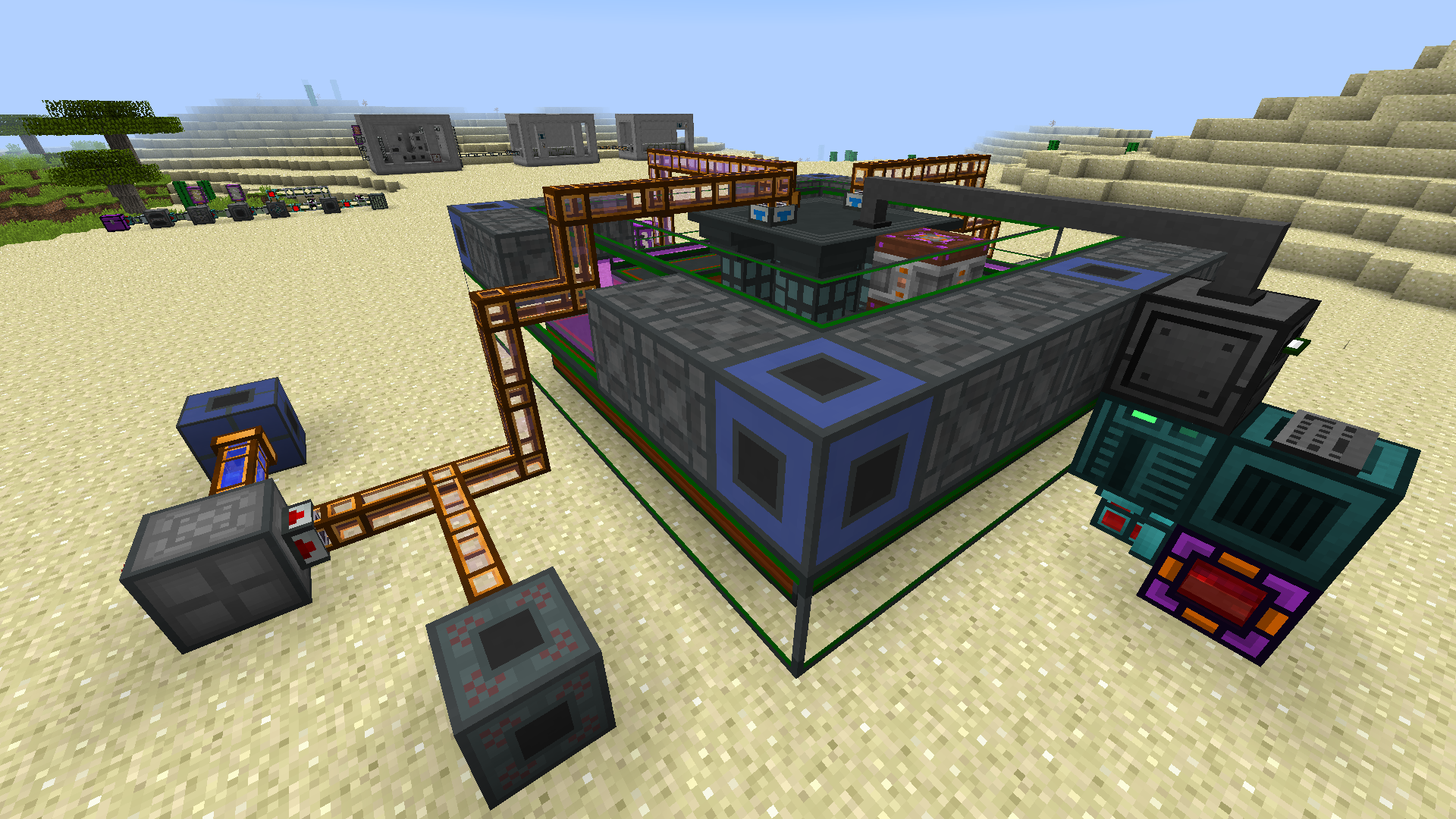
- Reaktor fisi bahan bakar padat dan garam cair multiblok
- Penukar panas, kondensor dan turbin multiblok
- Reaktor fusi tokamak multiblok
- Sistem bahan bakar nuklir mendalam dengan banyak jenis bahan bakar
- Sistem fusi kompleks dari berbagai kombinasi bahan bakar
- Kompatibilitas JEI penuh
- Dukungan resep CraftTweaker
- Dukungan gas Mekanism lengkap
- Sistem radiasi bergaya Fallout
- Lebih banyak material, senjata, alat dan armor
JEI, The One Probe dan ConnectedTexturesMod sangat disarankan! Changelog Bantuan CraftTweaker
Izin: silakan gunakan mod ini di pack Anda jika Anda mau!
Kunjungi Wiki, Kanal YouTube atau gunakan tooltip dalam game untuk bantuan dengan progresi melalui mod ini. Juga jangan ragu untuk bertanya langsung kepada saya jika Anda membutuhkan info lebih lanjut!
Terima kasih kepada QuantumTraverse untuk logo mod ini!
Cara memasang NuclearCraft
With Millida Launcher
Install Millida Launcher
The launcher is free: download it at millida.net/launcher and sign in with any nickname.
Click “Install” on this page
The launcher opens and installs the mod for Minecraft 1.11.2–1.12.2 on Forge automatically.
Launch the game
A profile with it appears in the launcher: click “Play”.
Manually
Install Forge
The loader must match the game version of the mod file, for example Minecraft 1.12.2. After installing it, a separate profile appears in your launcher.
Download the file for your version
In the version list above, pick the file nuclearcraft-1.12.2-2.19c.jar (6.6 MB) for your game version.
Put it in the mods folder
The folder is inside .minecraft (Windows: %appdata%\.minecraft\mods). If it does not exist, create it.
Launch the loader profile
Open “Mods” in the main menu: NuclearCraft should be in the list.
Minecraft 1.12.2 runs on Java 8: with a different Java version the game may close right after launch.
Versi
Dengan dependensi
| Minecraft | Loader | File | Tanggal | Tindakan |
|---|---|---|---|---|
| 1.12.2 | Forge | NuclearCraft-2.19c-1.12.26.6 MB 36 | ||
| 1.12.2 | — | NuclearCraft-2.17c-1.12.26.4 MB 4 | ||
| 1.12.2 | — | NuclearCraft-2.5a--1.12.25.5 MB | ||
| 1.11.2 | — | NuclearCraft-2.0a--1.11.21.1 MB |
FAQ
Which Minecraft versions does NuclearCraft work on?
There are files for 1.12.2, 1.11.2. The newest is 1.12.2.
Is NuclearCraft for Forge or Fabric?
Only for Forge: 1.12.2. There are no files for Fabric or NeoForge: a mod for another loader will not start.
Does NuclearCraft need other mods?
The author lists no required dependencies: the Forge loader is enough.
Which Java does NuclearCraft need?
Minecraft 1.12.2 runs on Java 8. If the game closes right after launch, the usual cause is the wrong Java version in the profile settings.
Where can I download NuclearCraft safely?
On this page: the file nuclearcraft-1.12.2-2.19c.jar (6.6 MB) is stored on Millida’s server, with no link shorteners. SHA-1 checksum: c1029408b188cdfff625e4bf9e7f91a00dde2ea0.
Ulasan
Jadilah yang pertama menilai NuclearCraft


