
NetherEx Mod untuk Minecraft 1.12.2, 26.1.2
NetherEx adalah mod konten nether.
 NeoForge
 Fabric
 Forge
ForgeTentang mod NetherEx
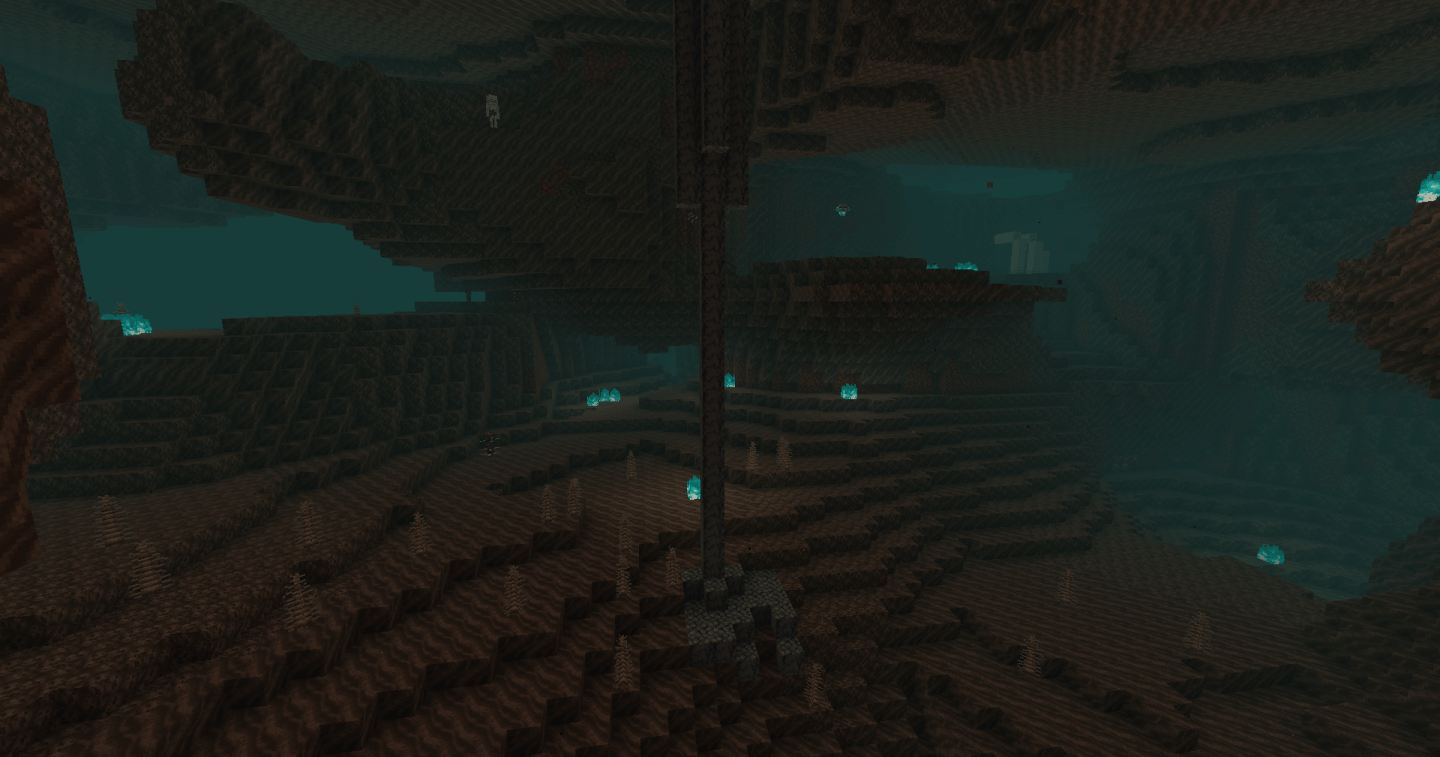
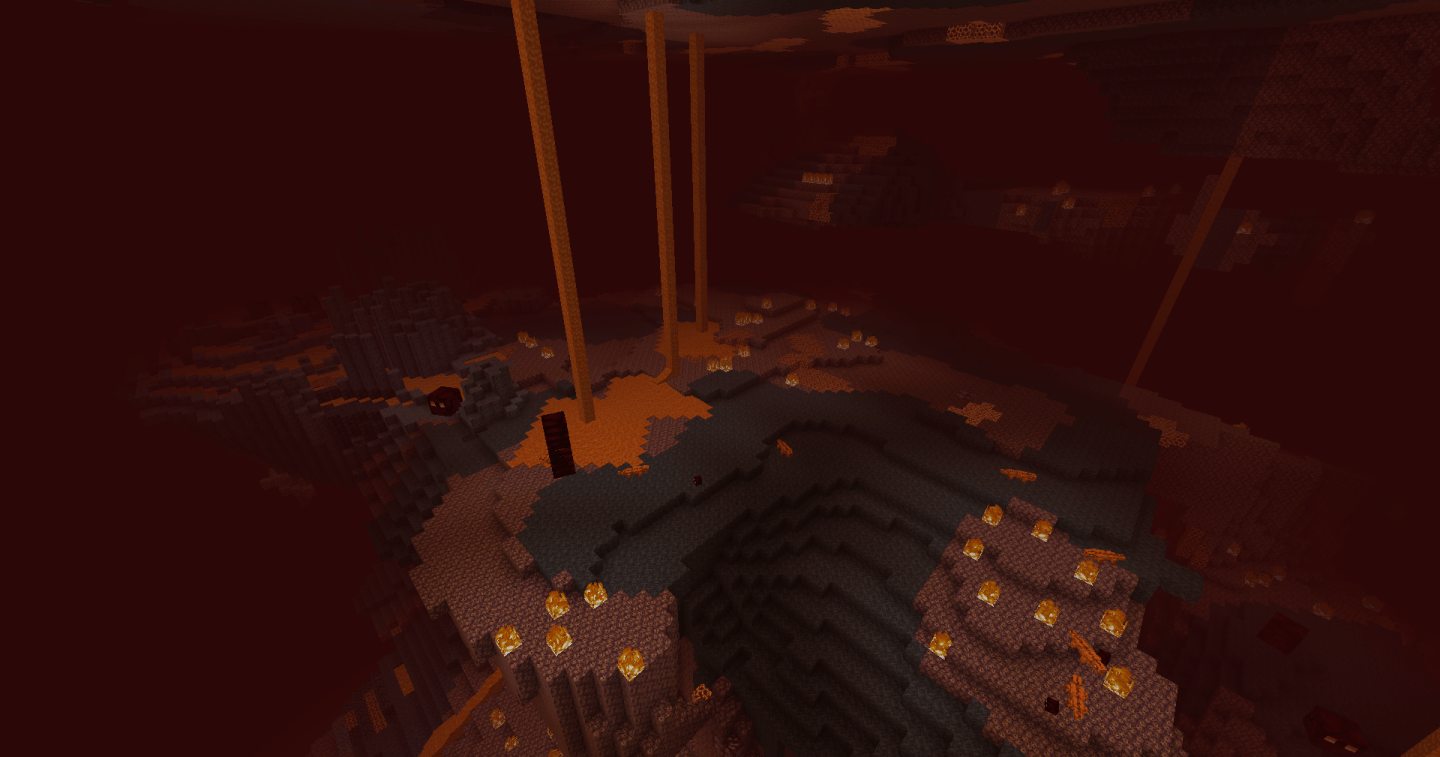
NetherEx adalah mod yang dirancang untuk memperluas dan meningkatkan nuansa Nether. Mod ini menambahkan bioma baru yang dipenuhi dengan blok, item, dan mob baru. Mod ini juga menambahkan konten baru ke bioma Nether yang sudah ada.
Jika kamu memiliki pertanyaan atau ingin mendiskusikan mod ini, silakan bergabung dengan server discord mod di sini.
Jika kamu ingin mendukung saya, silakan kunjungi halaman Ko-fi saya di sini.
Klik banner di bawah untuk mendapatkan server dengan BisectHosting! Gunakan kode 'Logic' untuk mendukung saya dan dapatkan diskon 25% untuk bulan pertama kamu. Tidak melihat banner? Maka klik tautan ini: https://bisecthosting.com/logic
Versi sebelum 1.21.4 memerlukan mod library bernama LibraryEx yang dapat ditemukan di sini. Versi sebelumnya dari NetherEx kompatibel dengan Biomes O' Plenty (1.12, 1.14, dan 1.15), Oh The Biomes You'll Go (1.15), dan Extended Nether Backport (1.15).
Fish2, Eleazzaar, Nazenn, Angelz/Demonly, Vlakk, AnarchCassius, LapisWhovian, misterslime, Vivi, Cameron, rye, SnakeBlock, hatsondogs, Endergy, Farcr, Adeline, SirBaconFace, Yapetto, enri, crispytwig, Nitpick/Olive, ZucchiniByDay, JadenXgamer, dan Jamiscus.
Cara memasang NetherEx
With Millida Launcher
Install Millida Launcher
The launcher is free: download it at millida.net/launcher and sign in with any nickname.
Click “Install” on this page
The launcher opens and installs the mod for Minecraft 1.12.2–26.1.2 on Fabric, Forge or NeoForge automatically.
Launch the game
A profile with it appears in the launcher: click “Play”.
Manually
Install Fabric, Forge or NeoForge
The loader must match the game version of the mod file, for example Minecraft 26.1.2. After installing it, a separate profile appears in your launcher.
Download the file for your version
In the version list above, pick the file NetherEx-neoforge-26.1.2-1.2.4.jar (1.7 MB) for your game version and loader.
Put it in the mods folder
The folder is inside .minecraft (Windows: %appdata%\.minecraft\mods). If it does not exist, create it.
Launch the loader profile
Open “Mods” in the main menu: NetherEx should be in the list.
Versi
Dengan dependensi
| Minecraft | Loader | File | Tanggal | Tindakan |
|---|---|---|---|---|
| 26.1.2 | NeoForge | NetherEx 1.2.4 - NeoForge 26.1.21.7 MB | ||
| 26.1.2 | Fabric | NetherEx 1.2.4 - Fabric 26.1.21.7 MB 1 | ||
| 1.12.2 | Forge | NetherEx-1.12.2-2.2.5.jar2.5 MB 4 | ||
| 1.12.2 | — | NetherEx-1.12.2-2.0.15.jar2.6 MB |
FAQ
Which Minecraft versions does NetherEx work on?
There are files for 26.1.2, 1.12.2. The newest is 26.1.2.
Is NetherEx for Forge or Fabric?
There are files for Fabric: 26.1.2, for Forge: 1.12.2 and for NeoForge: 26.1.2.
Does NetherEx need other mods?
The author lists no required dependencies: the Fabric, Forge or NeoForge loader is enough.
Where can I download NetherEx safely?
On this page: the file NetherEx-neoforge-26.1.2-1.2.4.jar (1.7 MB) is stored on Millida’s server, with no link shorteners. SHA-1 checksum: 53c25315cc8193c5b6431b4f30bd24fd5a66952a.
Ulasan
Jadilah yang pertama menilai NetherEx


