
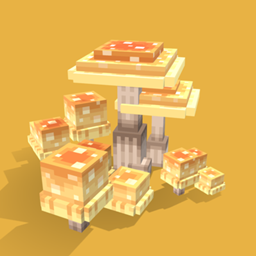
Mushroom Quest Mod untuk Minecraft 1.20.1, 1.21.1
Cari jamur dan hidupkan fantasi cottagecore Anda!
 NeoForge
 Forge
ForgeTentang mod Mushroom Quest
Selamat datang di Mushroom Quest! Konsep mod ini berkisar pada mencari berbagai jamur dunia nyata sambil Anda memulai petualangan untuk menjelajahi alam dan mewujudkan fantasi cottagecore Anda. Semoga Anda menikmati mod pertama saya!
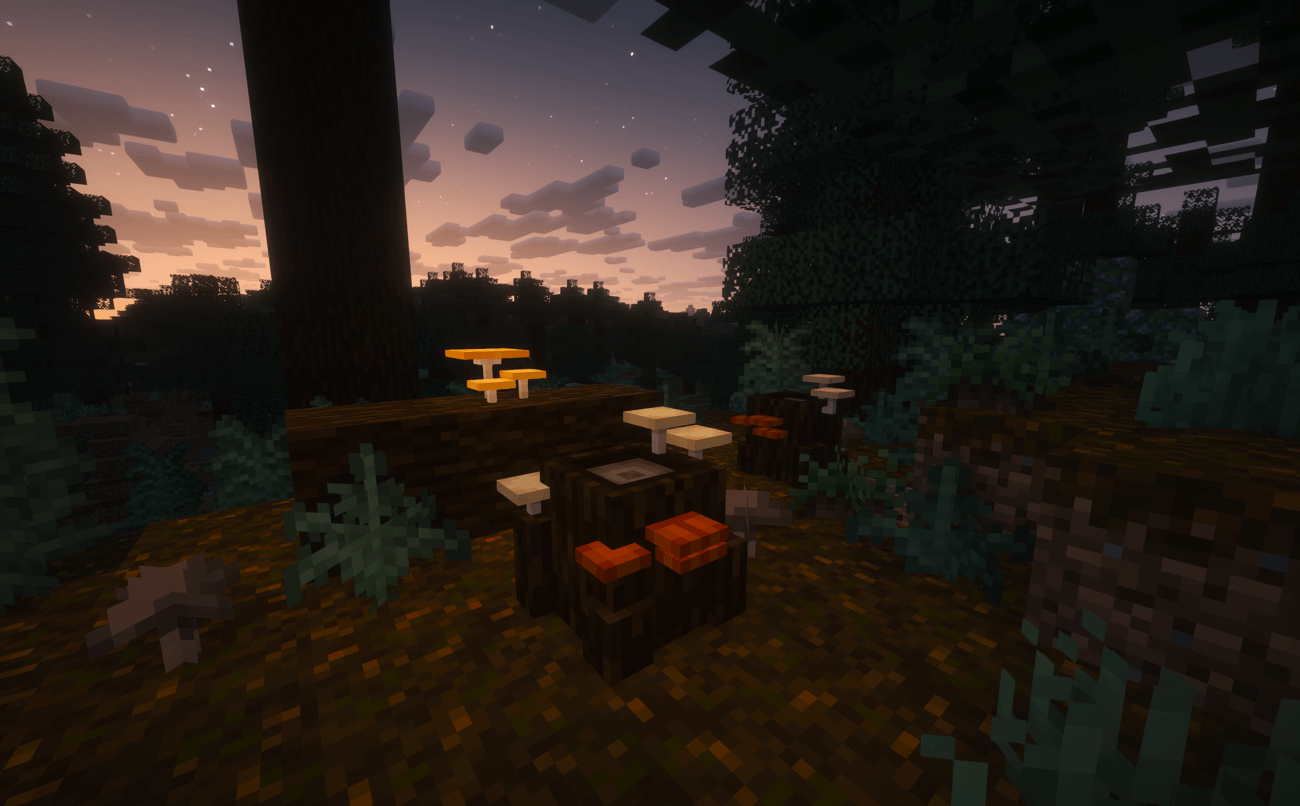
Ada tepat 137 jamur yang dapat Anda cari. Setiap jamur memiliki kelangkaan common, rare, atau mythical. Semua jamur dapat dimakan dan sebagian besar dapat memberi Anda efek obat atau mematikan saat dimakan. Beberapa jamur juga dapat digunakan dalam resep crafting, sebagai bahan bakar, atau untuk menyeduh potion! Anda dapat menemukan jamur-jamur ini dengan menghancurkan berbagai foraging block yang ditemukan di seluruh dunia.
- Oak Stumps ditemukan di biome mana pun yang ditumbuhi pohon oak.
- Birch Trunks ditemukan di biome mana pun yang ditumbuhi pohon birch.
- Field Trunks, dan Shrumps ditemukan di biome field dan hutan.
- Acacia Stumps ditemukan di biome mana pun yang mengandung pohon acacia.
- Jungle Trunks ditemukan di jungle dan biome hutan tropis lainnya.
Mycopedia adalah buku yang berisi informasi tentang semua jamur! Buku ini mencakup: Edibility, Location, Rarity, dan Usage dari fungi tersebut. (Saat ini masih dalam pengembangan!)
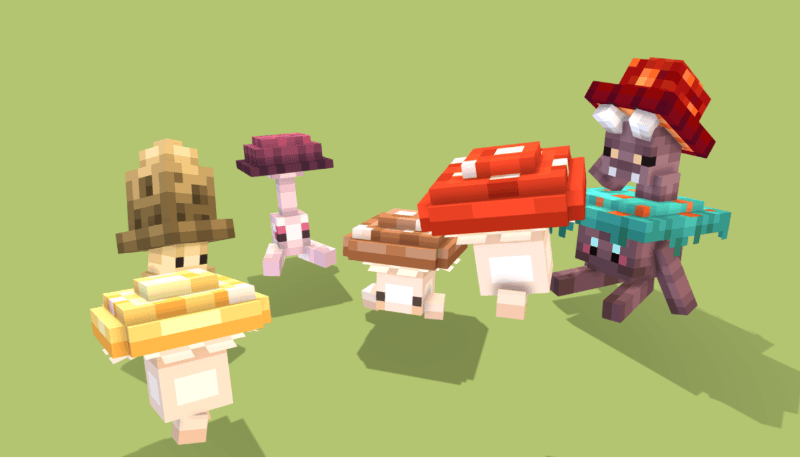
Funglings adalah makhluk jamur kecil yang memiliki banyak bentuk berbeda. Semuanya, kecuali varian Crimson dan Warped, dapat ditemukan di biome Mushroom Islands, beberapa juga dapat ditemukan di Dark Forest. Makhluk ini dapat dijinakkan dengan dead bushes, atau crimson/warped roots untuk varian nether. Funglings yang sudah dijinakkan dapat diperintahkan untuk stay atau follow dengan shift + right-click padanya. Peliharaan kecil ini murni kosmetik, mereka belum memberikan dukungan atau kemampuan apa pun.

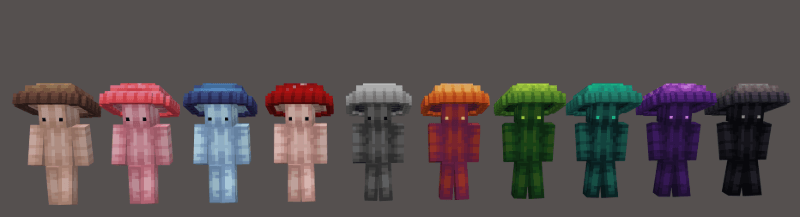
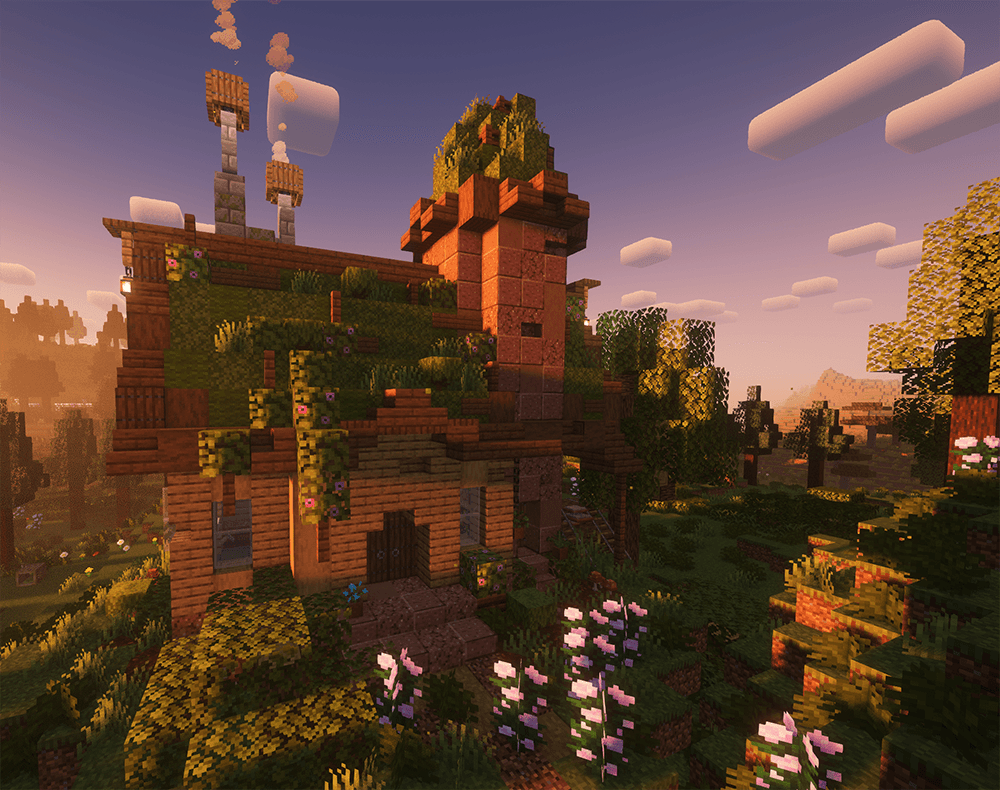
Mushroom Cap adalah helmet estetis yang dapat ditemukan pemain dengan peluang 100% di struktur Witch's Cottage! Cap ini akan dimulai sebagai "Blank" saat pertama kali ditemukan pemain, tetapi kemudian dapat diwarnai menjadi salah satu dari 9 variasi warna berbeda!
Enchantment Sporestep adalah enchant baru yang hanya dapat diterapkan pada Mushroom Cap! Enchant ini memberikan pemain speed dan jump boost, serta slow falling saat mereka berdiri di atas block terkait jamur.
Semua informasi yang tercantum di atas berlaku untuk versi terbaru mod ini, sebagian besar informasi ini tidak berlaku untuk versi lama. Saya juga tidak akan mem-porting balik mod ini ke versi lama mana pun.
Jika Anda ingin melihat pembaruan konten atau mungkin mendukung saya, lihat Linktree saya di bawah!
LINKTREE
Cara memasang Mushroom Quest
With Millida Launcher
Install Millida Launcher
The launcher is free: download it at millida.net/launcher and sign in with any nickname.
Click “Install” on this page
The launcher opens and installs the mod for Minecraft 1.20.1–1.21.1 on Forge or NeoForge automatically.
Launch the game
A profile with it appears in the launcher: click “Play”.
Manually
Install Forge or NeoForge
The loader must match the game version of the mod file, for example Minecraft 1.21.1. After installing it, a separate profile appears in your launcher.
Download the file for your version
In the version list above, pick the file MushroomQuest-NeoForge-1.21.1-v4.3.2.jar (1.4 MB) for your game version and loader.
Put it in the mods folder
The folder is inside .minecraft (Windows: %appdata%\.minecraft\mods). If it does not exist, create it.
Launch the loader profile
Open “Mods” in the main menu: Mushroom Quest should be in the list.
Minecraft 1.21.1 runs on Java 21: with a different Java version the game may close right after launch.
Versi
Dengan dependensi
| Minecraft | Loader | File | Tanggal | Tindakan |
|---|---|---|---|---|
| 1.21.1 | NeoForge | Mushroom Quest NEO 1.21.1 - v4.3.21.4 MB 7 | ||
| 1.20.1 | Forge | Mushroom Quest FORGE 1.20.1 - v4.3.21.4 MB 3 |
FAQ
Which Minecraft versions does Mushroom Quest work on?
There are files for 1.21.1, 1.20.1. The newest is 1.21.1.
Is Mushroom Quest for Forge or Fabric?
There are files for Forge: 1.20.1 and for NeoForge: 1.21.1. There are no files for Fabric: a mod for another loader will not start.
Does Mushroom Quest need other mods?
The author lists no required dependencies: the Forge or NeoForge loader is enough.
Which Java does Mushroom Quest need?
Minecraft 1.21.1 runs on Java 21. If the game closes right after launch, the usual cause is the wrong Java version in the profile settings.
Where can I download Mushroom Quest safely?
On this page: the file MushroomQuest-NeoForge-1.21.1-v4.3.2.jar (1.4 MB) is stored on Millida’s server, with no link shorteners. SHA-1 checksum: b408d588f3b2addb0571e295662043171aa55e07.
Ulasan
Jadilah yang pertama menilai Mushroom Quest


