
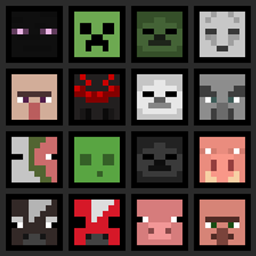
More Heads Mod untuk Minecraft 1.21.1, 1.21
Menambahkan akses yang ramah survival ke kepala mob dan kepala pemain, menggunakan drop berbasis hoe yang disengaja untuk menghindari polusi farm dan mempertahankan progresi vanilla.
 Fabric
 Forge
Forge NeoForge
 Quilt
QuiltMore Heads
➜ The data pack version of this mod can be found here
Adds survival-friendly access to mob heads and player heads, using intentional hoe-based drops to avoid farm pollution and preserve vanilla progression.
Expands head collecting by making mob and player heads a deliberate survival reward, not an automatic byproduct.
Why use this data pack/mod?
All-in-one solution: Combines mob heads and player heads in one data pack/mod, keeping head collecting consistent.
Preserves farms and grinders: Hoe-based drops keep farms and grinders from filling up with unwanted head drops.
Vanilla-style items: Heads use fitting note block sounds, clean names, and subtle tooltip styling so they feel like part of the game.
Lightweight and passive: Built around loot tables and pack overlays, without ticking functions, command-heavy systems, or extra runtime overhead.
Flexible installation: Works as either a world-specific data pack or packaged mod, making it easy to use in singleplayer, servers, vanilla, and modded setups.
Installation
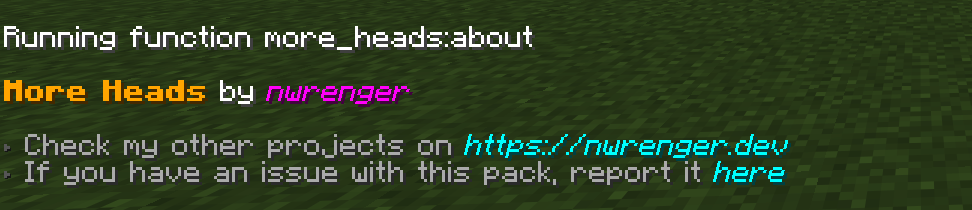
After adding the data pack/mod to your world or server, you can open the about panel with:
/function more_heads:about
Mob Heads
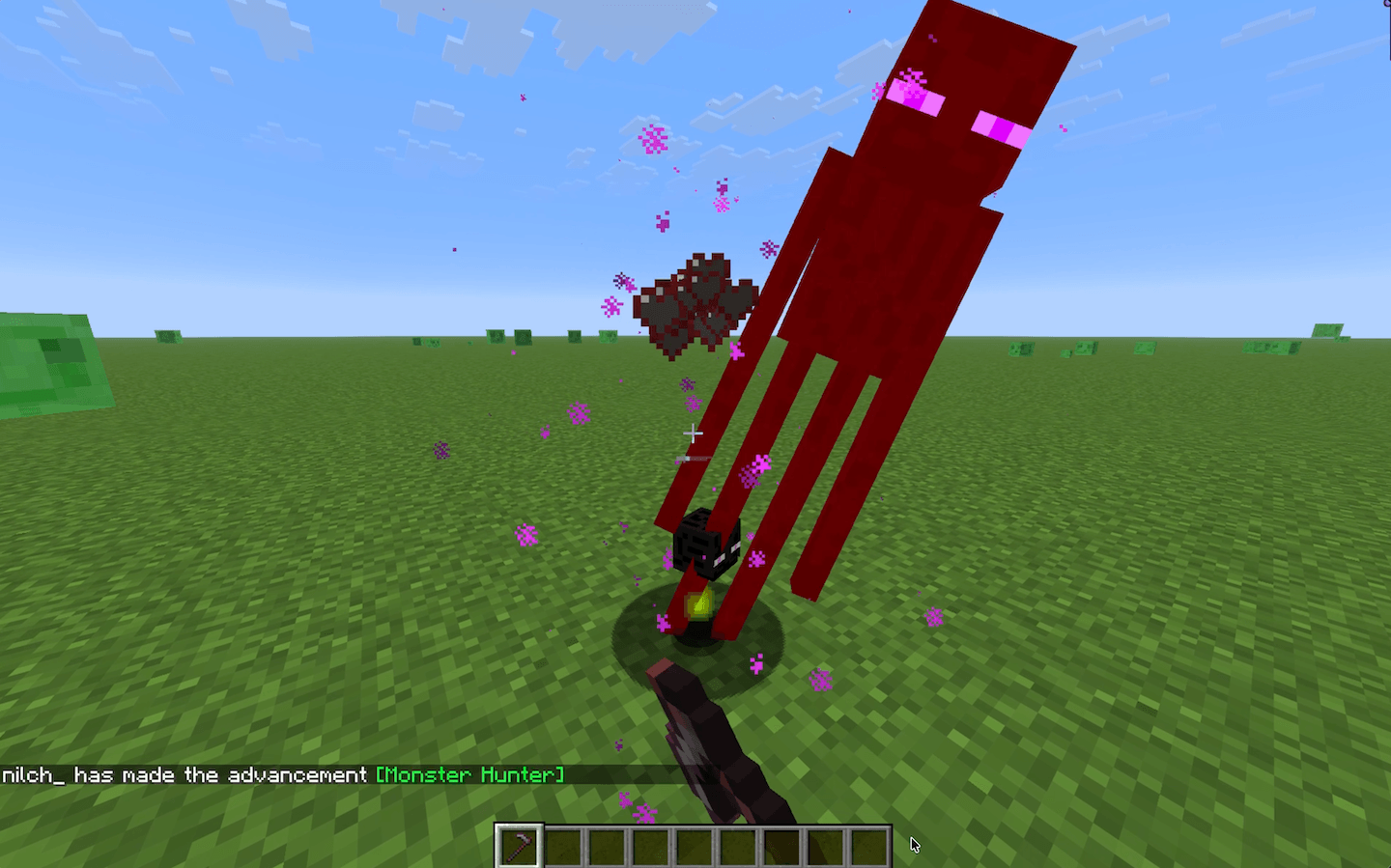
Mobs drop their heads when killed with a hoe. The Wither Skeleton and Ender Dragon are excluded, keeping their vanilla progression intact.
Enderman Head Drop
Player Heads
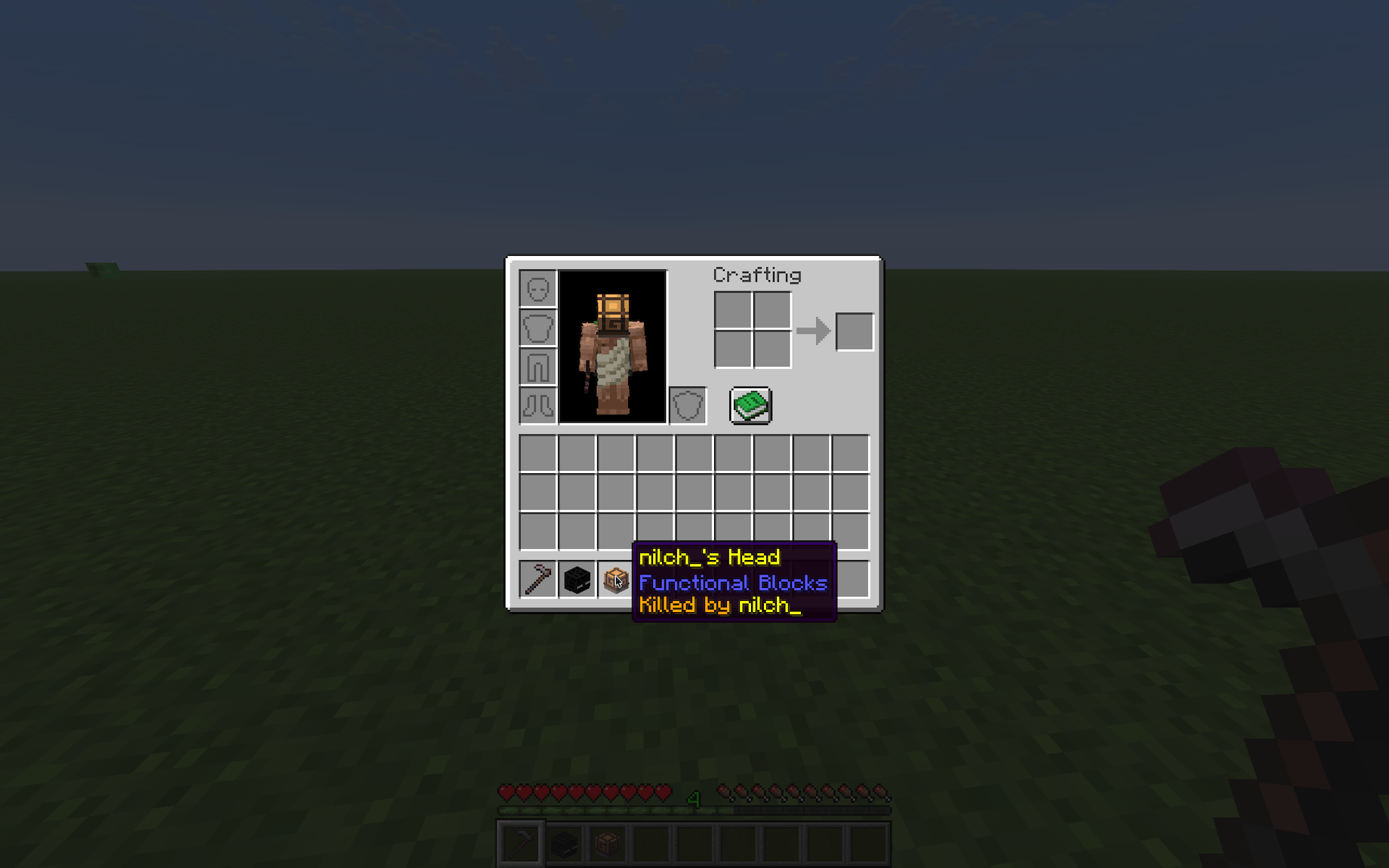
Players drop their heads when killed by another player. The killer is shown on the head's tooltip.
Player Head Tooltip
Contributing & Issues
I warmly welcome:
- Bug reports
- Feature requests
- Pull requests
Please open issues or PRs on GitHub.
License
This project is licensed under the LGPLv3 License. See LICENSE for details.
Cara memasang More Heads
With Millida Launcher
Install Millida Launcher
The launcher is free: download it at millida.net/launcher and sign in with any nickname.
Click “Install” on this page
The launcher opens and installs the mod for Minecraft 1.21–26.3 on Fabric, Forge, NeoForge or Quilt automatically.
Launch the game
A profile with it appears in the launcher: click “Play”.
Manually
Install Fabric, Forge, NeoForge or Quilt
The loader must match the game version of the mod file, for example Minecraft 26.3. After installing it, a separate profile appears in your launcher.
Download the file for your version
In the version list above, pick the file more-heads-0.6.0+mod.jar (1.7 MB) for your game version and loader.
Put it in the mods folder
The folder is inside .minecraft (Windows: %appdata%\.minecraft\mods). If it does not exist, create it.
Launch the loader profile
Open “Mods” in the main menu: More Heads should be in the list.
Versi
Dengan dependensi
| Minecraft | Loader | File | Tanggal | Tindakan |
|---|---|---|---|---|
| 1.21 | Fabric, Forge, NeoForge, Quilt | More Heads 0.6.01.7 MB 13 |
Ulasan
Jadilah yang pertama menilai More Heads


