

Lil' Wings Mod untuk Minecraft 1.19.2
Mod kupu-kupu untuk memuaskan kebutuhan mentega Anda!
 Forge
 Fabric
Tentang mod Lil' Wings
Lil' Wings adalah mod untuk Minecraft 1.18.2 Forge dan Fabric. Mod ini berupaya menambahkan jenis kupu-kupu baru ke duniamu yang dapat membantumu dalam berbagai situasi!
Mod ini menambahkan 12 kupu-kupu baru, lebih dari 50 item baru, dan beberapa blok yang mencerahkan duniamu dengan konten baru terkait kupu-kupu untuk dimainkan.
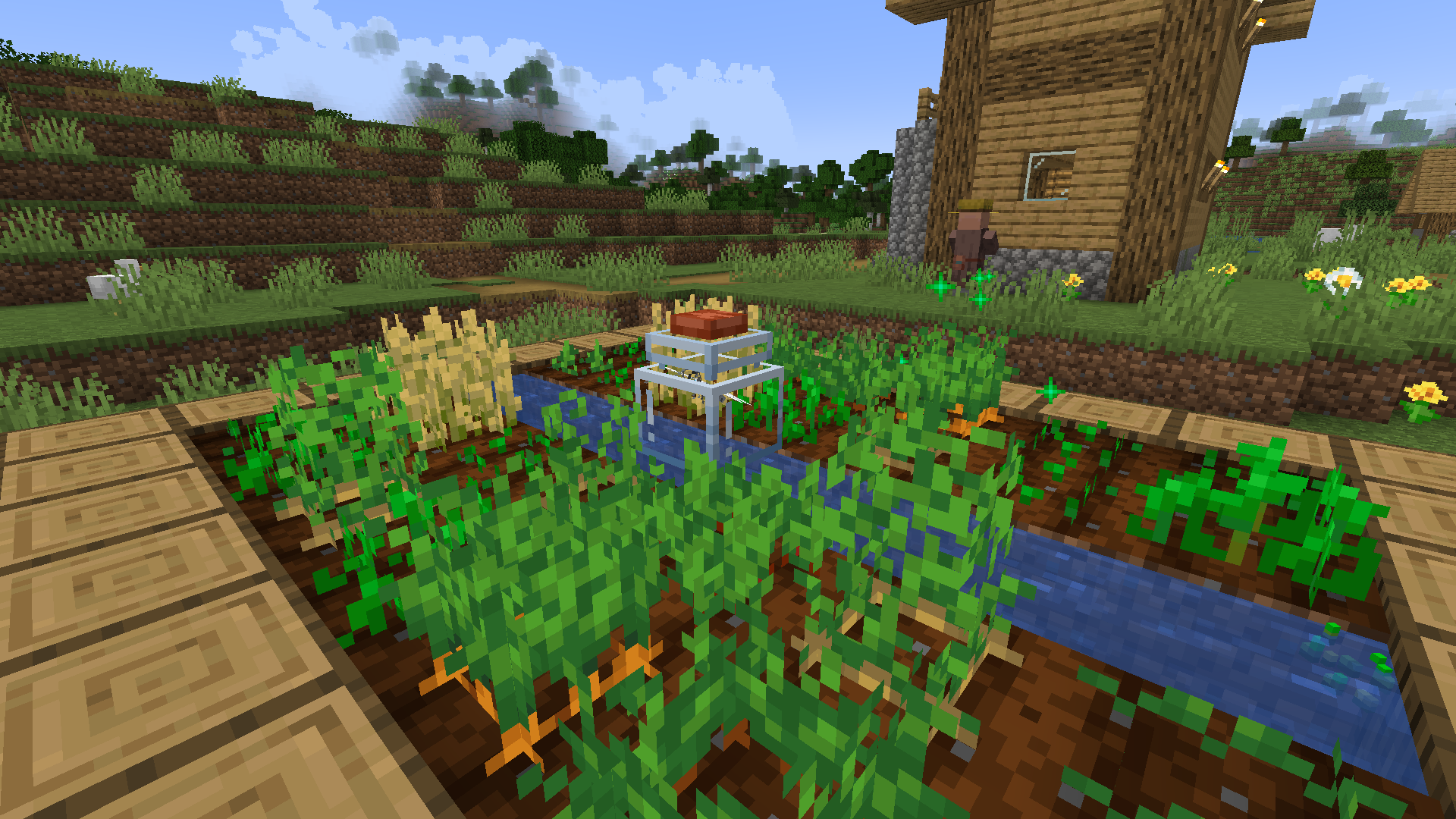
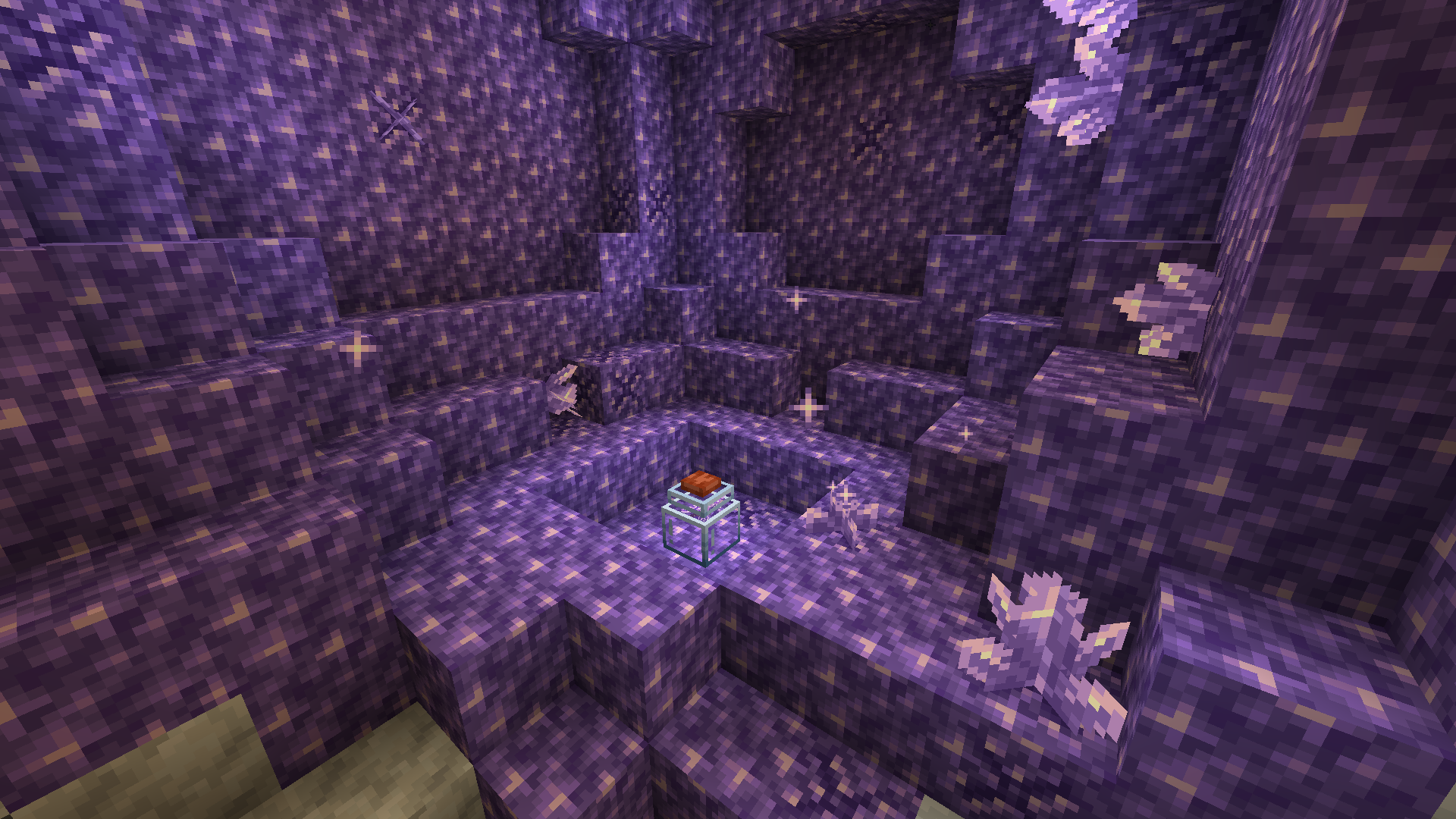
Setiap kupu-kupu memiliki fungsi unik saat ditangkap dan dimasukkan ke dalam toples kaca. Toples kaca dapat diletakkan ke dunia hanya dengan menekan shift lalu klik kanan botol kaca ke tanah. Kamu dapat melepaskan kupu-kupu ke dalam toples dengan mengklik kanannya menggunakan jaring lalu mengklik kanan toples kaca dengan jaring yang sudah terisi. Mereka akan membantumu dengan melakukan tindakan khusus di dalam toples, yang bisa berupa apa saja mulai dari transformasi blok, mengambil item, atau menyembuhkan pemain di sekitarnya. Informasi lebih lanjut tentang masing-masing kupu-kupu dapat ditemukan di "The Great Butter Book" setelah kamu memasang Patchouli
Video luar biasa dari SirColor ini menunjukkan semua fitur di Lil'Wings
Cara memasang Lil' Wings
With Millida Launcher
Install Millida Launcher
The launcher is free: download it at millida.net/launcher and sign in with any nickname.
Click “Install” on this page
The launcher opens and installs the mod for Minecraft 1.19.2 on Fabric or Forge automatically.
Launch the game
A profile with it appears in the launcher: click “Play”.
Manually
Install Fabric or Forge
The loader must match the game version of the mod file, for example Minecraft 1.19.2. After installing it, a separate profile appears in your launcher.
Download the file for your version
In the version list above, pick the file lilwings-forge-1.19.2-1.2.3.jar (366 KB) for your game version and loader.
Put it in the mods folder
The folder is inside .minecraft (Windows: %appdata%\.minecraft\mods). If it does not exist, create it.
Launch the loader profile
Open “Mods” in the main menu: Lil' Wings should be in the list.
Minecraft 1.19.2 runs on Java 17: with a different Java version the game may close right after launch.
Versi
Dengan dependensi
| Minecraft | Loader | File | Tanggal | Tindakan |
|---|---|---|---|---|
| 1.19.2 | Forge | lilwings-forge-1.19.2-1.2.3.jar366 KB | ||
| 1.19.2 | Fabric | lilwings-fabric-1.19.2-1.2.3.jar477 KB |
FAQ
Which Minecraft versions does Lil' Wings work on?
Only Minecraft 1.19.2: there are no files for other versions.
Is Lil' Wings for Forge or Fabric?
There are files for Fabric: 1.19.2 and for Forge: 1.19.2. There are no files for NeoForge: a mod for another loader will not start.
Does Lil' Wings need other mods?
The author lists no required dependencies: the Fabric or Forge loader is enough.
Which Java does Lil' Wings need?
Minecraft 1.19.2 runs on Java 17. If the game closes right after launch, the usual cause is the wrong Java version in the profile settings.
Where can I download Lil' Wings safely?
On this page: the file lilwings-forge-1.19.2-1.2.3.jar (366 KB) is stored on Millida’s server, with no link shorteners. SHA-1 checksum: 0c7a5737c04bf31e42a4cf8bc36803720576cfd3.
Ulasan
Jadilah yang pertama menilai Lil' Wings


