
Kaleidoscopic Mod untuk Minecraft 1.20.1, 26.1.2
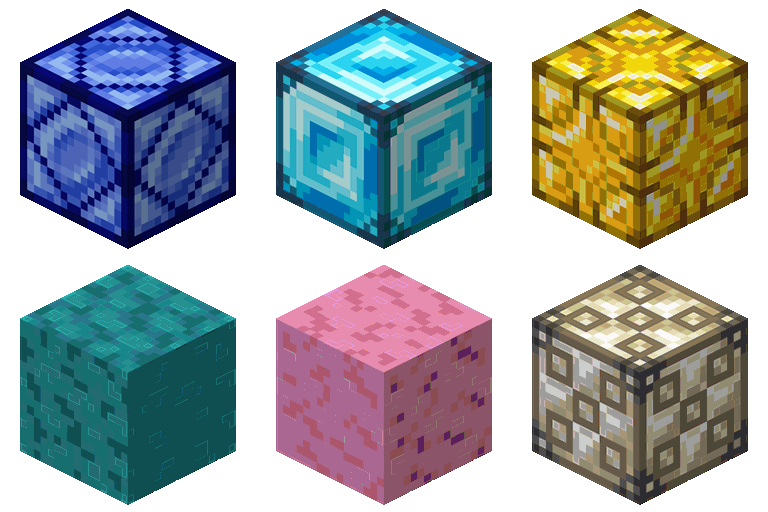
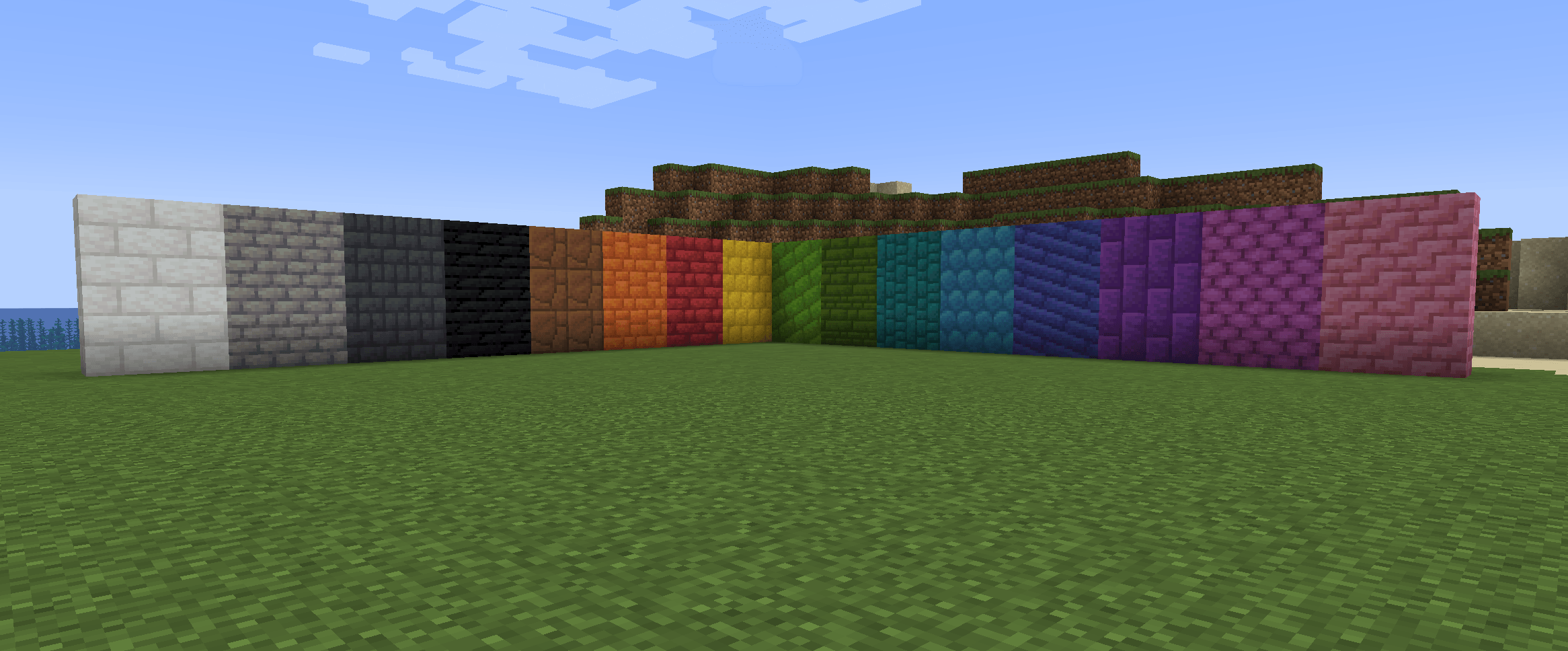
Menambahkan batu berwarna, bata batu berwarna, blok kayu berwarna, lampu berwarna dan banyak lagi! Setiap warna memiliki tekstur dan identitasnya sendiri yang terpisah dan unik.
 NeoForge
 Fabric
 Quilt
Quilt Forge
ForgeTentang mod Kaleidoscopic

Kaleidoscopic is a building mod centered around color and Minecraft's dyes. Every color has it's own separate, unique texture and identity.

Features
All features in this mod are toggleable via a config!
- Dyed Wooden Doors
- Dyed Wooden Trapdoors
- Dyed Ladders
- Dyed Rocks - Dyed Rocks are made by mixing dyes with any rock like cobblestone!
- Dyed Chiseled Rocks
- Dyed Rock Bricks
- Dyed Rock Variants
- Dyed Lamps
Integration
These mods have integration features built-in to the mod so they play together smoothly.
Arts & Crafts
Carpentry & Chisels
Delicate Dyes
Cara memasang Kaleidoscopic
With Millida Launcher
Install Millida Launcher
The launcher is free: download it at millida.net/launcher and sign in with any nickname.
Click “Install” on this page
The launcher opens and installs the mod for Minecraft 1.20.1–26.1.2 on Fabric, Forge, NeoForge or Quilt automatically.
Launch the game
A profile with it appears in the launcher: click “Play”.
Manually
Install Fabric, Forge, NeoForge or Quilt
The loader must match the game version of the mod file, for example Minecraft 26.1.2. After installing it, a separate profile appears in your launcher.
Download the file for your version
In the version list above, pick the file kaleidoscopic-neoforge-26.1.2-1.1.4.jar (2.2 MB) for your game version and loader.
Put it in the mods folder
The folder is inside .minecraft (Windows: %appdata%\.minecraft\mods). If it does not exist, create it.
Launch the loader profile
Open “Mods” in the main menu: Kaleidoscopic should be in the list.
Versi
Dengan dependensi
| Minecraft | Loader | File | Tanggal | Tindakan |
|---|---|---|---|---|
| 26.1.2 | NeoForge | kaleidoscopic-neoforge-26.1.2-1.1.4.jar2.2 MB | ||
| 26.1.2 | Fabric, Quilt | kaleidoscopic-fabric-26.1.2-1.1.4.jar2.3 MB | ||
| 1.20.1 | Forge, NeoForge | Kaleidoscopic-forge-1.20.1-1.0.0.jar2.1 MB 1 |
FAQ
Which Minecraft versions does Kaleidoscopic work on?
There are files for 26.1.2, 1.20.1. The newest is 26.1.2.
Is Kaleidoscopic for Forge or Fabric?
There are files for Fabric: 26.1.2, for Forge: 1.20.1, for NeoForge: 1.20.1–26.1.2 and for Quilt: 26.1.2.
Does Kaleidoscopic need other mods?
The author lists no required dependencies: the Fabric, Forge, NeoForge or Quilt loader is enough.
Where can I download Kaleidoscopic safely?
On this page: the file kaleidoscopic-neoforge-26.1.2-1.1.4.jar (2.2 MB) is stored on Millida’s server, with no link shorteners. SHA-1 checksum: f6f3deb79c93b333aab3a2b527bed6fa42f8c7b6.
Ulasan
Jadilah yang pertama menilai Kaleidoscopic


