

JustTheTips Mod untuk Minecraft 1.10.2
Menambahkan beberapa tips ke layar pemuatan.
Pendahuluan
Bagi yang merasa tanah berubin saja tidak cukup untuk layar pemuatan, penambahan sesuatu pada layar tersebut mungkin akan disambut baik.
Sebagai fitur sederhana untuk meningkatkan layar pemuatan, saya persembahkan mod tip terbaik, JustTheTips, untuk semua kebutuhan tip Anda
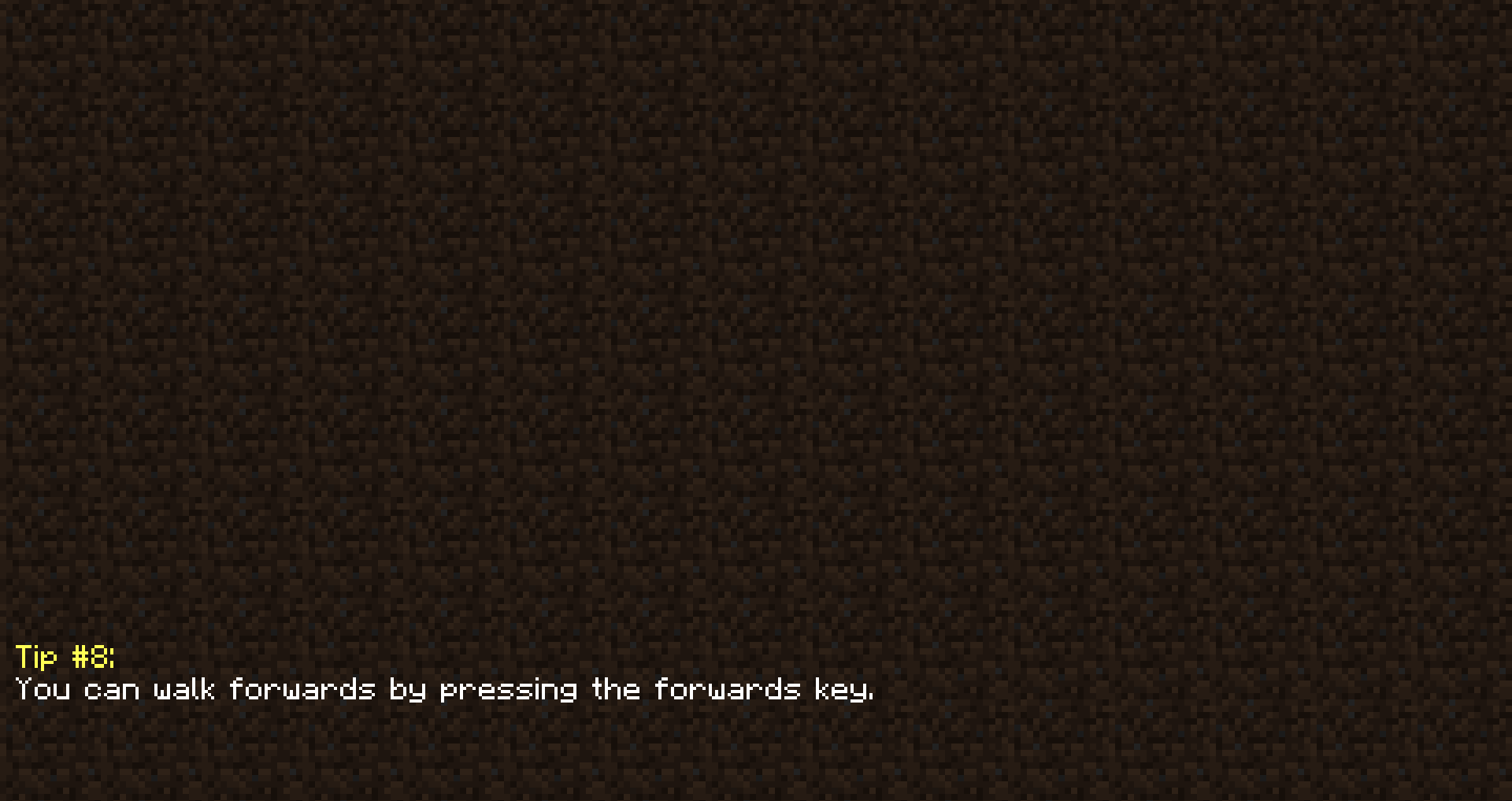
Fitur Saat Ini
- Menampilkan tip yang dipilih secara acak pada layar pemuatan
Cara memasang JustTheTips
With Millida Launcher
Install Millida Launcher
The launcher is free: download it at millida.net/launcher and sign in with any nickname.
Click “Install” on this page
The launcher opens and installs the mod for Minecraft 1.10.2 automatically.
Launch the game
A profile with it appears in the launcher: click “Play”.
Manually
Download the file for your version
In the version list above, pick the file justthetips-1.10.2-1.0.1.1.jar (326 KB) for your game version.
Put it in the mods folder
The folder is inside .minecraft (Windows: %appdata%\.minecraft\mods). If it does not exist, create it.
Launch the loader profile
Open “Mods” in the main menu: JustTheTips should be in the list.
Minecraft 1.10.2 runs on Java 8: with a different Java version the game may close right after launch.
Versi
Dengan dependensi
| Minecraft | Loader | File | Tanggal | Tindakan |
|---|---|---|---|---|
| 1.10.2 | — | justthetips-1.10.2-1.0.1.1.jar326 KB |
FAQ
Which Minecraft versions does JustTheTips work on?
Only Minecraft 1.10.2: there are no files for other versions.
Which Java does JustTheTips need?
Minecraft 1.10.2 runs on Java 8. If the game closes right after launch, the usual cause is the wrong Java version in the profile settings.
Where can I download JustTheTips safely?
On this page: the file justthetips-1.10.2-1.0.1.1.jar (326 KB) is stored on Millida’s server, with no link shorteners. SHA-1 checksum: 285bf98d32fcc832744b2ab95aaaedc54b02e870.
Ulasan
Jadilah yang pertama menilai JustTheTips


