
Iron's Lib Mod untuk Minecraft 1.20.1, 26.1.2
Menyediakan fungsionalitas dan konten umum untuk mod Iron
 NeoForge
 Forge
ForgeTentang mod Iron's Lib
Iron's Lib adalah library yang menambahkan framework yang mudah digunakan kembali untuk mod-mod saya, serta lapisan API Integrasi Patreon.
Transmog
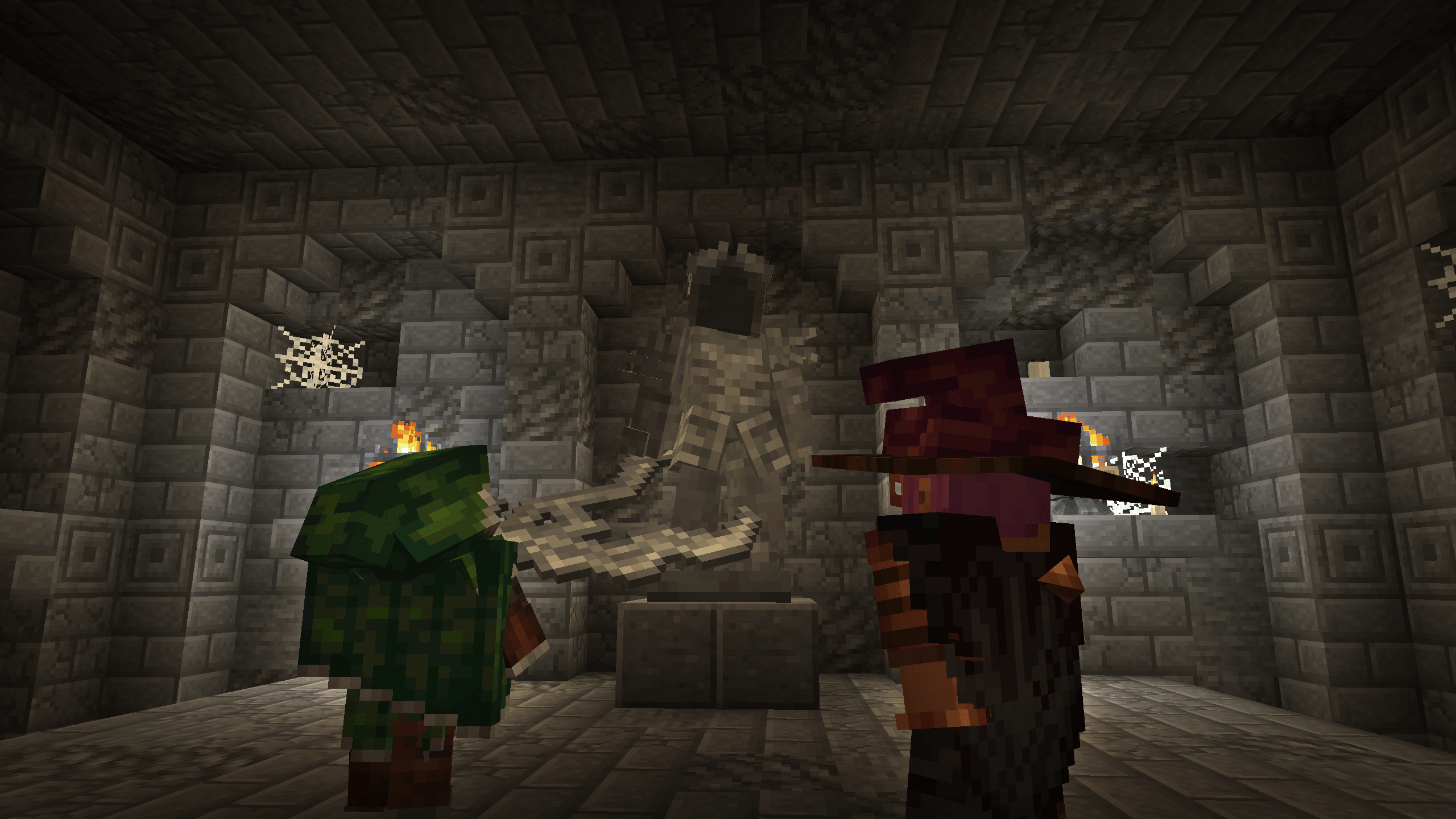
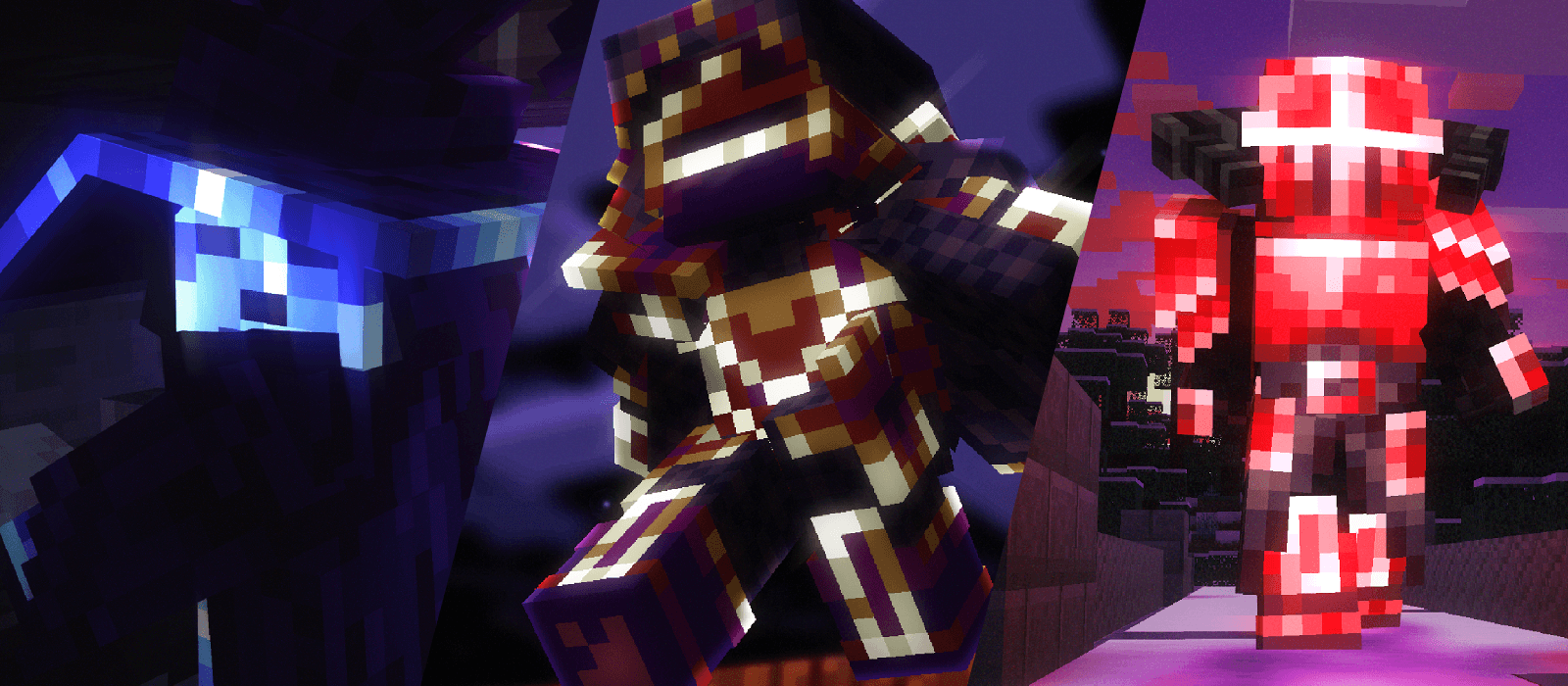
- Terapkan model armor unik ke item
- Antarmuka Armor yang sangat dapat disesuaikan
- Penanganan fisika cape otomatis
Patung
- Pembuatan aset patung Pemain secara dinamis
- Penanganan multiblock dinamis
- Rendering model statis
Atribut
- Implementasi atribut bergaya RPG umum yang ringan dan tidak mengganggu
- Armor Pierce, Mining Speed, Experience Gained, Arrow Damage, Crit Damage, Dodge Chance, Healing Received, Projectile Damage
- Attribute Remapper untuk menukar atribut item secara dinamis di dalam game demi kompatibilitas maksimal
- Kompatibel secara native dengan Apothic Attributes
- Titik masuk untuk kode maupun datapack
Backport Komponen Kinetic Weapon (Spear)
- Pada 1.20.1 dan 1.21.1, menambahkan backport dengan paritas penuh dari rangkaian komponen serangan charge spear (kineticweapon, useeffects, attackrange).
- Melebihi vanilla, juga menyertakan antarmuka KineticAnimation untuk animasi charge orang pertama atau orang ketiga khusus
Soul Fire Burning
- Implementasi Soul Fire Burning yang ringan dan hanya visual
- Tandai pembakaran berikutnya pada makhluk sebagai soul fire, dan mereka akan terbakar dengan api biru
Integrasi Patreon
- Layanan integrasi Patreon untuk semua fitur di atas
Cara memasang Iron's Lib
With Millida Launcher
Install Millida Launcher
The launcher is free: download it at millida.net/launcher and sign in with any nickname.
Click “Install” on this page
The launcher opens and installs the mod for Minecraft 1.20.1–26.1.2 on Forge or NeoForge automatically.
Launch the game
A profile with it appears in the launcher: click “Play”.
Manually
Install Forge or NeoForge
The loader must match the game version of the mod file, for example Minecraft 26.1.2. After installing it, a separate profile appears in your launcher.
Download the file for your version
In the version list above, pick the file irons_lib-26.1.2-2.2.0.jar (398 KB) for your game version and loader.
Put it in the mods folder
The folder is inside .minecraft (Windows: %appdata%\.minecraft\mods). If it does not exist, create it.
Launch the loader profile
Open “Mods” in the main menu: Iron's Lib should be in the list.
Versi
Dengan dependensi
| Minecraft | Loader | File | Tanggal | Tindakan |
|---|---|---|---|---|
| 1.20.1 | Forge | irons_lib-1.20.1-2.2.0479 KB 186 | ||
| 26.1.2 | NeoForge | irons_lib-26.1.2-2.2.0398 KB 12 |
FAQ
Which Minecraft versions does Iron's Lib work on?
There are files for 26.1.2, 1.20.1. The newest is 26.1.2.
Is Iron's Lib for Forge or Fabric?
There are files for Forge: 1.20.1 and for NeoForge: 26.1.2. There are no files for Fabric: a mod for another loader will not start.
Does Iron's Lib need other mods?
The author lists no required dependencies: the Forge or NeoForge loader is enough.
How do I download Iron's Lib?
With Millida Launcher: it installs Iron's Lib into a modpack by itself, for the right game version and loader. The launcher is free.
Ulasan
Jadilah yang pertama menilai Iron's Lib


