

Feywild Mod untuk Minecraft 1.20.1, 1.21.1
Panggil Fey dengan kemampuan khusus dan Quest
 NeoForge
 Forge
ForgeTentang mod Feywild
Jangan migrasikan/perbarui dunia dari versi lama ke 5.0+, karena ini adalah Reboot!
Jelajahi Feywild, negeri penuh sihir dan Fey.
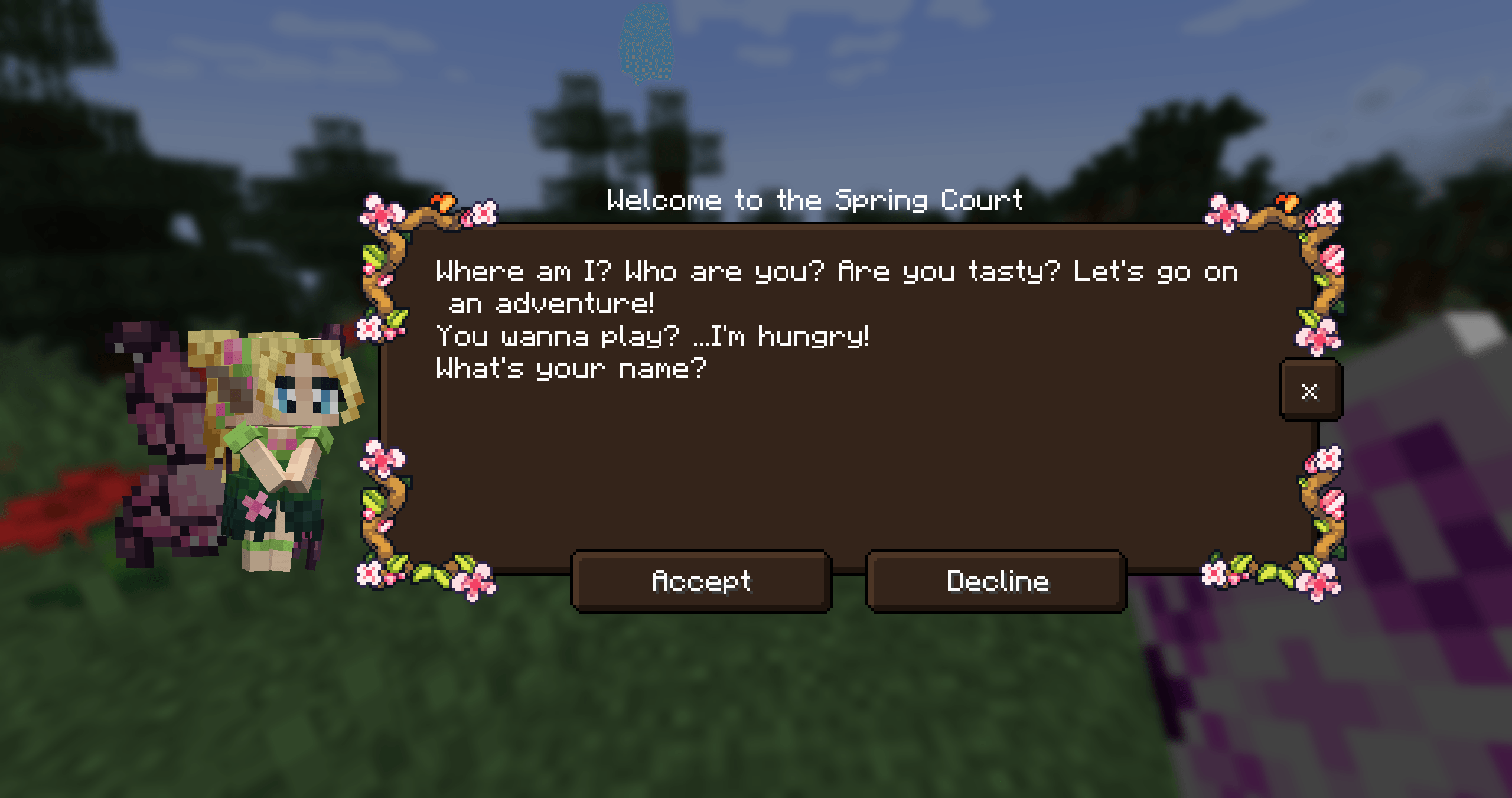
Dengan mod Feywild kamu dapat memanggil semua jenis Fey yang berbeda. Fey adalah penghuni Feywild.
Temui para penghuni Feywild:
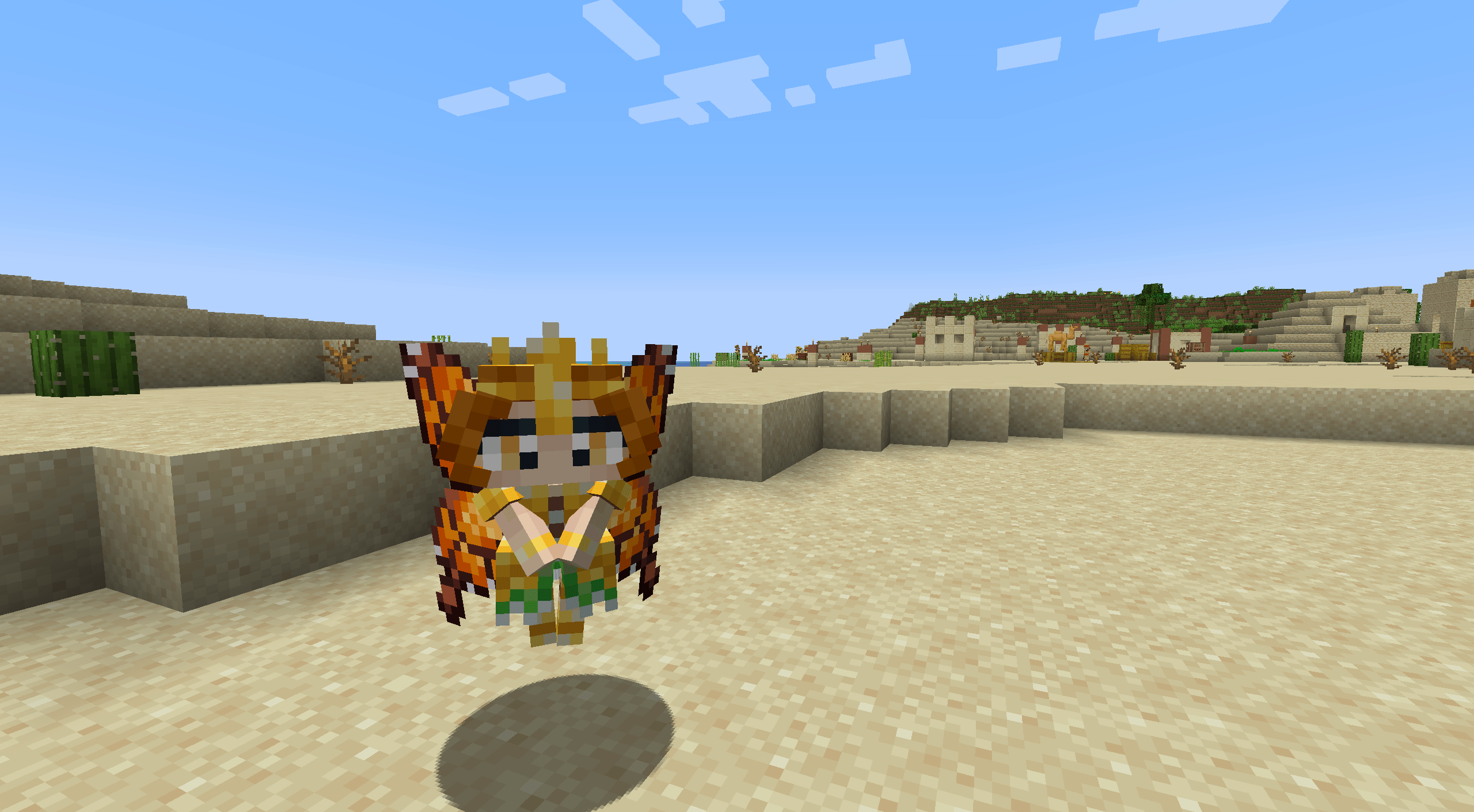
- The Seasonal Pixies
- The Mandragora
- The Shroomling
- The Bellsnickel
- The Bee Knight
- The Tree Ents
- Queen Titania and Queen Mab
- Prince Oberon and The Ashen Lord
Setiap penghuni Feywild memiliki kepribadian dan kemampuan masing-masing saat dipanggil.
Untuk melakukannya kamu memerlukan gulungan pemanggilan yang berisi seekor fey.
Bagaimana cara memulai dengan Feywild?
Dependensi: Patchouli Patchouli - Buku Panduan Patchouli menyediakan buku panduan untuk mod ini.
Feywild Lexicon juga menyediakan prelude untuk Quest Stories yang memberi pemain panduan singkat tentang dasar-dasar mod ini.
Dependensi: Quest Giver Quest Giver
Mod Quest menyediakan alur quest untuk para Pixie. Setiap Seasonal Pixie memiliki jalan cerita dengan tugas quest kecil dan hadiah.
Kompatibilitas:
- JEI
- Curios (5.6.0+)
- Supplementaries (5.6.3+)
Beberapa Fey dapat dimasukkan ke dalam Jar atau Cage.
Addon Feywild; Feywild Library

Komunitas kami disponsori oleh BisectHosting dan akan sangat membantu kami jika kamu mempertimbangkan menggunakan layanan mereka! BisectHosting menawarkan hosting server yang cepat, sederhana, dan berkualitas tinggi dengan lebih dari selusin lokasi yang tersedia di seluruh dunia, memastikan latensi rendah.
Gunakan kode "Feywild" untuk mendapatkan diskon 25% untuk bulan pertama sebagai klien baru untuk salah satu server game mereka.
Cara memasang Feywild
With Millida Launcher
Install Millida Launcher
The launcher is free: download it at millida.net/launcher and sign in with any nickname.
Click “Install” on this page
The launcher opens and installs the mod for Minecraft 1.16.5–1.21.1 on Forge or NeoForge automatically.
Launch the game
A profile with it appears in the launcher: click “Play”.
Manually
Install Forge or NeoForge
The loader must match the game version of the mod file, for example Minecraft 1.21.1. After installing it, a separate profile appears in your launcher.
Download the file for your version
In the version list above, pick the file feywild-1.21.1-5.6.3.jar (22 MB) for your game version and loader.
Put it in the mods folder
The folder is inside .minecraft (Windows: %appdata%\.minecraft\mods). If it does not exist, create it.
Launch the loader profile
Open “Mods” in the main menu: Feywild should be in the list.
Minecraft 1.21.1 runs on Java 21: with a different Java version the game may close right after launch.
Versi
Dengan dependensi
| Minecraft | Loader | File | Tanggal | Tindakan |
|---|---|---|---|---|
| 1.21.1 | NeoForge | Feywild-1.21.1-5.6.3- Reboot22.4 MB 2 | ||
| 1.20.1 | Forge | Feywild-1.20.1-5.6.3- Reboot22.3 MB | ||
| 1.21.1 | NeoForge | Feywild-1.21.1-5.3.1 - Reboot15.8 MB | ||
| 1.20.1 | Forge | Feywild-1.20.1-5.3.1 - Reboot15.7 MB | ||
| 1.19.2 | — | Feywild - 1.19.2 - 3.0.2 - Chapter 217.1 MB 1 | ||
| 1.16.5 | — | Feywild - 1.16.5 - 2.1.414.6 MB | ||
| 1.16.5 | Forge | Feywild 1.035.8 MB |
FAQ
Which Minecraft versions does Feywild work on?
There are files for 1.21.1, 1.20.1, 1.19.2, 1.16.5. The newest is 1.21.1.
Is Feywild for Forge or Fabric?
There are files for Forge: 1.16.5–1.20.1 and for NeoForge: 1.21.1. There are no files for Fabric: a mod for another loader will not start.
Does Feywild need other mods?
The author lists no required dependencies: the Forge or NeoForge loader is enough.
Which Java does Feywild need?
Minecraft 1.21.1 runs on Java 21. If the game closes right after launch, the usual cause is the wrong Java version in the profile settings.
Where can I download Feywild safely?
On this page: the file feywild-1.21.1-5.6.3.jar (22 MB) is stored on Millida’s server, with no link shorteners. SHA-1 checksum: ffbd3bebf3375e9601febde3a9f0837996f6cced.
Ulasan
Jadilah yang pertama menilai Feywild


