

Fast IP Ping Mod untuk Minecraft 1.20.1, 1.21.1
Buang pencarian DNS terbalik yang lag untuk alamat server IP literal
 Fabric
 Forge
Forge NeoForge
Tentang mod Fast IP Ping
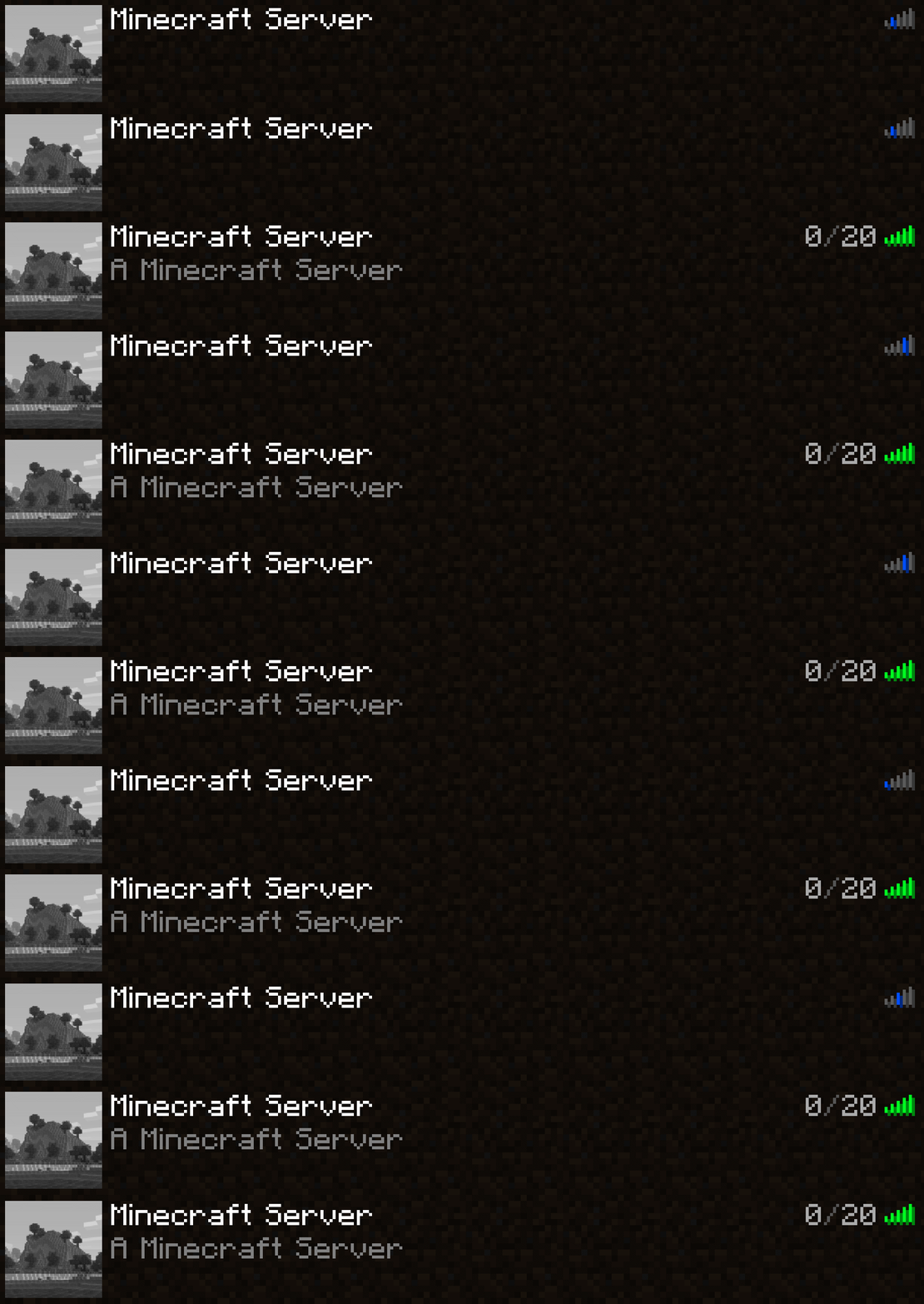
Hapus pencarian DNS terbalik yang lambat untuk alamat server berupa IP literal
Diambil dari opsi yeetServerIpReversedDnsLookup di TweakerMore Mod
Apa & Mengapa & Bagaimana
Untuk server yang alamatnya hanya diwakili oleh IP literal, misalnya 192.168.2.10:25565, nonaktifkan pencarian DNS terbalik pada objek InetAddress yang sesuai
Banyak IP non-loopback tidak memiliki nama domain terkait, sehingga pencarian terbalik memakan waktu
// java.net.InetAddressgetHostName(boolean) String getHostName(boolean check) { if (holder().getHostName() == null) { // It will be null if InetAddress.getByName() received a literal IP holder().hostName = InetAddress.getHostFromNameService(this, check); // <-- takes forever } return holder().getHostName(); }
Opsi ini menetapkan domain server tersebut langsung ke IP-nya, melewati pemeriksaan DNS terbalik
Ini menghasilkan pengurangan waktu 1s ~ 5s untuk server dengan alamat IP literal. Memengaruhi lingkungan berikut:
- Melakukan ping ke server di layar daftar server
- Menghubungkan ke server
Lingkungan
- Hanya sisi klien
- Mod loader Fabric / Forge / NeoForge. Tidak diperlukan persyaratan tambahan
Cara memasang Fast IP Ping
With Millida Launcher
Install Millida Launcher
The launcher is free: download it at millida.net/launcher and sign in with any nickname.
Click “Install” on this page
The launcher opens and installs the mod for Minecraft 1.16.4–26.2 on Fabric, Forge or NeoForge automatically.
Launch the game
A profile with it appears in the launcher: click “Play”.
Manually
Install Fabric, Forge or NeoForge
The loader must match the game version of the mod file, for example Minecraft 26.2. After installing it, a separate profile appears in your launcher.
Download the file for your version
In the version list above, pick the file fast-ip-ping-v1.0.11-mc26.1.2.jar (11 KB) for your game version and loader.
Put it in the mods folder
The folder is inside .minecraft (Windows: %appdata%\.minecraft\mods). If it does not exist, create it.
Launch the loader profile
Open “Mods” in the main menu: Fast IP Ping should be in the list.
Fast IP Ping works on the player’s side only: there is no need to install it on a server.
Versi
Dengan dependensi
| Minecraft | Loader | File | Tanggal | Tindakan |
|---|---|---|---|---|
| 1.21.11 | NeoForge | 1.21.1110.2 KB 6 | ||
| 1.21.4 | NeoForge | 1.21.410.2 KB 1 | ||
| 1.21.10 | NeoForge | 1.21.1010.2 KB 3 | ||
| 1.21.5 | NeoForge | 1.21.510.2 KB | ||
| 1.21.8 | NeoForge | 1.21.810.2 KB | ||
| 1.21.3 | NeoForge | 1.21.310.2 KB | ||
| 1.21.1 | NeoForge | 1.21.110.2 KB 12 | ||
| 1.20.6 | NeoForge | 1.20.610.2 KB |
FAQ
Which Minecraft versions does Fast IP Ping work on?
There are files for 1.16.4–26.2, 31 versions in total. The newest is 26.2.
Is Fast IP Ping for Forge or Fabric?
There are files for Fabric: 26.1–26.2, for Forge: 1.16.4–26.2 and for NeoForge: 1.20.5–26.2.
Does Fast IP Ping need other mods?
The author lists no required dependencies: the Fabric, Forge or NeoForge loader is enough.
Do I need to install Fast IP Ping on a server?
No. Fast IP Ping works on the player’s side only: there is no need to install it on a server.
Where can I download Fast IP Ping safely?
On this page: the file fast-ip-ping-v1.0.11-mc26.1.2.jar (11 KB) is stored on Millida’s server, with no link shorteners. SHA-1 checksum: 6b69eaa6323da9f7933206d55cdb09ea3299cde3.
Ulasan
Jadilah yang pertama menilai Fast IP Ping


