
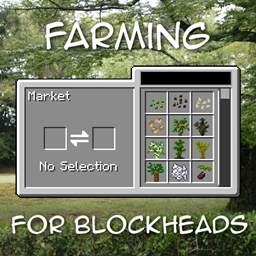
Farming for Blockheads Mod untuk Minecraft 1.21.1, 1.16.5
Menambahkan pasar yang dapat disesuaikan, kotak pengiriman, sprinkler, dan utilitas pertanian lainnya.
 NeoForge
 Fabric
 Forge
ForgeTentang mod Farming for Blockheads
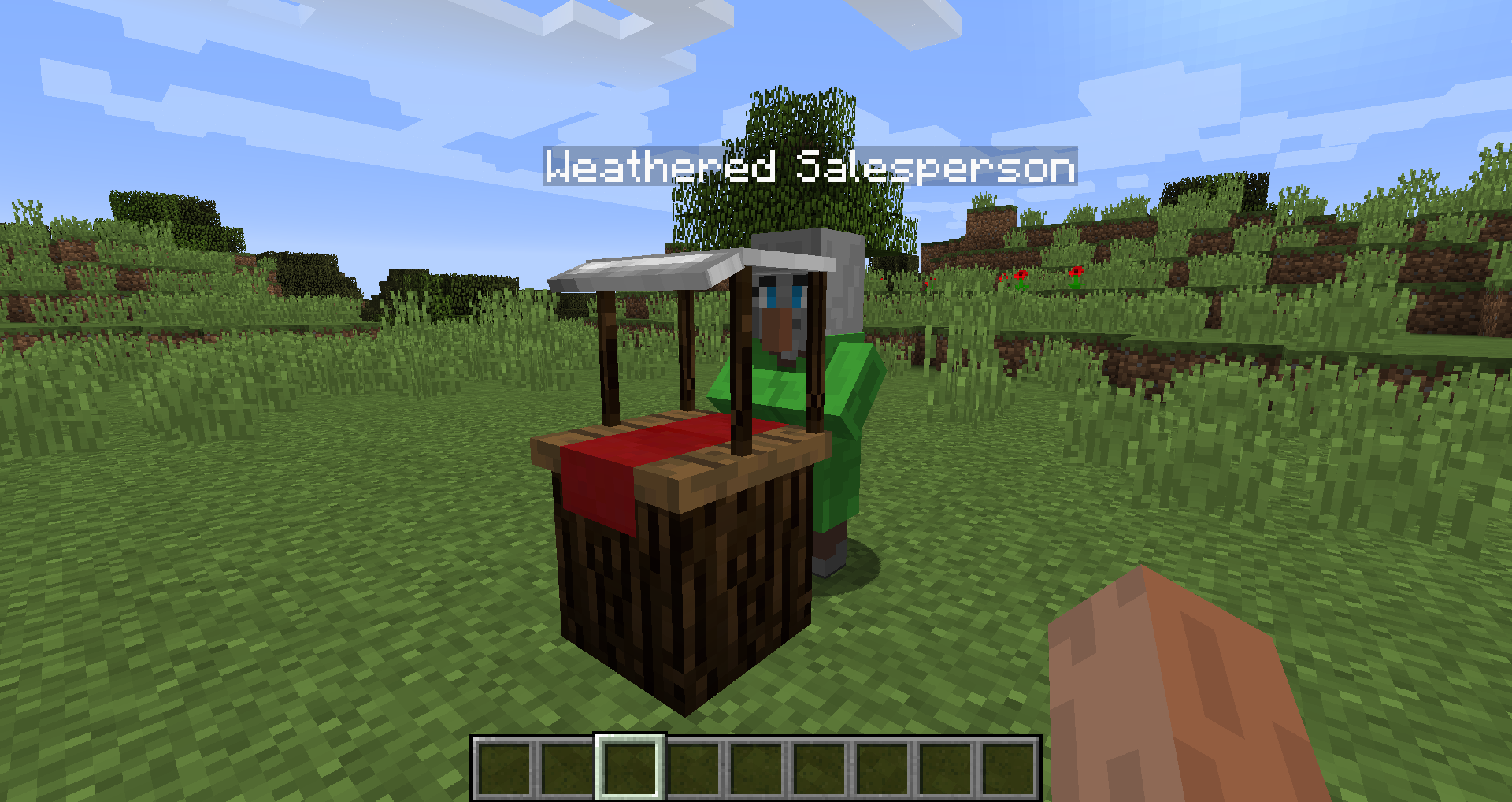
Mod ini menambahkan blok Market ke Minecraft, sehingga kamu bisa membeli benih, bibit pohon, atau hal lain seperti bone meal. Mod ini juga menambahkan beberapa utilitas pertanian seperti Chicken Nest, Feeding Trough, Sprinkler, dan Fertilizer untuk meningkatkan hasil panenmu.
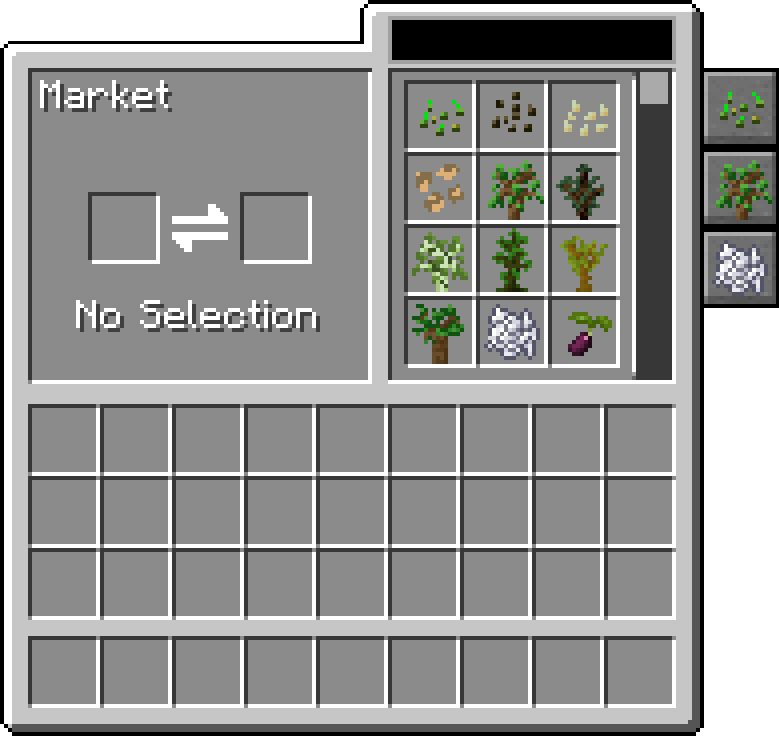
Market memungkinkan pencarian dan penelusuran perdagangan, dapat difilter berdasarkan kategori, dan dapat dikonfigurasi untuk menambahkan perdagangan serta kategori lain ke dalamnya.
Mod ini memerlukan Balm, yang harus dipasang bersama mod ini.
- Blok Market yang menjual benih dan bibit pohon, dapat dikonfigurasi untuk mengubah perdagangannya lebih lanjut
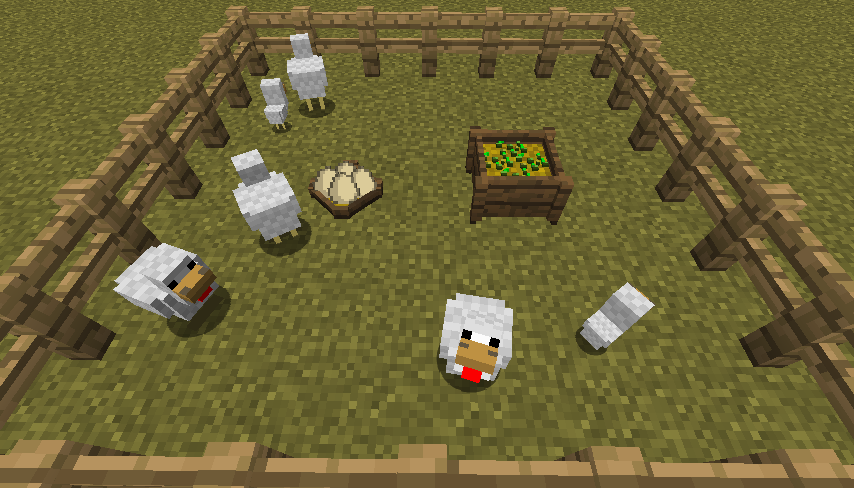
- Chicken Nest untuk mengumpulkan telur ayam yang dihasilkan oleh semua ayam tersebut
- Feeding Trough untuk memberi makan hewan secara otomatis dengan cerdas
- Fertilizer untuk meningkatkan hasil panen, pertumbuhan, atau mencegah gangguan
- Kompatibel dengan Pam's Harvestcraft, Biomes O' Plenty, Simple Farming, dan lainnya
- Kompatibel dengan Just Enough Items (Market Trades akan muncul)
Mod Showcase oleh Mischief of Mice
Cara memasang Farming for Blockheads
With Millida Launcher
Install Millida Launcher
The launcher is free: download it at millida.net/launcher and sign in with any nickname.
Click “Install” on this page
The launcher opens and installs the mod for Minecraft 1.16.2–26.1.2 on Fabric, Forge or NeoForge automatically.
Launch the game
A profile with it appears in the launcher: click “Play”.
Manually
Install Fabric, Forge or NeoForge
The loader must match the game version of the mod file, for example Minecraft 26.1.2. After installing it, a separate profile appears in your launcher.
Download the file for your version
In the version list above, pick the file farmingforblockheads-neoforge-26.1.2-26.1.2.5.jar (1.1 MB) for your game version and loader.
Put it in the mods folder
The folder is inside .minecraft (Windows: %appdata%\.minecraft\mods). If it does not exist, create it.
Launch the loader profile
Open “Mods” in the main menu: Farming for Blockheads should be in the list.
Versi
Dengan dependensi
| Minecraft | Loader | File | Tanggal | Tindakan |
|---|---|---|---|---|
| 26.1.2 | NeoForge | farmingforblockheads-neoforge-26.1.2-26.1.2.5.jar1.1 MB | ||
| 26.1.2 | Fabric | farmingforblockheads-fabric-26.1.2-26.1.2.5.jar1.1 MB 6 | ||
| 1.21.1 | Forge | farmingforblockheads-forge-1.21.1-21.1.14.jar873 KB 4 | ||
| 1.16.5 | — | FarmingForBlockheads_1.16.5-7.3.1.jar275 KB 2 | ||
| 1.16.2 | — | FarmingForBlockheads_1.16.2-7.1.1.jar273 KB |
FAQ
Which Minecraft versions does Farming for Blockheads work on?
There are files for 26.1.2, 1.21.1, 1.16.5, 1.16.2. The newest is 26.1.2.
Is Farming for Blockheads for Forge or Fabric?
There are files for Fabric: 26.1.2, for Forge: 1.21.1 and for NeoForge: 26.1.2.
Does Farming for Blockheads need other mods?
The author lists no required dependencies: the Fabric, Forge or NeoForge loader is enough.
Where can I download Farming for Blockheads safely?
On this page: the file farmingforblockheads-neoforge-26.1.2-26.1.2.5.jar (1.1 MB) is stored on Millida’s server, with no link shorteners. SHA-1 checksum: b19d560601cfd429a92be742dd4ba346c7d554e4.
Ulasan
Jadilah yang pertama menilai Farming for Blockheads


